Skip to content
Search
Search
Toggle Menu
ergonomic workspace
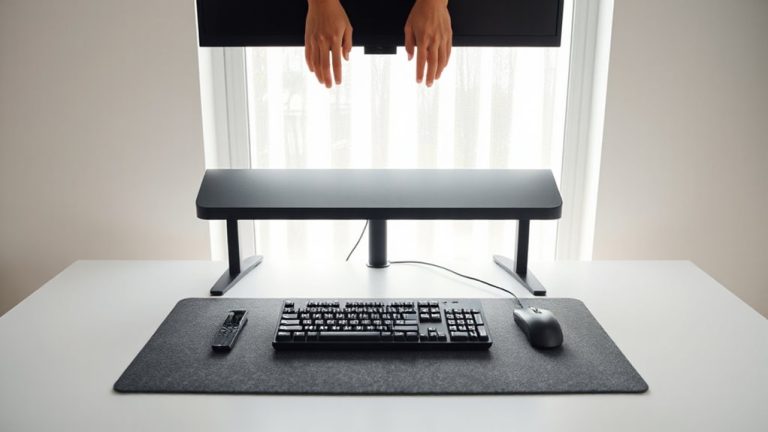
Aligning Your Desk So Keyboard and Mouse Are Within a 15-Inch Reach Radius
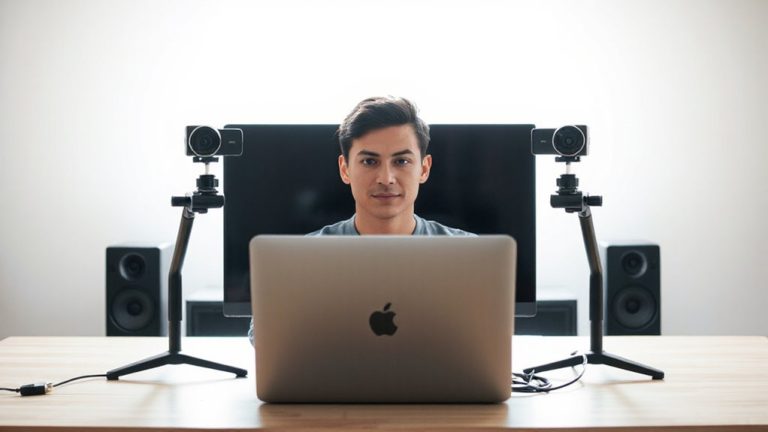
Utilizing External Webcams to Keep Face Centered Without Leaning Toward Built-In Lenses
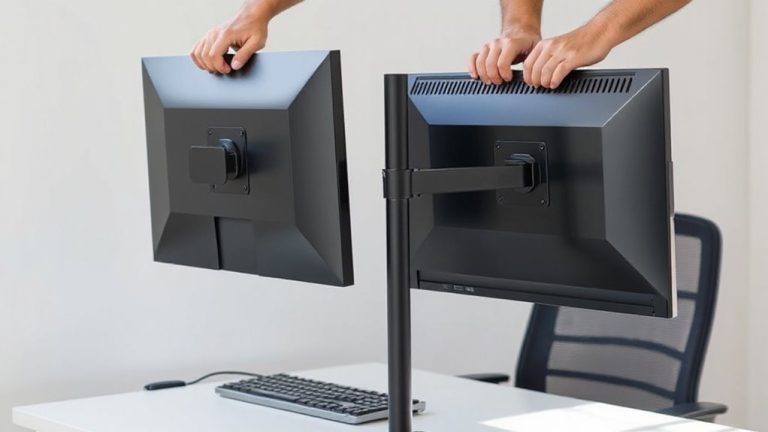
Installing Adjustable Monitor Arms to Maintain a Neutral Neck and Shoulder Posture
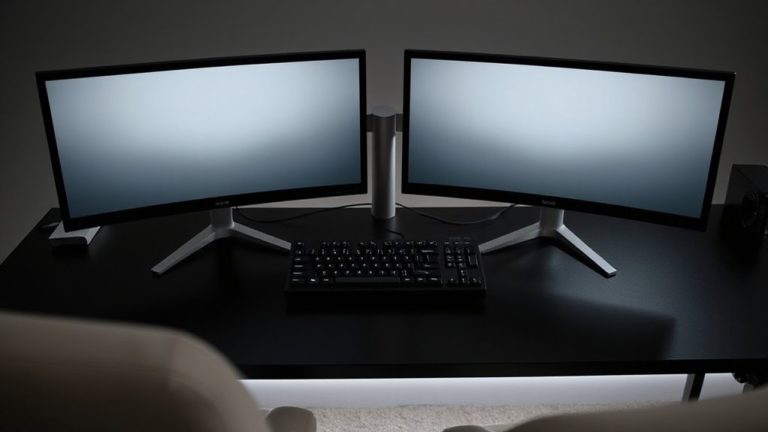
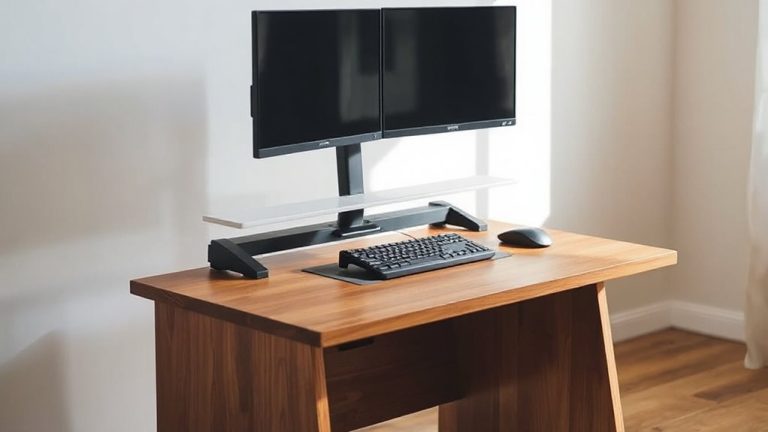
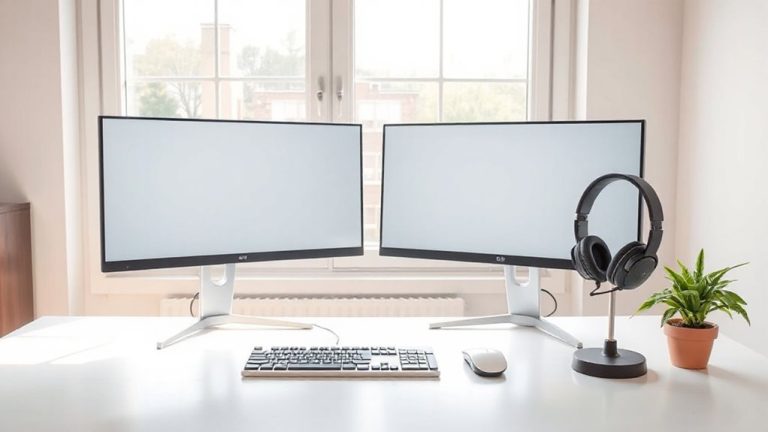
Setting Dual-Monitor Zones Within Arm’s Reach to Limit Torso Twisting
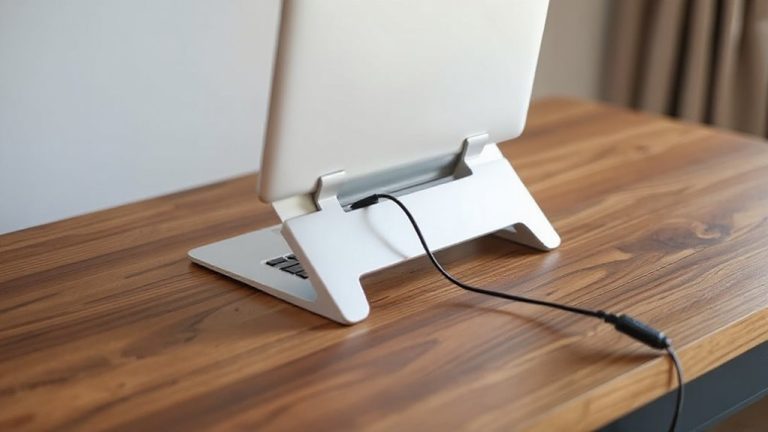
How to Mount a Laptop Stand With Integrated Cable Pass-Through
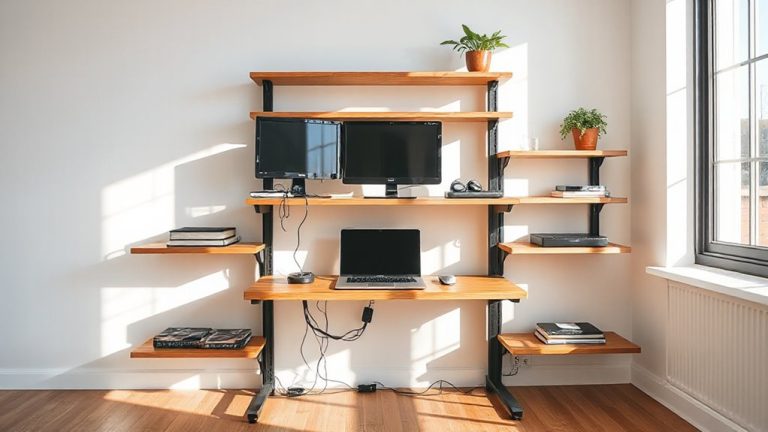
Creating a Multi-Tiered Desk Setup Using Stacked Shelves and Platforms
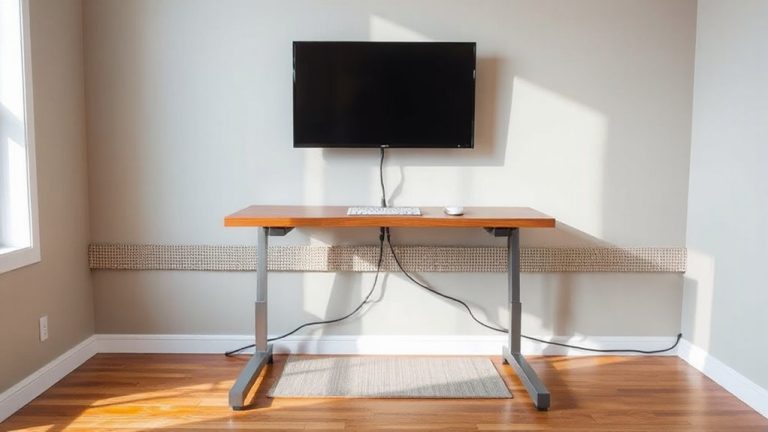
How to Set up a Standing Desk for Use With a Wall-Mounted Display
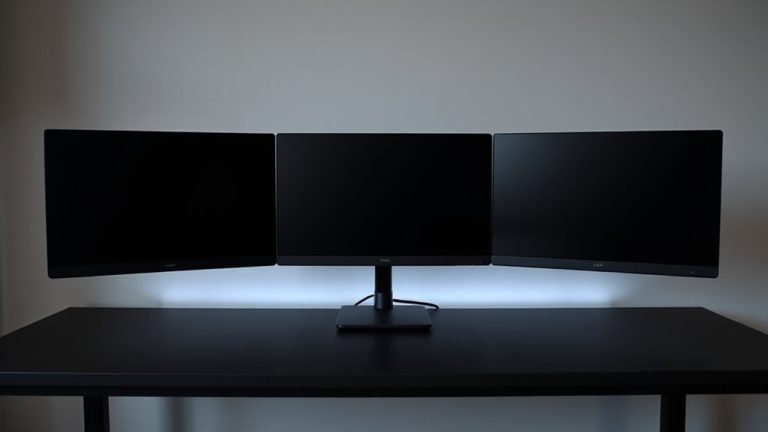
Setting up a Triple Monitor Configuration With Matching Mount Heights
Using a Standing Desk Converter to Add Flexibility to a Fixed Desk
How to Arrange Monitors for a Home-Based Customer Support Agent
Page navigation
1
2
Next Page
Next
About
Contact
Cookies Policy
Disclaimer
Privacy Policy
Terms and Conditions
Toggle Menu Close
Search for:
Search