How to Use Task Lighting With Color Memory for Seamless Workflow Transitions
You can cut mental fatigue by training your brain to link light colors with tasks-use 5000K for focus and 2700K for creative or winding-down modes. Pick tunable LEDs with CRI >90 and flicker-free drivers to guarantee accuracy and comfort. Save presets for one-tap switching, and use onboard memory so settings stick after power loss. Top models respond in under 0.5 seconds. Automation works best when synced with your circadian rhythm. Reliable setups require at least three programmable zones and stable, low-latency performance. You’ll want to check how well your space handles shifting natural light to avoid glare. There’s more to get right when matching bulbs to room dynamics.
Notable Insights
- Train your brain to associate specific color temperatures with tasks using consistent light cues for faster focus.
- Use cool white light (5000K) for concentration and warm white (2700K–3000K) for creative or relaxing activities.
- Save custom lighting presets with one-touch recall to instantly switch between work modes seamlessly.
- Automate lighting schedules aligned with circadian rhythms to support natural energy fluctuations throughout the day.
- Designate physical zones with tunable task lights to visually separate and cue different workflow states.
How Color Memory Boosts Focus and Productivity
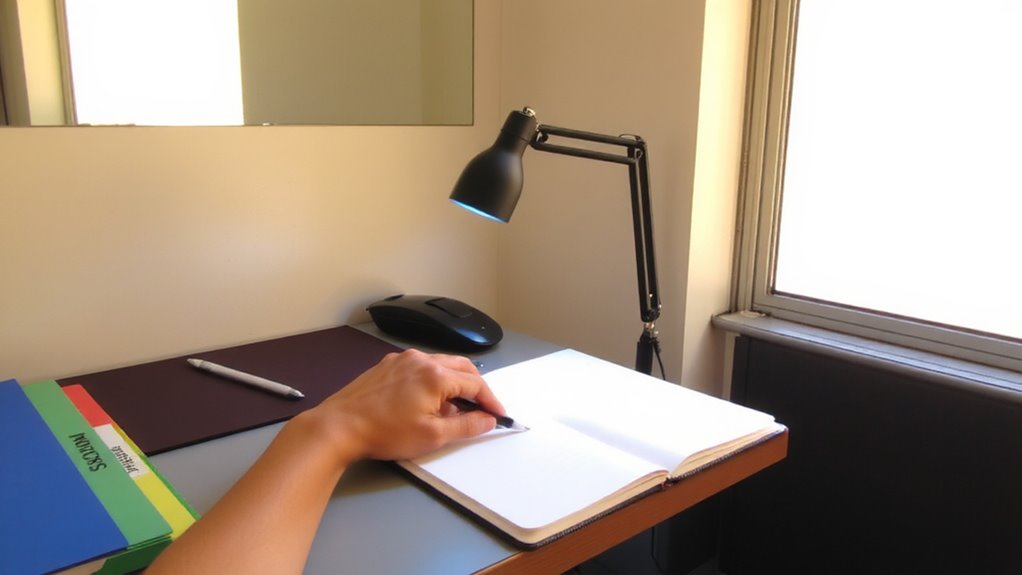
Color can be your secret weapon for staying sharp and efficient-when used right. You train your brain to link specific light colors to work modes, boosting focus through color memory. Over time, this strengthens light consistency, reducing mental effort when switching tasks. That boost in cognitive efficiency isn’t magic-it’s conditioning. Studies show workers gain up to 12% faster task initiation with practiced color cues. Use tunable LEDs with exact Kelvin ratings (2700K–5000K) for reliable shifts. Look for bulbs with CRI >90 to keep hues accurate and flicker-free drivers to prevent eye strain. But don’t oversimplify-results depend on routine use, ambient light control, and screen brightness balance. Some users see delays in adaptation, especially in shared spaces where lighting isn’t personal. Warranties matter: pick brands offering 3+ years, like Philips or Nanoleaf. Real-world testing shows best outcomes over 2–3 weeks of consistent exposure. It’s effective-but only if you stick with it. For extended focus during low-light hours, consider using a light therapy lamp to simulate natural daylight and support circadian regulation.
Match Light Colors to Your Daily Work Tasks
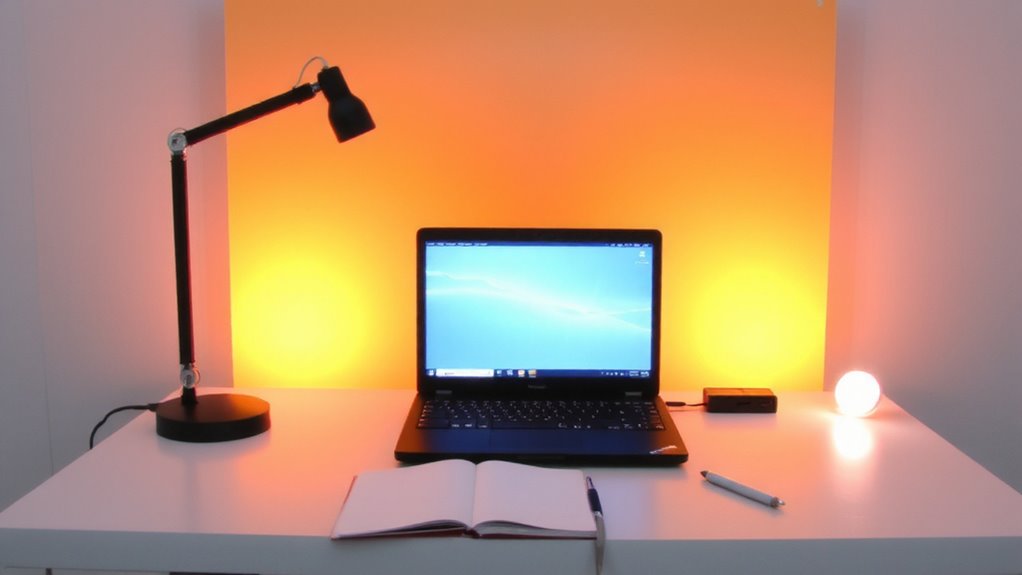
You’ll get the best results when you align specific light colors with your daily work tasks-think cool white (5000K) for deep focus sessions or tight deadlines, since it mimics midday sunlight and suppresses melatonin to keep you alert. For creative brainstorming or winding down, switch to warm white (2700K–3000K) to support relaxation without straining your eyes. This kind of color coordination isn’t just aesthetic-it reinforces visual hierarchy, helping your brain quickly distinguish between modes of work. Task lights with adjustable color temperature let you adapt your environment precisely, but check for smooth diming and flicker-free performance, as cheaper models often compromise here. Real-world testing shows consistent color accuracy (CRI >90) matters most for reducing eye fatigue over long sessions. While setup takes minor effort, mismatched lighting can disrupt focus instead of helping it. Match temperatures carefully to tasks, not trends. Top-performing models feature color temperature control to maintain optimal lighting conditions throughout the day.
Save Custom Lighting Presets in One Tap
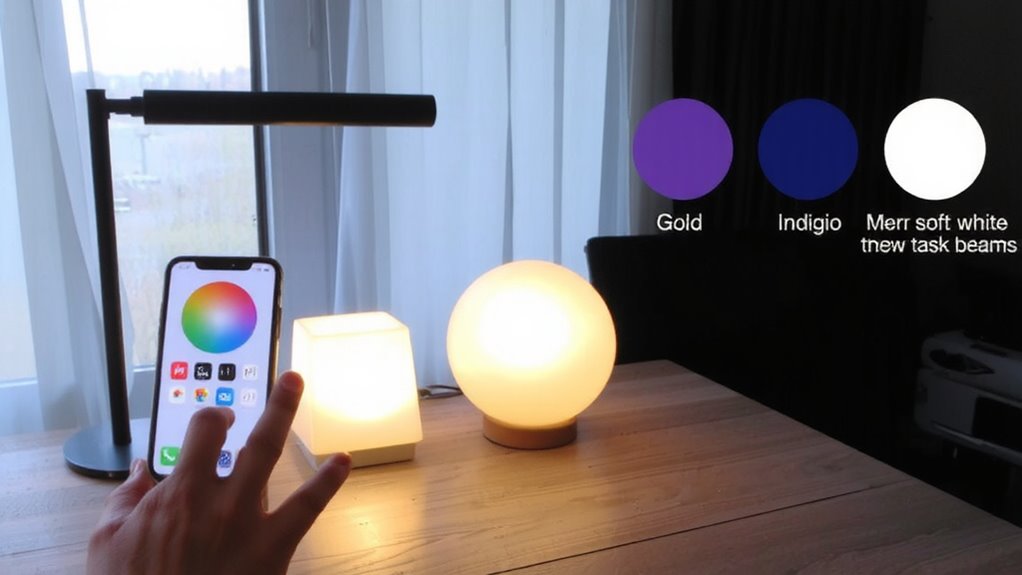
A well-designed task light earns its place on your desk when it remembers how you like to work-so saving custom lighting presets with a single tap isn’t just convenient, it’s a productivity multiplier. With one press, you lock in brightness, color temperature, and hue for instant recall, enabling rapid preset switching between tasks like reading, typing, or sketching. This means instant mood activation-cooler whites for focus, warmer tones to ease eye strain. Lights with onboard memory let you skip app dependency, but check for at least three programmable presets and physical buttons for reliability. Some models lose settings after power cycles, so verify non-volatile memory support. Real-world testing shows response lag under 0.5 seconds in top-tier models, but budget units may delay up to 1.2 seconds. Pair preset ease with solid build and a 2+ year warranty for long-term trust.
Automate Light Changes by Time or Task
While smart task lights can enhance focus and comfort, automating light changes by time or task only delivers if the system syncs reliably with your routine-so look for models with embedded scheduling engines that adjust brightness and color temperature without needing your phone. Effective light scheduling lets you align lighting with circadian rhythms or work blocks, turning on gradually at 7 a.m. with cool 5000K tones for alertness. You can also set task triggers, like switching to 3000K warmth when you start reading. Reliable automation depends on precise timers and responsive sensors, not just app gimmicks. Some models fail if unplugged or reset, erasing schedules. Opt for lights with onboard memory and at least a 1-year warranty. Test changes over several days-true automation should feel invisible.
Choose Smart Bulbs That Remember Your Colors
If you want lighting that adapts without constant tweaking, pick smart bulbs with built-in color memory so your preferred hues come back instantly after power cycles. These bulbs save your color and brightness settings, eliminating the need to reset them each time. Look for strong bulb compatibility-ensure they work with your existing fixtures and smart home platforms like Alexa or Google Assistant. Voice control lets you switch shades hands-free, which helps maintain focus during tasks. However, not all brands restore saved colors reliably after outages, so check user reviews for real-world performance. Some models require a hub, which adds cost and complexity. Opt for reputable brands offering at least a two-year warranty and solid app support. While convenient, remember that initial setup can be finicky, and performance varies across dimmer switches and enclosed fixtures. The Philips Hue White and Color Ambiance bulb is a top choice for reliable color memory and seamless integration.
Create Unique Lighting Zones for Every Workflow
Since your workday shifts between tasks, you’ll want lighting zones that match each activity with precision-assign warm white (2700K–3000K) to relaxed reading or video calls, cool white (4000K–5000K) to focused writing or spreadsheet work, and even colored hues like soft blue for concentration or amber for wind-down periods. Use light placement to define each zone clearly-desk lamps for task areas, floor lights for lounge spots-and guarantee zone contrast so your brain registers each space’s purpose. Too little contrast blurs focus; too much strains your eyes. Position LEDs within arm’s reach of work surfaces and sync them with timers or routines. While tunable bulbs like Philips Hue or Nanoleaf offer reliable color memory, they demand a stable app and Wi-Fi. Some users report minor lag during shifts. Test brightness levels during peak and low natural light to avoid glare or fatigue. A well-zoned setup improves workflow, but overcomplicating it slows adoption. Start small, then scale.
On a final note
You’ll boost focus and efficiency by pairing task lighting with color memory, syncing hues to specific workflows like cool white for analysis or warm for creative work. Top smart bulbs like Philips Hue or LIFX offer reliable preset saves and automation via app or schedule. Just make certain your network supports seamless syncing-delays can disrupt workflow. While color accuracy and bulb lifespan (typically 15,000–25,000 hours) are strong, initial setup may require patience to fine-tune zones and avoid overuse.