Designing Lighting for Hybrid Spaces That Transition Between Office and Living Areas
You’ll need lighting that shifts smoothly between focus and relaxation-use smart bulbs with 5000K for alertness during work, then dial down to 2700K in the evening. Layer ambient, task, and accent lights at consistent color temperatures, and pair dimmers with LED-compatible switches to avoid flicker. Opt for CRI 90+ bulbs and matte, diffused fixtures to cut glare. Test placements day and night, especially near screens. Smart controls help, but Wi-Fi outages limit access-there’s more to get right for seamless shifts.
Notable Insights
- Use smart bulbs with adjustable color temperatures to switch between 5000K for work and 2700K for relaxation.
- Layer ambient, task, and accent lighting to support both productivity and comfort in shared spaces.
- Install LED-compatible dimmers to smoothly transition brightness and tone for work and rest modes.
- Position task lights beside screens to prevent glare and use diffused fixtures to reduce reflections.
- Maintain consistent color temperatures across lighting layers to create a cohesive, adaptable environment.
Match Lighting to Work and Rest Modes
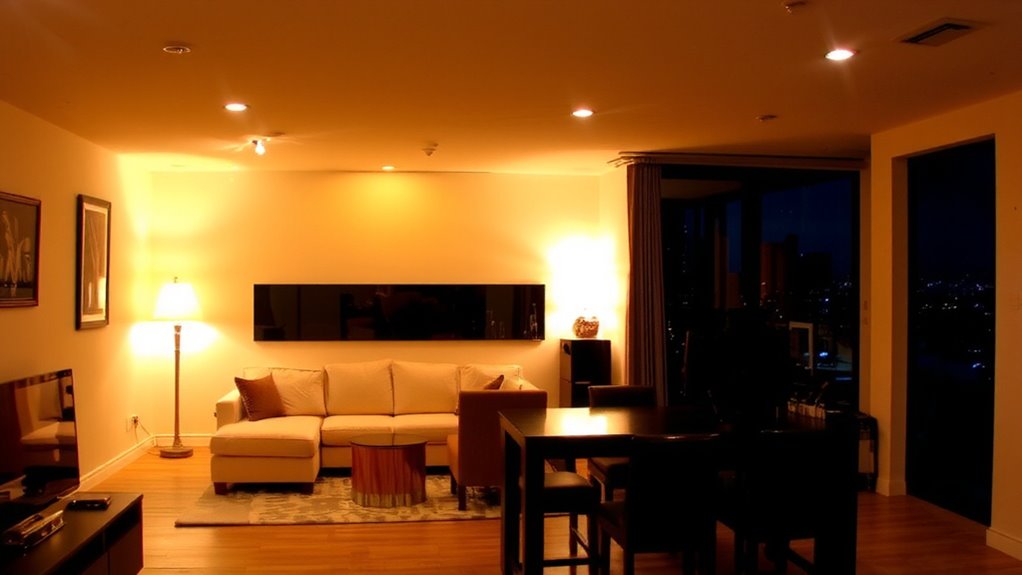
Tune your lighting to switch between work and rest modes-it’s the simplest way to support focus during the day and relaxation at night. You can achieve mood synchronization by adjusting brightness and color temperature: 5000K cool white light boosts alertness for video calls and screen work, while 2700K warm light eases eye strain when unwinding. Smart bulbs with precise color calibration guarantee whites stay neutral, not harsh or yellow, even at lower settings. Look for models tested for CRI (Color Rendering Index) above 90 so objects appear true to life. Many offer dimming down to 1%, but verify compatibility with your switches. While app control adds convenience, some lag or reconnection issues may occur. Warranties typically last 2–3 years, with mixed real-world durability reports. These systems aren’t flawless, but when tuned right, they deliver measurable improvements in daily rhythm and comfort. For dedicated task lighting, consider a top-rated LED desk lamp that complements your ambient smart lighting setup.
Layer Ambient, Task, and Accent Lighting
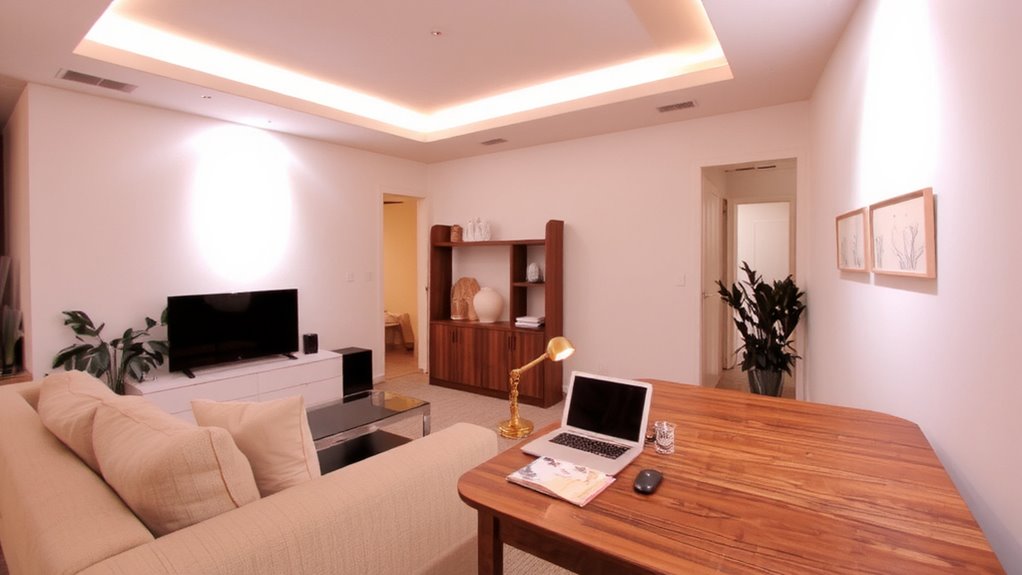
Think of your room as a stage-lighting works best when it’s layered, not one-dimensional. You’ll need ambient light for general visibility, task lighting where you read or work, and accent lighting to highlight decor or architecture. Use overhead fixtures or floor lamps for ambient light, but avoid relying on a single source-multiple weak sources create more even illumination. For task lighting, choose fixtures with focused beams and adjustable arms, like a swing-arm wall lamp or LED desk light. A well-chosen best desk lamps for programmers can enhance focus and reduce eye strain during long work sessions. Accent pieces-such as picture lights or under-cabinet LEDs-add depth. Match light color across layers; stick to 2700K–3000K for warmth or 3500K–4000K for a balanced look. Choose a cohesive fixture style to avoid a cluttered feel, but don’t sacrifice function for design. Poor placement or mismatched color temps can ruin even expensive setups.
Use Dimmers for Work and Relaxation Modes
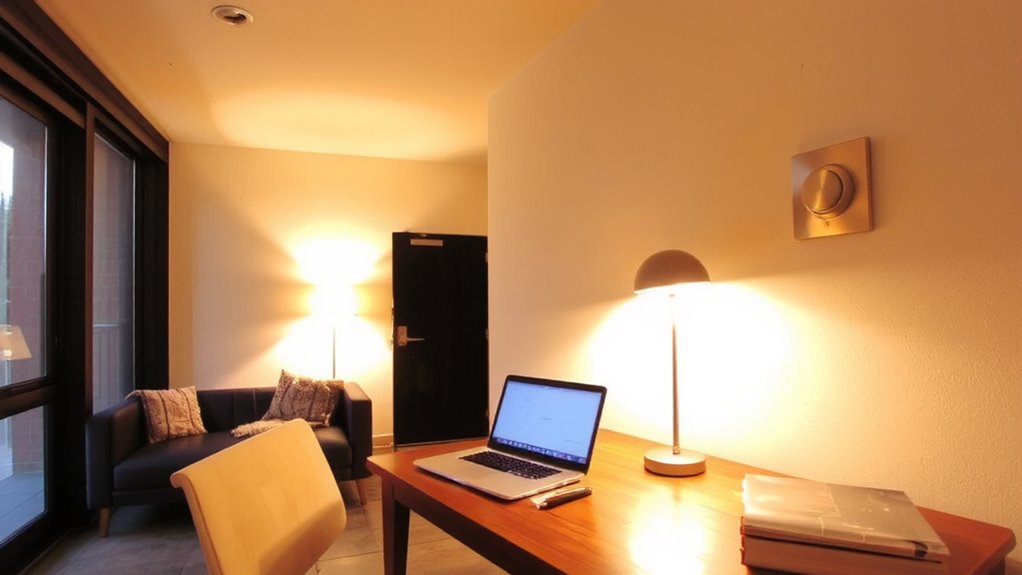
While you’re setting up your hybrid space, installing dimmers gives you real control over lighting for both productivity and comfort. You can adjust brightness to support your circadian rhythm-brighter, cooler light during work hours helps maintain alertness, while warmer, lower lighting in the evening promotes relaxation. Dimmers offer tangible mood enhancement by letting you fine-tune illumination to match the task or time of day. Most modern dimmers are compatible with LED bulbs and require matching dimmer switches-check compatibility to avoid flickering or reduced bulb lifespan. Leading models from Lutron or Leviton offer smooth performance and 10-year warranties. However, poor installation can cause buzzing or limited range. Always hire a qualified electrician. While dimmers aren’t a full smart lighting system, they’re a cost-effective way to create distinct work and relaxation modes without replacing fixtures. For optimal performance, choose a best dimmer switch that’s specifically designed for LED lighting.
Use Smart Bulbs to Switch Between Work and Home Modes
If you want full control over your hybrid space without rewiring, smart bulbs are a flexible upgrade that lets you switch between work and home modes with precision. You can adjust color temperature to boost focus during work-setting bulbs to 4000–5000K for a cool, daylight feel-then shifting to 2700K in the evening for warmth. Scheduling automation guarantees lights turn on or shift tone at set times, matching your routine without daily input. Most models work with Alexa, Google, or Apple Home, offering solid app control. However, reliability depends on your Wi-Fi strength, and outages mean losing remote access. Bulb lifespan is typically 15,000 to 25,000 hours, but frequent cycling may reduce longevity. Some brands offer 2-year warranties, yet colors can drift over time. Not all dimmers pair well with smart bulbs, so verify compatibility before buying.
Place Lights for Zoom Calls and Cozy Evenings
A well-placed lighting setup does double duty by making you look sharp on Zoom calls and helping you unwind during cozy evenings-just don’t expect one fixture to do it all. For video calls, position a softbox or ring light at face level and slightly above, aiming for even illumination without harsh shadows. Use a light temperature around 4000K-it’s neutral enough to look professional but not cold. In the evening, switch to 2700K for warmth. Consistent color consistency across bulbs ensures smooth shifts and avoids distracting shifts in tone. LED panels with high CRI (90+) render skin tones accurately on camera and maintain fidelity when dimmed. Avoid cheap bulbs with poor color consistency-they can look patchy or flicker on screen. Dimmable options let you adjust intensity, but test them with your camera first. Balance functionality and comfort without overcomplicating the layout.
Choose Lights That Look Good and Work Hard
The best lighting fixtures blend form and function, giving you crisp task performance without sacrificing style. You need a fixture style that suits both focused work and relaxed living-think clean-lined sconces or minimalist desk lamps with adjustable arms. These work well in shared spaces because they support productivity but don’t look out of place during downtime. Pair them with bulbs in a 3000K to 4000K range for a balanced bulb color that’s warm enough to feel inviting but cool enough to keep you alert. LED models with a CRI over 90 deliver accurate color rendering, essential for screen work and evening reading. Look for dimmable options and check warranty length-5-year guarantees often signal better build quality. Avoid cheap finishes; they chip or tarnish fast with daily use. Well-made lighting should last years, even with constant switching.
Avoid Glare With Smart Fixture Placement
While layering light sources boosts flexibility, placing them wrong can wreck your focus with harsh glare-especially when reflections bloom across screens or glossy surfaces. You’ll want to aim fixtures carefully, using direct shielding to block light from spilling into your eyes or bouncing off reflective surfaces. Position task lights to the side of your monitor, not behind or above it, to cut down on screen glare. Pendant lights over desks should hang low enough to shield the bulb from view, ideally with opaque or etched glass shades. Avoid shiny metallic finishes-they scatter light unpredictably. Instead, opt for matte finishes and diffused lamps. Wall-mounted swing-arm lights offer precise control with minimal footprint. Just remember, even well-shielded lights can cause issues if aimed wrong, so test placements during both day and night. Glare reduction isn’t just about comfort-it’s essential for sustained focus in hybrid zones.
On a final note
You’ll get the best results by pairing layered lighting-ambient, task, and accent-with dimmers and smart bulbs that shift smoothly between work and rest. Position adjustable desk and floor lamps to eliminate glare during Zoom calls, while ensuring warm evening lighting doesn’t interfere with screen use. Choose low-glare, high-CRI LEDs and check beam angles to balance comfort and function. Test settings at different times; some smart bulbs have lag. Warranties vary, so keep receipts.