How to Label Cables by Manufacturer for Warranty Tracking
Label each cable with its manufacturer, model number, and purchase date using durable vinyl or polyester tags from a laminated label maker like a Brother P-Touch-avoid paper or tape, which degrade. Place labels 2–3 inches from the connector end so they stay visible when plugged in. Use color coding by brand (red for Dell, blue for HP) to speed up identification. Match every cable to digital records of receipts, since some warranties require proof within 30 days. Proper labeling turns a failed cable into a quick replacement, not an unexpected cost. Smart tagging now prevents hassle later-especially when warranties run out faster than expected.
Notable Insights
- Use color-coded labels by manufacturer (e.g., red for Dell, blue for HP) for quick visual identification.
- Include the manufacturer name, model number, and purchase date on each durable, abrasion-resistant label.
- Apply labels 2–3 inches from connector ends to ensure visibility when plugged in or coiled.
- Use laminated or thermal-printed labels to prevent fading, smudging, and wear in long-term storage.
- Maintain digital records with photos of receipts to support warranty claims within required timeframes.
Label Your Cables to Stay Warranty-Ready
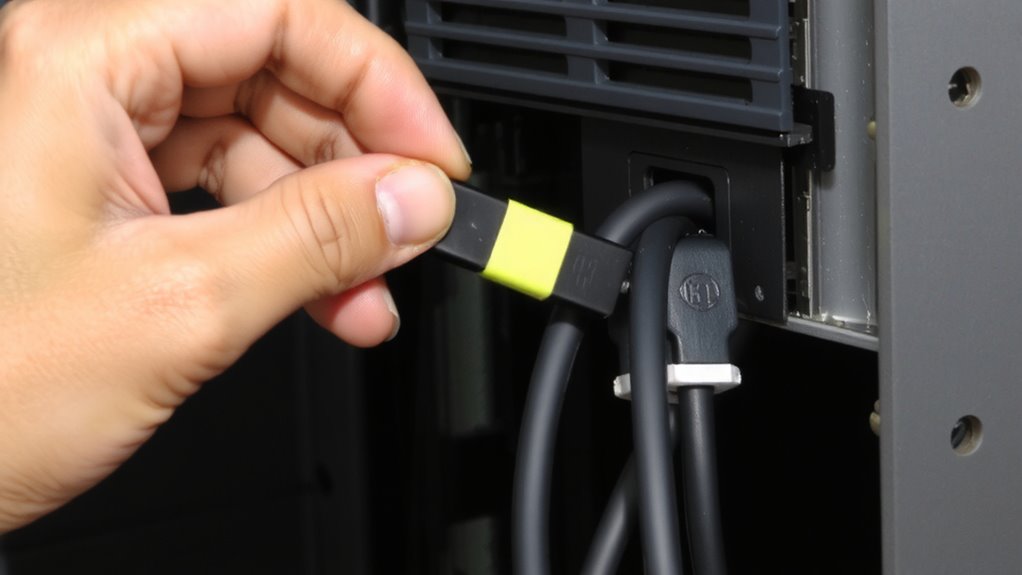
You’ll want to label your cables if you’re serious about keeping track of warranties, especially for pricier gear like monitors, docking stations, or powered USB hubs. A clear label placement strategy guarantees you can quickly identify each cable’s purpose and purchase date-critical when filing claims. Use consistent cable color coding to group devices by manufacturer or function, making replacements faster. Place labels near connector ends but not over molded joints, so they don’t interfere with plug fit or strain relief. Labels should be durable, resistant to fading and abrasion, and legible at a glance. While color coding speeds recognition, it’s not enough on its own-you still need text labels for accuracy. Poor placement or flimsy materials can lead to lost info, defeating the purpose. Done right, this system saves time during troubleshooting or warranty service, though it requires upfront effort and discipline.
Gather Tools: Label Makers, Tags & Markers
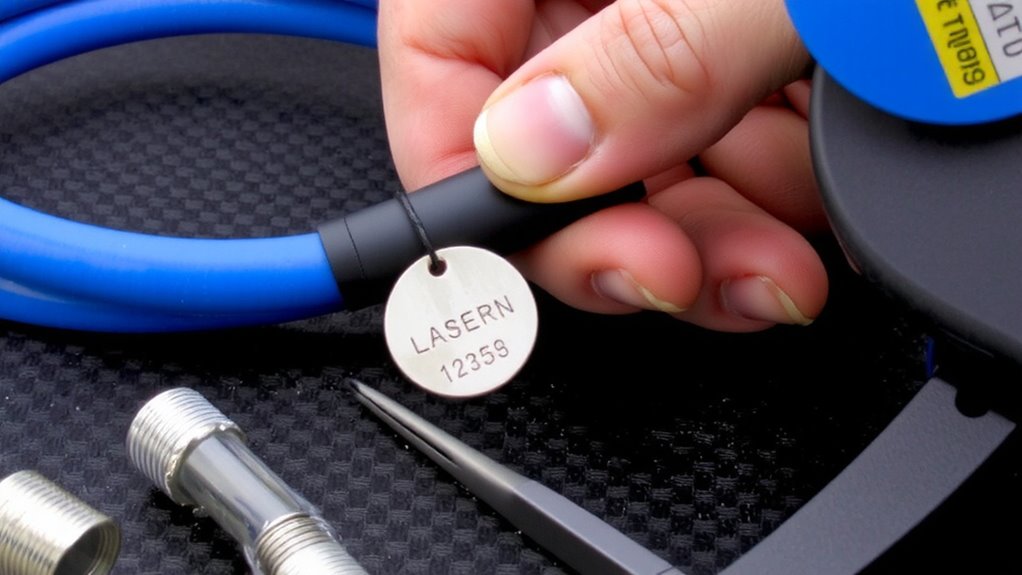
A solid labeling strategy starts with the right tools, and not all markers, tags, or label makers deliver the durability needed for long-term cable management. You’ll want a laminated label maker like a Brother P-Touch for smudge-proof, long-lasting tags that resist fading over time. For quick jobs, waterproof vinyl tags paired with a fine-tip permanent marker work, but they won’t last as long. Use cable color coding to group by manufacturer-red for Dell, blue for HP-making identification faster. Your label placement strategy matters: place labels 2–3 inches from each end so they’re visible when plugged in or coiled. Avoid cloth ribbons or masking tape-they fray and peel. Heat-shrink labels offer the toughest protection but need special tools. Choose based on how often you reconfigure setups and whether cables stay indoors or face dust and moisture. For high-volume environments, consider using a dedicated best scanner to digitize and track warranty documents linked to labeled cables.
Record Manufacturer, Model, and Purchase Date
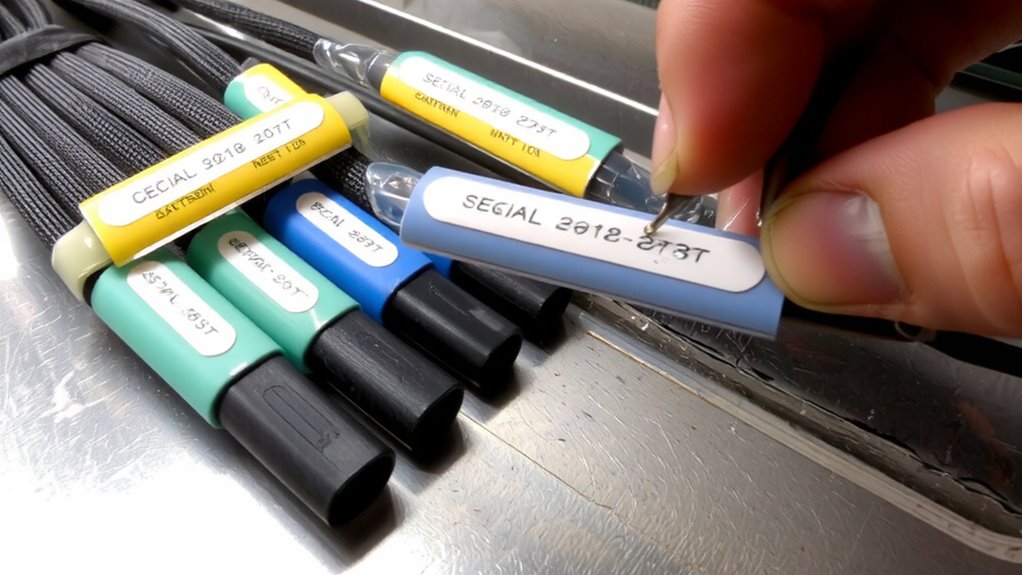
While labels help you spot a cable at a glance, recording the manufacturer, model, and purchase date turns your setup into a trackable system-especially useful when warranties are on the line. You’ll need this info for cable authenticity verification and smooth warranty claim preparation. Always note the exact model number-small differences matter, like USB-C to HDMI versus USB-C to DisplayPort. Keep digital records with photos of receipts or invoices. Many manufacturers require proof of purchase within 30 days, so act fast. If a cable fails, having these details speeds up replacements. Just don’t assume all brands honor warranties equally-some have 90-day limits, while others offer 5-year coverage. Cross-check policies early. This step won’t save time upfront, but it pays off when things go wrong. Accuracy now prevents frustration later. A wrong seating choice can worsen posture problems, so consider ergonomic support solutions like the best ergonomic stools with back support when designing your workspace for long-term cable management sessions.
Use Brand-Based Labels for Fast Tracking
Labeling cables by brand isn’t just about neatness-it’s a practical move that cuts down troubleshooting time when a connection fails. You’ll speed up brand verification and warranty validation, especially when managing multiple devices from different makers. Seeing the brand at a glance helps you match cables to their original specs and support terms.
| Brand | Warranty Period |
|---|---|
| Belkin | 2 years |
| Anker | 18 months |
| Cable Matters | 5 years |
| AmazonBasics | 1 year |
This makes it easier to act fast if a cable underperforms. But don’t assume longer coverage means better quality-always check test results and real-world feedback. Brand-based labels streamline support, but only if you keep records consistent. Mislabeling leads to false warranty claims, so double-check before tagging.
Make Labels That Survive Daily Wear
You need labels that hold up as much as your cables do-flimsy tape or handwritten tags will fade, peel, or smudge within weeks, especially with frequent plugging and unplugging. Go for vinyl or polyester labels with strong adhesive backing; they deliver real tear resistance and heat resistance, surviving temps from -40°F to over 200°F. Thermal transfer printing beats inkjet-no smudging, even in tight cable bundles where friction builds. These labels stay legible for years, not months. But they cost more upfront, and you’ll need a compatible printer, which adds setup time. Still, for warranty tracking, durability pays off. Avoid paper-based options-they might save pennies now but fail under daily stress, forcing relabeling. Check manufacturer specs: look for at least 5-year adhesion warranties and resistance ratings. Real-world testing shows these labels endure bending, pulling, and routine handling in home offices and IT closets alike. Choose resilience. It’s not overkill-it’s smart maintenance.
Store Cables for Quick Identification
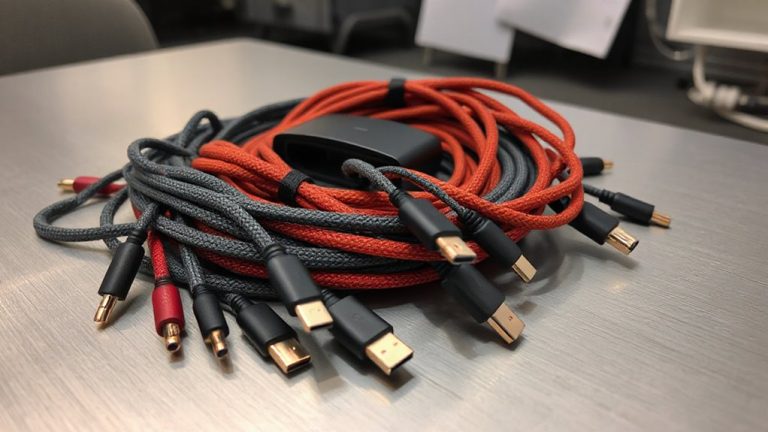
A durable label’s only as good as the system it fits into-if cables get tangled in a drawer or jammed behind a desk, even the toughest tag won’t help you find the right one fast. You need smart cable organization that pairs with visual coding to save time and reduce clutter. Use labeled cable reels or Velcro straps to bundle cords by function or room, and store them in clear, divided bins. Color-code power, data, and audio cables-red for monitors, blue for network gear-to spot the right one instantly. Keep shorter cables in front, longer ones behind, so retrieval’s quick. But don’t overpack bins; tight spaces make labels hard to read and strain connectors. Wall-mounted organizers work if you’ve got vertical space, but they only fit low-profile cables. Good storage means labels stay visible and protected-without sacrificing daily access. For a streamlined look and easier access, consider using best cable management solutions that integrate neatly with your desk setup.
Track Expiring Warranties Automatically
Keep tabs on warranties before they slip away-set up automated tracking to avoid missing key deadlines. Automated systems send warranty alerts and streamline expiration monitoring so you know exactly when gear is at risk. Most tools let you upload receipts, label cables by manufacturer, and sync dates across devices.
| Feature | Benefit | Consideration |
|---|---|---|
| Auto-reminders | Get alerts 30 days pre-expiry | Requires email access |
| Cloud sync | Access data anywhere | Needs internet |
| Barcode scan | Fast entry for new gear | Works best with clear labels |
While convenient, these systems rely on accurate setup-mislabel a cable and alerts fail. Use consistent naming and double-check entries. Automated tracking isn’t foolproof, but with careful input, it’s the best way to maintain control over office gear warranties long-term.
On a final note
Labeling cables by manufacturer gives you clear warranty control-use waterproof tags or printed labels with model numbers and purchase dates. This saves time if gear fails under coverage. But labels wear or peel, especially on frequently moved cables, so check them every few months. Pair labeling with a simple spreadsheet backup. It’s a small step that pays off, though not foolproof if documentation gets lost. Stay consistent, and you’ll cut replacement costs.