Understanding Color Temperature: How It Affects Alertness in Your Workspace
You stay sharper in cool light (5000K–6500K) because it mimics daylight and keeps your brain alert by suppressing melatonin. But too much can strain your eyes-especially if your LED panels have a low CRI under 90, adding glare and making colors look off. Use high-CRI, dimmable LEDs with adjustable color temps to balance focus and comfort. Pair this with natural light when possible, and switch to warmer tones later to avoid sleep disruption. There’s a smarter way to time your lighting for sustained energy.
Notable Insights
- Cool color temperatures (5000K–6500K) enhance alertness by mimicking daylight and supporting circadian wakefulness.
- Exposure to cool light suppresses melatonin, reducing drowsiness during work hours and improving focus.
- Prolonged use of high-K lighting may cause eye strain, especially with low-CRI or poorly diffused LEDs.
- Warm light (2700K–3000K) is less effective for alertness but supports relaxation and evening wind-down.
- Task-appropriate lighting, such as 5000K–6500K for coding, optimizes both visual clarity and mental engagement.
What Color Temperature Means for Focus
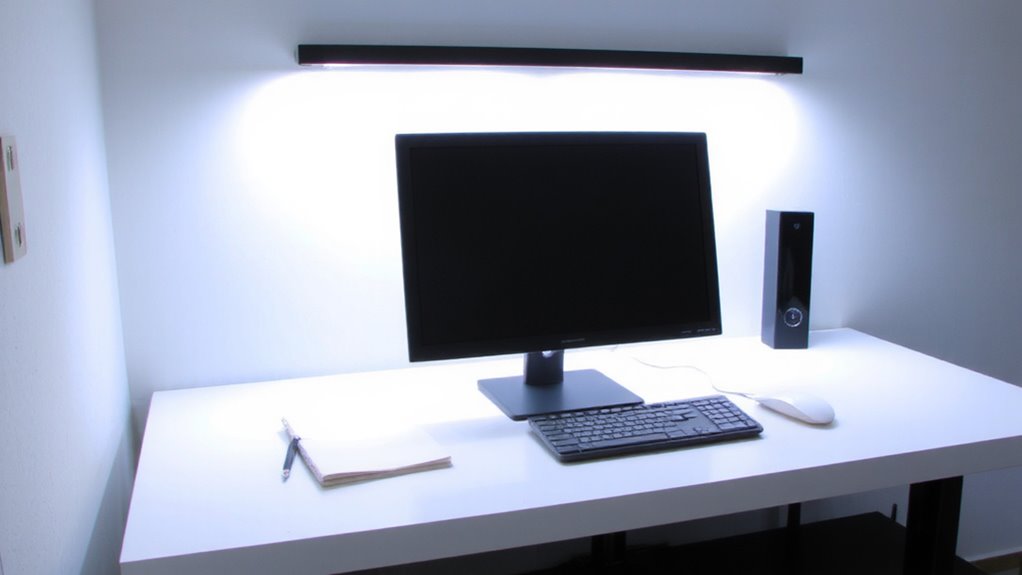
While you might not think a light bulb affects your concentration, the color temperature of your workspace lighting can meaningfully influence focus and alertness-especially during long work sessions. Regarding color psychology, cooler tones around 5000K to 6500K support mental engagement, helping you sustain attention without strain. These temperatures enhance visual clarity by mimicking daylight, improving contrast on screens and paper-essential for reading or detailed tasks. However, too much cool light can lead to eye fatigue over time. Adjustable LED panels with CRI ratings above 90 provide accurate color rendering while reducing glare. Look for models with warranties of at least three years and dimming capabilities to balance intensity. You’ll want to test settings based on room size and natural light. The ideal setup depends on your tasks, schedule, and sensitivity to brightness-not just the specs on paper. For customizable lighting that supports both focus and comfort, consider lamps with color temperature control.
Why Cool Light Keeps You Alert at Work
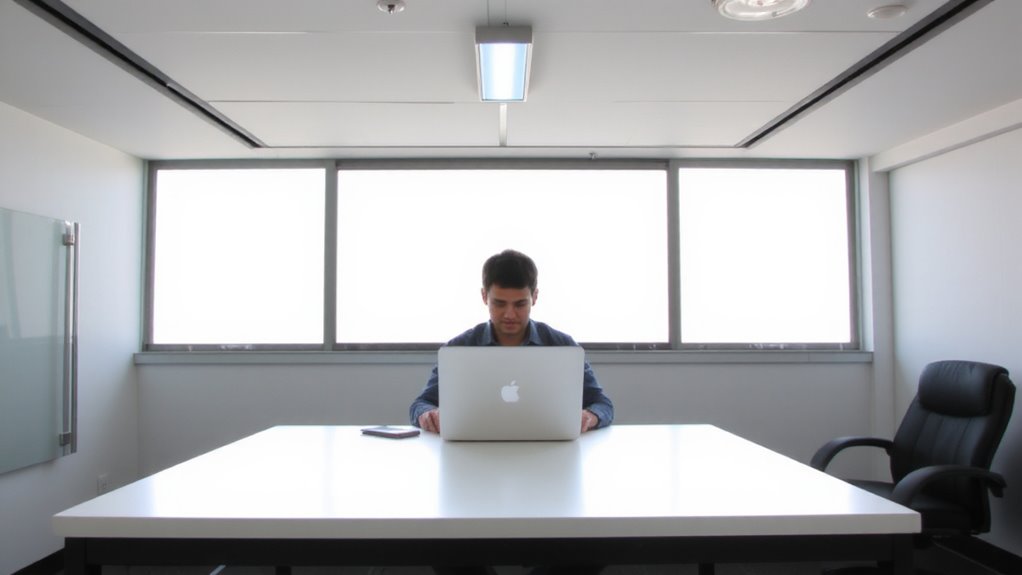
Because your brain links cooler light with morning skies and active environments, exposure to lighting in the 5000K to 6500K range can help maintain alertness during work hours by supporting natural circadian rhythms. This cooler light delivers strong circadian impact, signaling your body to stay awake and focused. It promotes melatonin suppression, reducing drowsiness when you need it most. You’ll likely feel more attentive, especially during midday slumps or in windowless spaces. But don’t overdo it-excessive cool lighting can cause glare or eye strain, particularly with low-CRI LEDs or poorly shielded fixtures. For real-world use, pick bulbs or panels labeled 5000K–6500K with a CRI above 90 to guarantee color accuracy and comfort. While cool light boosts alertness, it’s not ideal all day. Use it deliberately during high-focus hours, not in the evening, to avoid disrupting sleep later. Timing and placement matter just as much as temperature. A well-designed best desk lamp for computer work can provide optimal cool lighting with minimal glare and balanced brightness.
When Warm Light Helps (and When It Doesn’t)
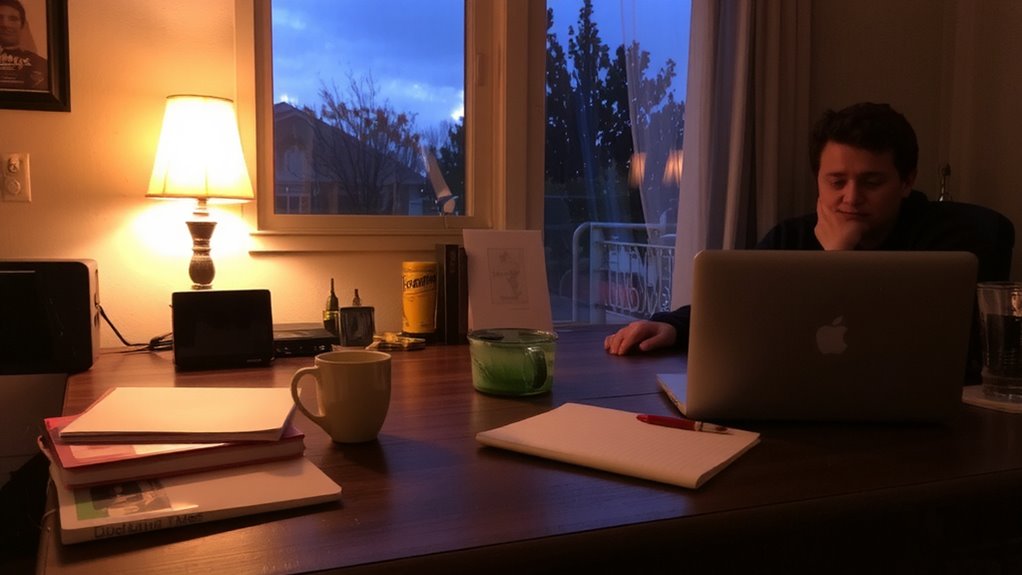
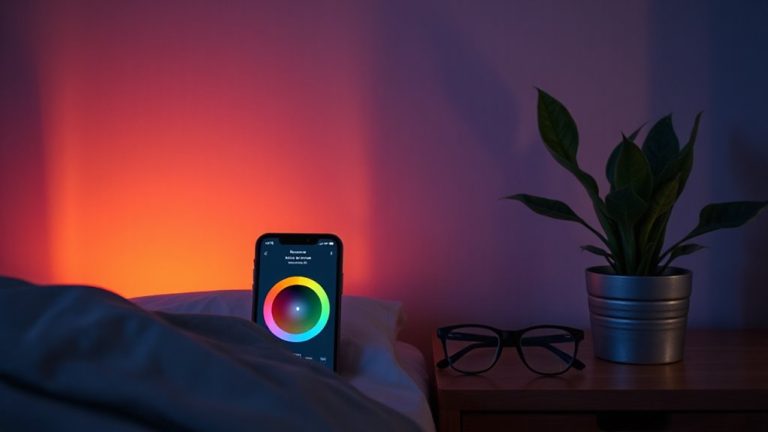
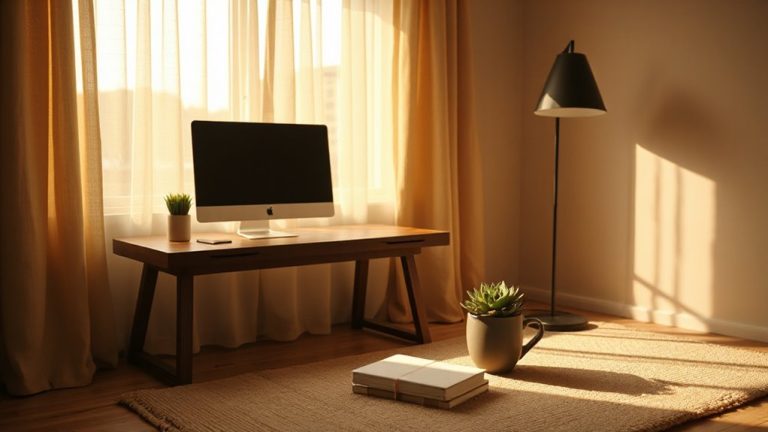
If you’re winding down in the evening, warm light around 2700K to 3000K can support relaxation by mimicking sunset tones and easing the shift to sleep, since it minimally disrupts melatonin production compared to cooler options. This makes it ideal for evening relaxation, especially if you’re reading or unwinding post-work. Studies show consistent exposure to warm lighting at night correlates with better sleep quality, helping regulate circadian rhythms when used in dimmer settings. However, it’s not suited for tasks needing focus or precision, where higher contrast and cooler temps are more effective. While warm bulbs-like dimmable LEDs with CRI above 90-offer comfortable visuals, they may reduce visual acuity in workspaces. Use them intentionally: great for living areas or bedside lamps, but avoid in task-heavy zones. Balancing warmth with timing guarantees benefits without compromising productivity or eye comfort.
Best Color Temperatures by Work Task
You’ll want to match your lighting to the task at hand-especially in workspaces where performance and comfort depend on it. For focused work like coding or reading, aim for 5000K–6500K; this cooler light boosts alertness and reduces eye strain during prolonged screen use. For creative tasks or brainstorming, 3500K–4000K offers a balanced tone that supports relaxation without sacrificing clarity. Task specific lighting lets you tailor these ranges to your workstation, desk lamp, or overhead fixture. Consider bulbs or fixtures with dynamic temperature shifts-some LED panels let you switch or schedule color temps via app or remote. Just note: high-K lighting can feel harsh if overused, especially in small rooms or late hours. Real-world testing shows many prefer stepping down to 4000K by late afternoon. Pair your setup with dimming controls and a solid warranty-look for at least 3 years on adjustable LED systems. A well-chosen best reading lamp can make a significant difference in maintaining comfort and focus during extended work sessions.
How Natural Light Sets Your Daily Lighting Rhythm
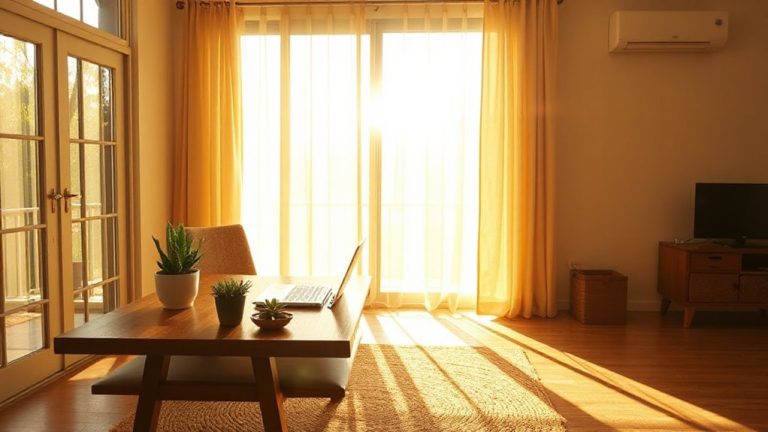
Why do you feel more alert at midday and ready to wind down at sunset? It’s because natural light exposure sets your circadian rhythm-the internal clock that regulates sleep and wakefulness. Morning sunlight, rich in blue wavelengths, signals your brain to stop producing melatonin, boosting alertness. As daylight shifts toward warmer tones in the evening, your body prepares for sleep. This daily pattern relies on consistent light exposure, ideally through windows with unobstructed views of the sky. While full-spectrum bulbs can mimic sunlight, they can’t fully replace the intensity of outdoor light-often exceeding 10,000 lux at midday. Positioning your desk near a window helps, but glare and UV damage are real trade-offs. You’ll need blinds or UV-filtering glass. Relying solely on artificial lighting risks disrupting your circadian rhythm, especially if color temperature and timing aren’t managed deliberately.
Fix These Common Lighting Mistakes
How often do you squint at your screen or feel drained by 3 p.m.? Overhead glare and light flicker are likely culprits, undermining comfort and focus. You might not realize it, but standard fluorescent overheads often produce both. That glare washes out screens, forcing your eyes to work harder, while flicker-sometimes too subtle to notice-can trigger headaches and fatigue. LED task lighting with diffused lenses reduces glare markedly, especially when mounted to avoid direct line of sight. Look for lights rated under 10% flicker index; cheaper LEDs can hit 30% or more, which studies link to increased eye strain. Position fixtures beside your monitor, not above, to minimize reflections. A 2700–3000K LED bulb offers warmth without drowsiness, but avoid dimming below 20% unless the driver is flicker-free. Even high-end models can flicker at low outputs. Test options in-store or with a 30-day return policy.
Adjust Lighting for Work Performance
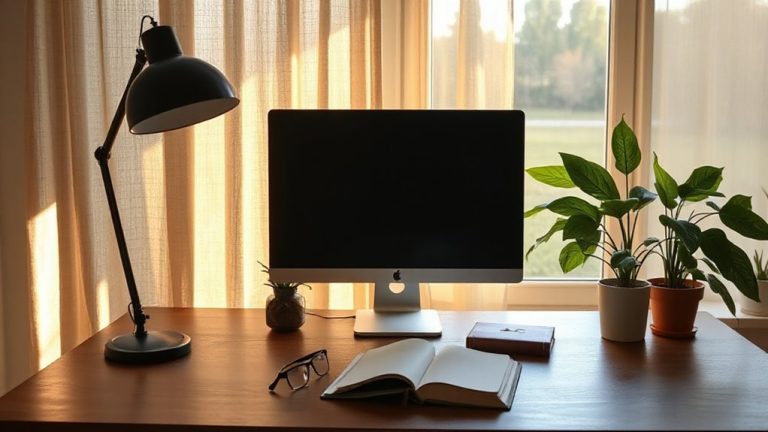
Lighting that supports sustained focus and reduces eye fatigue isn’t just about brightness-it’s about tuning color temperature and placement to match your work demands. For peak performance, use cooler color temperatures (5000K–6500K) to boost alertness and mimic natural daylight, helping maintain energy levels during intensive tasks. Pair this with adjustable task lighting positioned to eliminate screen glare and shadows on your work surface. Under-cabinet lights or a well-placed LED desk lamp with dimmable output give you control without over-illumination. While high-output lighting sharpens concentration, overuse can lead to eye strain or disrupted circadian rhythms if used late in the day. Balance cool, bright light with warmer tones (2700K–3500K) in evening hours. Look for fixtures with smooth dimming, sturdy articulating arms, and diffusers that soften harshness-features tested for long-term comfort and usability.
On a final note
You’ll stay sharpest with 4000K to 5000K lighting-it boosts alertness without harsh glare. Studies show this range sharpens focus during demanding tasks like coding or writing. Natural light near windows helps regulate your rhythm, but avoid direct midday sun that causes screen glare. Dimmable LED panels beat cheap bulbs-you control intensity and color. Still, overcool light (above 5000K) can strain eyes over time. Balance matters: pair task lighting with warm ambient fixtures. No single setup fits all days or work types.