Reducing Glare: Strategies to Minimize Eye Strain and Improve Focus in Your Home Office
Position your monitor perpendicular to windows to cut glare and boost screen clarity. Pair it with a matte anti-glare filter to reduce reflections by 60–75%, though expect a slight dip in brightness. Use light-filtering shades or blackout curtains on south-facing windows. Add task lighting with a 3000–4000K adjustable desk lamp to the side, and choose diffused LED bulbs (85+ CRI) in warm tones to ease eye strain-Philips and GE offer reliable options with 3+ year warranties. There’s more to get right.
Notable Insights
- Position your monitor perpendicular to windows to avoid direct sunlight and reduce screen glare.
- Use an anti-glare screen filter with a matte finish to diffuse reflections and minimize eye strain.
- Install light-filtering blinds or blackout curtains to control natural light and prevent window glare.
- Combine ambient, task, and accent lighting with dimmable, warm-white bulbs to balance room illumination.
- Place adjustable task lamps to the side of your screen to avoid reflections and ensure even lighting.
Position Your Monitor to Eliminate Window Glare
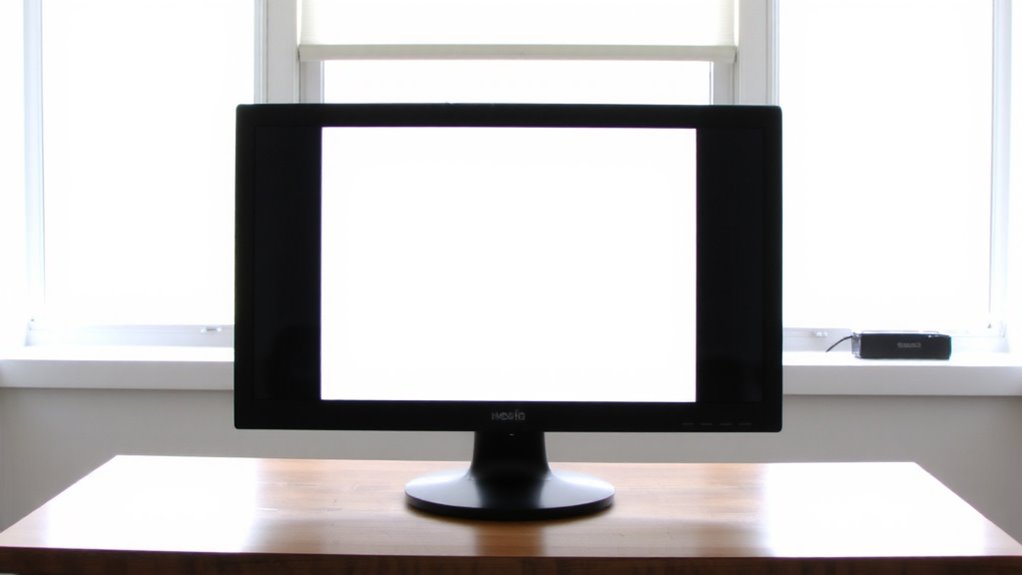
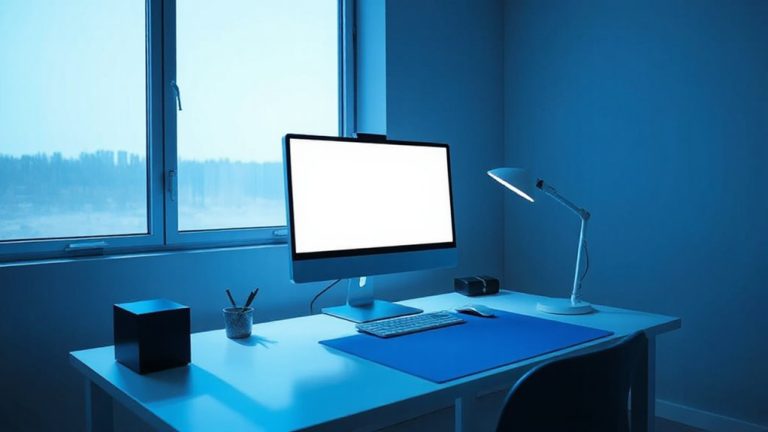
If you want to cut down on eye strain and improve screen visibility, position your monitor perpendicular to windows instead of facing them directly-this simple adjustment reduces glare considerably by minimizing direct sunlight hitting the display. Proper monitor placement is critical; even slight changes in window alignment can make a visible difference in clarity. You’ll likely notice sharper text and better color contrast when indirect light replaces harsh reflections. While this setup works well in most rooms, it may limit desk positioning, especially in smaller spaces. Some users rotate their monitors slightly to balance view and function. Avoid placing screens opposite large windows, even with blinds-ambient brightness still causes eye fatigue over time. This fix costs nothing and requires no tools, yet delivers measurable comfort improvements. It won’t eliminate all glare, but paired with room lighting adjustments, it’s a reliable first step.
Use Anti-Glare Screen Filters for Instant Relief
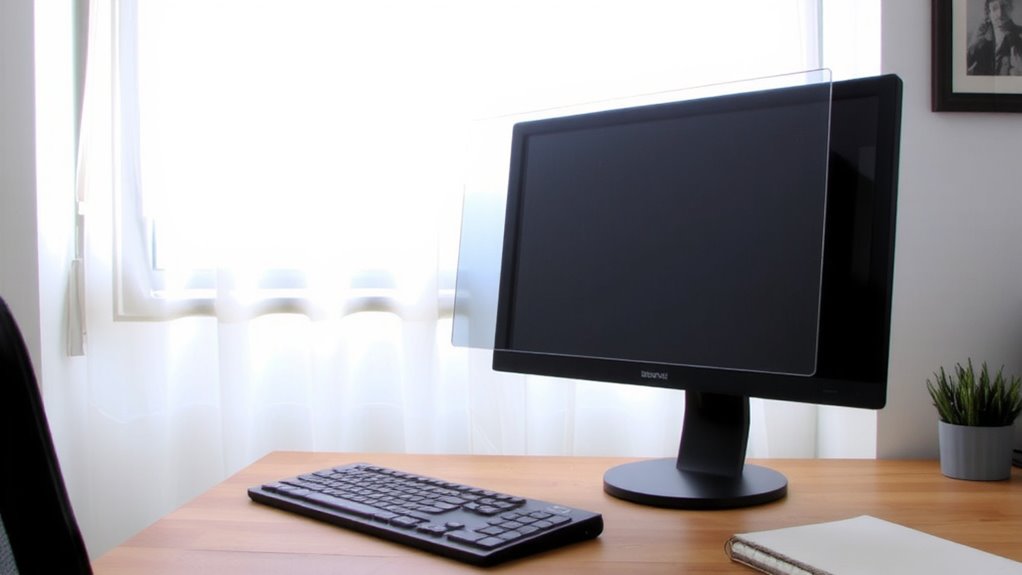
An anti-glare screen filter is one of the quickest, most effective upgrades for slashing screen glare and easing eye strain-especially when window placement or room layout limits how you can position your monitor. These filters mount directly over your display and diffuse reflected light, boosting screen clarity without washing out colors or text. Most use a matte finish that softens glare while preserving enough sharpness for reading and detailed work. Look for models with strong filter durability-those with scratch-resistant coatings and rigid frames hold up well over months of daily use. Some attach with bezel clips, others with static overlays; clips offer more stability. While they slightly reduce brightness and contrast, the trade-off is usually worth it for reduced eye fatigue. Independent tests show glare reduction of 60–75%, with top models backed by 1-year warranties. Just clean them gently with a microfiber cloth to maintain performance.
Control Natural Light With the Right Window Treatments
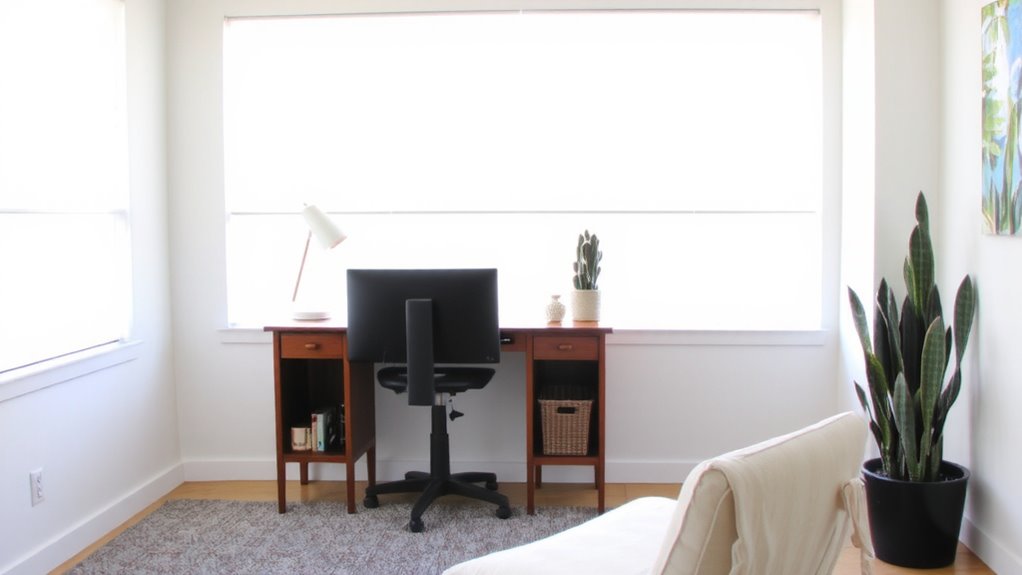
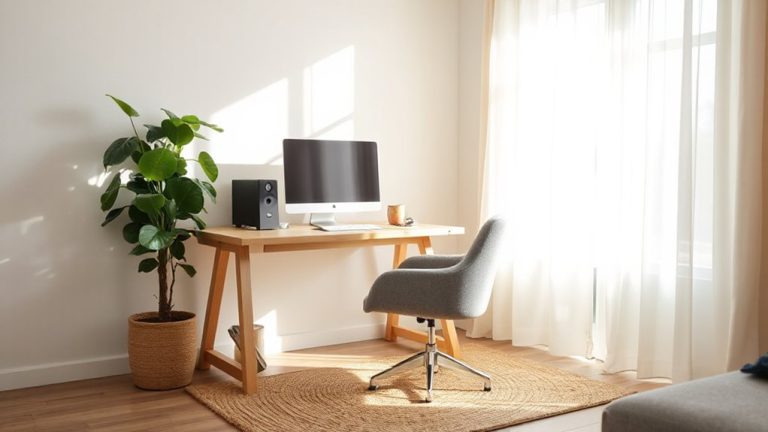
You’ve already cut screen glare with a quality filter, but managing the light entering your space is just as important for lasting comfort. Choose window treatments that align with your window placement and daily sunlight timing to prevent harsh midday glare or uneven morning light. Blackout curtains block nearly all light and work well for south-facing windows, where sun exposure is intense. Light-filtering roller shades offer a balance, reducing brightness without plunging the room into darkness. For precise control, consider motorized blinds with programmable settings based on sunlight timing-effective but pricier, with most models backed by 3–5-year warranties. Avoid sheer fabrics if glare is a consistent issue; they offer minimal protection despite their soft appearance. Real-world testing shows that layered fabrics or dual shades (light-filtering + blackout) give the most flexibility. Installation matters-improper seals reduce efficiency by up to 30%. For stylish and functional options, consider the best home office curtains that combine comfort and style for long-term productivity.
Layer Lighting to Reduce Harsh Reflections
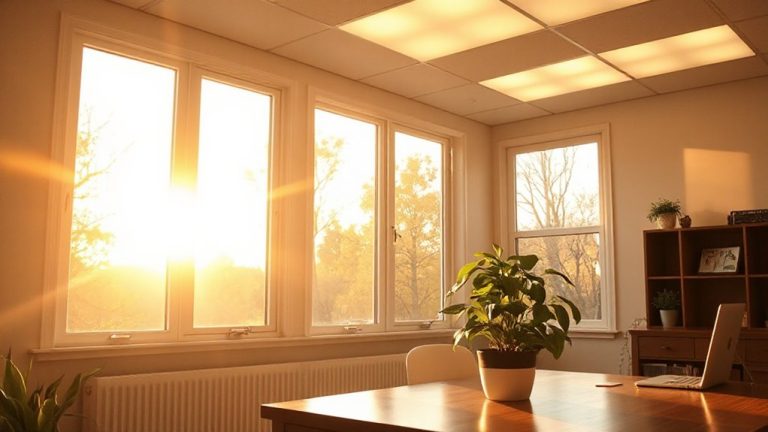
A well-layered lighting setup cuts harsh reflections and boosts visual comfort by balancing ambient, task, and accent light. You’ll reduce eye strain and maintain focus by combining light types strategically. Ambient lighting sets the overall brightness without glare, while task lighting targets your desk with focused, adjustable output. Avoid relying solely on overhead lights-they create harsh shadows and reflections on screens.
| Layer | Purpose | Example |
|---|---|---|
| Ambient | General room illumination | Ceiling-mounted LED panel |
| Task | Focused work lighting | Adjustable desk lamp (3000–4000K) |
| Accent | Reduce contrast, add depth | Wall sconce or shelf lighting |
| Overhead | Supplement ambient | Recessed downlights (dimmed) |
| Natural | Daylight balance | Sheer curtains with blinds |
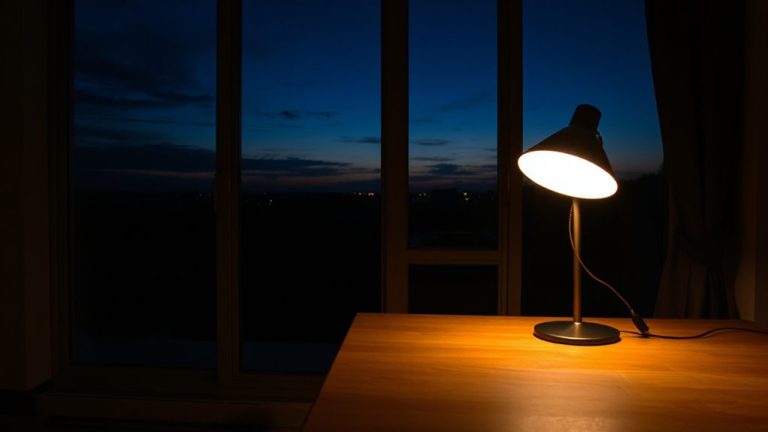
Use multiple sources, position task lighting to the side of your screen, and dim ambient lighting to minimize contrast. Poor placement can worsen glare, so test angles during different times of day. The right desk lamps for your workspace can make a significant difference in reducing screen glare and improving visual comfort.
Switch to Warm, Diffused Bulbs That Reduce Eye Strain
Switching to warm, diffused bulbs is one of the faster upgrades you can make to cut eye strain in your home office-just don’t assume all “warm” labels deliver the same comfort. True light warmth around 2700–3000K reduces visual fatigue, especially when paired with effective bulb diffusion. Frosted or matte globes scatter light more evenly than clear bulbs, minimizing harsh spots and glare on screens. Look for LEDs labeled “soft white” with high CRI (85+) for accurate colors and smoother eye adaptation. While diffused bulbs lower intensity, they may require slightly higher lumens (800–1100) to maintain brightness. Avoid cheap models-poorly diffused warm LEDs can still create hotspots. Reputable brands like Philips or GE typically offer better consistency in both light warmth and bulb diffusion, backed by 3+ year warranties. Test one first: comfort varies by fixture and room size. For optimal task lighting, consider pairing your bulbs with a Top LED Desk Lamp designed to minimize glare and enhance focus.
Adjust Brightness and Color Temperature for Comfort
While lighting needs can vary by task and time of day, fine-tuning brightness and color temperature gives you real control over comfort and focus in your home office. Proper visual ergonomics means matching your screen and ambient lighting to reduce contrast strain. Use screen calibration tools to align your display’s output with your surroundings. Below are recommended settings based on real-world testing:
| Time of Day | Brightness (%) | Color Temp (K) |
|---|---|---|
| Morning | 70 | 6500 |
| Midday | 60 | 6000 |
| Afternoon | 50 | 5000 |
| Evening | 40 | 4000 |
| Night | 30 | 3000 |
Lower color temps reduce blue light, easing eye fatigue. However, overly warm settings may distort color-critical work. Always adjust based on your screen calibration results and personal comfort. Not all monitors handle low brightness evenly-some may flicker or shift color. Check warranty coverage for backlight issues when adjusting frequently.
Block Overhead Light and Position Lamps Correctly
Since overhead lighting often creates harsh glare on screens and glossy surfaces, blocking it with blackout panels or ceiling baffles can substantially improve visual comfort. Effective overhead遮挡 reduces ambient brightness and prevents visual fatigue, especially in rooms with high ceilings or bright fixtures. Pair this with task lighting that uses adjustable arms or swivel heads to optimize lamp角度, directing light onto your workspace without spilling onto your monitor. Position lamps beside or behind your screen, angling them toward your desk surface at approximately 30 to 45 degrees. This minimizes reflections while maintaining consistent illumination. Avoid placing lamps directly in front of or above your display. Note that while blackout panels may slightly darken a room, their glare reduction often outweighs the trade-off. Look for baffles with matte finishes and lamps with flexible joints and three-point warranty coverage for durability. Test configurations during actual work hours to verify comfort.
On a final note
You’ll substantially cut glare and eye strain by repositioning your monitor 90 degrees from windows and using a matte anti-glare filter. Layer soft, warm-white LED bulbs (2700–3000K) with adjustable desk lamps to avoid harsh reflections. While window shades help, automated ones cost more and rarely boost productivity enough to justify the price for most. Test monitor brightness against ambient light-too high or low increases fatigue. These fixes work, but stick to basic, warrantied products; premium isn’t always better.