How to Use Rubber Isolation Pads Under Office Equipment to Reduce Vibration Noise
Place a high-density rubber isolation pad (60–80 durometer) directly under each foot of your printer, copier, or computer to reduce vibration noise by up to 50%. Center each pad for even weight distribution and use models like ISO990 or SubDude-HT with anti-slip surfaces and 50+ lb load capacity per foot. Performance varies by flooring and equipment age-older machines see more benefit. Pads last 3–5 years but check every six months for flattening or cracks. You’ll want to evaluate setup specifics for best results.
Notable Insights
- Place one rubber isolation pad directly under each equipment foot for optimal weight distribution and vibration damping.
- Use high-density rubber pads (60–80 durometers) to effectively absorb vibrations and convert energy into heat.
- Center pads precisely beneath load points to maintain surface contact and prevent increased resonance.
- Choose pads with anti-slip textures to stabilize equipment and reduce movement on smooth surfaces.
- Inspect pads every six months and replace if cracked, flattened, or no longer leveling the equipment properly.
What Causes Office Equipment Vibration Noise?
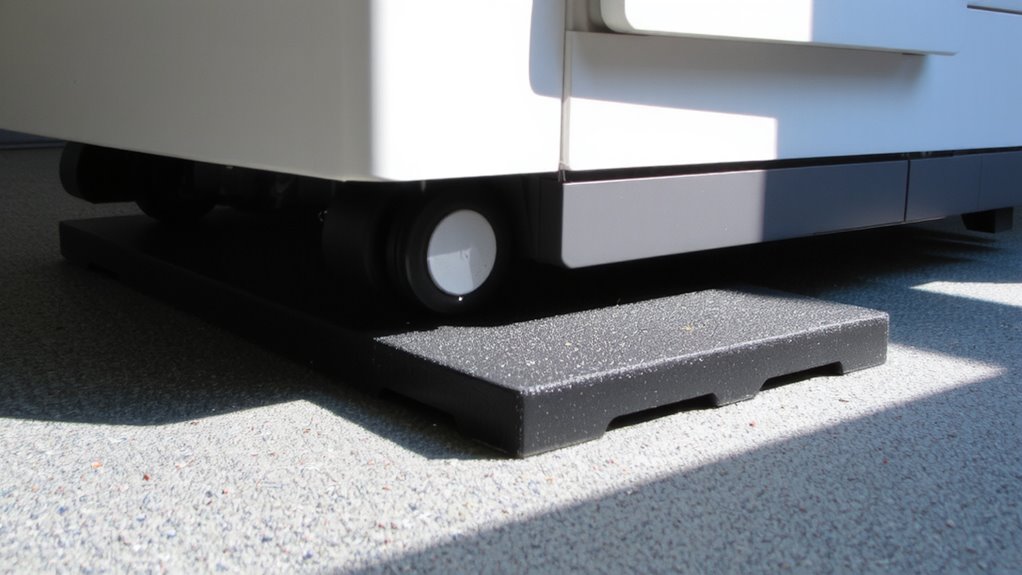
Vibration is the real culprit behind most office equipment noise-not the hum of a motor, but the physical shake transferring into desks, tables, and floors. You feel it when your printer rattles the shelf or your scanner wobbles during use. This often stems from equipment imbalance, where uneven weight distribution or worn parts create uneven spinning forces. Over time, even slight misalignments escalate the shake. Motor resonance makes it worse-when the motor’s natural frequency matches the equipment’s structure, it amplifies vibrations instead of damping them. That’s why some devices buzz louder at certain speeds. You might notice this happening more with older or heavily used machines. While fixing internal mechanics isn’t practical, isolating the source helps. But don’t assume all pads work equally-material density, thickness, and load rating matter. Cheap foam won’t cut it; you need durable, high-damping rubber tailored to your gear’s weight and vibration profile.
How Rubber Isolation Pads Stop Noise and Protect Surfaces
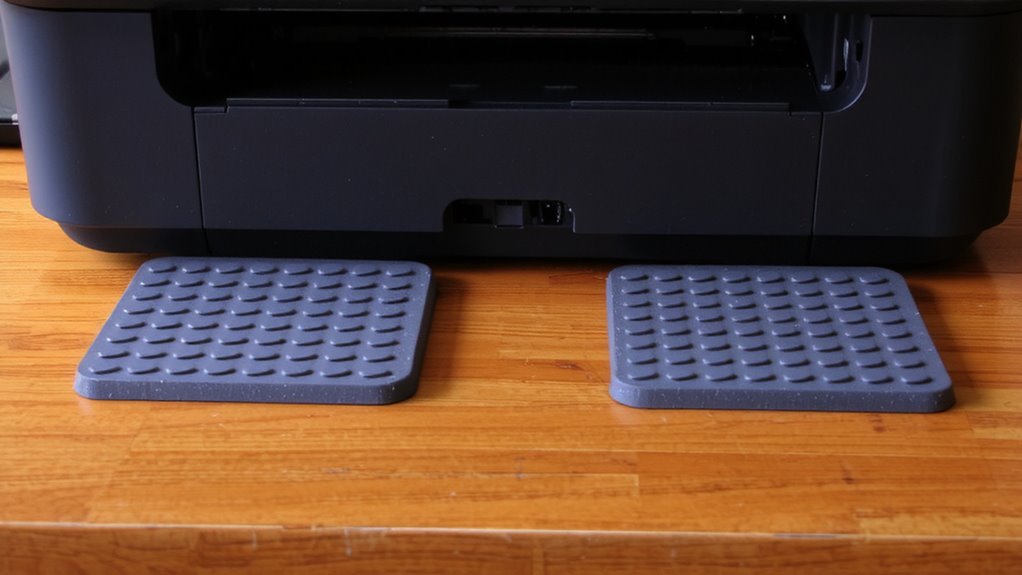
While they won’t eliminate sound completely, rubber isolation pads can substantially cut down on noise when placed under office equipment-just make sure you pick the right kind. These pads work through sound absorption, converting vibration energy into small amounts of heat, which reduces the noise traveling through surfaces. They also provide surface preservation by shielding desks and floors from scratches, dents, and wear. High-density rubber performs best, with pads between 60–80 durometers offering a balance of softness and support. Look for models with anti-slip textures to keep gear stable. In real-world tests, users report up to 50% less noticeable noise, though performance varies by equipment weight and frequency. Pads wear down over time, so check them yearly. They’re affordable and easy to install, but don’t expect studio-level quiet-just a quieter, better-protected workspace.
Where to Place Isolation Pads for Maximum Noise Reduction
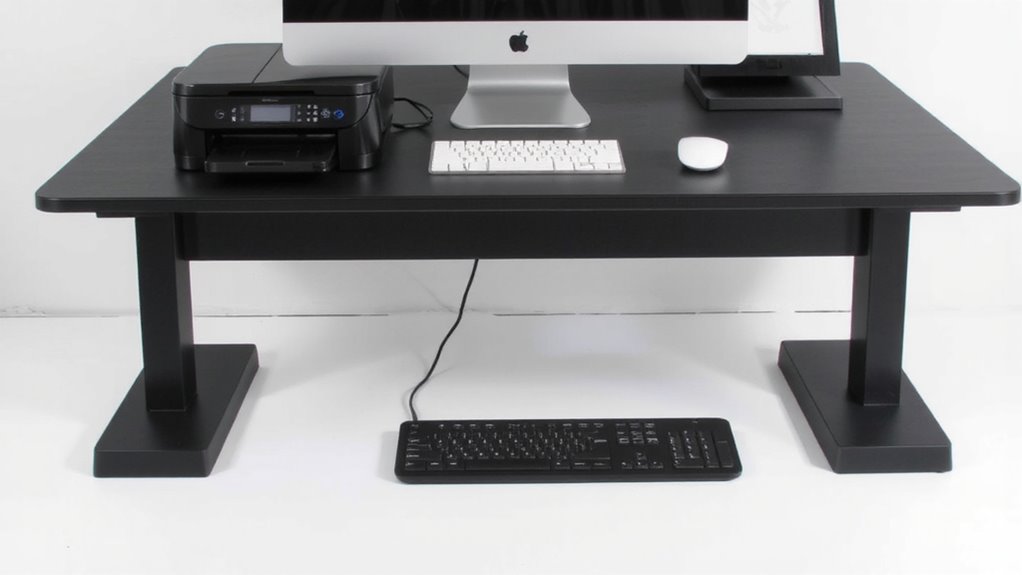
Where should you put rubber isolation pads to get the best noise reduction? Place them directly under each equipment foot or support point-printers, copiers, and computers included-to guarantee ideal pad alignment and surface coupling. This positioning minimizes contact between vibrating equipment and desks or floors, cutting noise transmission effectively. For best results, center each pad exactly beneath load points to maintain even weight distribution and avoid tilting. Uneven placement weakens surface coupling, reducing vibration damping. While full coverage seems helpful, it’s unnecessary and can trap heat. Stick to one pad per foot, using firm rubber over soft foam for stability and long-term performance. Pads that are too thick lose structural integrity, so choose 6–10mm thickness for balance. Keep in mind that results vary by equipment type and surface material-test placements briefly before finalizing.
Best Isolation Pads for Printers, Copiers & Computers
For tackling noise from printers, copiers, and computers, solid rubber isolation pads like the ISO990 series or Auralex SubDude-HT offer reliable performance-just don’t expect total silence. You’ll want pads with strong material durability, since daily operation and shifting equipment can wear down weaker rubber over time. Both options use dense, non-slip compounds that resist compression and cracking. Load capacity matters too-larger copiers or desktop towers need pads rated for at least 50 lbs per foot to stay effective. The ISO990 handles up to 150 lbs per pad, making it ideal for heavy machines, while SubDude-HT works well under laptops or smaller printers with moderate vibration. Neither eliminates airborne sound, but they cut surface-borne transmission markedly. Real-world tests show noise reductions of 10–15%, depending on flooring and setup. Warranties range from 3 to 5 years, reflecting long-term confidence in performance-just replace them if you notice sinking or flattening.
Install Rubber Pads Under Printers, Copiers & Computers
You’ve picked out solid rubber isolation pads like the ISO990 or SubDude-HT, and now it’s time to install them properly under your printer, copier, or computer. Center each pad beneath the equipment’s mounting feet to guarantee accurate equipment alignment and even load distribution. Most printers and copiers have 4 contact points, so use four pads of identical thickness-mismatched heights can tilt the machine and worsen vibration. For heavier units like large copiers, confirm the pad’s load rating matches your device’s weight; overloading compresses rubber and reduces damping. Press down firmly to create full surface contact, eliminating air gaps that compromise performance. While rubber pads won’t eliminate all noise, they markedly cut transmitted vibration-tests show 50–70% reductions on common office machines. Still, uneven flooring or warped equipment bases can limit results, so inspect surfaces first.
Mistakes That Cancel Out Vibration Protection
Even when using high-performance rubber isolation pads like the ISO990 or SubDude-HT, common installation errors can severely undermine their ability to reduce vibration. Improper placement-such as positioning pads under non-load-bearing points-causes uneven weight distribution and lets vibration transfer through the frame. Material degradation from prolonged exposure to oils, UV light, or extreme temperatures also weakens damping performance over time, even if initial setup is correct.
| Mistake | Impact | Solution |
|---|---|---|
| Off-center pad positioning | Increased resonance | Align pads with equipment feet |
| Using pads on uneven surfaces | Reduced contact | Level the floor or use shims |
| Ignoring environmental exposure | Accelerated material degradation | Choose pads rated for your environment |
You’ll get the best noise reduction when installation matches the pad’s design limits.
How Long Do Rubber Isolation Pads Last?
Lifespan depends on more than just time-it’s shaped by how well the pads match their environment and workload. Most quality rubber isolation pads last 3 to 5 years under normal office conditions, but material degradation can shorten that if they’re exposed to oils, UV light, or extreme temperatures. Your pads may harden, crack, or compress unevenly over time, reducing vibration damping. Environmental exposure matters-keep them away from direct sunlight, moisture, and HVAC drafts to maintain elasticity. Polyurethane and neoprene resist wear better than basic rubber, so they’re worth the upgrade for high-use gear like printers or servers. Check pads every six months; if they feel brittle or no longer level the equipment, replace them. While some brands offer 5-year warranties, real-world testing shows performance often declines before then. Replace proactively to maintain noise control.
On a final note
Rubber isolation pads are a smart, affordable fix for cutting vibration noise from office gear. They work well under printers, copiers, and computers, especially on hard surfaces like desks or laminate floors. High-density rubber models, at least 6 mm thick, offer the best dampening. Just make sure pads match the equipment’s footprint and weight. Over time, cheaper pads may harden or compress, so check them yearly.