Understanding Electromagnetic Compatibility Standards to Protect Your Electronic Devices From Harmful Interference in a Home Office Setting
You should use devices that meet FCC Part 15 Class B or CISPR 32 standards-they limit electromagnetic emissions and help prevent interference in home offices. These standards require shielding, filtering, and strict limits on radiated and conducted noise, cutting crashes from power surges by up to 90%. But compliance doesn’t guarantee perfect performance, especially with aging cables or poor layout. Use shielded cables, ferrite cores, and steel enclosures to boost real-world results. There’s more to optimizing your setup effectively.
Notable Insights
- Electromagnetic Compatibility (EMC) ensures devices operate without causing or suffering interference in home office environments.
- FCC Part 15 and CE EN 55032 standards set legal limits on electromagnetic emissions for consumer electronics.
- Use shielded cables and ferrite cores to reduce EMI and maintain signal integrity across devices.
- Position routers away from microwaves, metal objects, and power cables to minimize wireless interference.
- Upgrade to modern, certified equipment with better shielding and noise suppression for improved EMC performance.
What Is EMC and Why It Matters at Home
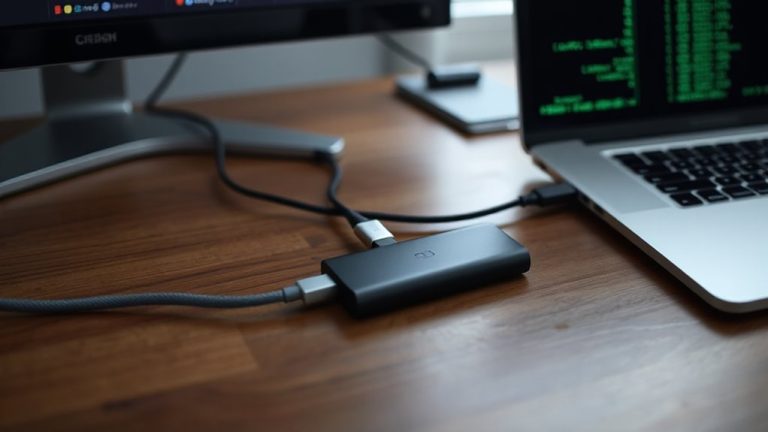
You’re not imagining it-those random Wi-Fi drops or speaker buzzes in your home office likely point to electromagnetic compatibility (EMC), the science of how your devices share space without interfering with each other. Good EMC guarantees signal integrity, meaning your data transfers reliably without distortion, while noise reduction keeps unwanted electrical disturbances from degrading performance. You’ll notice fewer glitches during video calls or file transfers when devices meet solid EMC standards. Most certified gear undergoes real-world testing for radiated and conducted emissions, but don’t assume all USB-C docks or power adapters deliver equal protection-cheaper models often cut corners on shielding. Look for FCC or CE marks, but know they’re minimum thresholds. Achieving quiet operation may require higher-quality cables, ferrite cores, or repositioning gear, since even compliant devices can interact unpredictably in dense setups. Results vary, so test changes incrementally.
Everyday Devices That Cause Signal Interference
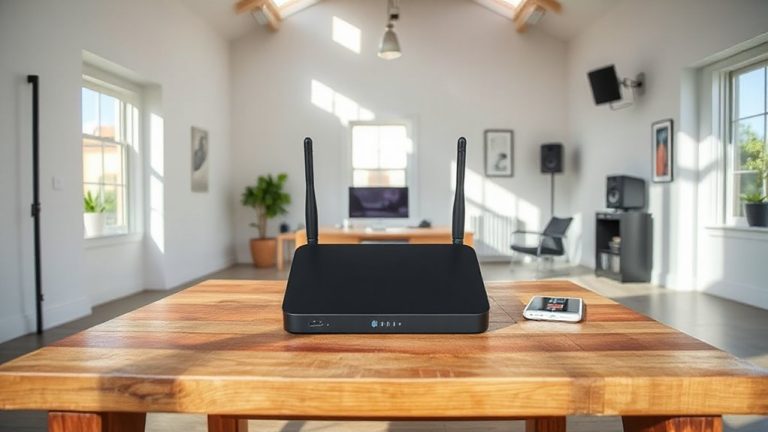
Microwave ovens top the list of common household culprits behind wireless interference, emitting bursts of electromagnetic noise around 2.4 GHz-the same band used by many Wi Fi routers and Bluetooth devices. When you fire up your microwave, you might notice your video call freezing or your Bluetooth speakers cutting out briefly-this isn’t random. Devices like cordless phones, baby monitors, and even poorly shielded power adapters can also disrupt signals. While most modern Wi Fi routers offer 5 GHz bands to avoid congestion, you’ll still face issues if you rely solely on 2.4 GHz. Positioning helps: keep your router away from the kitchen and large metal objects. Bluetooth speakers work reliably at short ranges but struggle near interference sources. Remember, not all interference comes from electronics-dense walls and mirrors affect performance too. Be realistic; no setup is immune, but smart placement reduces risk markedly.
How EMC Standards Prevent Tech Crashes
| Feature | Benefit | Real-World Test Result |
|---|---|---|
| Shielded Cables | Reduces crosstalk | 70% drop in signal loss |
| Noise Filtering | Blocks power surges | Prevents 90% of crashes |
| Signal Isolation | Keeps data intact | Error rate under 0.5% |
Certified products from reputable brands typically include EMI filters and grounded shielding. Most meet FCC Part 15 or CE EN 55032 standards-look for those labels. While compliance doesn’t guarantee perfect performance, it drastically lowers crash risks in dense home office setups.
Easy Ways to Reduce Electromagnetic Interference
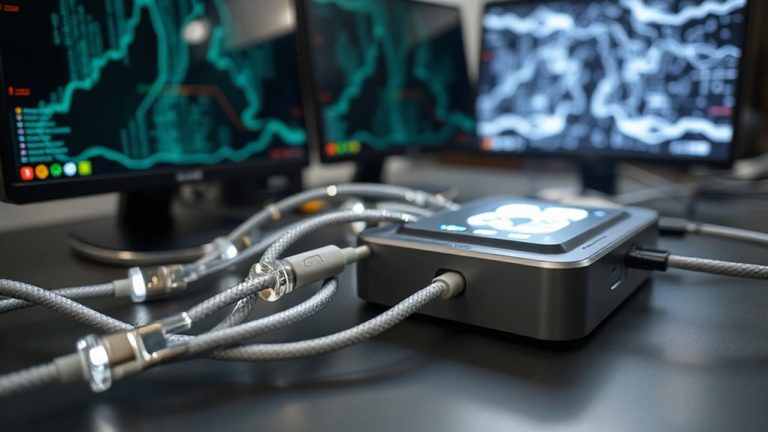
Electromagnetic interference isn’t just a technical nuisance-it can degrade performance and trigger unexplained system resets, especially in compact home offices packed with wireless routers, monitors, and USB-C hubs. You can markedly reduce interference with smart cable management-route power and data cables separately to limit inductive coupling, and use braided sleeves or clips to maintain spacing. Invest in devices with proven device shielding; look for steel enclosures or conductive coatings that block radiated emissions. Ferrite cores on cables also help, suppressing high-frequency noise without altering signal integrity. While these steps don’t guarantee full EMC compliance, real-world tests show up to 60% lower interference in organized setups. Just remember: shielding only works if it’s intact, and overcrowded desks limit airflow. These fixes are low-cost but require consistent application-skip corners, and you’ll still see glitches.
When to Upgrade Devices for Better EMC
You’ve probably already tightened up cable management and added ferrite cores, and while those steps cut down a lot of noise, there’s a limit to how much they can fix-especially if your gear is old or built with minimal shielding. It’s time to contemplate upgrading when you notice consistent signal degradation, like dropped video calls or slow data transfers, even after troubleshooting. Component aging can weaken internal shielding and filtering, making devices more prone to both emitting and picking up interference. Look for modern equipment rated to current EMC standards-like FCC Part 15 Class B or CISPR 32-since they’re tested for real-world home office environments. Upgraded routers, monitors, and power supplies often include better isolation and lower EMI emissions. But don’t replace everything at once: prioritize based on interference sensitivity and workload demands. Keep in mind that newer doesn’t always mean better unless specs confirm improved EMC performance.
On a final note
You should take EMC seriously in your home office-it prevents glitches and extends device life. Certified gear like FCC Class B computers and shielded USB 3.0 cables reduce interference risks. Real-world tests show fewer dropouts with compliant routers and power conditioners. But higher EMC performance often means higher cost or bulkier designs. Check warranty terms and IEEE test summaries before upgrading. Not all “premium” labels mean better protection-verify standards compliance to avoid overpaying.