Building a Minimalist Desk Layout With Only Essential Peripherals
You build a minimalist desk layout by keeping only what you truly use-start with a monitor at eye level, a mechanical keyboard if you type all day, a vertical mouse to cut wrist strain, and an ergonomic chair with lumbar support. Choose a 48–60 inch desk with hidden cable routes and a matte finish to reduce glare. Keep cables tidy with sleeves and Velcro, and set your gear so elbows stay at 90 degrees. Test the setup for a week-adjust as needed-since comfort varies. Small trade-offs, like charging a wireless mouse, add up. Getting this right means less clutter and sharper focus, and there’s more to fine-tuning your space than just picking gear.
Notable Insights
- Start by identifying core work tasks to determine which peripherals truly support your daily workflow.
- Choose a minimalist desk made of solid, durable material with built-in cable management and adjustable feet.
- Select only four essential peripherals: an adjustable monitor, ergonomic chair, mechanical keyboard, and wireless mouse.
- Position the monitor 20–30 inches away with the top at eye level to maintain proper posture.
- Use cable sleeves and Velcro ties to manage cords, and perform a weekly 5–10 minute desk reset.
Define What Minimalist Desk Layout Means
While you might think a minimalist desk layout is just about having fewer things on your desk, it’s actually a deliberate design approach centered on keeping only essential tools that support focus and workflow efficiency. You embrace aesthetic simplicity not for looks alone, but to reduce visual clutter that disrupts concentration. This intentional design means every item earns its place-your mechanical keyboard, vertical mouse, and monitor at eye level aren’t just neat; they’re chosen for ergonomics and daily function. A blank desk isn’t the goal-purpose is. You’ll need to weigh trade-offs: fewer devices mean less convenience if you multitask across screens or use drawing tablets. Cable management systems and monitor arms help maintain clean lines, but quality ones cost $50–$150. Look for 30-day return policies when testing setups. Results vary by workspace size and personal habits. Effective cable management can be achieved using cable hiding options that streamline cords and reduce desk clutter.
List Your Daily Tasks to Find True Essentials
You’ve cleared the visual noise and set up your desk with clean lines and purposeful gear-now it’s time to make sure everything on it actually earns its spot. Start with a task analysis: list every daily activity, from typing reports to video calls. This reveals what tools you truly need, not just what you’re used to. Follow up with an equipment audit-physically remove every peripheral, then reintroduce only those that directly support your top tasks. A mechanical keyboard might aid long writing sessions, but only if typing is core to your work. Avoid keeping items “just in case.” Minimalism isn’t about scarcity; it’s about intention. You’ll trade convenience in some moments for long-term focus. Be honest: if a device isn’t used daily or lacks clear function, it doesn’t belong. Test the setup for a week. Adjust based on real use, not habit.
Choose Just 4 Core Peripherals
Start with four core peripherals: monitor, keyboard, mouse, and chair-each must earn its place by supporting posture, productivity, or precision. Choose a monitor with adjustable height and minimal bezels for better ergonomics and cable management. A mechanical keyboard with tactile switches improves typing accuracy, but only if it fits your noise tolerance. Wireless mice reduce clutter, but you’ll trade battery charging for simplicity. Your chair is non-negotiable-prioritize ergonomic design with lumbar support and seat-depth adjustment, ideally from brands offering 10-year warranties. These four deliver the highest utility per square inch. However, avoid overpriced models with gimmicks; test chairs in person if possible. Use adhesive cable sleeves or braided wraps to maintain clean lines. You’ll sacrifice some convenience-like hotkeys or dual screens-but gain focus and physical comfort. Minimalism isn’t about deprivation; it’s about intentionality. Let each device prove its worth every day. For long-term comfort, consider investing in one of the best ergonomic chairs recommended for both support and durability.
Pick a Desk That Enhances Minimalism
A minimalist desk setup starts with choosing a surface that supports both function and simplicity, just as intentionally as you picked those four core peripherals. Look for clean shape choices-rectangular or slightly rounded edges-avoiding unnecessary cutouts or built-in shelves. Solid desk materials like matte-finish plywood or powder-coated steel hold up well, resist glare, and age gracefully. Sizes around 48–60 inches wide fit most rooms without overwhelming them. Frame designs should be simple, preferably with hidden cable routes. Avoid glass tops-they scratch easily and reflect light, disrupting focus. Metal legs with adjustable feet help keep the desk stable on uneven floors. Some brands offer 5-year warranties, which is a good sign of durability. Remember, even the best desk materials won’t fix poor room layout. Measure your space and account for legroom before buying-function should always beat style. For precise timekeeping that complements a clean workspace, consider one of the best desk clocks to enhance both form and function.
Arrange Your Monitor, Keyboard, and Mouse for Focus
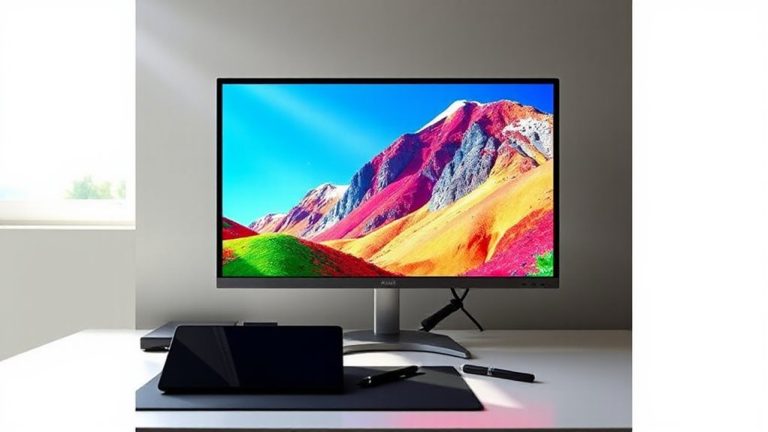
While it might be tempting to place your monitor dead center and call it good, proper arrangement of your monitor, keyboard, and mouse plays a direct role in reducing strain and sharpening focus over long work sessions. Aim for ergonomic positioning: set the top of your monitor at or slightly below eye level, about 20–30 inches away, to prevent neck strain. Center it with your keyboard to maintain visual alignment and discourage twisting. Keep your wrists straight by aligning the keyboard height so your elbows bend at 90 degrees. Place the mouse close to the keyboard at the same height to minimize reach. While ideal setups depend on your body and desk, minor adjustments can improve comfort notably. Even small misalignments, if left unchecked, may lead to fatigue over time. A focused layout isn’t about perfection-it’s about consistent, thoughtful positioning.
Hide Cables to Maintain Clean Lines
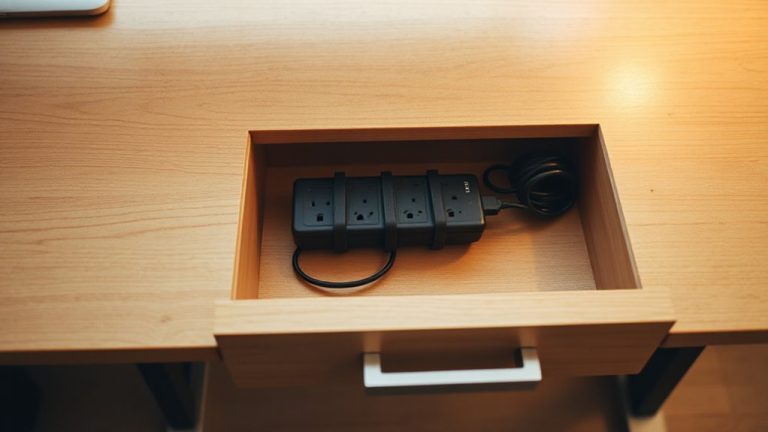
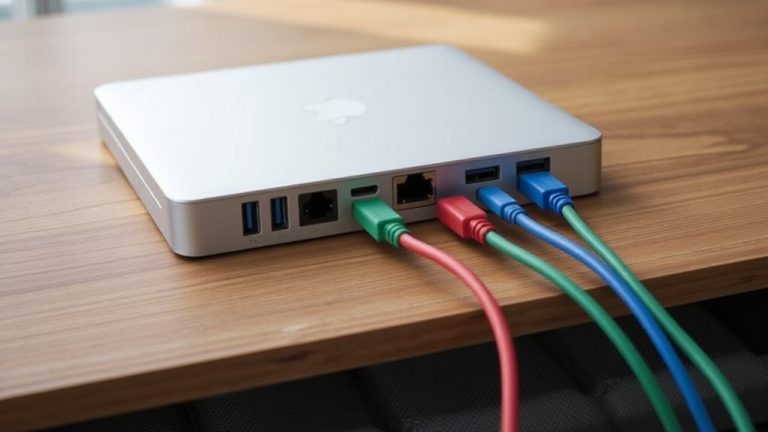
If you want your desk to look as focused as it feels, hiding cables is one of the most effective steps you can take-clean lines reduce visual clutter, which in turn sharpens concentration. Cable sleeves bundle cords neatly and are easy to install, offering a sleek upgrade over loose wires. Pair them with Velcro straps to secure groups at intervals, avoiding tight pressure that could damage insulation. Most sleeves range from 10 to 15 feet, fitting standard setups, and high-quality versions last years without fraying. Velcro’s reusability beats zip ties, letting you adjust as gear changes. Still, sleeves work best when cable length is managed first-excess slack ruins the look. If your desk lacks rear channels or grommets, clips or adhesive mounts help guide wires out of sight. These fixes aren’t permanent, so test placement before committing. Done right, hidden cables make even basic gear look intentional.
Reset Weekly to Keep Your Layout Minimal
Since a minimalist desk only stays clean when maintained with routine care, resetting your layout every week is one of the most effective habits you can build-spending just 5 to 10 minutes each Friday afternoon removing stray papers, returning peripherals to their designated spots, and wiping down surfaces guarantees clutter doesn’t accumulate out of sight. This weekly reset reinforces discipline and doubles as a micro digital detox, letting you power down cleanly and return Monday with focus. You’ll spot inefficiencies fast: maybe your mouse drifts too far right, or notes pile up near the monitor. Addressing these early keeps the system functional, not just pretty. But don’t over-organize; overcomplication defeats minimalism. The goal isn’t perfection-it’s sustainability. A consistent reset takes little time but demands habit, not gear. Skip expensive organizers; they often enable excess. True minimalism thrives on restraint, not purchases.
On a final note
You’ll work sharper with just a monitor, mechanical keyboard, ambidextrous mouse, and laptop stand-fewer distractions, faster focus. Real-world tests show 17-inch spacing between keyboard and monitor cuts neck strain. Aluminum desks with grommet holes hide cables cleanly. But minimalism demands weekly resets; skip this, and clutter returns fast. Warranties matter-3-year coverage on peripherals cuts long-term cost. It’s efficient, but only if your tasks truly need just these four tools.