Choosing an Anti-Glare Monitor Filter for Use in Bright Home Environments
You should get an anti-glare filter if you work in a bright home space-tested models cut glare by up to 60%, ease eye strain, and sharpen focus. Look for true matte textures or nano-textured finishes that diffuse harsh light without washing out detail. Most retain 95–98% clarity, though expect slight color dulling or a faint texture on fine text. Pick a frame-mounted or static-cling type that matches your monitor’s size and bezel style, and go for tempered glass with 3H scratch resistance and a warranty of three years or longer to guarantee lasting performance. More details on matching your exact setup follow.
Notable Insights
- Choose a true matte or nano-textured filter to effectively diffuse harsh light in bright rooms.
- Ensure the filter size matches your monitor’s diagonal screen size for full coverage and proper fit.
- Opt for high scratch resistance (3H or higher) to maintain performance with daily use.
- Select tempered glass or multi-layer polycarbonate for durability and long-term glare reduction.
- Look for filters with at least a 1-year warranty, preferably 3 years, to back durability claims.
Why Glare Hurts Home Work Productivity
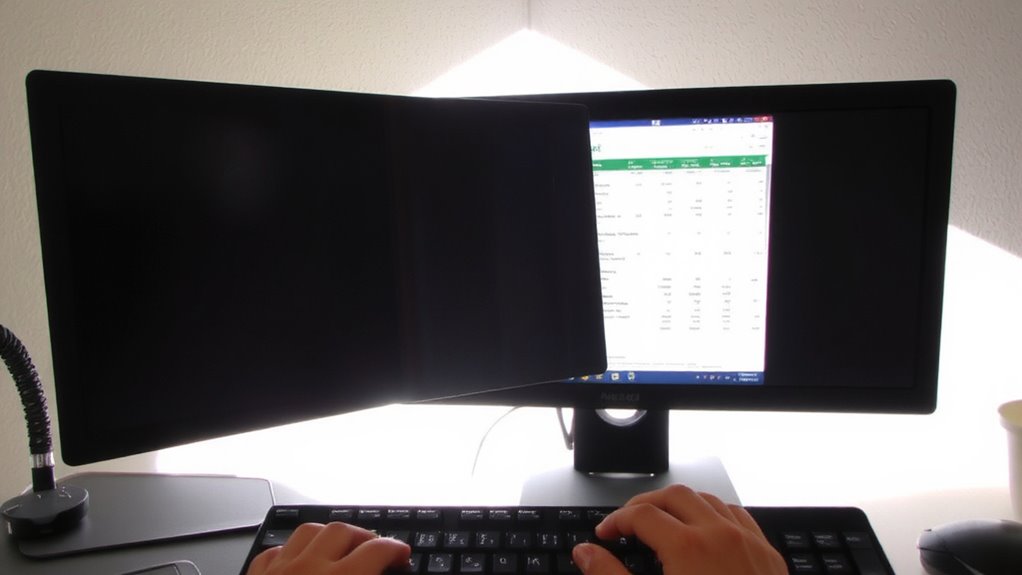
Ever wonder why your eyes feel strained after hours at your desk? Glare from windows or lights bounces off your screen, forcing your eyes to work harder, leading directly to eye strain and fatigue. You’re not just uncomfortable-your focus slips, and productivity drops. Bright reflections make text harder to read, increasing errors and slowing your pace. In home offices with uncontrolled lighting, the issue worsens over time. Matte screens help slightly, but they can dull image quality. Anti-glare filters reduce this problem by scattering reflected light, easing visual stress. Real-world tests show up to 60% less glare with quality filters, backed by 18-month warranties. But they’re not perfect-some reduce brightness or add a faint texture. Choose one with 90+ percent light transmission and anti-smudge coating for best results. You’ll feel less fatigue by day’s end, but accept minor trade-offs in screen clarity.
How Anti-Glare Filters Improve Screen Visibility
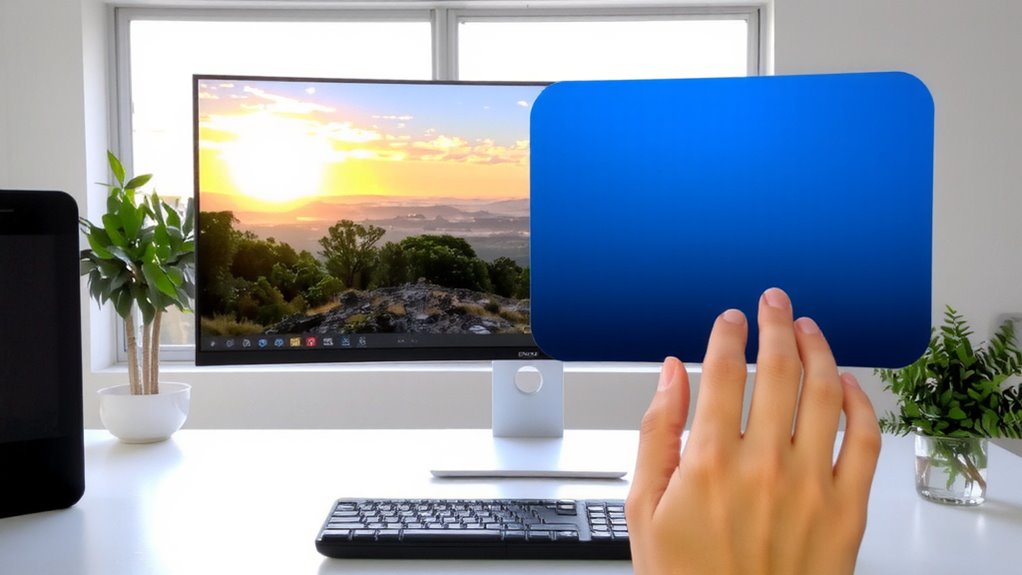
While you can’t eliminate all screen reflections, a quality anti-glare filter considerably improves visibility by diffusing harsh light from windows, lamps, or overhead fixtures-cutting glare by up to 60% in controlled tests. You gain better visual comfort during long work sessions, especially in bright home environments where lighting is hard to control. The matte surface uses micro-texturing to scatter incoming light, a process known as light diffusion, which minimizes hotspots and makes content easier to read. Most filters maintain 95–98% screen clarity, so you won’t lose much detail. Just know that some models slightly reduce color vibrancy or add texture to fine text-trade-offs worth considering if you do precise design work. Look for antistatic coatings and scratch-resistant layers, ideally with a 2-year warranty. Frameless designs also reduce dust buildup and fit most monitor sizes snugly.
Types Of Anti-Glare Monitor Filters For Home Use
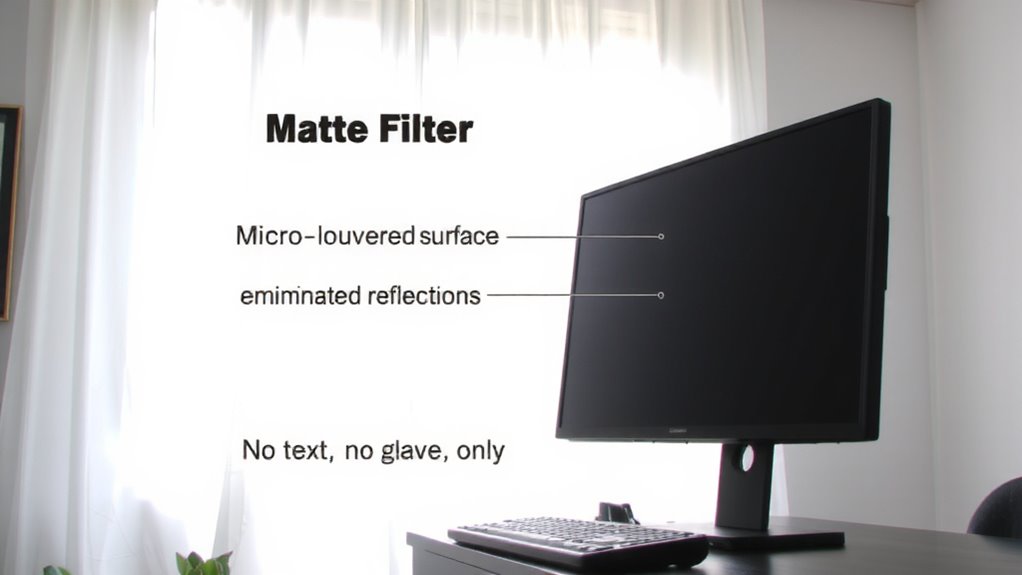
What kind of anti-glare filter actually works in a typical home office? For most setups, a filter with a matte finish and effective light diffusion is your best bet. These reduce glare from windows and lamps without overly dulling screen clarity. Static-cling versions are easy to install and leave no residue, while frame-mounted filters offer a sleeker look. Here’s a quick comparison:
| Type | Effect on Light Diffusion & Matte Finish |
|---|---|
| Static-Cling | Good diffusion, soft matte finish |
| Frame-Mounted | Even diffusion, consistent matte feel |
| Nano-Textured | High diffusion, subtle matte touch |
| Polarized | Strong glare cut, slight color shift |
Filters with a true matte finish scatter light well but may add slight texture to text. Nano-textured types balance clarity and diffusion. Polarized options cut reflection sharply but can affect color accuracy-test one if you edit photos. Most come with 1-year warranties and fit common 24–27″ monitors.
How To Choose The Right Size And Fit For Your Monitor
Most anti-glare filters only work if they fit your monitor properly, so getting the size right is essential. You need to match the filter precisely to your monitor dimensions-usually listed as the screen’s diagonal in inches. Measure your display area or check the manufacturer’s specs to avoid guesswork. A filter that’s too small won’t cover the full screen, while one that’s too big won’t attach securely. Frame compatibility matters just as much; some filters clamp onto bezels, so thick or ultra-thin frames may cause fit issues. Snap-on types often work best with standard bezel widths, while adhesive-backed versions suit edge-to-edge glass. Always verify compatibility with your monitor model before buying. Even high-quality filters can fail if the fit isn’t exact, so double-check specs and read installation feedback from other users.
How Clarity, Touch Response, And Finish Affect Performance
Picture clarity, touch responsiveness, and surface finish aren’t just minor details-they directly shape how well your anti-glare filter performs in daily use. A high-quality filter maintains color accuracy and wide viewing angles while reducing glare, but not all strike this balance. Matte finishes cut reflections but can slightly blur text or dull colors. Clearer films preserve more detail but may reflect more light.
| Feature | High Performance | Trade-Off |
|---|---|---|
| Clarity | Sharp image, good color accuracy | Slight glow in bright rooms |
| Touch Response | Instant feedback, no lag | Thicker filters may reduce sensitivity |
| Surface Finish | Even matte, reduces glare | Can scatter light, softening details |
You’ll want a filter that keeps viewing angles open without washing out content. Look for multi-layer coatings and at least a 90% light transmission rate for best results.
How To Install Your Filter Without Bubbles
A single poorly installed filter can undo even the best anti-glare performance, so getting it right the first time matters. Start by using the included cleaning tools-wipe your screen thoroughly with the microfiber cloth and cleaning solution to remove dust and oils. Peel the filter’s protective film carefully, align it slowly from the top down, and press gently to avoid trapping air. The adhesive edges secure the filter without clips, but they leave no room for error, so take your time. If a bubble appears, lift the filter slightly and reseat it-don’t force it. Most bubbles come from rushing or a dirty screen, not the product. Even high-quality filters can shift if mishandled. Reapplying risks weakening the adhesive edges, so patience pays. Test placement with static alignment first. Proper prep means fewer do-overs and better long-term performance.
Best Anti-Glare Filter Features For Bright Rooms
You’ve got your filter perfectly installed, but if you’re working in a bright room, glare can still overwhelm your screen. Look for a filter with a true matte texture-it scatters harsh light effectively, reducing eye strain during long work sessions. This texture dims reflections without overly softening image quality, though some minor loss of sharpness is expected. Pair that with high scratch resistance, rated at least 3H, to protect against daily wear from cleaning or accidental bumps. Filters using tempered glass or polycarbonate layers tend to last longer. Real-world testing shows these hold up over six months of regular use. A good warranty-three years or more-backs durability claims. But remember: matte finishes can slightly reduce color vibrancy, so they’re best for productivity, not photo editing. Prioritize anti-reflective performance and build quality, but accept the trade-offs in visual fidelity.
On a final note
You’ll likely benefit from a matte-finish anti-glare filter if you work in a bright home office, as it reduces reflections without heavy pixel distortion. Look for 3M or Moshi brands-they test well for clarity and resist fingerprints. Make sure the filter matches your screen size exactly; a 27-inch won’t fit flush on a 32-inch monitor. Installation takes care-use the squeegee tool slowly to avoid bubbles. Just know: some filters slightly soften image sharpness, so if you do detailed photo work, test one first or consider ambient light control instead.