Avoiding Forward Head Posture Caused by Poor Home Office Layout Design
You can avoid forward head posture by setting your monitor’s top edge at eye level and positioning it 20–30 inches away to prevent neck strain. Use an adjustable chair with proper lumbar support, keeping elbows near 90 degrees and hips level. Pair matte screen filters with 3,000–5,000K diffused lighting to reduce glare. While monitor arms offer precise alignment, test for stability-cheaper models may wobble. Simple daily adjustments add up. There’s more to optimizing your setup than just height and light.
Notable Insights
- Position the top of your monitor at or slightly below eye level to prevent forward head tilt.
- Maintain an arm’s length distance, 20–30 inches, between your eyes and the screen.
- Use a monitor arm to achieve precise height and angle adjustments for optimal neck alignment.
- Ensure proper lighting with diffused, adjustable LEDs (3,000–5,000K) to reduce glare and eye strain.
- Perform daily chin tucks and pectoral stretches to counteract and prevent forward head posture.
Why Your Neck Hurts at Your Desk
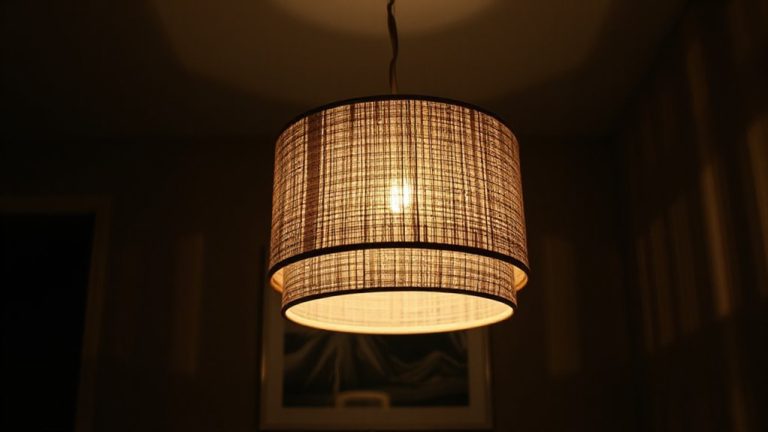
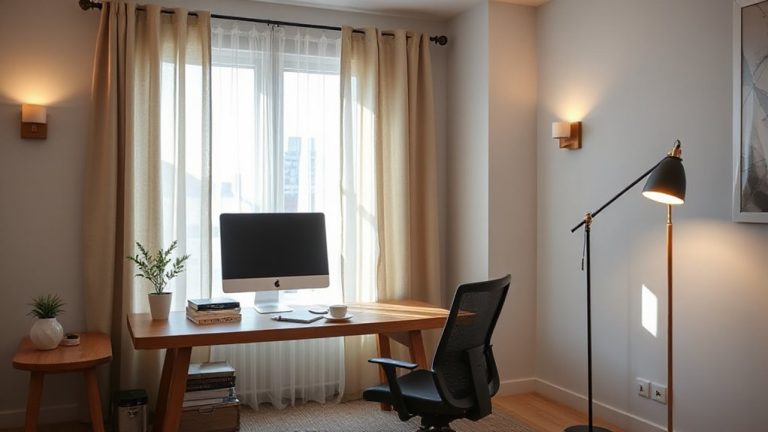
Why does your neck start aching after just an hour at your desk? It’s likely due to screen glare and poor lighting forcing you to shift forward or tilt your head, straining your cervical spine. When overhead lights or windows create glare, you lean closer to the monitor, encouraging forward head posture. Poor lighting-either too dim or too harsh-makes your eyes work harder, pulling you out of alignment as you squint. You might not notice at first, but these micro-adjustments add up. Positioning your screen to avoid reflections helps, but it’s not a fix-all. Matte screen filters can reduce glare, but they may dull image quality slightly. Swapping bright, uneven bulbs for diffused, adjustable lighting improves comfort. Yet even ideal lighting won’t compensate for prolonged static postures. Take breaks, adjust frequently, and stay mindful-small changes prevent long-term strain, but consistency matters most. A well-designed workspace includes best desk lamps for remote work to support both visual clarity and spinal alignment.
Set Your Monitor at Eye Level
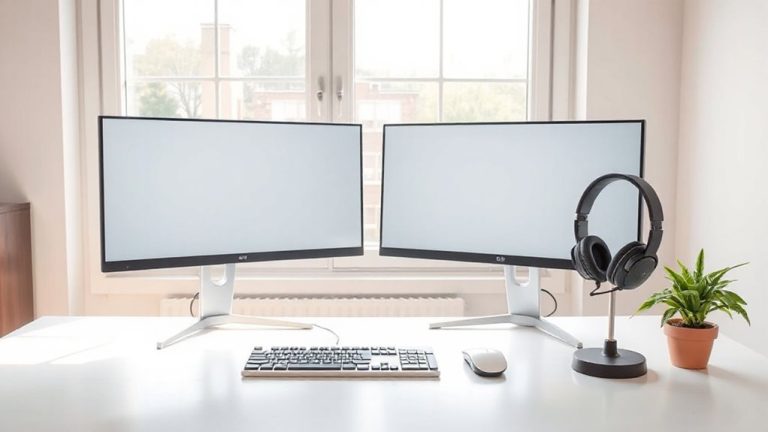
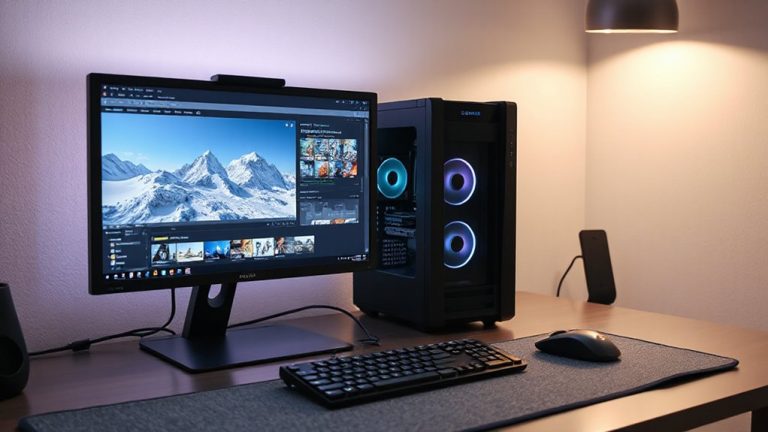
You’ll want your monitor at eye level to keep your neck in a neutral position and stop forward head posture before it starts. Position the top of the screen at or slightly below eye level so you’re not tilting your head up or down. This reduces strain during long work sessions. Monitor arms are a solid choice-they offer precise height and tilt adjustments, and many models support easy repositioning for shared spaces. Just make sure the arm is compatible with your monitor’s size and VESA pattern. Screen distance matters too: sit about an arm’s length away, roughly 20–30 inches, to minimize eye strain and avoid leaning forward. While monitor arms provide flexibility, they can be pricier than stands and require secure mounting. Some users report slight wobble on lower-end models. Test stability before final setup.
Optimize Chair and Desk Height
Getting your chair and desk height right makes a noticeable difference in maintaining proper posture and reducing strain throughout the day. Proper ergonomic alignment keeps your spine neutral and shoulders relaxed, which improves posture support over time. Your chair should allow feet flat on the floor, knees at 90°, and thighs roughly parallel to the floor. Your desk height must let arms rest at 90° with wrists straight when typing. A well-chosen adjustable desk can greatly enhance your ability to maintain these ergonomic standards throughout the day.
| Feature | Recommendation |
|---|---|
| Chair height | 16–21 inches (adjustable) |
| Desk height | 28–30 inches standard |
| Elbow angle | Close to 90 degrees |
| Thigh angle | ~90 degrees at hips |
| Foot position | Flat, supported or footrest |
Fixed desks or chairs without adjustments limit customization. Sit-stand desks and ergonomic chairs help but aren’t always necessary. Choose stability, adjustability, and build quality over brand.
Do These 3 Stretches Daily
While posture correctors and ergonomic chairs draw attention, consistent stretching delivers more lasting results for preventing forward head posture-especially when done daily with proper form. These three stretches directly improve neck alignment and promote shoulder relaxation. First, chin tucks help retrain posture by gently retracting your head to align ears over shoulders-do 10 reps, twice daily. Next, pectoral doorway stretches open tight chest muscles that pull shoulders forward; hold each side for 30 seconds. Finally, upper trapezius stretches relieve tension by tilting your ear toward your shoulder-hold for 20 seconds per side. Perform them morning and night for best results. Don’t rush: controlled motion prevents strain. While results build gradually, consistency matters more than intensity. Stretching won’t fix poor desk height or monitor placement, but it complements those changes by supporting long-term musculoskeletal balance.
Fix These 5 Home Office Mistakes
Poor posture isn’t just about habit-it’s often built into your workspace. You’re likely making five common mistakes. First, your monitor’s too low-raise it to eye level to prevent forward head tilt. Second, your chair lacks lumbar support; invest in one with adjustable depth and 30–45-degree seat tilt. Third, poor ergonomic lighting causes glare or eye strain-use a 3,000–5,000K LED task lamp with dimming and adjustable arms. Fourth, tangled cords create clutter and limit movement-effective cable management with braided sleeves or under-desk trays improves safety and workflow. Fifth, your desk depth is inadequate; guarantee at least 24 inches from screen to eyes. While upgrades help, they’re not magic-measure your space, test adjustments over days, and prioritize posture over gear. Results vary based on routine use and body type. For dynamic seating that supports spinal alignment, consider a best wobble stool designed for focus and comfort.
On a final note
You’ll reduce neck strain considerably by fixing your setup now. Position your monitor top at or slightly below eye level, use an adjustable chair with lumbar support, and keep elbows at 90 degrees. Daily stretches help, but won’t fix poor ergonomics. Some desks or chairs cost more, but even budget models with height adjustment work if properly calibrated. Results vary-test adjustments over a week. No gear replaces correct posture, but precise alignment makes good habits easier and more sustainable in the long run.