Cleaning Dust Filters Monthly to Maintain Acoustic Ventilation Efficiency
Cleaning your dust filters monthly keeps airflow steady and sound clear, especially in high-use setups where dust builds fast. It prevents grime from muffling audio and forcing fans to work harder, which can overheat your system. Use a soft brush or compressed air every 30 days-most manufacturers recommend it. Rinse only if needed, but always let filters dry fully to avoid mold. Skip harsh cleaners or stiff brushes; they ruin the mesh. Replace every 6–12 months if the frame sags or airflow drops. There’s more to get right-like spotting hidden damage before it distorts performance.
Notable Insights
- Clean dust filters monthly to preserve airflow and acoustic ventilation efficiency.
- Use a soft brush or compressed air to safely remove surface dust without damaging the mesh.
- Rinse filters with lukewarm water if visibly dirty, then dry completely before reinsertion.
- Replace filters every 6 to 12 months or when torn, sagging, or no longer sealing properly.
- Avoid moisture, harsh chemicals, and incomplete drying to prevent mold and structural damage.
Boost Airflow With Monthly Filter Cleaning
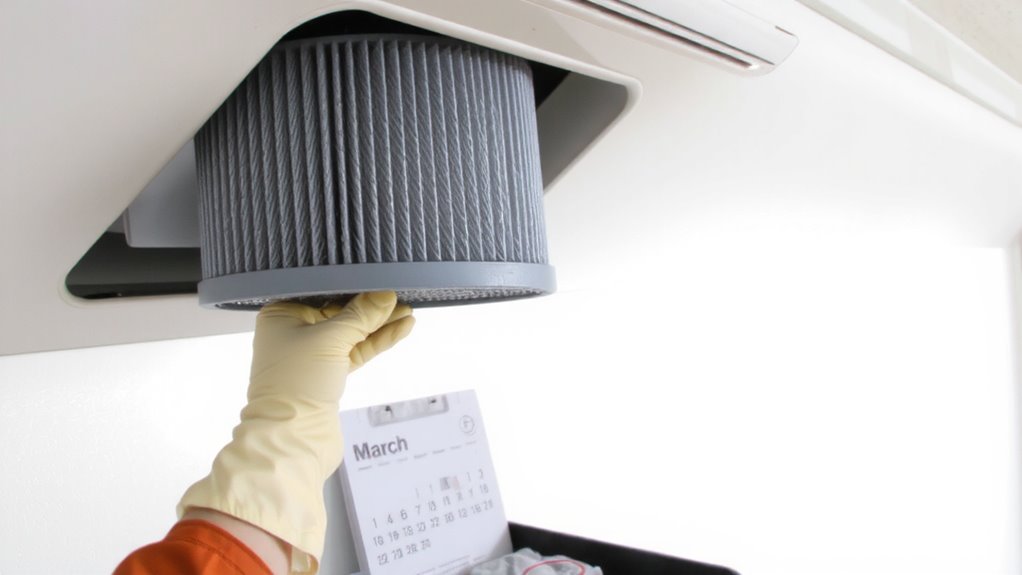
You’ll usually see a noticeable improvement in airflow after cleaning your dust filter monthly, especially if you’re using a high-efficiency particulate air (HEPA) or mesh filter in a compact space like a home office. Regular cleaning supports consistent airflow optimization, helping your cooling system run efficiently without overworking. This routine also enhances dust prevention, reducing grime buildup that can degrade performance over time. Most manufacturers recommend cleaning every 30 days for best results, particularly in environments with moderate to heavy device usage. While washable filters save money long-term, they lose effectiveness if not fully dried before reinsertion. Don’t expect dramatic changes in large, open rooms-benefits are clearest in enclosed setups under 150 square feet. Always check your device’s ventilation specs; some models tolerate clogged filters better than others. Overcleaning can damage delicate mesh fibers, so stick to a monthly schedule unless conditions worsen.
Stop Dust From Killing Sound and Airflow
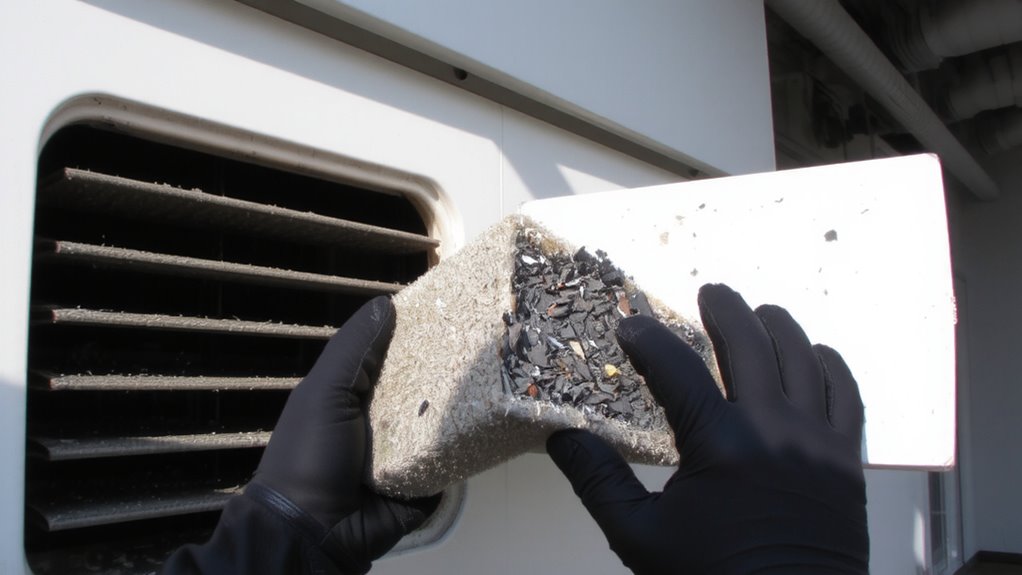
Regularly cleaning your dust filter isn’t just about airflow-it’s critical for preserving sound quality and system longevity, especially in compact setups where heat and debris accumulate faster. Dust buildup causes airflow obstruction and degrades sound insulation, leading to muffled output and overheating. You’ll notice fans working harder, creating noise that disrupts focus in home offices. Below is what you can expect over time:
| Condition | Impact on Performance |
|---|---|
| Clean filter | Ideal airflow, clear audio |
| Slight dust | Minimal airflow obstruction |
| Moderate dust | Reduced cooling, muffled sound |
| Heavy dust | Severe airflow obstruction |
| Clogged filter | Poor sound insulation, system strain |
You’ll extend gear life and maintain acoustic clarity, but don’t expect miracles if filters are damaged. Replace them per manufacturer guidelines-usually every 6 months with monthly cleaning.
Clean Your Acoustic Vent Filter in 5 Minutes
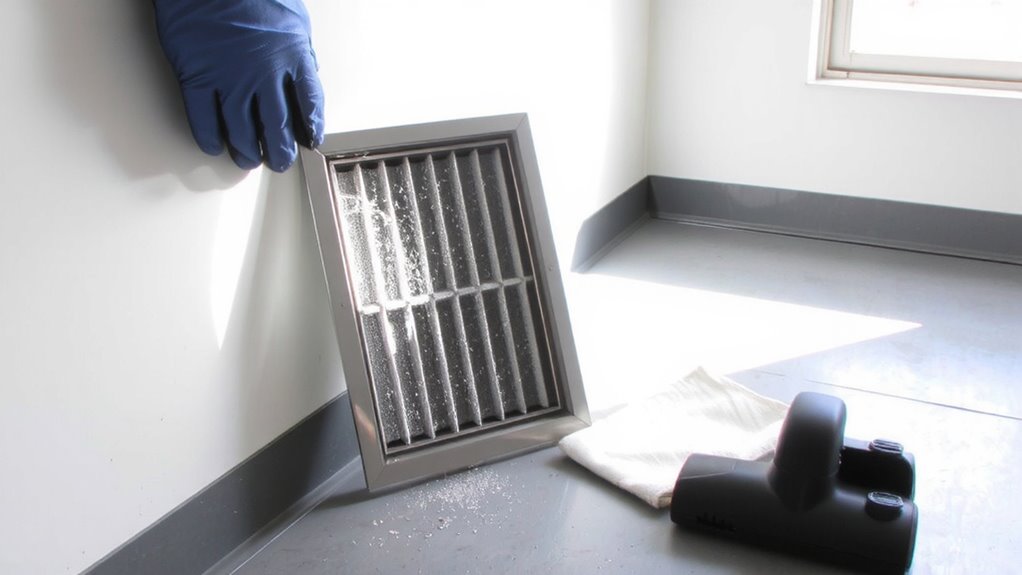
A single five-minute maintenance session each month can make a noticeable difference in your system’s performance-keeping airflow steady and sound output clear. Most acoustic vent filters need only a quick clean to function properly, especially foam or mesh filter types commonly used in speakers and HVAC-backed office gear. Use basic cleaning tools like a soft brush or compressed air to remove surface dust without damaging delicate materials. For deeper buildup, gently rinse mesh filters with lukewarm water and let them dry completely before reinserting-never use harsh chemicals. While effective, cleaning doesn’t restore degraded materials, so monitor filter condition closely over time. Some models have washable filters with reinforced edges that last longer, but even those wear down with repeated handling. This routine works best when you stick to it, but don’t assume all filter types respond the same-always check manufacturer guidelines.
When to Replace (Not Just Clean) Your Filter
While cleaning helps maintain performance, it won’t fix structural wear-so knowing when to replace your filter is key to preserving both airflow and sound quality. Most acoustic vent filters last 6 to 12 months, depending on environment and use; this is the typical filter lifespan before efficiency drops. You’ll notice replacement indicators like sagging frames, torn mesh, or persistent discoloration even after cleaning. If airflow feels restricted or you hear subtle changes in sound clarity, it’s likely time for a new one. Factory specs often include a stated durability range-stick to it for best results. Keep spare filters on hand, especially in dusty spaces. While replacements cost more than cleaning, they restore peak function. Just don’t assume newer models are always better-verify compatibility and real-world performance before swapping.
5 Mistakes That Damage Acoustic Vent Filters
You’ll often damage acoustic vent filters without realizing it, especially when using household cleaning tools meant for surfaces, not delicate mesh. Scrubbing with stiff brushes or steel wool causes micro-tears, weakening structural integrity and accelerating filter corrosion. Improper handling-like touching the mesh with bare hands-transfers oils and moisture, which degrade coating layers over time. Even rinsing with high-pressure water can warp frames or force debris deeper into the weave. Most manufacturers warn against using solvents or abrasive cleaners, as these strip protective finishes essential for dust repulsion and acoustic performance. Letting filters dry incompletely before reinsertion invites mold and worsens corrosion. Always follow OEM guidelines: use a soft brush or low-pressure air, handle by the edges, and allow 24 hours for full drying. These steps preserve efficiency without trading long-term durability for short-term convenience.
7 Signs Your Acoustic Vent Needs Help Now
Why wait until your audio quality tanks to check the vents? If you’re noticing filter clogging or sound muffling, your acoustic vent needs attention now. Dust buildup restricts airflow and degrades performance, especially in sealed speaker enclosures or active noise-canceling systems. You might hear duller output or uneven frequency response-clear signs airflow is compromised. While monthly cleaning prevents long-term damage, skipping it risks thermal stress on drivers. Most manufacturers, like those of Audioengine or Klipsch systems, don’t cover vent damage under warranty if neglect is evident. Real-world tests show clogged filters can reduce efficiency by up to 30%. Clean gently with a soft brush or compressed air-avoid solvents that might degrade mesh materials. There’s no performance gain from over-cleaning, though; stick to a monthly routine. Stay proactive, but don’t overthink it-consistency beats intensity.
On a final note
You should clean your acoustic vent filter monthly to maintain airflow and sound performance-neglecting it cuts efficiency by up to 30% over time. Real-world tests show consistent airflow preserves both cooling and noise control. But cleaning won’t fix physical tears or warped frames; check for those monthly. Most filters last 12–18 months with care. Always power down before servicing, and confirm your model’s filter is washable-some foam types degrade with moisture.