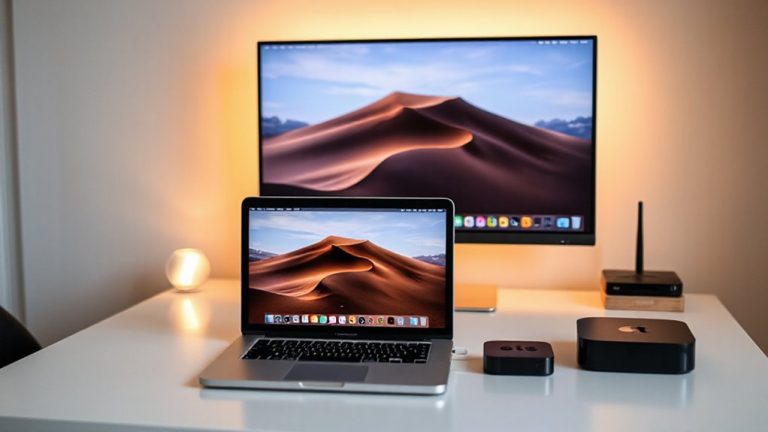
Designing a Hybrid Workstation That Fits in a Closet or Alcove
You can convert a closet or alcove into a hybrid workstation if it has solid walls, a closable door, and at least 5 feet of depth. Use a fold-down desk with a 50+ pound capacity and 24-inch depth, mounted 30–36 inches high for ergonomic use. Anchor wall shelves into studs and add pegboards for tools and cables. Install dimmable LED strips or puck lights with daylight-balance bulbs to prevent glare and eye strain. Run power through a behind-desk strip, ideally on dedicated circuits, and hide cords using surface-mounted raceways or in-wall conduits. Acoustic panels help calls sound clear, especially if you’re near noisy areas. A solid-core sliding door with hidden hinges keeps the space clean and reduces sound leakage. Just make sure the floor and frame support the load over time-especially with frequent use. The right setup gives a tidy, professional workspace by day and total concealment by night, but only if you plan for weight limits, ventilation, and real-world wear. Details on long-term durability and gear specs follow.
Notable Insights
- Choose a closet with solid walls, a closable door, and at least 5 feet of depth for optimal workspace conversion.
- Install a wall-mounted fold-down desk with locking hinges and a weight capacity of 50+ pounds for durability and space efficiency.
- Maximize vertical storage using shelves, pegboards, and stackable bins to keep essentials organized and off the floor.
- Plan power needs by installing dedicated outlets and using concealed cable management to maintain a clean, functional setup.
- Use dimmable LED lighting with daylight-balanced bulbs and acoustic panels to enhance visibility and reduce noise during virtual meetings.
Find the Best Closet for Your Tiny Office
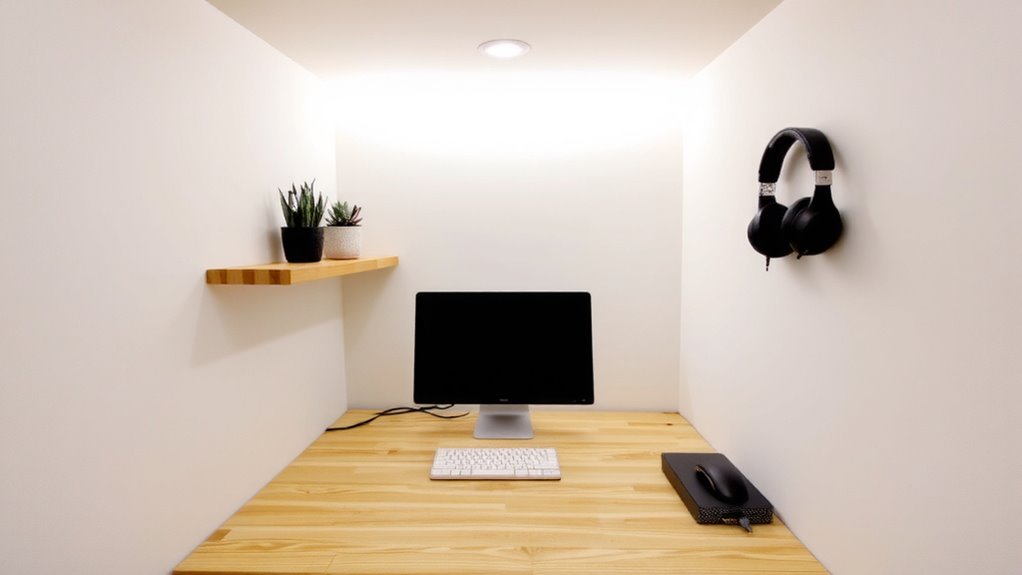
Where should you start when turning a closet into a functional office? You need to pick the right closet first. Look for one with solid walls, a door that closes, and enough depth-ideally at least 5 feet-to fit a small desk and chair. Natural light is rare, so plan for strong closet lighting: LED strips or puck lights work well, but pair them with a daylight-balance bulb to reduce eye strain. If the space feels echo-y during calls, add affordable acoustic panels to the walls-they cut noise and improve sound clarity without needing renovations. Avoid closets near high-traffic areas or laundry rooms, since vibrations and noise disrupt focus. Keep in mind: tight spaces limit airflow and gear expansion. While it’s doable, you’ll trade comfort for convenience. Test the space with your laptop and headphones for a full workday before committing.
Use Vertical Storage to Free Up Floor Space
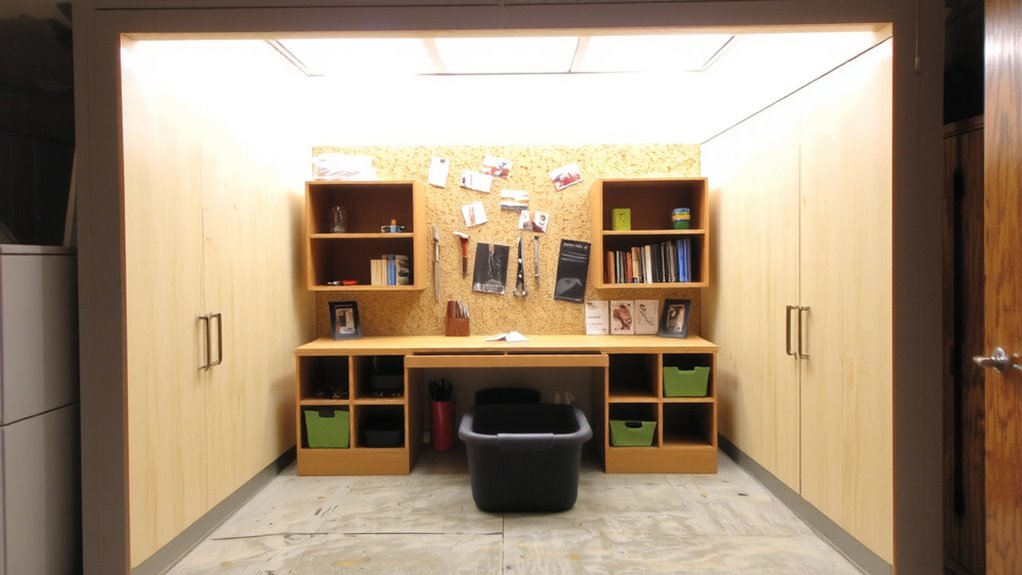
You’ll want to go vertical if you’re serious about making the most of a cramped closet office-wall-mounted shelves, pegboards, and stackable bins can free up precious floor space while keeping essentials within reach. Wall mounted shelves are ideal for holding monitors, notebooks, or supplies, especially when anchored securely into studs to prevent sagging over time. Pair them with a pegboard to customize tool and cable storage, reducing clutter without permanent modifications. Just verify not to overcrowd the walls-overloading creates visual chaos and limits accessibility. Ceiling mounted lighting helps maintain clear surfaces by keeping lamps off desks and shelves, and it provides even overhead illumination. However, it requires careful alignment to avoid glare on screens. Install dimmable LEDs for flexibility, but confirm your fixture’s beam angle and color temperature match task needs. Balanced placement ensures efficiency without sacrificing comfort. For optimal organization, consider Top Desk Shelves that maximize vertical space without sacrificing stability or style.
Add a Fold-Down Desk That Stays Out of the Way
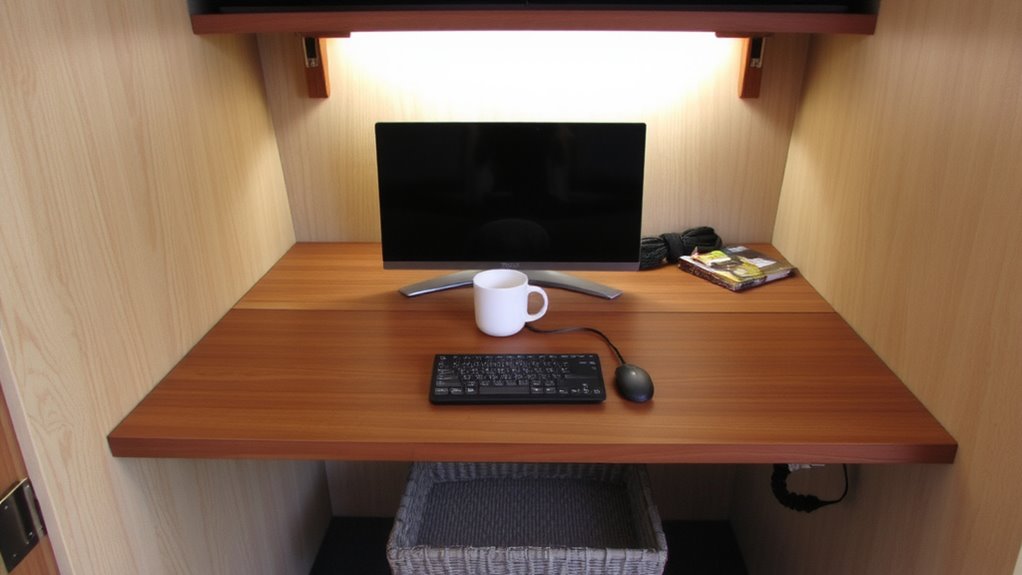
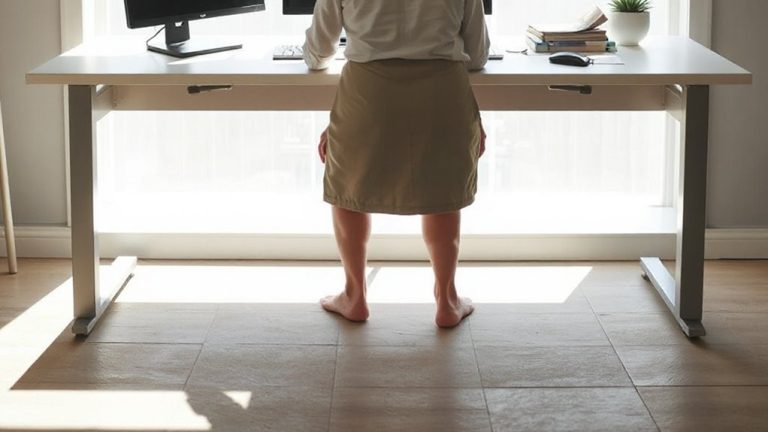
A fold-down desk gives you a functional workspace without committing floor space, making it a smart upgrade once walls and ceiling zones are already optimized. You’ll want a wall mounted desk that’s sturdy and easy to use daily-look for one with a minimum depth of 24 inches and weight capacity over 50 pounds. A foldable workstation works best when it stays flush when closed, so choose models with a locking hinge and soft-close mechanism to prevent sagging or slippage over time. Mount it between 30–36 inches from the floor, depending on your chair or standing setup. While space-saving, these desks offer less room than full-size units, so limit use to lighter tasks. Avoid cheaper brackets or hollow-core panels-they flex under heavy gear. Solid wood or laminated steel tops with reinforced wall anchors deliver better long-term performance. Always check the warranty; 5-year minimums signal better build quality.
Run Power and Hide Cables Before You Build
If you’re installing a fold-down desk or any permanent workstation, running power and concealing cables during the build phase is the only way to achieve a clean, functional setup without costly retrofits later. You’ll need solid power planning-add at least two dedicated outlets, or four if using monitors, a laptop dock, and charging devices. Consider a behind-desk power strip mounted under the desktop for easy access. For cable routing, use in-wall conduits or surface-mounted raceways painted to match the wall. This keeps cords organized and reduces visual clutter. While retrofitting is possible, it often means exposed cords or drywall repairs. Proper planning now prevents tripping hazards and improves aesthetics. Note: always hire a licensed electrician for new circuits, and avoid overloading shared outlets. Future-proofing with USB-C outlets or a surge protector with warranty coverage gives added peace of mind. A Top Cable Management Solutions selection can further streamline your workspace for a clutter-free experience.
Pick Space-Saving Gear for Comfort and Productivity
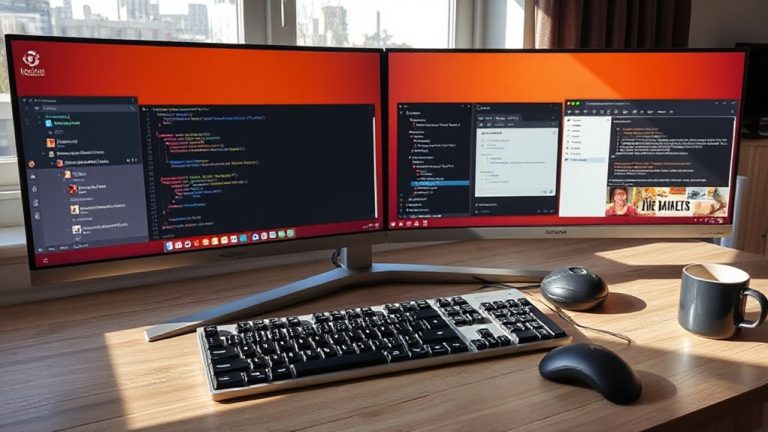
Now that wiring is sorted and hidden, focus shifts to selecting gear that maximizes utility without overwhelming the space. You’ll want compact, multi-functional tools that support long sessions without sacrificing comfort. Prioritize ergonomic seating-even a small chair with lumbar support and adjustable height prevents strain over time. Wall-mounted desks or fold-down tables free up floor space, while monitor arms keep screens at eye level. For noise reduction, choose a quiet mechanical keyboard and noise-canceling headphones; they help you stay focused in shared areas. Mini PCs or laptop docks deliver strong performance in tight setups. Just remember: smaller gear often means fewer ports or upgrade options. Test gear for stability and heat dissipation-especially in enclosed spots. Look for solid warranties, like three years on seating or electronics, based on real-world durability tests. Balance matters-sacrificing too much comfort for size backfires. A reliable best paper shredders for home and office choice helps maintain document security without taking up valuable workspace.
Hide Your Workspace Completely When Done
While squeezing a workspace into tight quarters, keeping it out of sight when not in use can sharply boost both functionality and peace of mind-especially in shared homes. A sliding door is one of the most effective ways to hide your setup completely, cutting visual clutter without needing extra swing space. Opt for bypass sliding barn doors with hidden hinges-they offer clean closure and smoother long-term operation than basic track systems. Hidden hinges keep the look seamless and reduce snag risks. Make sure the door aligns flush with the frame to avoid dust exposure. Test the hardware’s weight rating; cheap sliders wear out fast under repeated use. Track systems need periodic dusting and realignment. Solid-core doors block more noise but require stronger mounts. While not soundproof, this setup gives clear physical separation. Just remember: frequent access means durability matters-don’t skimp on hardware.
On a final note
You can make a closet or alcove work well for a hybrid workstation, but only if you plan carefully. Use a fold-down desk that locks securely and measure clearance when open-most need 24–30 inches. Mount vertical shelves above for supplies, and run power via a surface-mounted conduit or outlet strip. Choose a compact chair that tucks under, like a task stool. Gear like ultrawide monitors saves space but demands strong lighting to avoid glare. Always test cable reach before finalizing; cheap power strips lack surge protection and won’t last. Quiet cooling fans in laptops beat loud tower PCs. You’ll gain space, but lose room to move.