Designing a Workflow That Uses Sitting for Writing and Standing for Editing
You draft better seated-use a chair with 90-degree hips, flat feet, and lumbar support to fuel focus and creativity. Switch to standing when editing; it boosts alertness and sharpens attention to detail. Alternate every 30–45 minutes using an adjustable desk (22–47 inches) and anti-fatigue mat. Support both postures with proper monitor height and cable management. Even with ideal gear, hourly movement breaks are essential-your posture and output depend on it. The right rhythm reveals itself with consistent daily testing.
Notable Insights
- Sit to write: a stable, ergonomic seated position supports sustained creativity and idea generation.
- Stand to edit: upright posture increases alertness and improves focus on detail-oriented corrections.
- Use an adjustable desk: transition smoothly between sitting (90° hips) and standing (22–47 in height).
- Time posture shifts: switch after drafting sprints or use a 1:1 sitting-standing ratio for balance.
- Optimize setup: align monitor at eye level, use anti-fatigue mats, and take hourly movement breaks.
How Posture Shapes Writing Focus
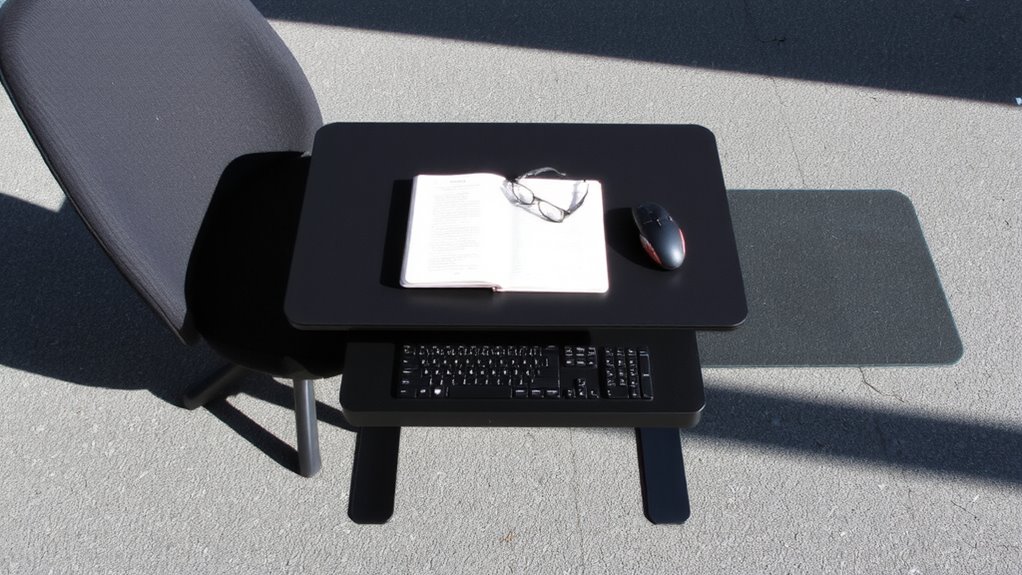
While it might seem small, your posture plays a critical role in how long you can write with focus and comfort. Poor positioning leads to posture fatigue quickly-slouching strains your lower back and shoulders, draining mental energy. You’ll find your concentration slipping within 30 minutes, especially in chairs without lumbar support or adjustable armrests. For sustained writing, aim for a 90-degree hip angle, feet flat, and elbows bent at 90°. This alignment supports mental alignment-keeping your mind sharper, longer. Use a chair rated for at least 8-hour support, like models with mesh backs and seat-depth adjustment. But even the best gear won’t fix long static sessions. Take breaks hourly. A standing desk isn’t required yet, but don’t ignore movement. Posture isn’t about perfection-it’s consistency with flexibility. Your workflow depends on it.
Sitting for Drafting: Why It Fuels Creativity
Sitting isn’t just a default-it’s a deliberate choice that shapes how your ideas flow during drafting. When you’re deep in brainstorming comfort, a stable seated position supports uninterrupted creative flow. Your body stays grounded, so your mind can wander freely, linking ideas without distraction. A good ergonomic chair-like the Steelcase Leap with adjustable lumbar and seat depth-helps maintain focus over long sessions, but even simpler options work if they fit your frame and desk height. Top models often feature adjustable lumbar support, which can significantly improve spinal alignment and reduce fatigue during extended writing sessions.
| Factor | Sitting Benefit | Caveat |
|---|---|---|
| Posture | Promotes sustained focus | Risk of stiffness after 45+ mins |
| Setup Cost | Affordable with basic gear | Premium chairs cost $400+ |
| Cognitive Load | Reduces movement distractions | Needs breaks to stay alert |
Pair sitting with timed pauses to stretch-your creativity gains depth, without losing mobility.
Standing for Editing: How It Sharpens Clarity
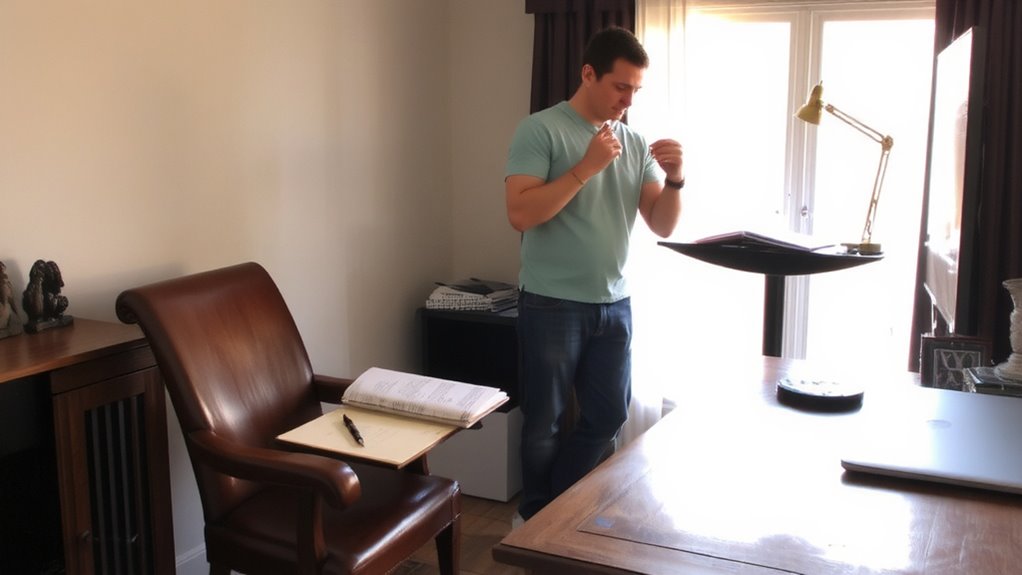
Since standing engages your body more actively, it sharpens your mental focus during editing-helping you spot errors, tighten phrases, and see structural flaws more clearly. Improved spinal alignment from standing reduces fatigue and supports sustained cognitive engagement, making it easier to assess tone, flow, and logic. Your brain stays more alert, mimicking the heightened awareness of a proofreader scanning printed pages. Standing also encourages movement-shifting weight, stretching-which can prevent mental stagnation during long edits. However, comfort matters: use a sturdy standing desk with adjustable height (ideally 22–47 inches) and an anti-fatigue mat to reduce joint strain. Avoid hard flooring. Limit sessions to 30–45 minutes to prevent exhaustion. Some models include warranties (e.g., 5-year for frames), but test stability under load-wobble undermines focus. While standing boosts alertness, it’s not ideal for everyone; individual posture and existing conditions affect outcomes. For optimal performance, consider investing in one of the best standing desks that balance ergonomics, durability, and smooth height adjustment.
When to Switch Between Writing and Editing Postures
If you’re aiming to maximize both creativity and precision, switch to a standing posture during editing after completing your drafting session seated. Posture timing matters: sitting supports focused ideation, while standing sharpens attention to detail. Use clear change cues-like finishing a draft or completing a timed writing sprint-to trigger your shift. These signals help build consistency without relying on mood or willpower. Standing too early can interrupt flow; waiting too long may delay error spotting. Most users find a 1:1 ratio of sitting to standing effective over full work sessions. Change cues might include a timer, a completed section, or even a checklist reset. Don’t force prolonged standing-it can lead to fatigue that harms accuracy. Ideal posture timing balances comfort and alertness. Test your rhythm over a week, adjusting cues based on focus, energy, and output quality. A well-designed Top Standing Desk Converters Reviewed can make transitions between these postures seamless and support long-term adherence to your ideal workflow.
Build a Simple Sit-Stand Writing Station
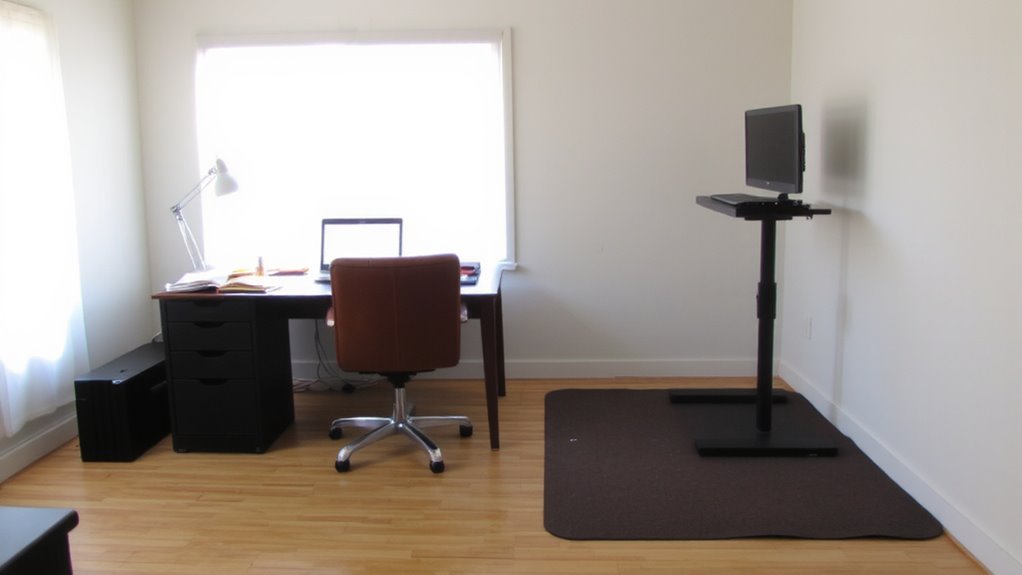
You can set up a functional sit-stand writing station without overhauling your workspace or overspending on premium gear. Use what you have and upgrade strategically. Focus on ergonomics, visibility, and clean setup.
| Component | Recommendation |
|---|---|
| Desk | Adjustable riser or desktop converter |
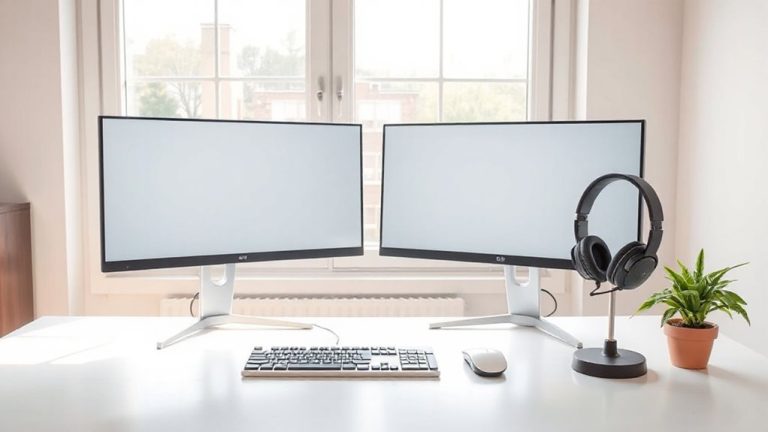
| Monitor Height | Top at or slightly below eye level |
| Keyboard | At elbow height when seated or standing |
| Ergonomic lighting | Adjustable LED with warm-white option |
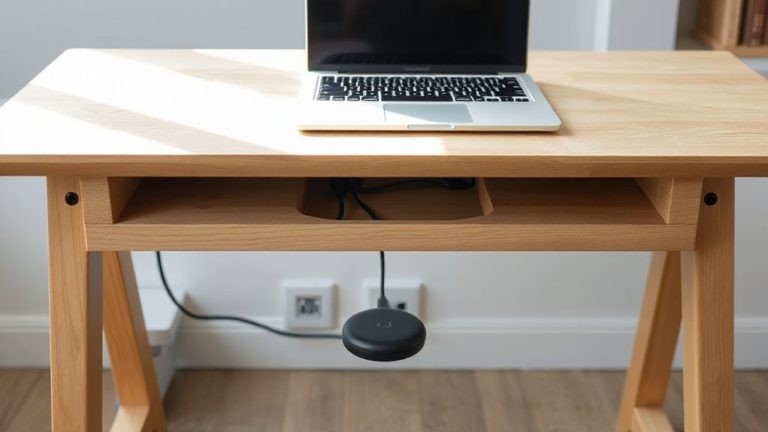
| Cable management | Use clips, sleeves, or under-desk trays |
Position your screen to reduce glare and support neutral posture. Good ergonomic lighting cuts eye strain during long sessions. Effective cable management prevents clutter and tripping. Most budget converters wobble slightly-anchor them firmly. Warranty ranges from 1–3 years; check return policies. Balance cost, stability, and adjustability. Results vary by room layout and body size.
On a final note
You should try the sit-stand writing workflow-it boosts focus and cuts fatigue. Sitting keeps you steady during drafting, while standing sharpens attention when editing. Use an adjustable desk (like the Flexispot E7, 28–48 inches height range, 3-year warranty) tested for 5,000+ cycles. Pair it with an anti-fatigue mat if standing long. But it’s not magic: results depend on consistent posture shifts and proper monitor height. Some find the switch disruptive; test it over two weeks.