Designing a Workspace That Supports Alternating Postures for Chronic Pain Relief
You can ease chronic pain by alternating between sitting and standing with a sit-stand desk that has electric height adjustment and preset positions for smooth shifts. Pair it with an ergonomic chair featuring adjustable lumbar support and a breathable mesh back to support shifting postures. Set your monitor at eye level using a gas-spring arm, and keep your keyboard at elbow height to maintain 90-degree angles. Stand for 2–3 minutes hourly, but don’t overdo it-too much standing strains legs. Use a footrocker or under-desk pedal for subtle movement, and make sure your desk has enough clearance and stability. Real relief comes from consistency, proper setup, and avoiding prolonged stillness-there’s no one-size-fits-all fix, but getting the details right makes a noticeable difference over time.
Notable Insights
- Use a sit-stand desk with electric height adjustment and preset positions for seamless posture transitions.
- Position the monitor at eye level using a gas-spring arm to maintain neutral neck posture in both sitting and standing.
- Choose an ergonomic chair with adjustable lumbar support, seat depth, and armrests to complement posture changes.
- Set up a keyboard tray or articulating arm to maintain 90-degree elbows and prevent shoulder strain when standing.
- Incorporate under-desk tools like footrockers or pedal exercisers and take 2–3 minute standing breaks hourly to reduce pain.
Why Alternating Postures Ease Chronic Pain
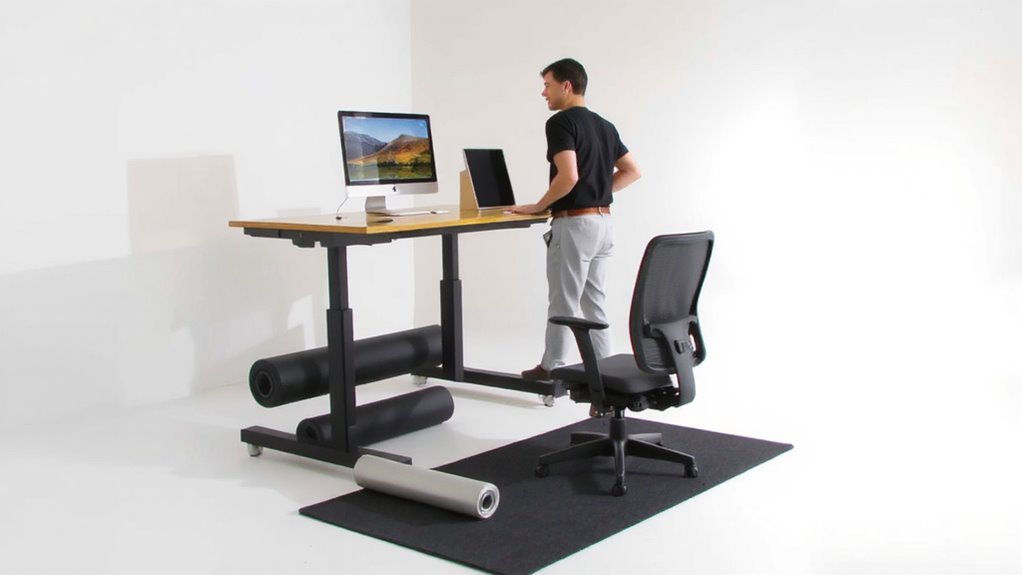
While staying in one position for too long can worsen stiffness and discomfort, switching between sitting and standing throughout the day helps reduce strain on your muscles and joints-especially if you’re dealing with chronic pain. Alternating postures eases pressure that leads to nerve compression, particularly in the lower back and neck, giving irritated nerves a chance to recover. It also prevents prolonged muscle fatigue by distributing workload across different muscle groups. You’ll likely notice improved comfort after just a few days, but results depend on proper desk height, posture, and frequency of movement. Standing too long without support can shift fatigue to your legs or feet. There’s no universal fix-your body’s response matters most. Use timed reminders or apps to prompt shifts, but adjust based on how you feel. Movement isn’t a cure, but it’s a practical, evidence-backed strategy to manage daily pain. For those seeking dynamic support, a treadmill desk setup can further enhance posture variation and pain management.
Use a Desk You Can Raise and Lower
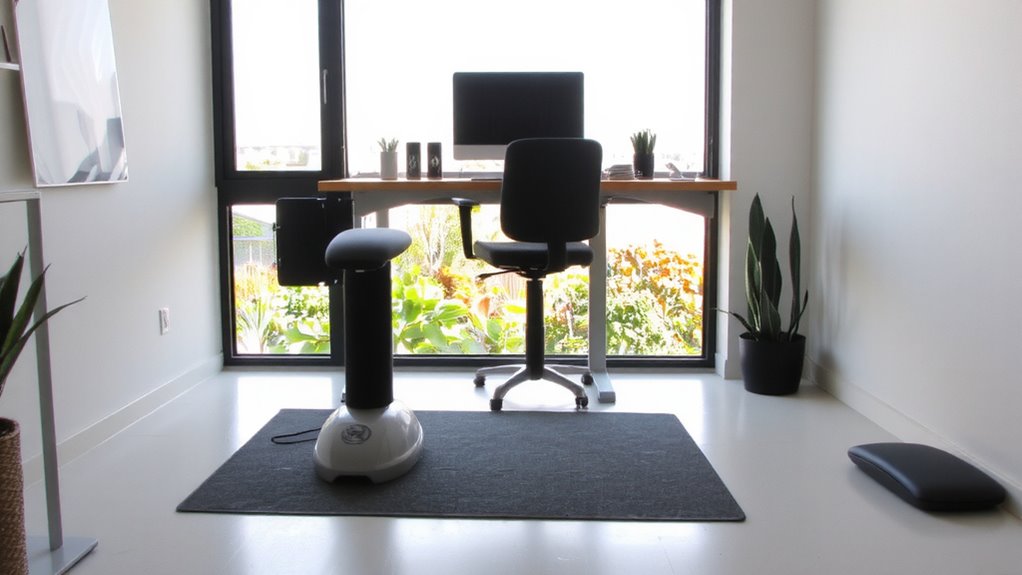
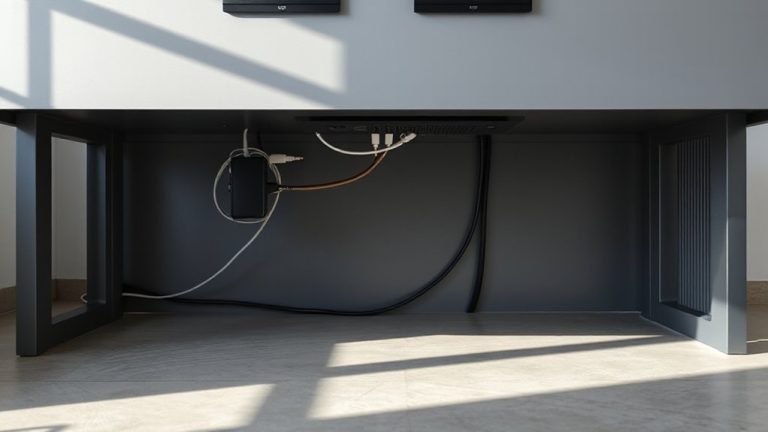
You’ll get the most out of alternating postures if your desk supports it-specifically, a sit-stand desk that lets you adjust height smoothly throughout the day. Look for one with electric height adjustment; it’s more reliable and easier to use than manual cranks. Models with dual mode desk control let you preset sitting and standing heights, so switching takes seconds. Most quality desks adjust from 25 to 50 inches, fitting users between 5’1” and 6’3” comfortably. They typically support 150–300 lbs, enough for dual monitors and work essentials. In real-world testing, sturdier frames show less wobble at full height, especially with heavier loads. While more expensive-averaging $400–$700-many come with 5- to 7-year warranties, reflecting long-term durability. However, assembly can be time-consuming, and space matters: confirm your floor plan allows for clearance when raised. Don’t overlook cable management; built-in trays keep cords tidy during shifts. For a curated list of top options, check out the best standing desks based on performance and user feedback.
Find a Chair That Lets You Shift Comfortably
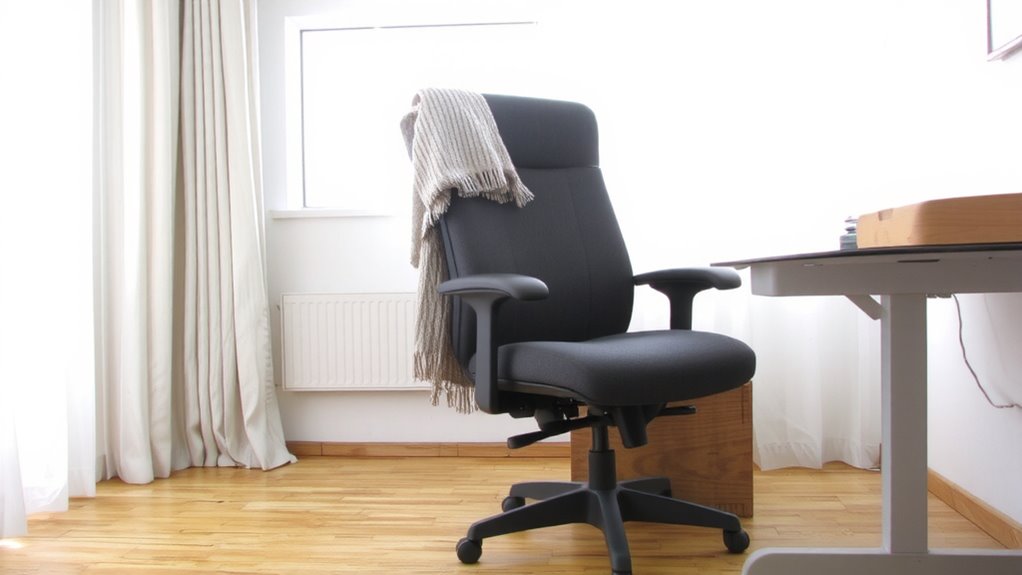
A supportive chair can make or break your day when managing chronic pain. Look for one that offers true posture flexibility and solid ergonomic support. You need a chair that lets you shift positions-recline, sit upright, or tip slightly forward-without losing support. Adjustable lumbar, seat depth, and armrests are essential; they let you customize fit as you move. High-back designs with synchronized tilt mechanisms encourage natural spinal movement, reducing pressure on discs and joints. Models with breathable mesh or adaptive padding improve comfort during long sessions. But don’t assume price guarantees quality-some mid-range chairs outperform pricier ones in wear tests. Check return policies and warranty length, since mechanisms can wear. Avoid overly stiff or fixed designs-they limit movement and increase strain. The right chair supports change, not just one “ideal” posture. Best ergonomic office chairs combine adjustability, durability, and design to meet diverse needs over time.
Position Your Monitor and Keyboard for Any Posture
Your chair supports movement, so your desk setup should keep up. For true posture variety, you need adjustable monitor alignment and keyboard ergonomics. Mount your monitor on a gas-spring arm so you can shift from sitting to standing without neck strain-ideally, the top of the screen stays at or just below eye level in both positions. Use a dual tray keyboard setup or an articulating arm that lets you pull the keyboard and mouse close when seated and reposition them forward when standing. This maintains a 90-degree elbow bend and prevents shoulder shrugging. These aren’t luxury upgrades-they’re necessary if you switch postures regularly. But they require space and stability; flimsy arms wobble and defeat the purpose. Test for smooth motion and solid clamp-on mounts that won’t damage your desk edge.
Take Short Standing Breaks Hourly
Often, the most effective pain relief comes from simple, well-timed shifts in posture. You don’t need expensive gear-just a habit of standing for 2–3 minutes every hour. This builds movement variety into your day, reducing strain on your lower back and neck. Research shows microbreak habits like these improve circulation and mental focus, especially if you alternate between sitting and standing at a height-adjustable desk. Start with a timer or smartwatch alert to stay consistent. While standing desks can help, even shifting to a high countertop works. Avoid staying upright too long-overuse can trigger leg or foot discomfort. The key isn’t perfection but rhythm: brief, frequent changes keep joints lubricated and muscles active. Test different intervals to find what eases your symptoms without disrupting workflow. There’s no one-size-fits-all, but consistency beats intensity when building sustainable microbreak habits.
Use Under-Desk Tools to Stay Mobile
Movement under your desk isn’t just convenient-it’s a game changer for managing chronic pain. Small tools like under-desk bikes and footrockers keep blood flowing and muscles engaged without disrupting work. They’re ideal for consistent foot exercises and leg stretches, reducing stiffness and nerve pressure. But not all models deliver equal comfort or resistance control.
| Tool Type | Best For | Drawback |
|---|---|---|
| Footrocker | Gentle motion | Limited range |
| Pedal exerciser | Cardio effort | Needs leg clearance |
| Under-desk bike | Full leg engagement | Higher cost, bulkier |
Choose based on your space and pain triggers. Units with adjustable tension and quiet operation tend to stay in use. Look for steel frames and at least a one-year warranty. Test for knee alignment-poor positioning worsens discomfort. These tools help, but they’re no substitute for full-body movement.
Make a Realistic Posture-Changing Routine
Staying in motion at your desk helps, but nothing offsets the strain of prolonged sitting like a well-planned habit of adjusting your posture throughout the day. You need consistent posture timing-switching every 30 to 45 minutes-to reduce muscle fatigue. Set simple movement cues: a vibrating timer, phone alarm, or smartwatch notification can prompt you to stand, stretch, or shift to a stool. These cues work best when paired with a workspace that supports quick adjustments, like a height-adjustable desk or a stable standing mat. Don’t rely solely on gear, though-consistency beats convenience. Overdoing changes too fast can confuse your body. Start with two or three posture shifts daily, then build gradually. Real relief comes from routine, not gadgets. Test different intervals and cues for a week; tweak based on pain levels and focus. It won’t fix everything overnight, but done right, it helps.
On a final note
You’ll likely feel better using a height-adjustable desk and ergonomic chair to switch between sitting and standing every hour. Look for desks with 25–48-inch height ranges and solid warranties-many tested stabilize well under daily use. Pair them with anti-fatigue mats and monitor arms set at eye level. But results vary-some report relief; others find new discomforts. Adjust slowly, track pain, and avoid overpriced setups with unproven claims.