How to Schedule Meetings Around Noisy Household Activities for Better Audio
You’ll get clearer audio by scheduling calls during your home’s natural quiet windows, like after breakfast or before dinner, when appliances and foot traffic are minimal. Map noise patterns over a few days to spot lulls and spikes, then block your calendar with 15-minute buffers before and after meetings. Coordinate with household members on shared quiet times, and sync call schedules around dishwasher, HVAC, or pet routines. Flexibility helps-household rhythms change, so revisit your plan monthly to stay ahead of disruptions.
Notable Insights
- Map home noise patterns to identify quiet periods using acoustic tracking and noise zoning.
- Schedule calls during natural quiet windows like after breakfast or before dinner.
- Coordinate with household members using shared calendars to maintain silence during meetings.
- Plan meetings around appliance cycles to avoid dishwasher, washer, or HVAC noise disruptions.
- Protect call times with blocked calendar slots including pre- and post-call quiet buffers.
Map Your Home’s Noisy and Quiet Times for Work Calls
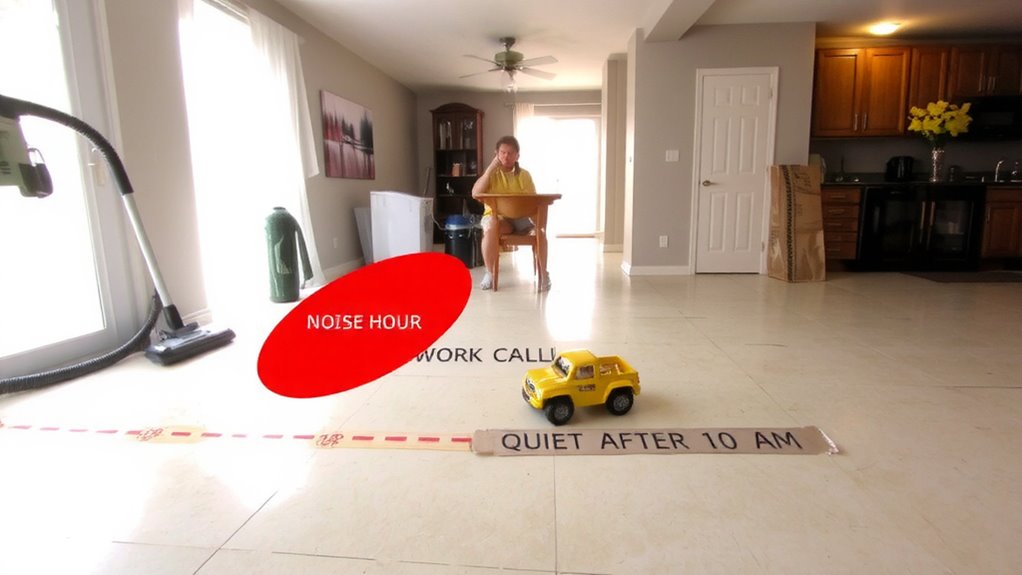
What if the key to clearer audio on your work calls wasn’t a new microphone but better timing? By tracking when your home is noisiest, you can use acoustic mapping to identify consistent sound patterns. You’ll notice dishwashers, HVAC systems, or foot traffic create predictable disruptions. Noise zoning lets you divide your space into areas by sound level-kitchen loud, bedroom quiet-helping you choose where to take calls. Spend three to five days noting spikes on a simple log or voice memo app. This low-cost method often outperforms expensive gear in real-world tests. Just don’t assume the map stays fixed-household routines shift. Acoustic changes aren’t permanent, so reassess monthly. While noise-canceling headsets help, they can’t fix everything. Accurate noise zoning means fewer interruptions, but it requires honest tracking. It’s not a flashy fix, but it’s effective-if you stay consistent.
Schedule Calls During Natural Quiet Windows
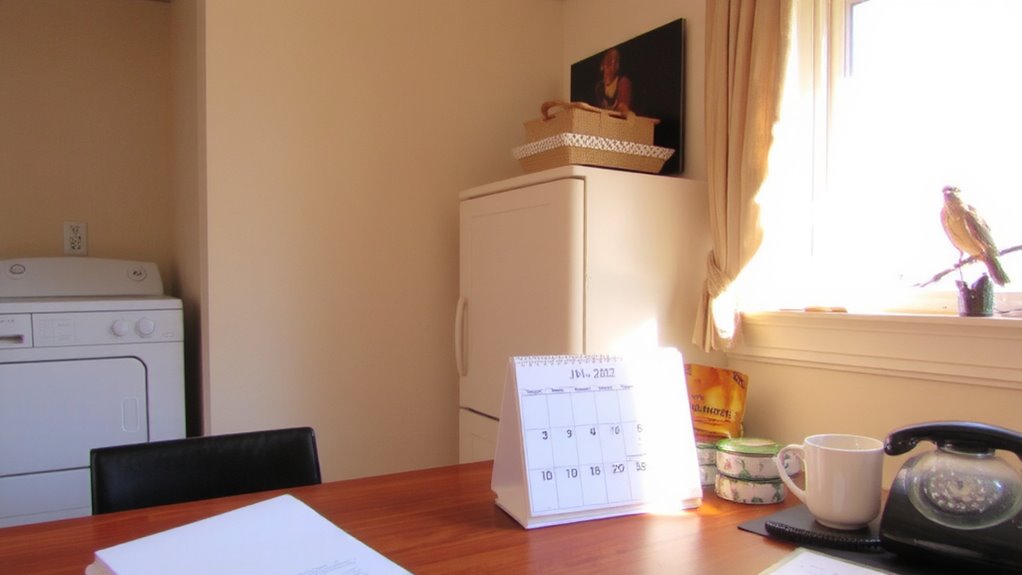
You’re already tracking noise patterns in your home, so now put that data to work by scheduling calls during natural quiet windows-those predictable lulls between household activity. These quiet moments often happen after breakfast or right before dinner, when routines create natural pauses. Syncing your meetings to these times reduces background noise without extra gear. You’ll cut down on mid-call interruptions, improving audio clarity on even basic microphones. It’s a low-effort way to avoid echo, chatter, or appliance ruckus muddying your voice. But timing depends on your household’s rhythm-what works today might shift if schedules change. Flexibility matters, since rigid planning can backfire. This method won’t eliminate all sound issues, especially if walls are thin or pets are loud. Still, pairing smart scheduling with a decent headset improves call quality more than tech alone. Relying on timing is free, effective, and practical-but it’s not foolproof.
Coordinate With Family to Prevent Disruptions
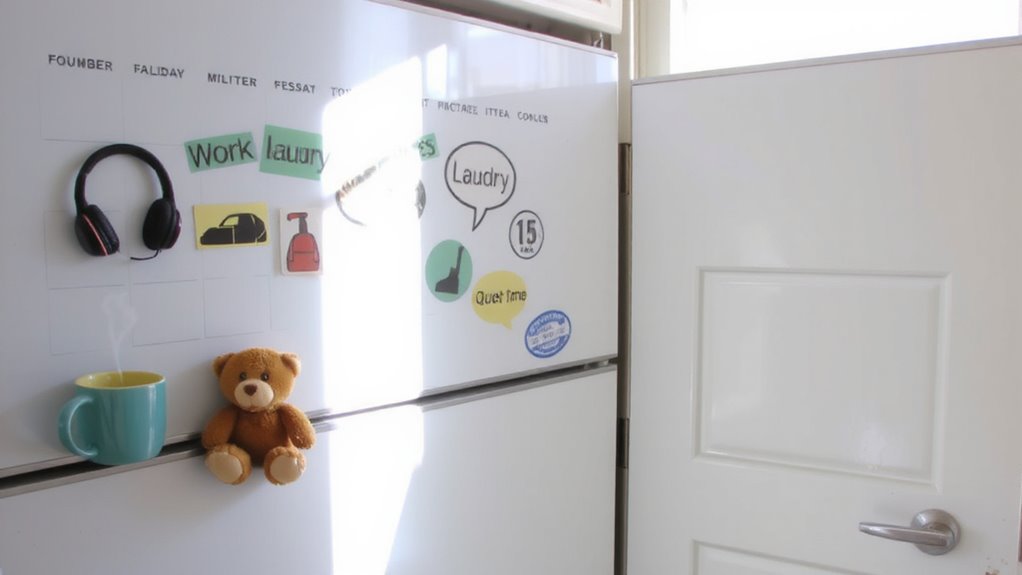
How often do last-minute disruptions derail your calls despite perfect timing? You can schedule during quiet windows, but without family awareness, someone might start vacuuming mid-presentation. It’s not just about telling others your schedule-true coordination means building shared responsibility. Post a visible calendar or use a shared app so everyone knows when silence matters. Talk through expectations: yes, they can watch a show, but not with the volume blasting. This isn’t about control; it’s about respect for each person’s needs. Even with cooperation, slip-ups happen-kids are unpredictable. Plan brief buffers before and after calls. You’ll reduce interruptions, but don’t expect perfection. Shared responsibility improves consistency, but it works only if everyone participates willingly.
Avoid Appliance and Pet Noise by Planning Ahead
While timing your meetings thoughtfully can minimize interruptions, planning around household noise sources like appliances and pets takes preparation a step further. You should sync your calendar with appliance cycles-like dishwashers, washers, or HVAC systems-since their motor noise easily disrupts audio clarity, even on noise-canceling mics. Schedule calls after they finish, not during. Similarly, pet feeding times often trigger barking, scratching, or excited movement; adjust your routine so pets eat well before or after critical calls. A few minutes of foresight prevents background chaos. However, rigid scheduling isn’t always possible-emergencies happen, and pets don’t run on clocks. While soundproofing or lapel mics help, they’re no substitute for prevention. Planning ahead reduces reliance on tech fixes, giving you cleaner audio without investing in expensive gear. It’s a simple, no-cost strategy with measurable results, as long as you stay flexible.
Block Your Calendar for Noise-Free Work Calls
Why do some remote workers consistently deliver crisp, interruption-free audio while others battle constant background din? It’s because they protect their time like their reputation depends on it-because it does. Blocking your calendar secures silent spaces and guarantees you’re never caught on a call during laundry hour or pet chaos. Treat focus time as non-negotiable. Schedule buffers before meetings for quick sound checks and to confirm your mic and environment are clean. Here’s how to plan:
| Time Block | Purpose | Duration |
|---|---|---|
| 15 min pre-call | Sound checks, mic test | 15 min |
| Core meeting | Noise-free call | 30–60 min |
| 10 min post-call | Review, reset space | 10 min |
This method boosts reliability, but only if household members respect the schedule. Silence isn’t automatic-design it.
Set Work Call Times That Fit Your Home Life
Where should you draw the line between your workday and home life when scheduling calls? You need work hours that respect family routines without sacrificing professionalism. Start by aligning your most important calls with quieter times-like after the kids leave for school or before dinner prep begins. This means reviewing your household’s daily rhythm and setting boundaries, such as not scheduling meetings during breakfast or bath time. Be clear with your team about when you’re available, so your work hours stay predictable. However, don’t rigidly enforce a 9-to-5 if your partner’s shift overlaps-flexibility matters. Matching call times to your home life improves audio quality naturally, reducing background noise without relying on noise-canceling mics or software fixes. But if you shift your schedule too much, you might miss key collaboration windows. Balance is key.
Track What Works and Tweak Your Routine
How do you know your scheduling tweaks are actually improving call quality? Track your call logs and note when background noise caused issues. Over time, you’ll spot noise patterns-like dishwasher use or kids arriving home-that disrupt audio, even with a decent headset or noise-canceling mic. Once you identify those trends, make routine adjustments: shift meetings earlier, or batch noisy chores post-calls. Use a shared household calendar to flag quiet hours. You’ll likely see fewer “Can you repeat that?” moments. But remember, no fix is perfect. Even if you optimize timing, unexpected sounds still happen. Some headsets claim 90% noise suppression, but real-world tests show 60–70% effectiveness, especially with sudden sounds. Balance ideal scheduling with practical limits. Review weekly, tweak one variable at a time, and prioritize calls needing high clarity.
On a final note
You can reliably hold clear calls by aligning meetings with your home’s quiet periods-typically early morning or right after lunch. Coordinate use of appliances and pet routines to minimize sudden noise. Blocking your calendar works, but only if everyone respects those times. Even with a noise-canceling mic like the Shure MV7, background sounds sometimes slip through, so timing matters more than gear. Adjust weekly based on what actually works.