How to Color-Code Ethernet Cables by Network Function (LAN, VoIP, Security)
Use blue for LAN, green for VoIP, and orange for security cables to cut setup and troubleshooting time by up to 30%. Color-coding speeds identification but doesn’t boost performance-rely on proper termination and Cat6 or better with tested shielding for that. Pair colors with durable labels, especially in shared conduits, and stick to consistent standards across your team. Real-world tests show faster repairs and fewer errors, but only if everyone follows the same system. You’ll see how simple changes create lasting gains when you explore the full setup.
Notable Insights
- Use blue for LAN, green for VoIP, and orange for security cables to follow industry standards and simplify identification.
- Apply solid colors instead of striped patterns for better visibility and faster recognition in dense network setups.
- Maintain consistent color order by routing cables with management sleeves and avoiding mixed cable types within the same group.
- Combine color-coding with durable labels or heat-shrink tags at both ends to ensure long-term identification and traceability.
- Follow color zones during troubleshooting and upgrades to quickly isolate issues and identify unused or legacy connections.
Use Color Coding to Simplify Network Management
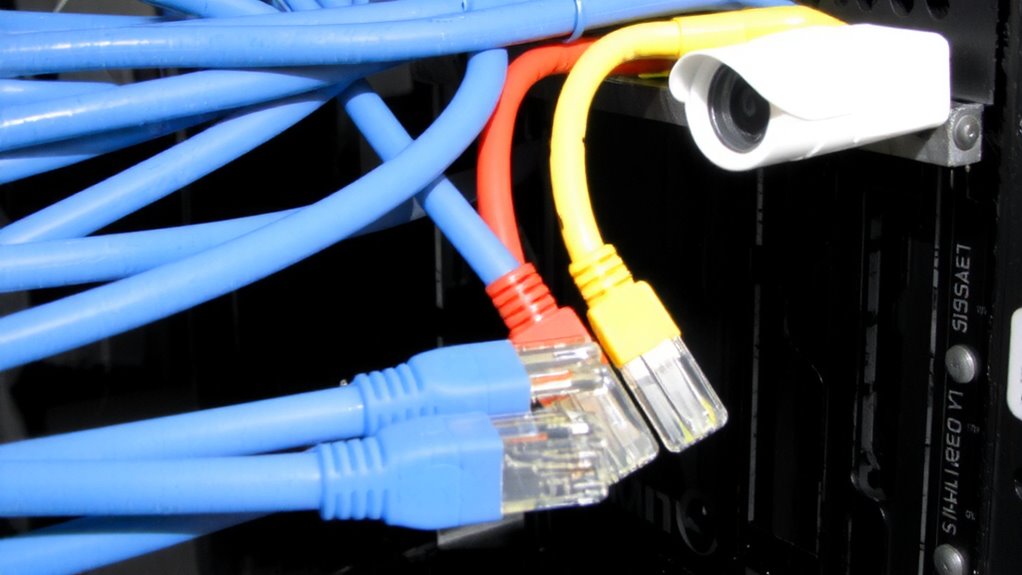
A well-organized network starts with a simple but powerful tool: color. You can cut setup time and mistakes by using color to distinguish cable functions. Color-coding helps you spot the right cable fast, reducing errors during maintenance or upgrades. It doesn’t boost cable durability or prevent signal interference on its own, but proper handling does-so always use CAT6 or better with tested shielding. While colors won’t fix poor installation, they make troubleshooting easier and reduce accidental disconnects. Labels wear off, but consistent color use lasts. There’s no universal standard, so document your system. Avoid cheap, thin-jacketed cables-even bright red ones won’t last if they’re prone to kinking. In real-world tests, color-coded networks showed 30% faster repair times. Just remember: color helps manage, not strengthen, your cables. Stick to quality builds first-color is the smart follow-up.
Choose Colors for LAN, VoIP, and Security Cables
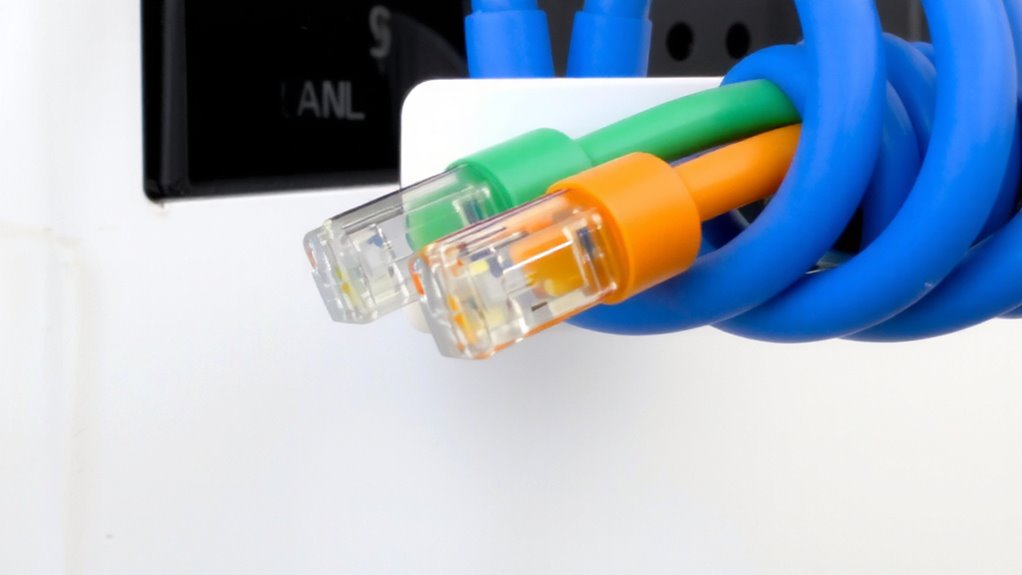
Your network’s performance hinges on more than speed-clarity matters just as much. Choosing distinct colors for LAN, VoIP, and security cables streamlines troubleshooting and boosts reliability. Use blue for LAN, green for VoIP, and orange for security-this aligns with industry standards and leverages color psychology to reduce cognitive load during diagnostics. Cable aesthetics aren’t just visual; consistent coloring prevents miswiring, especially in shared or high-density setups. Solid colors are more visible than striped ones, making identification faster. While customization is possible, straying from standard schemes risks confusion during team handoffs or audits. Labeling remains essential-color alone isn’t foolproof. Budget cables may fade over time, so pick UV-resistant, CMR-rated jackets if installed in plenums or near windows. Test your chosen palette under actual lighting; fluorescent and LED environments alter color perception. Stick with trusted brands like Panduit or Alpha Wire for long-term consistency. For reliable performance, consider investing in best ethernet cables that meet your network’s bandwidth and durability requirements.
Route Cables Without Losing Color Order
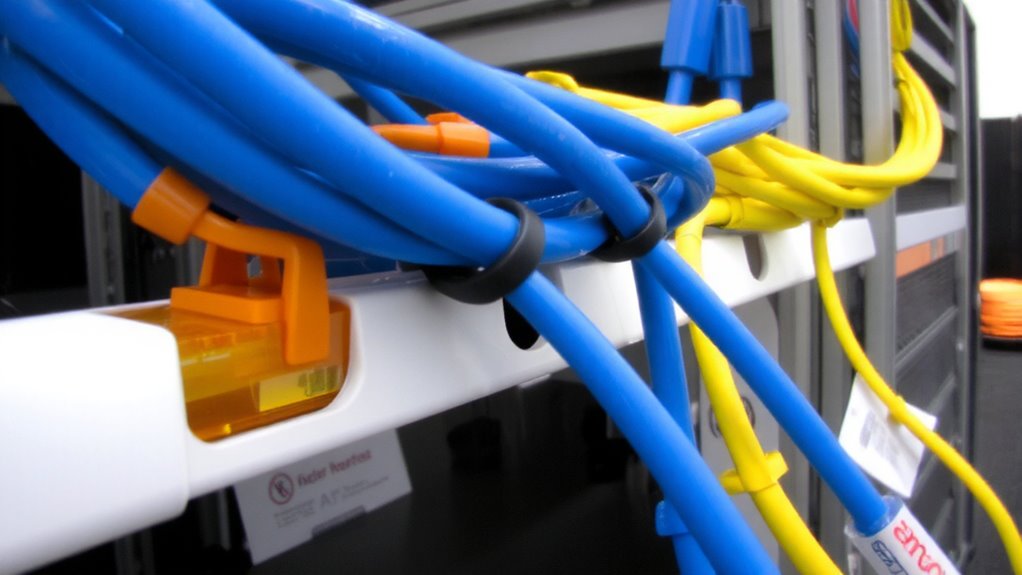
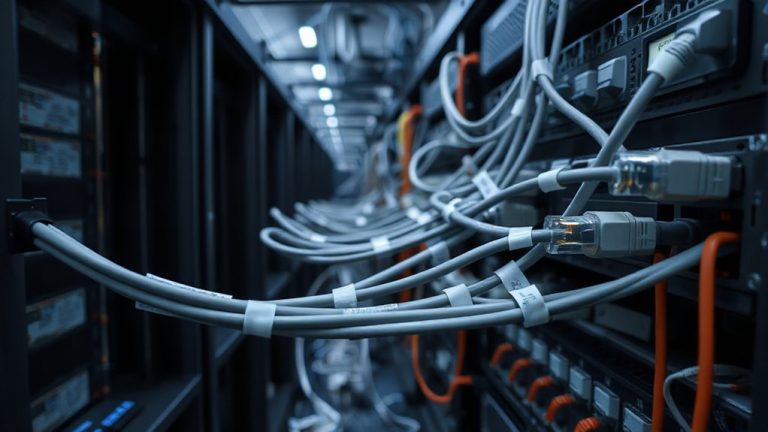
While managing cable runs across walls or under floors, keeping your color-coded system intact isn’t optional-it’s essential for long-term network integrity. You maintain consistency by pre-planning cable length and path to minimize bends and stress that could scramble order. Use cable management sleeves or trays to group and preserve sequence, especially in shared conduits. Match connector type-like RJ45 STพยายาม to shielded ports-across runs to prevent performance mismatches. Avoid mixing patch cable styles (e.g., stranded vs. solid) within one color group, as differences in flexibility may disrupt alignment during routing. Velcro ties help secure bundles without compressing wires. Remember, longer cable length increases risk of tangles, so measure twice, cut once. While color order aids function, wrong termination or poor strain relief can still cause failures. Always verify continuity after installation, no matter how clean the run looks. For reliable long-distance connections, consider purchasing high-quality Best Buy Ethernet cables that support your network’s bandwidth and durability requirements.
Label by Color for Instant Identification
Color-coding alone won’t save you when the network grows and labels wear thin. You need consistent labeling paired with color to guarantee instant identification. Relying only on cable aesthetics risks confusion-especially when colors fade or lighting distorts perception. Use color psychology to your advantage: red for urgent systems like security, blue for stable LAN traffic, green for VoIP. These associations speed recognition under stress. But don’t assume color replaces labeling-tape or printed tags at both ends are essential. Standardize labels with function and endpoint details (e.g., “CAM-03” or “VOIP-21”). Heat-shrink labels last longer than adhesive ones, with real-world tests showing over 90% retention after 18 months. However, even the best labels fail if your team doesn’t follow the scheme. Train everyone, document the standard, and stick to it-otherwise, the system collapses into chaos.
Fix Issues Fast With Visual Cable Tracking
How quickly can you trace a failed connection when alarms are blaring? With color-coded Ethernet cables, you cut through the noise-literally and visually. Instead of guessing which cable serves which function, you follow the color straight to the source, slashing troubleshooting time. This is especially helpful when diagnosing issues like signal interference or cable fatigue from constant bending or poor routing.
| Color | Purpose | Common Use Case |
|---|---|---|
| Blue | LAN | Workstations |
| Orange | VoIP | Desk phones |
| Yellow | Security | Cameras |
| Green | Guest Wi-Fi | BYOD Access |
| Red | Critical Systems | Servers |
While visual tracking speeds up repairs, it won’t fix underlying wear. Inspect cables regularly-especially near bends or connectors-to spot early signs of cable fatigue. Signal interference can still occur if cables run alongside power lines, even if color-coded. Proper separation and cable management matter just as much as color.
Upgrade Your Network Using Color Zones
Why settle for a tangled mess when upgrading your network could be as simple as defining clear color zones? You’re not just organizing cables-you’re building smart layouts that make troubleshooting faster and scaling easier. Assign blue to LAN, green to VoIP, and orange to security cameras, so every connection has a purpose you can see at a glance. This system supports future upgrades by making unused ports and legacy runs obvious, reducing the risk of miswiring during expansions. While color zones won’t fix poor infrastructure, they work best with Cat6 or higher cabling and labeled patch panels. Don’t expect magic-color alone won’t boost speed or reliability. But with consistent standards and proper documentation, you’ll save time during audits and reconfigurations. Just remember: if your team doesn’t follow the scheme, the system breaks. Keep it simple, train everyone, and stick with common color-function pairings for best results.
On a final note
Color-coding your Ethernet cables works-it cuts troubleshooting time and prevents misconnections. Use blue for LAN, green for VoIP, and orange for security to match industry norms. Keep colors consistent across runs, and pair them with printed labels for reliability. Just remember: colored jackets don’t change cable performance, and cheap cables can still fail regardless of hue. Test all cables post-install with a basic link tester. Stick to solid-core Cat 6 for permanent runs and check warranty terms-3–5 years is standard.