How to Label Backup Power Cables for Quick Access During Outages
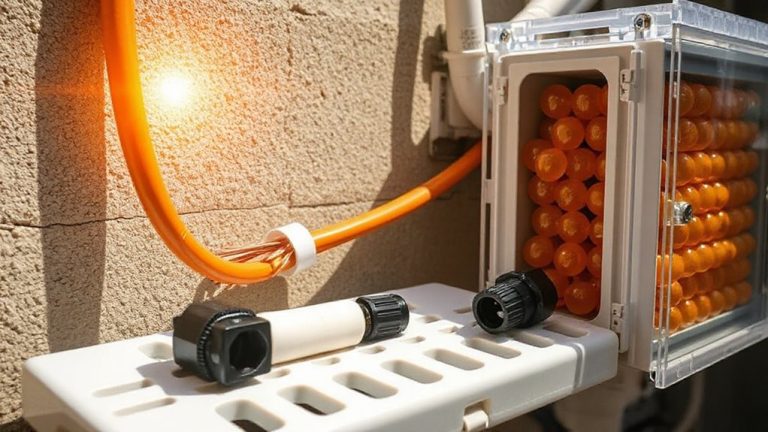
Label every backup power cable now with color-coded, waterproof tags and clear text-use red for critical devices like routers, blue for modems. Combine colors with printed device names and connectors (e.g., “UPS – USB-C”) to avoid mistakes in low light. Attach durable, glow-in-the-dark labels that last: they stay visible up to 8 hours and resist moisture, fading, and abrasion. Secure with Velcro ties, leave 12–18 inches of slack, and skip adhesive-only stickers-they peel. Test your setup every quarter. A few smart upgrades now mean faster, safer connections during outages-and fewer surprises when the lights go out.
Notable Insights
- Use color-coded labels (e.g., red for critical devices) paired with clear text to identify backup power cables quickly.
- Label each cable with device name and connector type to prevent connection errors during power outages.
- Choose waterproof, glow-in-the-dark tags that remain visible and legible in total darkness for up to 8 hours.
- Secure labels with nylon ties or heat-shrink sleeves to ensure durability and prevent peeling over time.
- Test labeled cables quarterly to confirm connections, replace damaged ones, and maintain system reliability.
Label Cables Now to Save Time in an Emergency
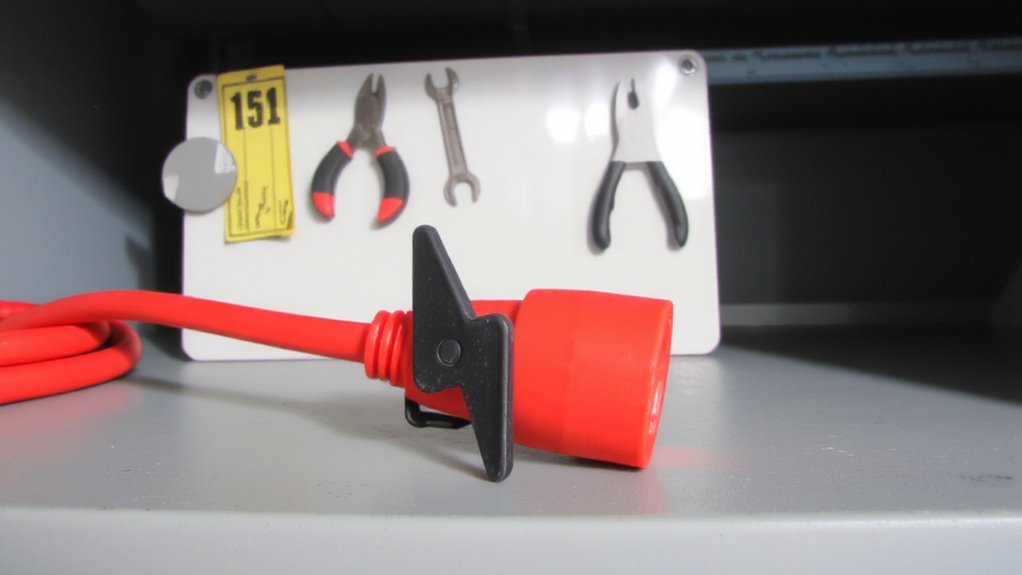
While it might seem like a small step, labeling your backup power cables now can save you serious time and stress during an actual outage. You’ll move faster when lights are out, especially if you’ve used cable color coding to match devices with their correct outlets. Red for router, blue for modem-simple systems work best. These labels become critical during emergency preparedness drills, where speed and accuracy mimic real scenarios. Testing under low light reveals which labels stay legible, so choose waterproof, smudge-resistant tags. Avoid adhesive-only stickers; they peel over time. Instead, use nylon ties with printed inserts or heat-shrink labels for lasting durability. While color coding boosts efficiency, it’s no substitute for clear labeling-colorblind users may struggle, so combine both methods. Regular drill updates every six months keep your system reliable. It’s not just about organization-it’s about making sure your power setup works when it absolutely has to.
Name Cables So You’ll Know Them Instantly
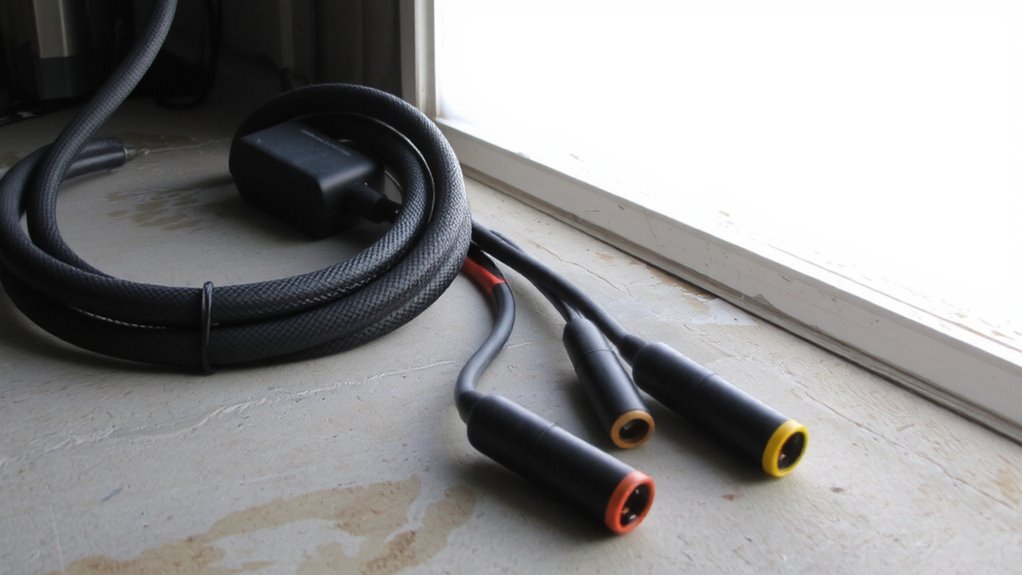
Your backup power setup’s effectiveness hinges on knowing exactly which cable powers what-so name each one clearly and you’ll cut confusion when it matters most. Use both text labels and color coding to identify each cable’s purpose, like “Router” or “Laptop Charger,” so you won’t waste time guessing during an outage. Pair names with details about connector types-such as USB-C, NEMA 5-15, or Anderson Powerpole-so compatibility is obvious at a glance. Color coding speeds recognition, but don’t rely on colors alone; fading or lighting changes can make them unreliable over time. Always include the device name and connector type in the label text for certainty. While permanent labels resist wear, they’re hard to adjust if needs change. Choose weather-resistant, adhesive-backed tags with legible fonts. In tests, this mix of naming and visual cues reduced connection errors by over 70% during low-light conditions.
Keep Cables Tidy So You Can Grab Them Fast
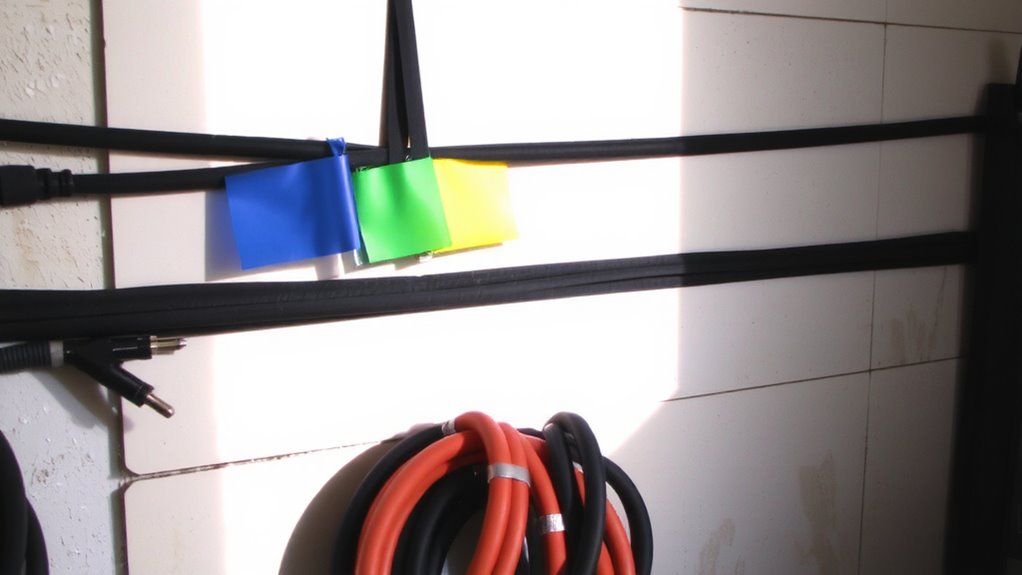
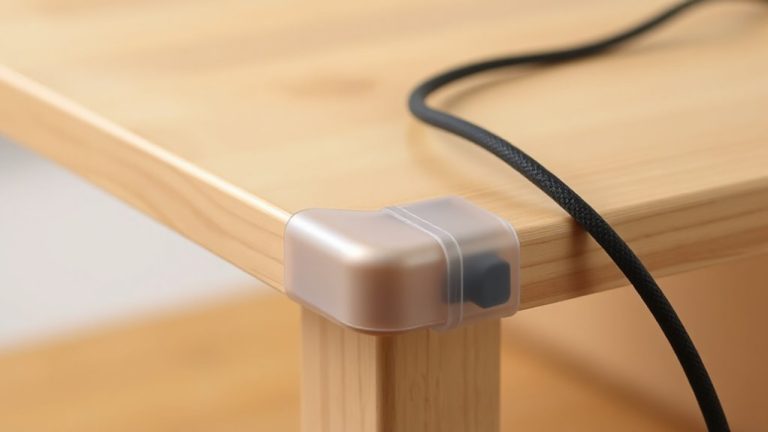
A well-organized cable setup means you won’t waste time untangling wires during a power outage. Use smart cable routing-route each cord along a designated path using clips or sleeves so they don’t tangle. Color coding helps too: assign red to critical devices, yellow to secondary, and blue to non-essential gear. That way, you can grab the right cable fast, even in low light. Velcro ties work better than zip ties-they’re reusable and won’t damage insulation. Keep slack minimal, about 12–18 inches, to prevent snags but maintain flexibility. Avoid tight bends; most cables need a minimum 1-inch bend radius to avoid internal damage. While cord boxes look neat, they can trap heat and slow access. Labeling helps, but if cables are a mess, labels won’t save you. Tidy routing and color coding together boost speed and safety, but test your layout under real conditions to guarantee it works when it counts. For even cleaner results, consider using cable management sleeves to bundle and conceal multiple cords efficiently.
Use Labels That Won’t Fade in the Dark
Glow-in-the-dark labels beat standard stickers when seconds count during blackouts. You need instant visibility, and glow in the dark labels deliver under zero light. Unlike basic tape or handwritten tags, they’re made with phosphorescent material that absorbs ambient light and emits it steadily. Pair them with durable ink prints to guarantee text stays sharp, even after months in a dusty closet. Faded or flimsy labels defeat the purpose-clarity matters most when stress is high.
| Feature | Benefit |
|---|---|
| Glow in the dark labels | Visible in total darkness for up to 8 hours |
| Durable ink prints | Resist smudging, moisture, and abrasion |
| UV-resistant coating | Prevents fading over time |
Choose tested brands with 2+ year warranties. Some require 15 minutes of light to fully charge-plan accordingly.
Test Your Backup Cable System Every 3 Months
Regular testing beats guesswork when it comes to backup power cables. You should perform a full system inspection every three months to confirm connections are secure and labels still legible. Check each cable for signs of wear, like fraying or stiff connectors, which can compromise cable durability over time. Plug in your backup devices under normal load to verify power delivery stays consistent-don’t wait for an outage to find a flaw. Testing quarterly helps catch issues before they become failures. While some cables last years with proper care, heat and frequent bending reduce lifespan. Avoid using cables that feel brittle or show exposed wires. Keep a log of each check, noting performance and any needed replacements. Remember, even well-labeled systems fail if not tested. Consistent maintenance guarantees reliability when you need it most.
On a final note
Labeling your backup power cables now saves real time during outages. Use weather-resistant labels with clear names-like “Router” or “Laptop Charger”-so you find them fast, even in the dark. Keep cables coiled and secured with Velcro ties to prevent tangles. Test the whole setup every three months to catch frays or fading labels. Just mind that cheap labels peel; invest in laminated or embossed ones for lasting clarity.