How to Manage Dominant Speakers in Virtual Team Meetings
You can manage dominant speakers by setting clear ground rules early, like 1–2 minute turns and using hand raises or chat for equal airtime. Watch for cues like frequent interruptions or rising volume, then pause and politely redirect with focused questions. Keep tone firm but kind to maintain trust. Results depend on team culture, so stay flexible-adjust tactics quietly to see what sticks.
Notable Insights
- Watch for dominant speakers by noting aggressive body language, frequent interruptions, and prolonged speaking turns on camera.
- Pause and politely interrupt over-talkers using calm, timely interjections to regain balance in conversation flow.
- Set clear ground rules at the start, like 1–2 minute speaking limits, to promote equitable participation.
- Use hand raise features and chat boxes to allow quieter members to contribute without verbal competition.
- Redirect focus with specific questions to underrepresented members, creating inclusive entry points into the discussion.
Spot Dominant Speakers Early
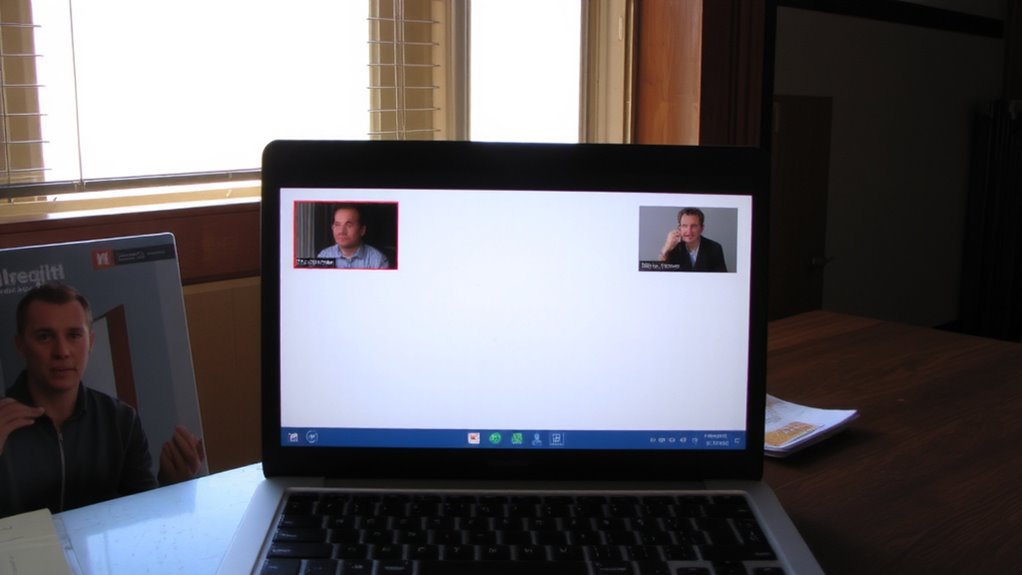
How do you know when someone’s dominating the conversation before it derails your meeting? You watch for body language cues and tone shifts. If one person is constantly on camera leaning forward, hands gesturing sharply, or their voice rises whenever others try to speak, that’s a red flag. Tone shifts-like sudden intensity or impatience-signal control, not collaboration. In virtual meetings, dominant speakers often monopolize airtime, leaving little room for balanced input. You’ll notice recurring patterns: they interrupt, reframe others’ points, or speak longer than necessary. Spotting this early helps maintain fairness. But be cautious-some enthusiasm is good. Not every strong opinion is dominance. Assess context, cultural styles, and meeting goals. Use video playback or peer feedback to confirm suspicions. Rely on observation, not assumptions. Quick recognition gives you time to respond-without overreacting to someone who’s just engaged.
Pause and Politely Interrupt Over-Talkers

Once you’ve identified a dominant speaker, the next step is to regain balance by pausing and politely interrupting without shutting them down. Use active listening to acknowledge their points, then apply respectful nudging to shift focus. A well-timed pause followed by a calm interjection keeps things flowing without tension.
| Emotion | Before Intervention | After Intervention |
|---|---|---|
| Frustration | High | Reduced |
| Engagement | Low for others | Balanced |
| Inclusion | Uneven | Improved |
This approach fosters fairness and encourages quieter voices. Respectful nudging isn’t about control-it’s about care for team dynamics. You don’t need special tools or office gear; just clarity and consistency. Virtual meetings thrive on emotional awareness, not software. Be firm but kind. Results vary by group culture, so test and adapt.
Set Ground Rules Before Meetings Start

While enthusiasm can drive productive discussions, setting clear ground rules before your virtual meeting begins guarantees that energy is channeled effectively and equitably across all participants. You should establish time limits for each speaker so no one dominates the conversation-aim for 1–2 minutes per point to keep things moving. Use speaking cues like saying “I’d like to hear from someone who hasn’t spoken yet” to encourage balance. These cues help quieter team members recognize when it’s appropriate to jump in. Make sure everyone knows the rules at the start so expectations are shared. While this won’t eliminate all imbalances, it reduces friction and increases fairness. Be clear that rules aren’t about restricting input, but about valuing all voices. Some might resist at first, but consistent application builds better meeting habits over time.
Use Hand Raises and Chat to Share Airtime
Establishing ground rules sets the stage, but putting tools like hand raises and chat into practice keeps airtime balanced in real time. You can use non verbal cues like the raised hand icon so quieter members signal they want to speak without interrupting. This gives everyone a fair shot, especially in larger groups where speaking over someone feels unavoidable. The chat box also supports silent participation-team members can share ideas without needing to un-mute, which helps those hesitant to speak up. While hand raises rely on platform features (like Zoom or Teams), make sure everyone knows how to use them. Some people may overlook alerts, so a quick verbal reminder helps. Chat works well for quick input, but long messages can distract. It’s not perfect, but used consistently, these tools spread engagement and keep dominant voices from taking over.
Ask Focused Questions to Shift Focus
How do you keep one or two voices from dominating the conversation? You redirect energy with focused questions. Instead of broad open questions that let dominant speakers run long, use targeted prompts that invite specific, concise input. For example, ask, “Maria, what’s one improvement you’d make to the client timeline?” rather than, “Thoughts on the timeline?” This narrows the entry point and gives quieter members space to respond. Targeted prompts also reduce repetition and keep meetings on track. While they boost inclusion, overusing them can feel rigid-balance is key. Open questions still matter for brainstorming, but in fast-moving virtual settings, precision often works better. You maintain control without silencing enthusiasm. It’s not about cutting people off-it’s about shaping dialogue smartly. With practice, this approach becomes natural, making meetings more efficient and participatory for everyone on the call.
Try Round-Robin Speaking for Inclusion
When you’re trying to balance participation in a virtual meeting, going in a circle with round-robin speaking can help pull quieter voices into the conversation. This approach guarantees silent participants aren’t overlooked and encourages a balanced dialogue where everyone contributes. It’s especially effective in teams with varied communication styles or remote setups using basic headsets and built-in mics.
| Turn Order | Time Limit | Topic Focus |
|---|---|---|
| Fixed rotation | 2 min | Project updates |
| Pre-assigned | 1.5 min | Problem-solving |
| Random start | 3 min | Brainstorming |
| Alphabetic | 2 min | Feedback round |
| Role-based | 1 min | Quick check-ins |
While structured, it can slow momentum, so use it when inclusivity outweighs speed. Not every meeting needs it-just those where some consistently speak while others stay quiet.
Follow Up to Adjust Participation
Why do some voices dominate while others fade in your virtual meetings? It’s not always about personality-sometimes, it’s about follow-up. After each meeting, send post meeting feedback to highlight balanced participation and note imbalances. This isn’t criticism; it’s clarity. Pair this with brief personal check ins to understand quiet members’ perspectives. Ask how they feel about the meeting rhythm and if they had space to contribute. These steps build awareness and trust. You’ll likely see shifts in engagement within two to three sessions. But be careful: over-monitoring can feel invasive, and not every quiet person wants to speak more. Adjust based on real input, not assumptions. Use calendar reminders to schedule feedback and check ins consistently. No special tools needed-just email or quick 1:1s. Results vary, but most teams report better inclusion within a month.
On a final note
You can manage dominant speakers effectively by setting clear ground rules and using tools like hand raises or the chat box to balance input. A moderator helps, but round-robin speaking and focused questions work better in practice. Still, these need consistent follow-up to stick. Meetings run smoother, yet over-relying on tech features-like mute controls or status indicators-can backfire if participants feel micromanaged. Good results come from structure paired with genuine listening, not fancy gear or apps.