How to Set up a Minimalist Writing Desk With One Power Source
Use a 3,000-joule, 15-amp power strip with a 6-foot cord and spaced outlets to anchor your minimalist desk-this lets you plug in all essentials safely while avoiding clutter. Pair it with a laptop, wireless charging pad, and a USB-C desk lamp to stay under 80% load and reduce cable count. Tame cords with adhesive clips and velcro, not zip ties. Position gear for comfort, not just looks. Choose finishes that match your space, but don’t sacrifice function for style. There’s a smarter way to build around simplicity.
Notable Insights
- Choose a low-profile power strip with 3,000-joule surge protection and at least six feet of cord for flexible, clutter-free placement.
- Use a laptop and minimal peripherals to keep total power draw under 80% of the strip’s 15-amp capacity.
- Opt for devices with USB-C or wireless charging to consolidate cords and support a one-plug setup.
- Manage cables with adhesive clips and Velcro straps, routing them through desk grommets for a clean surface.
- Arrange only essential items on the desk, ensuring ergonomic positioning and aesthetic harmony with neutral, cohesive materials.
Choose a Power Strip That Supports Minimalism
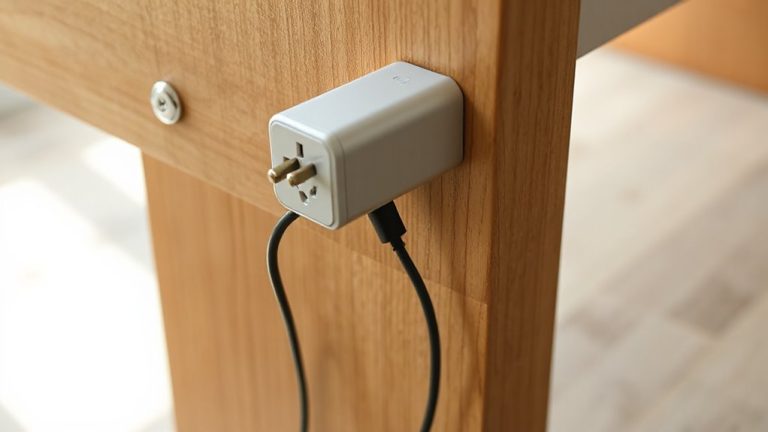
A well-chosen power strip keeps your minimalist desk clean and functional without sacrificing reliability. Look for one with a sleek aesthetic design-matte finish, low profile, and neutral tones-that blends into your setup instead of distracting from it. You want clean lines and minimal branding to support visual calm. Prioritize energy efficiency by choosing a model with automatic shutoff or individual surge protection that cuts power to idle devices, reducing phantom load. Units with at least six feet of cord offer flexibility without clutter, while spaced outlets fit bulky adapters. Opt for a strip with a 3,000-joule rating or higher and a connected equipment warranty. Avoid power strips with bright LEDs-they disrupt dim lighting. Not all compact models handle high loads equally; check the 15-amp rating. Some slim designs sacrifice outlet spacing, so measure your adapters first. For reliable performance and safety, choose a power strip tested and rated by third-party labs.
Pick Essential Electronics for One-Plug Use
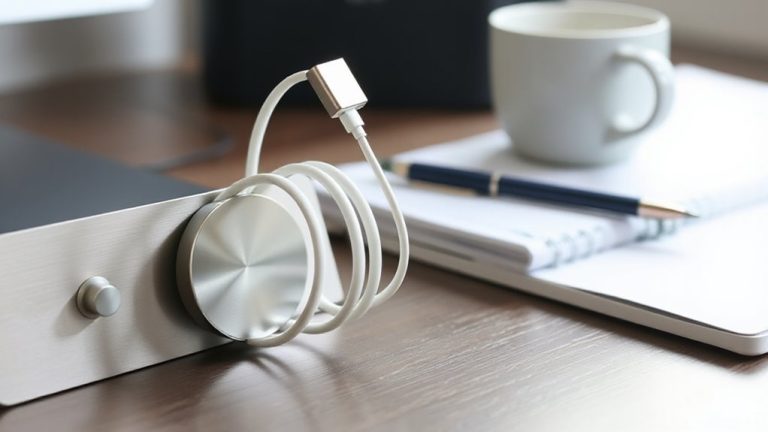
You’ve streamlined the power source-now focus on the devices drawing from it by selecting electronics that operate efficiently on a single plug. Choose a laptop over a desktop; it’s energy-efficient and central to a minimalist workflow. Pair it with a wireless charging pad that supports fast charging-look for 15W Qi-certified models with overheat protection. Add wireless earbuds or headphones with active noise cancellation to cut distractions without extra cables or power bricks. These run on internal batteries and charge via USB or wirelessly, reducing plug dependency. A compact desk lamp with USB-C power delivery can double as a charging hub. Avoid multiple adapters-prioritize devices with low wattage and shared charging methods. Keep total draw under 80% of your strip’s capacity to prevent overload. Note: noise cancellation works well but drains battery faster, so balance usage with charging cycles.
Tame Cables With Smart Management
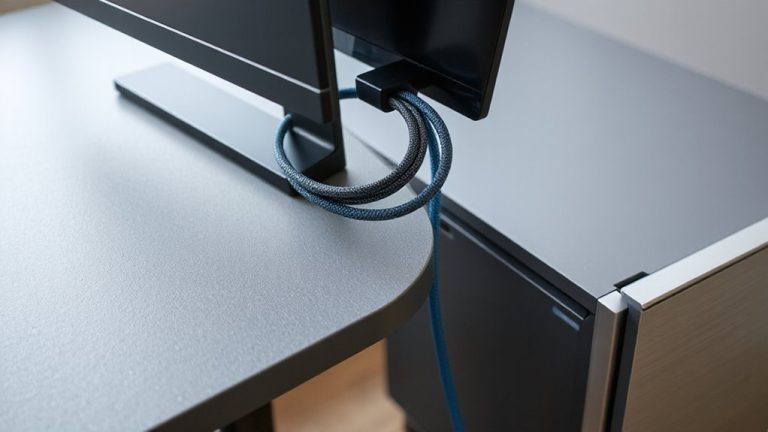
Smart cable management isn’t just about looks-it’s essential for maintaining a functional, low-stress workspace. You’ll want to use hidden routing through desk grommets or adhesive clips to keep cords off the surface and out of sight. This reduces clutter and prevents tangling, but verify your desk has built-in channels before relying on this method. Cable labeling helps you quickly identify chargers, data cables, and peripherals-especially useful when troubleshooting. Use printed labels or color-coded tags; permanent markers can smear. While braided sleeves look clean, they’re only worth it if you’re bundling three or more cords. Velcro straps offer easy access and reusability compared to zip ties. Some cable organizers lack strain relief, so check for rubber-lined exits to avoid fraying. Avoid overstuffing power strips-leave space for airflow. Good management saves time, but poorly planned systems create more hassle than they solve. For optimal results, consider using best cable management solutions that combine aesthetics with practicality.
Arrange Your Gear for Focus and Access
While minimalism favors simplicity, your desk setup shouldn’t sacrifice quick access to essential tools. Position your laptop or monitor at arm’s length, centered to support ergonomic positioning and reduce neck strain. Keep your keyboard and mouse close, just within reach, so your wrists stay neutral during long writing sessions. Place only daily-use items-notebook, pen, charger-on the desk surface; everything else stays out of sight. This balance secures efficiency without clutter. Aesthetic harmony matters: match materials like wood, aluminum, or matte black finishes to reduce visual noise and create a calm workspace. But don’t let style override function-avoid awkward angles or over-styled gear that hampers comfort. Test layouts before finalizing; small shifts in height or distance can impact focus. A clean look helps, but only if it supports real-world use.
Keep Your Desk One-Plug Ready Over Time
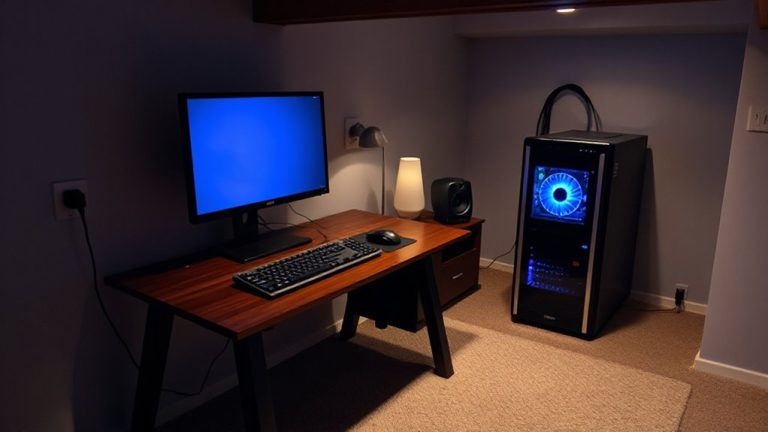
When your desk stays clear of constant tangles and power shortages, you’re more likely to keep it that way over months or years-aim for a one-plug setup where a single surge protector or power strip handles all your core devices without overload. You’ll avoid cable redundancy by choosing devices that charge via USB-C or share adapters. Over time, watch for device accumulation; even small additions like a lamp or speaker can strain capacity and clutter your system. Stick to essentials: laptop, monitor, and maybe a single peripheral. Use a power strip with overload protection and at least six feet of cord for flexible placement. Test it under load for heat or flickering-cheap units fail silently. You might sacrifice convenience, but you gain long-term simplicity. This setup won’t suit heavy multitaskers, but for writers, it’s reliable, tidy, and easy to maintain with minimal upkeep. Consider a Top Desk Power Station that combines wireless charging, USB-C PD, and surge protection in a compact form.
On a final note
You’ll save space and reduce clutter by building a one-plug desk setup, but only if you choose components carefully. Use a surge-protected power strip with at least six outlets and a 10-foot cord for flexibility. Limit devices to essentials like a laptop, monitor, and LED lamp. Test cable lengths first-short cords cause strain, while long ones tangle. Cable clips or a fabric sleeve keep wires neat. Over time, dust buildup or worn insulation may require replacement, so inspect every few months.