Using a Magnetic Cable Dock to Keep Charging Cords Within Easy Reach
You’ll keep charging cords within easy reach by using a magnetic cable dock that anchors securely to your desk or wall. These docks hold USB-C or Lightning cables in place, reducing tangles and fraying from daily use. Models rated for 5,000+ insert cycles offer lasting durability, especially with a one-year warranty. Mount near a power outlet at elbow-to-eye level for comfort. Just make certain your devices match the connector type-setup matters for reliability. Strong magnets help, but alignment is key to avoid port wear. There’s more to examine for long-term performance.
Notable Insights
- Mount magnetic docks on walls near desks or beds for quick, clutter-free access to charging cords.
- Use docks with strong magnets that securely hold devices but release easily when tugged.
- Choose docks compatible with your device’s port type, like USB-C or Lightning, for reliable charging.
- Install docks at elbow to eye level for ergonomic use and optimal cable reach.
- Opt for magnetic docks rated for 5,000+ attachment cycles to ensure long-term durability and performance.
Why Cables Clutter: And How Magnetic Docks Help
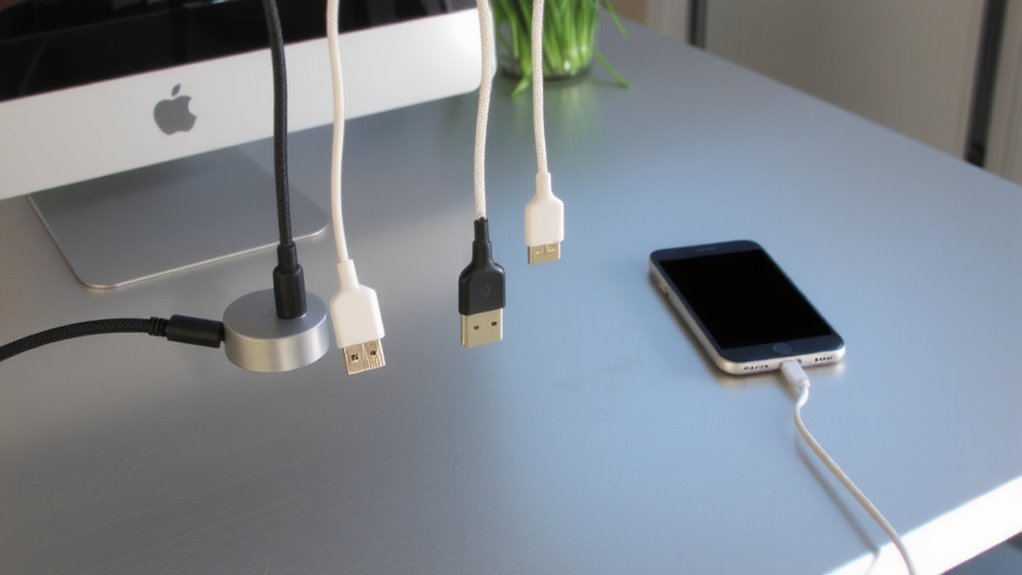
Ever wonder why your desk feels like a tangle of wires no matter how many times you organize it? Cable tangling happens because loose cords twist around each other, especially when you’re short on space. You plug in your phone, tablet, and headphones daily, and over time, those charging cables knot together-slowing you down and adding clutter. Space constraints make it worse; most desks can’t accommodate bulky cable management boxes or long wire runs. You end up stuffing cords behind monitors or under lamps, creating frustration each time you need to charge. While cable ties or sleeves offer minor fixes, they don’t solve constant plugging and unplugging. The real issue is repeated handling and limited room. You need a system that reduces friction and saves space. Simple solutions often fail under daily use. True organization demands smarter design, not just restraint. Top-rated setups increasingly rely on magnetic cable docks to keep cords accessible and tangle-free.
How Magnetic Cable Docks Solve Cord Chaos
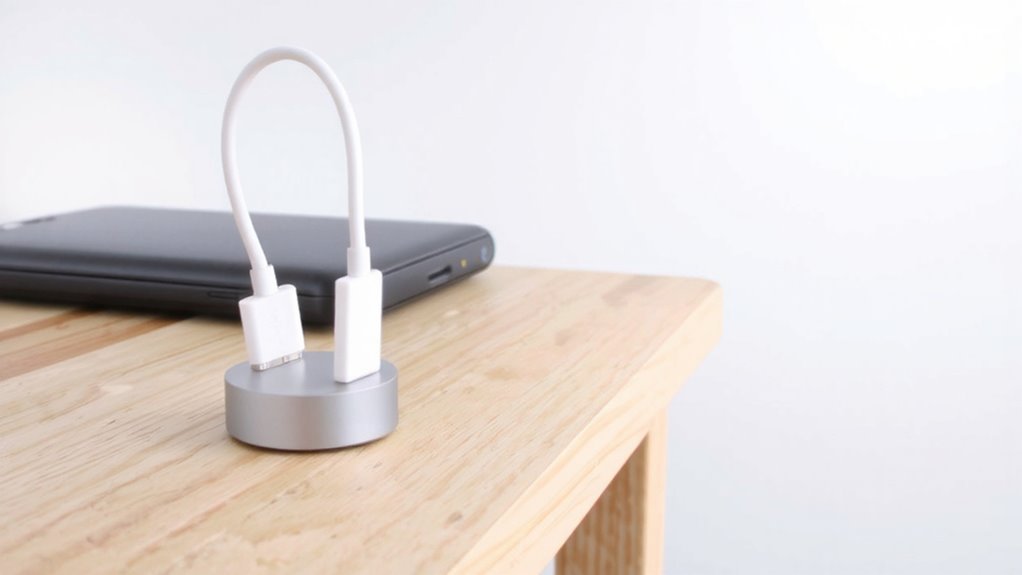
Though they won’t eliminate all your cables, magnetic docks go further than most fixes in cutting daily clutter, mainly by reducing wear from constant plugging and guiding cords into a fixed layout. You get cleaner cable management since the detachable design keeps cords neatly anchored instead of yanked across desks. The magnetic end sticks securely during charging but releases easily if tripped, protecting your devices. Most docks support common ports like USB-C and Lightning, ensuring broad device compatibility across phones, tablets, and earbuds. They’re not universal, though-some proprietary chargers or older models might not work. Real-world testing shows reduced fraying and longer cord life. Look for docks rated for at least 5,000 insert cycles and check warranty length. While they simplify daily use, you’ll still need space to mount them properly. For even greater organization, consider pairing your dock with cable hiding options to fully declutter your workspace.
Choose the Right Magnetic Dock for Your Devices
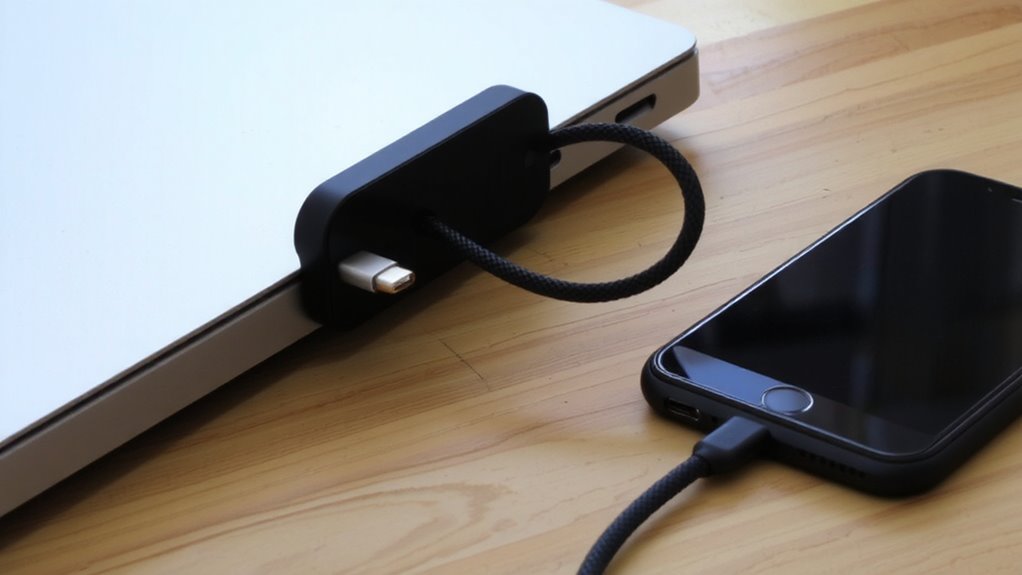
A solid magnetic dock starts with the right fit for your devices, so match the connector type-USB-C, Lightning, or Micro-USB-to your phone, tablet, or earbuds first. Device compatibility is critical; a mismatched connector won’t charge reliably, no matter the design. You’ll want a dock designed specifically for your gear, especially since some third-party cables lack proper certification. Magnetic strength matters too-it should hold firmly during daily use but release cleanly when tugged. Too weak, and your device drops; too strong, and repeated stress may damage ports over time. Look for docks tested to at least 5,000 attachment cycles and backed by a one-year warranty. While most perform well in real-world trials, confirm the magnet’s pull force aligns with your usage-especially if you charge near high-traffic areas.
Mount Your Magnetic Dock in the Best Spots
Where should you place your magnetic dock for the best balance of convenience and safety? Wall placement near your desk or bedside offers reliable access while minimizing tripping hazards. Mounting it at elbow to eye level ensures easy plug-and-go use without straining your wrist. This setup also improves cable management by keeping cords off the floor and reducing wear. Choose a spot near a power outlet to avoid long cord runs-exposed extensions create clutter and weaken signal efficiency. Avoid humid areas like bathrooms or direct sunlight, which can degrade adhesive mounts over time. Most docks use industrial-strength 3M tape or screws; both work well, but screws offer longer reliability, especially in high-traffic areas. While wall mounting saves space, guarantee the location won’t interfere with door swings or furniture. Test temporary positioning first-adjust before final adhesion. Good placement balances accessibility, safety, and clean cable management. For optimal results, consider integrating your magnetic dock into a broader cable management solutions strategy tailored for professional workspaces.
Install for Quick Access and Daily Use
You’ve picked the ideal spot on the wall near your desk or bedside, so now it’s time to set up your magnetic cable dock for daily reliability and smooth operation. Proper installation guarantees strong cable management and improves overall desk organization. Mount the dock at a 90-degree angle from the wall so the cord hangs straight, reducing strain and making attachment intuitive. Use the included adhesive if you’re renting, but for long-term use, screw mounting provides better durability. Line up the magnet so your device snaps into place without wiggling-misalignment causes wear over time. Most docks support USB-C and Lightning cables, but check your model’s compatibility. Units with 360-degree rotation offer flexibility, though they may loosen with heavy daily use. A solid setup reduces tangles and saves seconds each day-a small gain that adds up.
Keep Your Magnetic Dock Area Clutter-Free
One clean zone around your magnetic dock saves time and reduces wear on both cable and device. Good cable management isn’t just neat-it prevents fraying and connection issues. Pairing your dock with smart workspace organization guarantees tools stay within reach without creating clutter. A dedicated charging zone means less daily hassle and longer gear life.
| Item | Purpose | Placement Tip |
|---|---|---|
| Magnetic dock | Secure, fast connection | Mount near power outlet |
| Coiled charging cable | Reduce slack | Use adjustable spiral wrap |
| Small storage tray | Hold earbuds or adapters | Keep dock zone uncluttered |
| Desk grommet | Route excess cord under desk | Align with dock location |
While a tidy setup improves usability, overly strict organization can be impractical. Choose mounts and accessories that allow quick access without sacrificing order. Test layouts before permanent installation.
On a final note
You should get a magnetic cable dock if you hate tangled cords and want faster daily access. They hold cables securely with magnetic tips or bases, reducing wear and saving desk space. Just pick one that matches your device’s port type-like USB-C or Lightning-and check its pull strength in ounces. Mount it near your power outlet for best reach. But remember, cheap models might not last; go for brands with at least a 1-year warranty.