Integrating Smart Lighting With Voice Assistants for Hands-Free Control
You’ll get reliable hands-free control by pairing Alexa or Google Assistant with 2.4 GHz smart bulbs like Philips Hue, which offer strong app support and accurate voice response. Set up rooms and scenes in the app first, then use clear names like “bedroom lamp” to avoid mix-ups. Grouping works well, but budget bulbs may lag or lack updates. For best results, test routines over a week-especially if syncing with work schedules. You’ll find even more ways to refine timing and room-specific behavior just ahead.
Notable Insights
- Choose voice assistants and smart bulbs that are mutually compatible, such as Alexa with Echo-compatible bulbs or Siri with HomeKit-enabled lighting.
- Connect smart bulbs to a 2.4 GHz Wi-Fi network and use the assistant’s app to discover and clearly name each bulb for reliable voice recognition.
- Group bulbs by room in the app to control multiple lights at once using simple voice commands like “Turn off the bedroom lights.”
- Create lighting scenes in the app for activities like reading or relaxing, then activate them hands-free with voice commands such as “Start Movie Night.”
- Troubleshoot issues like unresponsive lights by checking Wi-Fi, re-pairing devices, renaming for clarity, and scheduling routines for consistent automation.
Choose the Right Voice Assistant for Your Lights
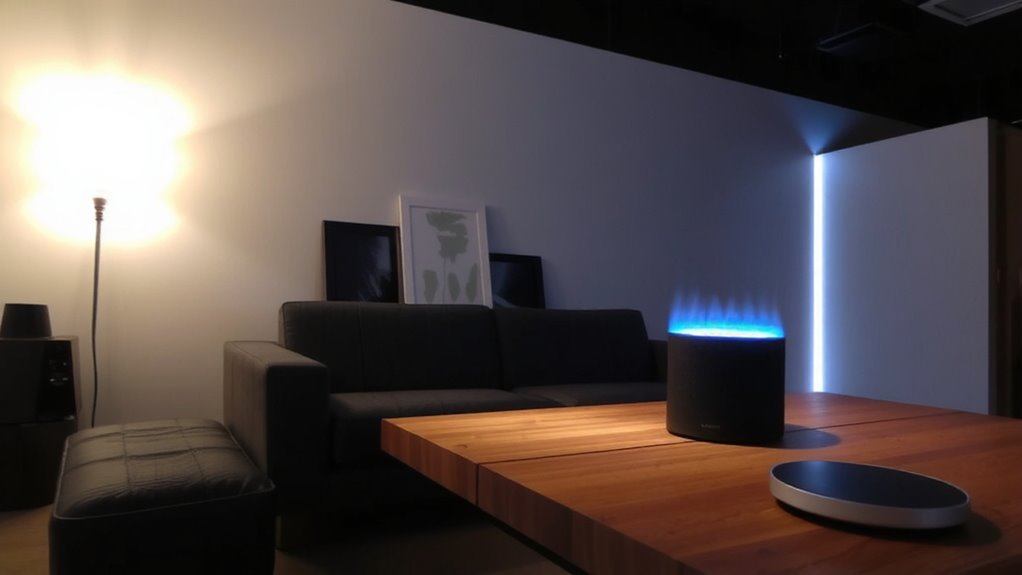
Which voice assistant actually works best with your smart lights? It depends on your ecosystem and voice compatibility needs. If you already use Alexa at home, going with Echo-compatible bulbs makes setup seamless. Google Assistant shines if you rely on Android or Chromecast, offering tight integration. For Apple users, HomeKit and Siri provide secure, private control-but the selection of supported bulbs is narrower. Your assistant preferences should align with your existing devices to avoid gaps in control. Most top smart bulbs work with at least two platforms, but not all-always check the packaging or specs. While Philips Hue leads in compatibility, it costs more. Cheaper brands like Wyze or Govee cut costs but may lack firmware updates. There’s no universal winner; balance responsiveness, app stability, and long-term support before deciding. Some lighting systems now combine ambient illumination with audio functionality, such as LED ceiling lights with Bluetooth speakers, offering a multifunctional smart home experience.
Set Up Smart Bulbs for Voice Control
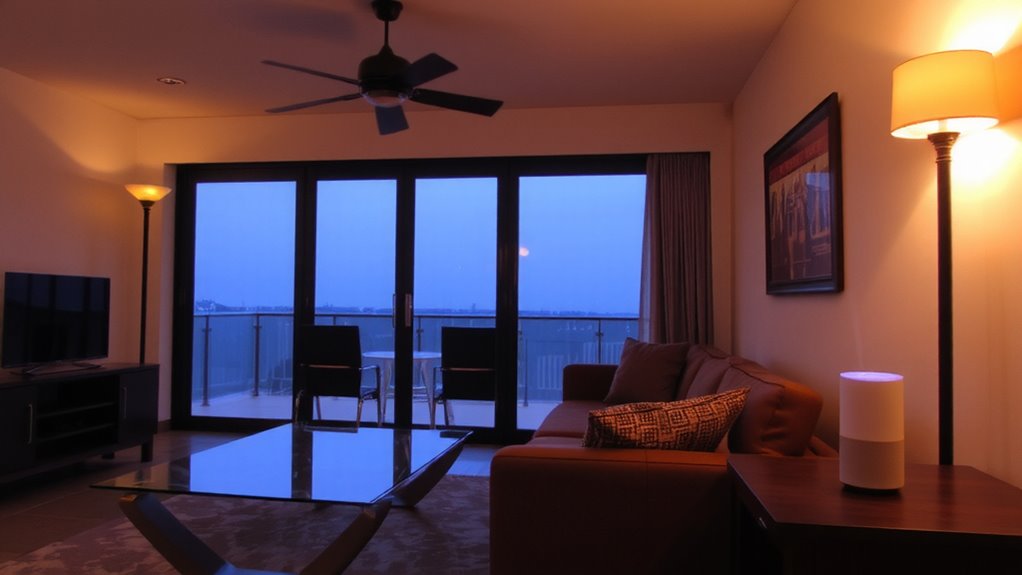
How do you get your smart bulbs responding reliably to voice commands? Start by confirming bulb compatibility with your chosen voice assistant-check the manufacturer’s app or packaging for supported platforms. Install bulbs securely and connect them to your 2.4 GHz Wi-Fi network, which offers better range than 5 GHz. Use the assistant’s app to discover and name each bulb clearly, like “desk lamp” or “reading light,” for easier control. Consider energy efficiency: LED smart bulbs use roughly 75% less energy than incandescents and last up to 25,000 hours. The best Philips Hue lights offer seamless integration with major voice assistants and superior color accuracy.
| Feature | Why It Matters |
|---|---|
| Voice Sync Speed | Under 2 seconds is ideal |
| Bulb Compatibility | Guarantees no control gaps |
| Energy Efficiency | Reduces long-term costs |
Some bulbs may lag during peak usage-test after setup.
Group Lights by Room for Better Control
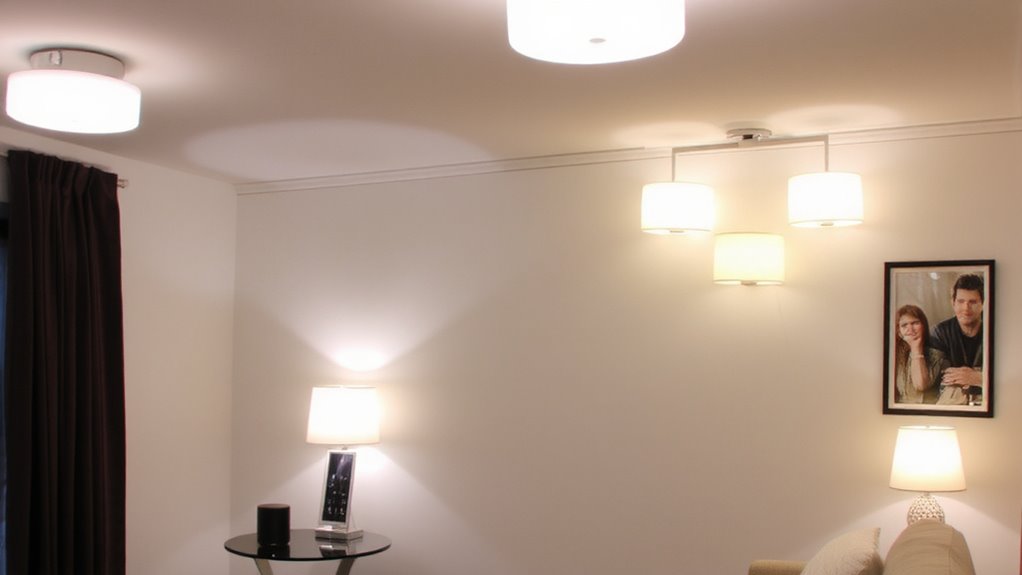
Once you’ve set up individual bulbs, grouping them by room gives you far more practical control-especially when you want to adjust lighting across multiple fixtures at once. Room grouping lets you command all lights in a space with a single voice prompt, like “Turn off the kitchen lights,” instead of addressing each bulb. It’s especially useful in living areas or hallways, where multiple fixtures work together. Use voice labeling to name groups clearly-“Office” or “Living Room”-so commands are intuitive and accurate. Most apps allow custom naming, but keep labels simple to avoid confusion with voice assistants like Alexa or Google. While room grouping improves convenience, mislabeling can lead to wrong responses, so double-check group assignments. Also, not all smart bulbs support complex grouping, so verify compatibility before relying on voice labeling for daily use.
Create Lighting Scenes With Voice Commands
While you can control lights individually or by room, setting up lighting scenes gives you instant control over mood, task visibility, and energy use with just a voice command. You can save specific color temperatures and brightness levels for activities like reading, relaxing, or focusing-say, 4000K cool white at 80% brightness for your home office tasks. Voice assistants like Alexa or Google recognize commands like “Start Movie Night” to dim lights and shift to warmer tones. Scenes must be preset through your smart lighting app first, so voice control works smoothly. Keep in mind that results vary across brands-some bulbs adjust color temperature subtly, while others deliver dramatic shifts. Sync delays can happen, especially with multi-bulb setups. Test scenes during real use to fine-tune brightness levels and timing.
Control Lights Across Rooms Hands-Free
You can extend voice-controlled lighting beyond single rooms to manage multiple areas at once, making it easier to handle daily routines without lifting a finger. With reliable voice recognition, you can command lights in the kitchen, living room, and hallway simultaneously, ensuring smooth shifts from day to night. Light synchronization lets you match brightness and color temperature across zones, creating a consistent atmosphere. Systems like Philips Hue or Lutron Caseta support multi-room grouping through apps, but performance depends on Wi-Fi stability and speaker placement. While most setups respond within two seconds, delays can occur if your hub is overloaded. Accuracy improves when you speak clearly near a central assistant device. Note that overlapping commands may confuse the system, especially with similar room names. For best results, label zones precisely and test triggers during peak network use. It works well-if your home layout and tech stack align.
Fix Voice Commands That Won’t Work
Why won’t your smart lights respond to voice commands? Poor voice recognition or incorrect command calibration might be the culprits. Most issues stem from connectivity, device naming, or microphone placement. Start by ensuring your voice assistant and lights are on the same Wi-Fi network and the app recognizes the device. Then, run command calibration through the assistant’s app to improve accuracy. Also, use clear, consistent names without duplicates.
| Issue | Fix |
|---|---|
| Assistant doesn’t hear you | Reposition near center of room, away from noise |
| Lights not recognized | Re-pair device in app |
| Wrong lights respond | Rename devices clearly (e.g., “Kitchen Overhead”) |
| Delayed response | Check Wi-Fi signal strength near lights |
| Commands fail randomly | Reboot hub and assistant |
Voice recognition improves with calibration-but lighting conditions and background noise still affect reliability.
Add Lights to Daily Routines Automatically
Once your smart lights respond reliably to voice commands, the next step is making them work for you automatically throughout the day. Set up scheduled activations to turn lights on or off at specific times-great for maintaining consistency without lifting a finger. Pair this with sunrise synchronization, and your lights gradually brighten at dawn, mimicking natural light to help you wake up easier. These features integrate smoothly with most voice assistants and smart hubs, offering reliable performance across brands like Philips Hue or LIFX. However, keep in mind that power outages or Wi-Fi drops can delay triggers, so don’t rely solely on automation for critical tasks. Test routines over a week to fine-tune timing. While it boosts convenience, over-automation in workspaces may disrupt focus if lights change too abruptly. Use gradual shifts and adjust color temperature to match your natural rhythm.
On a final note
You’ll get reliable, hands-free lighting if you pair compatible smart bulbs with a voice assistant like Alexa or Google Assistant. Grouping lights by room and setting up scenes simplifies daily control. Just remember: signal range, hub requirements, and app stability can affect performance. Always check warranty terms and dimming compatibility-real-world tests show some bulbs respond slower in large layouts. It works well, but plan your setup carefully.