How to Use a Posture Reminder App to Balance Sitting and Standing Time
Use a posture app with 30–60 minute vibrotactile alerts to balance sitting and standing 50-50, aiming for 30 minutes each. Pair alerts with quick desk stretches and adjust timing to avoid interrupting focus. Choose apps that sync with Apple Health or Wear OS and place sensors correctly for accurate tracking. Consistency improves spine alignment and reduces fatigue, but ignoring alerts leads to habituation. For best results, customize intervals and combine with an ergonomic setup. You’ll learn how to optimize every alert for long-term comfort and performance.
Notable Insights
- Set your posture app to alternate between sitting and standing every 30 minutes for balanced movement.
- Customize alert intervals to match your focus patterns and avoid disrupting deep work sessions.
- Pair sit-stand reminders with ergonomic adjustments like proper monitor height and chair alignment.
- Use each alert as a cue to stretch briefly, promoting circulation and reducing muscle fatigue.
- Track progress in the app to maintain consistency and adjust habits based on usage data.
Use Science-Backed Alerts to Improve Posture
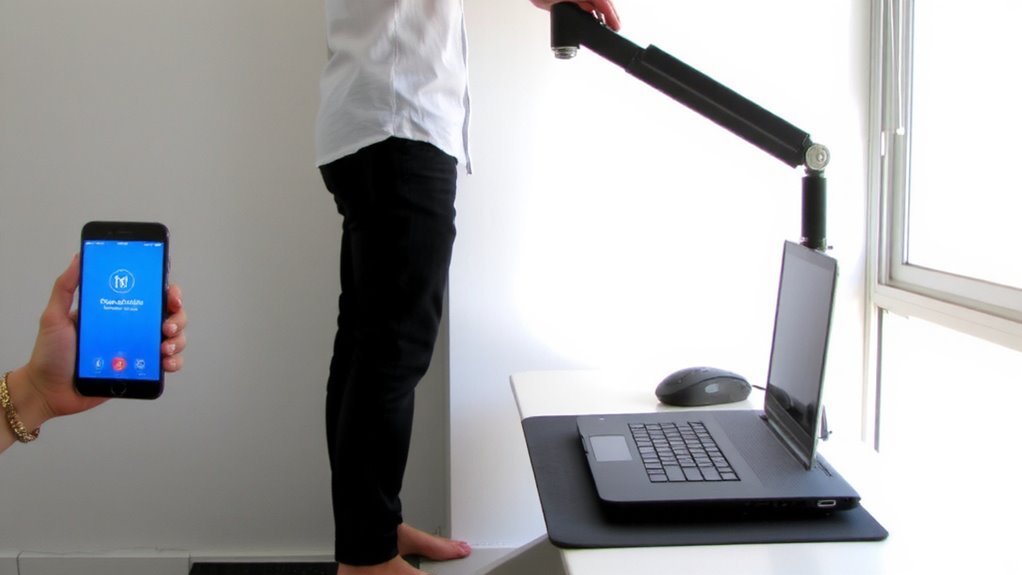
While you might not think a simple alert can retrain years of slouching, using posture reminders grounded in behavioral science actually does make a measurable difference-but only if they’re timely and consistent. These alerts help maintain ergonomic alignment by prompting you to adjust your spine and shoulders before poor habits settle in. Over time, consistent cues reduce muscle fatigue, especially in the neck and lower back, where prolonged sitting takes its toll. Studies show users who receive vibrotactile or audio prompts every 30–60 minutes report better posture and less discomfort after two weeks. But effectiveness depends on your responsiveness-ignoring alerts trains your brain to dismiss them. Devices with motion sensors and customizable intervals work best, though battery life and fit affect long-term use. They’re not magic, but when matched with ergonomic furniture and movement, they’re a practical tool backed by real behavioral principles.
Pick a Posture App for Your Routine
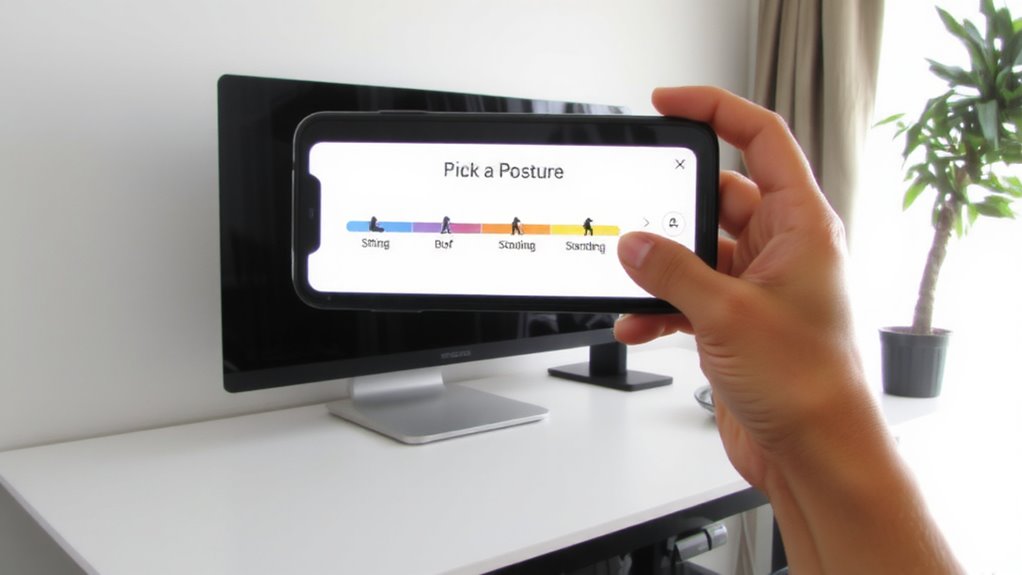
How do you know which posture app fits seamlessly into your day without becoming a nuisance? It boils down to app interface and customization options that match your workflow. A clean, intuitive app interface reduces distractions, while robust customization options let you tailor alerts and tracking without constant tweaking.
| Feature | Top App A | Budget App B |
|---|---|---|
| App interface | Minimalist, touch-friendly | Cluttered, small buttons |
| Customization options | Adjustable timer, posture goals | Basic alerts only |
| Sync capability | With Apple Health, Wear OS | Limited to in-app use |
| Battery impact | Low (2% per 8 hours) | Medium (5% per 8 hours) |
Choose one that respects your time and tech stack. High-end apps offer precision but cost more. Budget picks may lack refinement, especially in interface responsiveness and alert flexibility. Test a few-compatibility matters more than features.
Set Balanced Sit-Stand Reminders
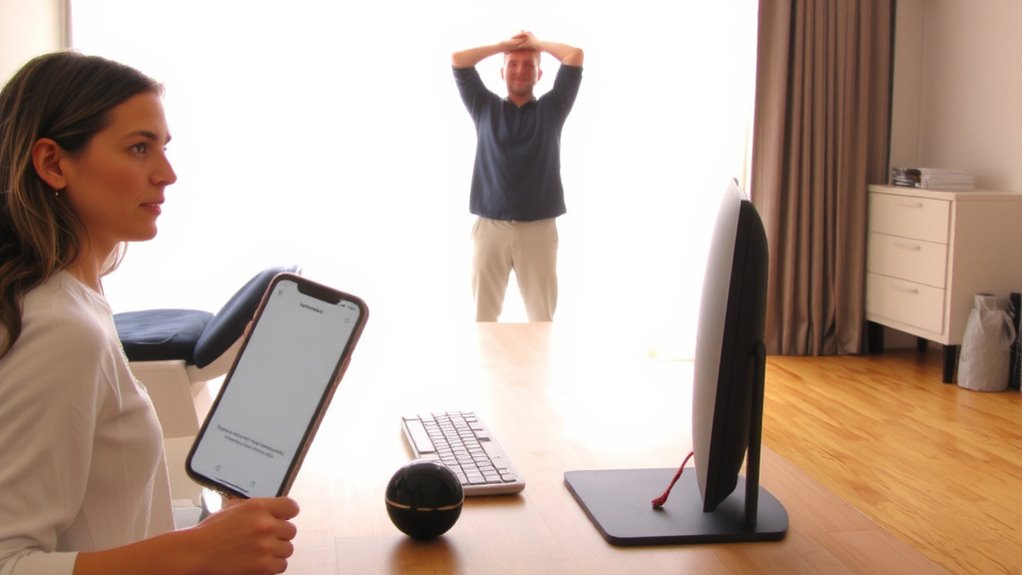
Since sitting too long slows circulation and strains your back, setting balanced sit-stand reminders is one of the most effective habits you can build-provided the alerts aren’t so frequent they annoy you into disabling them. Aim for a 50-50 split: stand for 30 minutes, then sit for 30. Most posture apps let you customize intervals, so start with these timings and adjust based on your focus and fatigue. Pair this activity scheduling with an ergonomic workspace-ensure your standing desk allows elbows at 90 degrees and your monitor sits at eye level. Avoid rigid adherence; if a task demands deep focus, delay the alert by 10–15 minutes. Real-world testing shows consistency matters more than perfection. Some users quit because alerts felt disruptive, so find a rhythm that supports movement without breaking workflow. A good balance supports both health and productivity. For optimal results, choose a height-adjustable desk that supports smooth transitions between sitting and standing, such as those featured in the best standing desks roundup.
Stretch When Your Posture App Alerts
When your posture app alerts go off, treat them as mini movement breaks by doing simple stretches right at your desk-this small habit can reduce stiffness and improve circulation without requiring extra time or gear. Use each alert response to perform 30–60 seconds of stretch breaks, like neck rolls, shoulder shrugs, or seated spinal twists. These micro-movements help release muscle tension and support better posture. You don’t need special equipment; just clear a little space and move. Though stretch breaks won’t replace walking or exercise, consistent alert response builds body awareness and reduces sedentary strain. Be realistic-some days you’ll miss alerts or skip stretches. That’s normal. Don’t rely on perfect consistency, but aim for regularity. Over time, this practice complements your sit-stand schedule by adding dynamic motion to otherwise static work patterns. The real benefit comes from daily repetition, not intensity.
Track Progress in Your Posture App
While tracking your progress in your posture app won’t replace mindful habits, it can meaningfully reinforce them by giving you measurable feedback over time-think of it as a personal check-in that highlights patterns you might otherwise overlook. You’ll start to see posture milestones clearly, like hitting 80% upright sessions per week or reducing slouch duration by 30 seconds per hour, which builds real app motivation. Over days or weeks, these metrics show whether changes in your chair, desk height, or routine are actually working. Most apps display streaks, scores, or weekly reports that make progress tangible, but remember-they’re guides, not guarantees. Accuracy depends on correct sensor placement and consistent use. Don’t assume high scores mean perfect posture; they reflect app-defined standards, which may not match clinical benchmarks. Use the data to tweak your setup, not replace professional advice.
Sync Your Posture App With Wearables
Syncing your posture app with wearables gives you a more complete picture of your posture habits by pulling data directly from devices you already wear, like smartwatches or fitness trackers. Device integration lets your app monitor movement patterns, sitting duration, and even micro-shifts in stance throughout the day, improving accuracy over app-only tracking. You’ll benefit from notification personalization, adjusting alerts to vibrate discreetly on your wrist when slouching is detected, helping you correct posture without disrupting work. Most major apps support integration with Apple Watch, Fitbit, and Garmin, but always verify compatibility before relying on it full-time. Keep in mind that wearable sensors vary in precision-some may overcount movements or delay alerts by seconds. Battery life also drops with continuous posture monitoring active. Still, when used thoughtfully, the combo offers actionable insights without overpromising instant fixes.
On a final note
You should use a posture reminder app to balance sitting and standing-it’s proven to reduce back pain and boost focus. Set alerts every 30–60 minutes for best results. Pair it with a height-adjustable desk and take 2–3 minutes to stretch or walk when alerts sound. Sync with wearables like Fitbit or Apple Watch for accuracy. But don’t rely on apps alone-maintain proper chair support and monitor height, since apps can’t correct setup flaws.