Using Hand Gestures Effectively in Video Conferences Without Causing Confusion
Keep your hands visible in the lower third of the frame by sitting 2–3 feet from the camera, using an external wide-angle webcam for better balance. Avoid fidgeting-rest one hand when not gesturing to reduce distraction. Time movements with key words, not pauses, to emphasize points without appearing unsure. Over-gesturing on camera exaggerates motion, so scale down from in-person style. Test your setup in 720p to guarantee clarity. You’ll find subtle refinements make a noticeable difference.
Notable Insights
- Keep hands visible in the lower third of the frame to emphasize points without disappearing from view.
- Minimize fidgeting or repetitive motions that distract attention from your message.
- Sync hand gestures with key spoken words to reinforce, not precede or follow, your speech.
- Use small, deliberate gestures between waist and shoulders to stay in frame and avoid confusion.
- Practice with your camera setup to refine gestures, ensuring they appear natural and enhance clarity.
Keep Hands in Frame for Clear Video
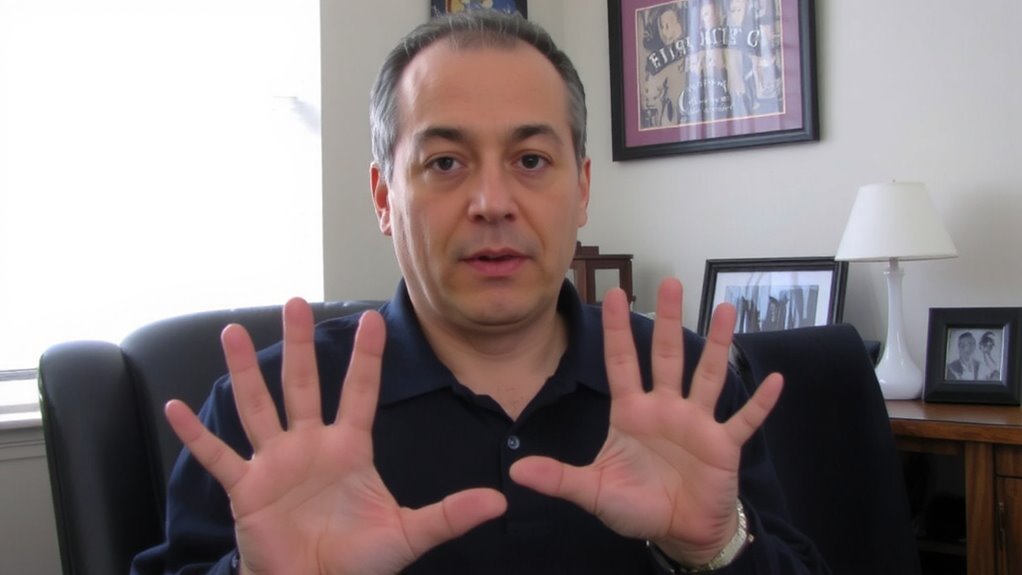
You’ll want to keep your hands visible in the camera frame during video calls-it helps convey emphasis and keeps communication clear, especially when pointing or counting. Good hand visibility guarantees others can follow your gestures without distraction. Proper frame positioning is key: sit about 2–3 feet from the camera, with the lens at eye level, so your hands enter the lower third of the shot when you gesture naturally. A wide-angle webcam or one with adjustable positioning helps maintain this balance. But be cautious-too wide a frame reduces your on-screen presence, while too narrow cuts off gestures. Test different seating distances and review recorded clips to fine-tune. Remember, consistent hand visibility only works if your lighting is adequate; backlighting can mute contrast. Frame positioning isn’t about perfection-it’s about clarity and connection, with just enough flexibility for natural movement.
Stop Distracting Hand Movements
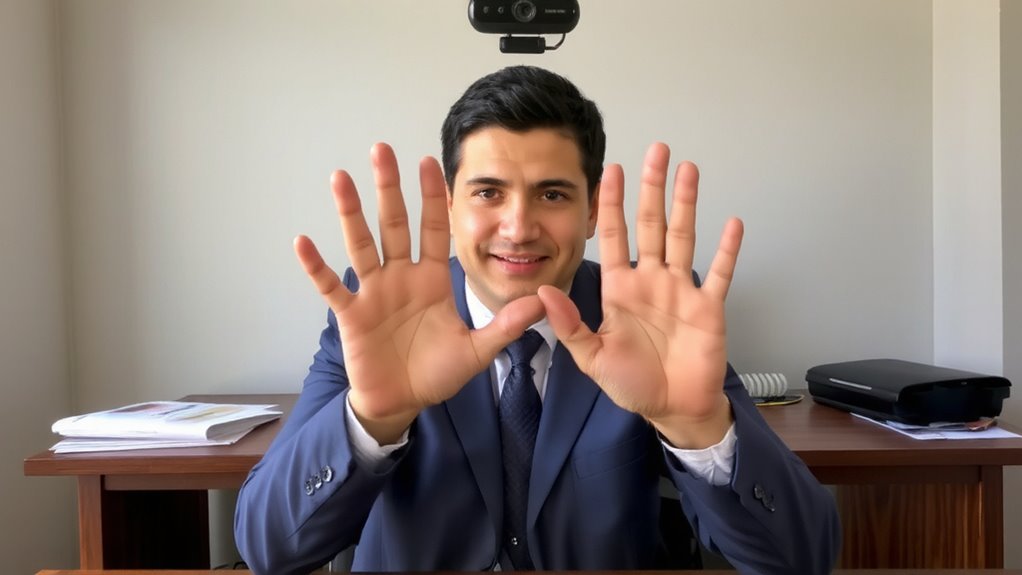
Keeping your hands visible on camera helps convey your message, but too much movement can pull focus from what you’re saying. You might not realize how distracting fidgeting nervously looks on screen-twisting rings, tapping fingers on the desk, or repeatedly adjusting your sleeves breaks eye contact and shifts attention. These small actions feel natural in person but get amplified on video, especially with close framing or built-in laptop cameras. Even minor motions can create visual noise that interferes with clarity. Instead, rest your hands lightly when not gesturing, keeping them still and relaxed. If you tend to fidget, place one hand gently on the table and use the other only when making a point. It’s a simple fix, but it sharpens your delivery. There’s no gadget or desk setup that fully fixes this-just awareness and control.
Align Hand Gestures With Key Points
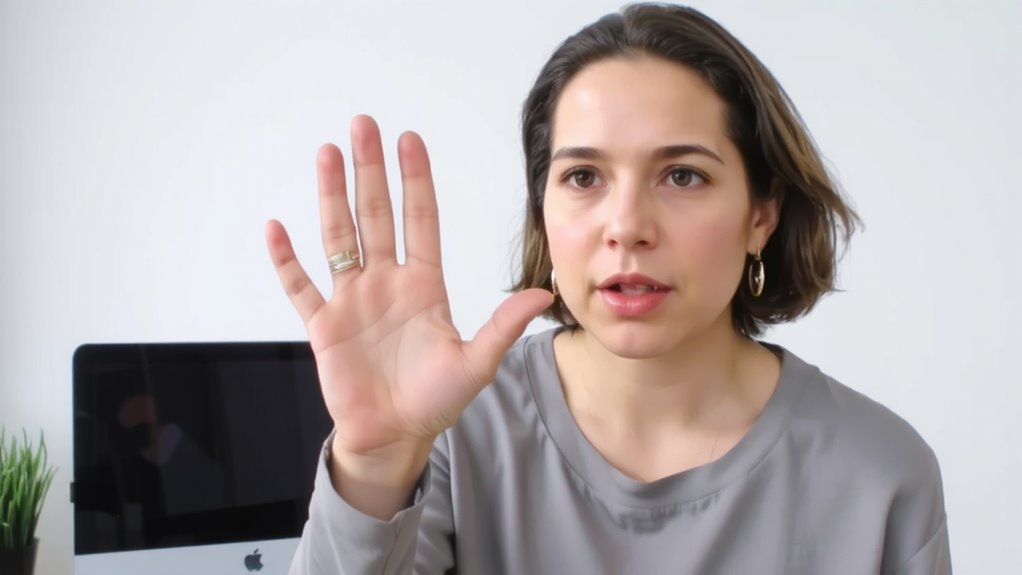
When used with intention, hand gestures can reinforce your message by emphasizing key ideas at the right moment. You should align your movements with verbal highlights, using visual cues to direct attention and clarify meaning. Timing precision matters-gesturing too early or late weakens impact and can confuse listeners. For example, when stressing a statistic, raise one finger just as you say the number. This synchrony strengthens comprehension. But overdoing it risks looking staged or distracting, especially on camera where motion is magnified. Keep gestures small and within the frame, ideally between your waist and shoulders. Practice with a test recording to check alignment and adjust as needed. While built-in laptop cameras work, external webcams offer better angles to capture gestures clearly. Remember, natural movement paired with deliberate timing works best. No product fixes poor technique-clarity comes from practice, not gear.
Emphasize Words: Don’t Fill Silence
Though silence might feel awkward, using hand gestures to emphasize words-rather than fill gaps in speech-keeps your delivery sharp and credible. Avoid filler gestures like tapping fingers or fidgeting, which distract and weaken your message. Instead, pair deliberate motions with key statements to reinforce meaning. Silent pauses, when paired with intentional gestures, add weight-not confusion.
| Gesture Type | Purpose | Risk |
|---|---|---|
| Emphatic swipe | Stress key point | Overuse looks aggressive |
| Open palm | Invite trust | Poor framing hides it |
| Controlled tap | Highlight data | Can seem impatient |
Let silence breathe when needed-your audience needs time to process. Over-gesturing during silent pauses undermines clarity, making you seem unsure. Clear, restrained movements support authentic communication. Test your range in a standard 720p webcam view to guarantee visibility without exaggeration.
Practice Gestures Before Your Next Meeting
How often do your gestures actually match your intent on camera? Practicing before matters more than you think. Try mirror practice to catch how your movements appear in real time-small shifts in hand height or speed can change meaning fast. Silent rehearsal, done standing at your desk or near your webcam zone, builds muscle memory without overdoing it. You’ll notice what looks natural versus what seems forced or distracting. Rehearse key points where emphasis helps, but keep motions within frame. Gestures that work in person often feel exaggerated on screen, so tone them down slightly. There’s no special gear needed-just space and a few quiet minutes. Over-practicing risks robotic delivery, though. Aim for comfort, not perfection. This isn’t about performance; it’s about clarity. Test different angles with your webcam to see how gestures translate in your usual setup.
How Hand Gestures Build Engagement
You’re already aware that practicing gestures in front of your camera helps refine how you come across, but now consider what happens when those gestures connect with your audience: they boost engagement. Using hand movements thoughtfully aids in building rapport by making your communication feel more natural and relatable. It’s not about dramatic motions-it’s small, intentional gestures that support your words and help emphasize key points. This contributes to enhancing presence, making you appear more confident and involved, even through a screen. Viewers respond to visual cues, and well-timed gestures can hold attention better than speech alone. But be careful-excessive movement causes distraction or cuts out of frame, especially with tight camera angles. Guarantee your gestures stay within the upper torso zone and sync with your speech. Test lighting and camera position to keep hands visible but not dominant. The effect? Clearer communication and stronger connection-no extra gear required.
On a final note
You should use hand gestures in video calls-they boost engagement and clarify your points-but keep them controlled and in frame. Large movements distract, especially with low-resolution webcams or unstable lighting. Practice aligning gestures with key statements, not filler. A well-placed hand motion can emphasize data or shifts, but bad timing causes lag confusion on platforms like Zoom. Use a 1080p camera with wide dynamic range and test gestures in rehearsal mode to avoid overuse.