How to Use White Noise Machines Strategically to Mask Office Distractions
Use a white noise machine like the LectroFan Premium to mask office distractions by selecting pink noise for typing or brown noise for HVAC hum. Place it 3–5 feet from your desk at ear level, aimed slightly toward you, and set volume to 50–60 decibels using a meter app. Avoid corners and loud settings that bother coworkers. Pair with focus routines and return-friendly warranties to test what works-results depend on layout, acoustics, and personal preference, so small tweaks can make a noticeable difference.
Notable Insights
- Choose pink noise for sharp typing sounds and brown noise for low-frequency HVAC hums to match office distractions effectively.
- Position the white noise machine 3 to 6 feet from your desk at ear level for optimal sound coverage and minimal fatigue.
- Aim the speaker slightly toward you, not directly, and avoid corners or walls to prevent sound distortion and echo.
- Set volume between 50 and 60 decibels-loud enough to mask speech but quiet enough to avoid disturbing coworkers.
- Combine white noise use with smart office layout and focus habits for maximum distraction reduction and productivity.
Use White Noise Machines to Block Office Distractions
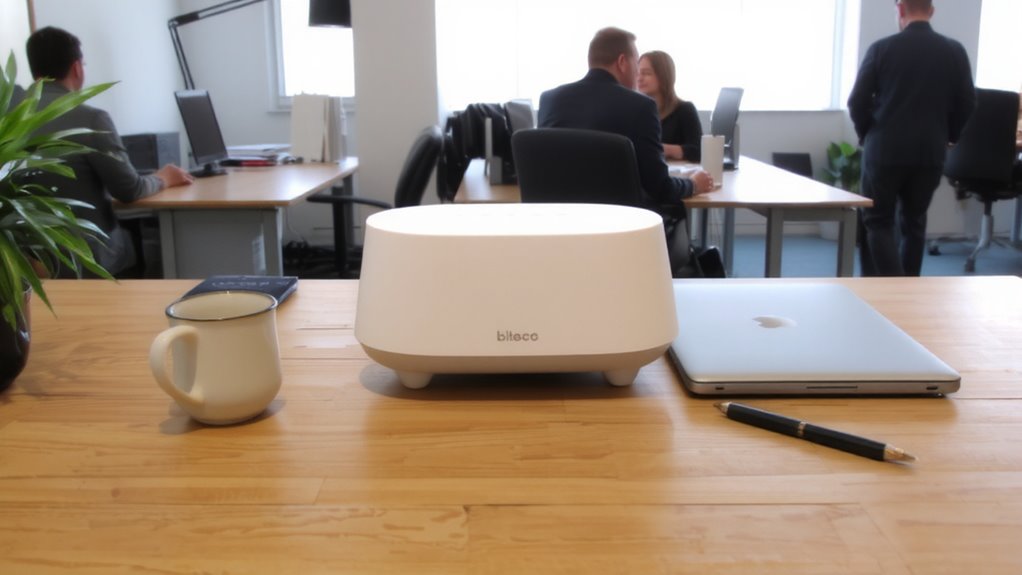
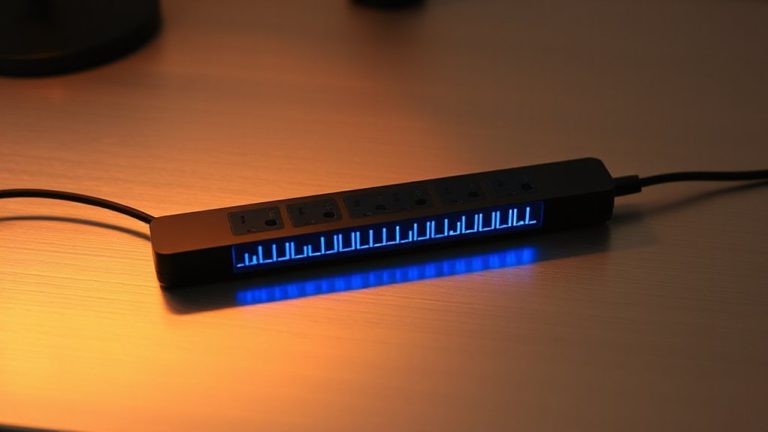
White noise machines can be a game-changer when it comes to staying focused in a noisy office. You’ll find they offer effective sound therapy by masking distracting conversations and keyboard clatter with consistent background noise. Many models include noise mapping features, which analyze your office environment and adjust output to cover specific frequency ranges where distractions occur. Units like the LectroFan Premium use digital signal processing to generate precise white, pink, or brown noise, helping maintain concentration without over-amplifying volume. For best results, place the device at ear level, about three to five feet from your workspace. While most come with 2-year warranties and undergo real-world acoustic testing, keep in mind these machines won’t eliminate loud, sudden sounds entirely. They work best when combined with behavioral adjustments and proper office layout planning.
Pick the Best Sound Type for Your Office Noise
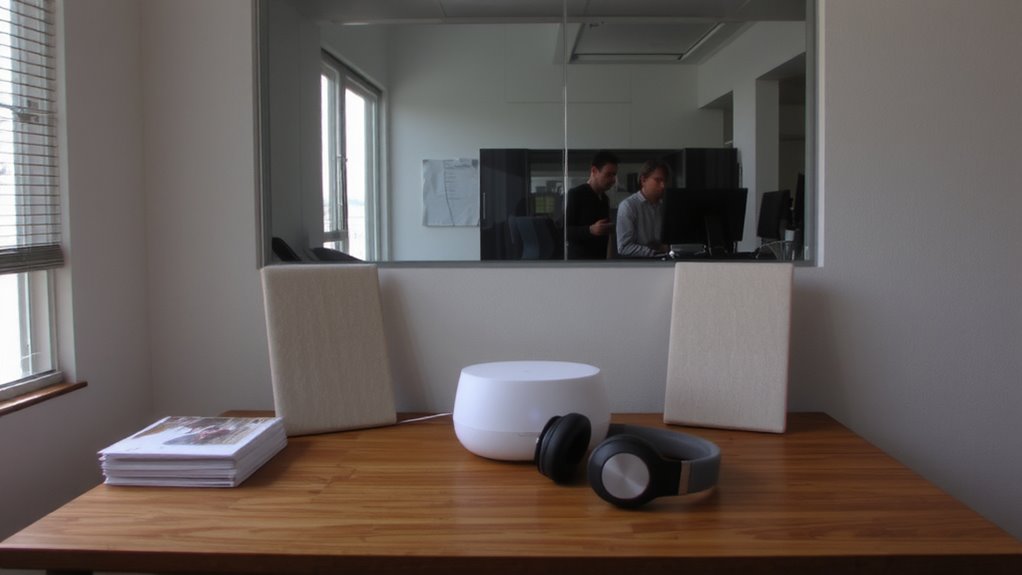
Why do some office workers swear by pink noise while others prefer brown? It comes down to sound profiles and how well they match your space’s noise. If your office has sharp, high-pitched distractions-like typing or phone alerts-pink noise, with its balanced frequency matching, often works best. It’s softer than white noise but still masks mid to high frequencies effectively. Brown noise, deeper and rumbly, suits low-end disruptions like HVAC systems or hallway chatter. It dips more in high frequencies, so it feels calmer but may not cover quick, sharp sounds. Your choice depends on your environment, not trends. Test a few sound profiles using a machine with adjustable settings and a warranty that allows returns. Most units offer multiple presets, so don’t assume white is default. Real-world testing shows no one-size-fits-all-results vary by room acoustics and personal sensitivity.
Position Your Machine for Quiet Focus
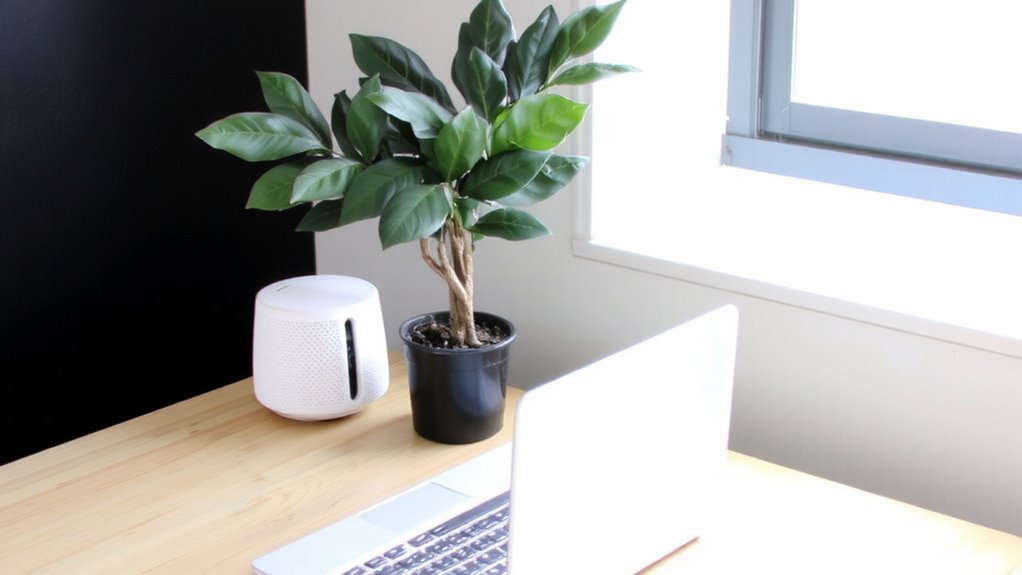
Place your machine about 3 to 6 feet from your desk, slightly off to the side, for the best balance between noise masking and personal comfort. This is the ideal placement to guarantee consistent sound coverage without overwhelming your space. Aim the speaker slightly toward you, but not directly, to control sound direction and reduce auditory fatigue. Avoid corners or tight shelves that can distort output. Keep it away from walls to prevent bouncing, which creates uneven sound. You’ll want a clear path between the device and your ears, free from obstructions. While most models perform well in open areas, fabric panels or nearby furniture can absorb high frequencies, slightly dulling effect. Test small adjustments-shifting just a few inches can make a noticeable difference. Remember, ideal placement isn’t one-size-fits-all. Your desk layout, room size, and machine design all affect results. Some trial helps you refine sound direction and output clarity.
Set the Right Volume for Shared Spaces
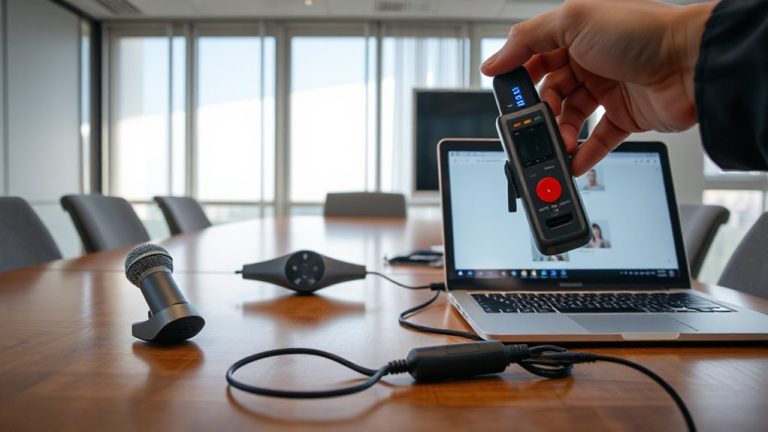
Aim for a volume level between 50 and 60 decibels-roughly the hum of a quiet office or soft conversation-to effectively mask background chatter without disturbing coworkers. Proper volume calibration guarantees sound masking works without becoming a distraction itself. Set it too low, and it won’t cover speech; too high, and it risks annoyance or auditory fatigue. Most white noise machines offer adjustable output, so test levels during peak office hours. You’ll likely need to tweak settings as workspace activity changes. Remember, the goal isn’t silence-it’s consistent ambient sound that reduces the contrast of sudden noises. Use a decibel meter app to verify levels if needed. Keep in mind that shared spaces demand compromise; your ideal setting must also respect others’ focus. Good sound masking blends in, making it easy to forget it’s on-exactly how it should be.
Combine With Headphones or Focus Techniques
While white noise machines help smooth out office noise, pairing them with over-ear headphones or active noise-canceling (ANC) models often delivers sharper focus, especially in high-distraction layouts. You boost sound masking effectiveness by containing the white noise close to your ears, reducing bleed into shared spaces. ANC headphones cancel low-frequency hums-like HVAC systems-while white noise covers sporadic sounds, together improving auditory focus. Over-ear models with memory foam seals (e.g., Sony WH-1000XM4, Bose QuietComfort) outperform earbuds in sustained comfort and noise isolation. But extended headphone use can cause ear fatigue, so limit sessions to 90 minutes with breaks. Also, some devices lack balanced frequency output, making white noise feel harsh; test sound profiles before long-term use. Pairing with focus techniques-like the Pomodoro method-amplifies results. Just make certain your setup doesn’t hinder necessary team communication.
Avoid These 5 Office White Noise Mistakes
If you’re relying on a white noise machine to cut through office distractions, you’ll want to steer clear of common missteps that undermine its effectiveness. First, avoid cranking up the volume too high-excessive choosing volume can be just as disruptive as the noise you’re masking and may even harm concentration over time. Keep output at a low to moderate level, just enough to diffuse background sounds. Second, neglecting selecting placement limits coverage; position the device slightly off-center and at ear level, away from walls and obstructions, for even sound dispersion. Don’t place it too close to coworkers-shared spaces require consideration. Third, using poor-quality units with artificial or looping sounds reduces masking power. Fourth, forgetting to test different noise profiles (white, pink, brown) limits effectiveness. Finally, relying solely on the machine without combining it with focus habits often falls short. Balance expectations with realistic setup adjustments.
On a final note
You should use a white noise machine if office distractions disrupt your focus, but only with smart setup. Choose broadband sound modes like white or pink noise to mask speech. Place the device 3–6 feet from your desk, facing shared areas, and keep volume at 45–55 dBA-loud enough to cover chatter but not disturb coworkers. Pair it with over-ear headphones or focus techniques for better results. Avoid overly loud settings, poor placement, or models without adjustable timers and solid warranties.