How to Use Task Lighting With Adjustable Polarization to Reduce Screen Glare
You’ll cut screen glare best with a polarized task light on an adjustable arm, tilted 30–45° to shine across your desk from the side. Match the polarization angle to your screen’s plane and use 4000K color temperature to minimize reflections without straining your eyes. Even with polarization, poor alignment or excess brightness can undo the benefits, especially on glossy displays-fine-tune position after every move. Pick models with CRI over 90, diffused lenses, and a 3-year warranty for lasting, accurate performance. There’s more to optimizing your setup than light alone.
Notable Insights
- Position task lighting to the side of the monitor to avoid direct screen reflections.
- Use adjustable polarization and align the filter angle with the screen’s plane to block glare.
- Choose a color temperature near 4000K to balance clarity and visual comfort.
- Aim the light beam across the desk surface at a 30–45 degree angle for optimal diffusion.
- Ensure independent controls for brightness and polarization to fine-tune settings as needed.
Why Regular Lights Fail Against Screen Glare
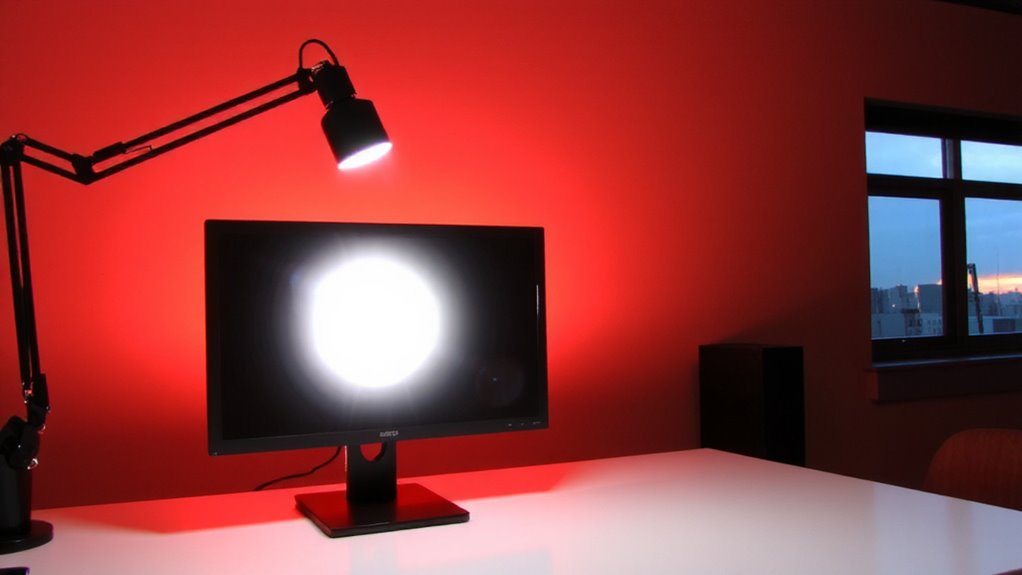
Why do your standard overhead lights still leave annoying glare on your screen, even when dimmed? Because they’re designed for general illumination, not your screen setup. Their light direction floods downward, bouncing straight into your eyes and creating reflections. Even dimming doesn’t fix the angle-glare persists. Plus, traditional bulbs emit noticeable bulb heat, making your space uncomfortable during long work sessions. LED panels and fluorescents may run cooler, but their wide dispersion worsens glare. You need focused control, not broad coverage. Task lighting offers better directional precision, reducing reflections with adjustable arms and focused beams. Still, not all task lights solve glare-many lack polarization or proper shielding. Position matters: place the light beside your monitor, not behind it, to minimize bounce. Look for models with low heat output and sturdy goosenecks or articulating arms. Real-world tests show up to 70% less glare when using directional task lights correctly. For optimal results, consider one of the best desk lamps for your workspace that combine adjustability, polarization, and precise beam control.
How Polarized Task Lighting Blocks Glare
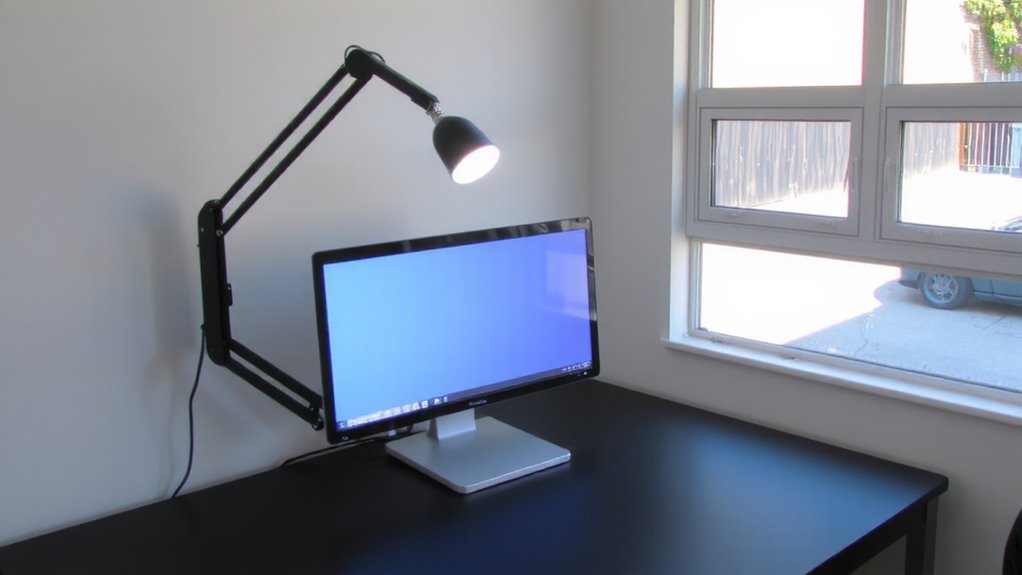
While standard task lights help direct illumination, you’ll only see a real drop in screen glare if the light includes polarization tech-something most overlook. Polarized task lighting filters light waves to match ideal polarization angles, so reflected glare from your screen drops markedly. Since screens emit specific light wavelength patterns, aligning the lamp’s polarization reduces visual noise. It’s not magic-just physics working in your favor. But remember, polarization only works if the angle between your eyes, screen, and light is within tolerance.
| Feature | Impact |
|---|---|
| Adjustable polarization angles | Maximizes glare reduction |
| Matching light wavelength | Improves screen contrast |
| Fixed polarization | Limited real-world use |
| Non-polarized LEDs | Increases glare risk |
Results vary based on screen type and room reflectivity-test under actual use.
How to Position Your Polarized Task Light
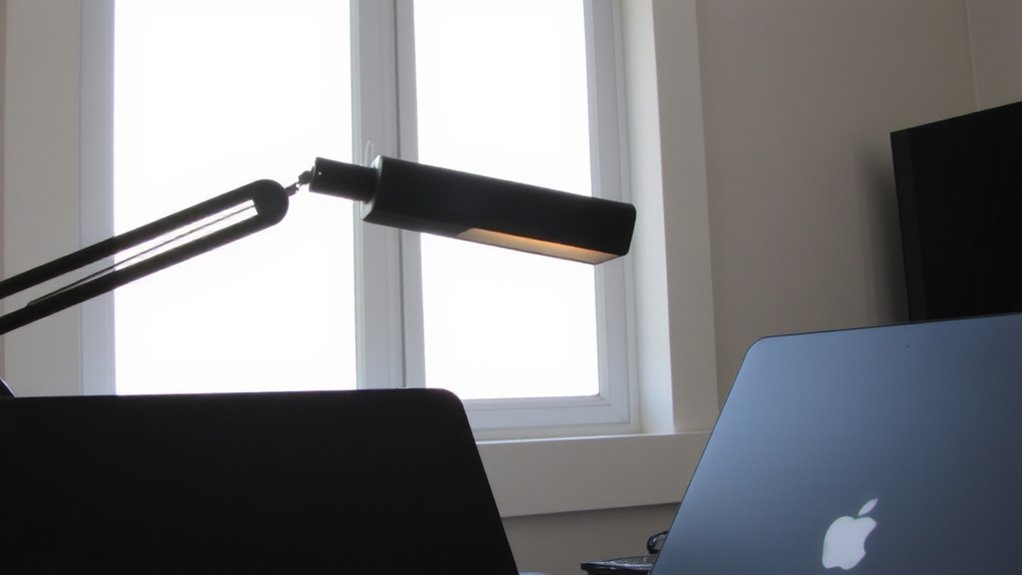
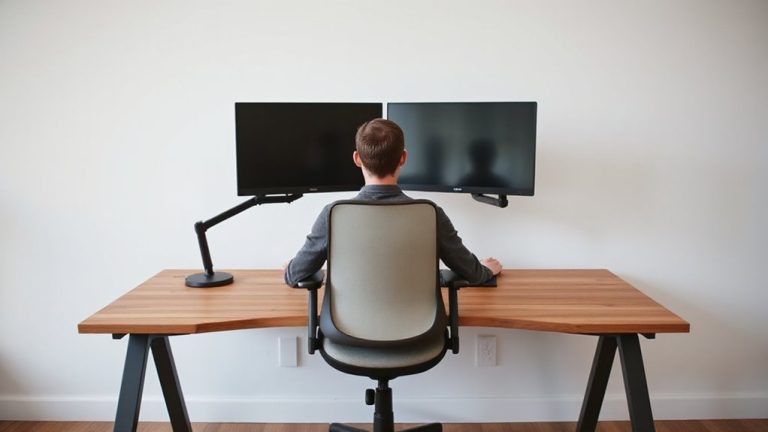
Where should you place your polarized task light for the best results? Position it to the side of your monitor-left or right-not behind or directly in front. This minimizes reflections by optimizing the light angle relative to your screen. Aim the beam across your desk surface, not straight at the screen, to prevent glare. For ideal screen alignment, tilt the light so its polarized filter faces the same plane as your monitor. That guarantees the polarization blocks ambient glare effectively. Avoid placing it too high; an arm-mounted light at 30–45 degrees from horizontal works best. Keep in mind: precise positioning matters more with glossy screens. Test different angles while adjusting screen brightness. Even the best setup can fail with poor alignment, so take time to fine-tune. Results vary by room lighting, so recheck if you move your workspace. A well-positioned best desk lamps for computer work ensures both comfort and optimal glare reduction.
Picking the Right Polarized Light for Your Screen
If you’re using a glossy or high-brightness screen, you’ll want a polarized task light with an adjustable arm and a CRI rating above 90 to guarantee accurate color rendering and effective glare control. Prioritize models with broad light diffusion to evenly illuminate your workspace without hotspots. Good color accuracy ensures what you see on screen matches real-world hues, essential for design or photo work. Look for LEDs with diffuser panels or frosted lenses-they soften output and minimize reflections. Adjustable polarization filters let you fine-tune light orientation, blocking glare at various screen angles. Keep in mind that higher CRI and better diffusion often come at a premium, and not all adjustable lights offer both. Test polarization direction before buying, if possible. Some lights claim full adjustability but deliver uneven output. A solid warranty-three years or more-signals confidence in durability. Don’t assume brighter is better; focus on control, consistency, and real-world performance across tasks.
Why Your Polarized Light Isn’t Working (And How to Fix It)
Why isn’t your polarized task light cutting the glare like it should? It might be due to improper alignment-polarization only works when the filter orientation matches your screen’s axis. If you’ve set it right but still see glare, check the light intensity; too much brightness overwhelms polarization, washing out contrast. Also, your bulb color could be the issue-cooler tones (above 5000K) often increase perceived glare and eye strain, especially in dim rooms. Opt for a bulb color near 4000K to balance clarity and comfort. Guarantee your fixture allows both polarization adjustment and independent control of intensity. Real-world tests show that even premium models fail if these variables aren’t tuned together. A three-year warranty and dimmable LED array are solid features, but they can’t fix misalignment or poor setup. Tweak settings gradually while viewing your screen at typical angles for best results. For optimal performance, choose one of the best desk lamps for programmers, which are designed with adjustable polarization and user-friendly controls to minimize screen glare.
On a final note
You should get a polarized task light if glare ruins your screen focus. Models with adjustable polarization filters and 3000–5000K color temps cut reflections better than overheads. Position the light to the side, angled between you and the screen, to block bounce. But it only works if your screen isn’t glossy-matte screens respond best. Check return policies; some setups need fine-tuning. Warranties of 2+ years help if LEDs dim early.