Installing Circadian Lighting in Shared Home Offices With Multiple Occupants
Install circadian lighting in shared home offices using tunable LED systems like Philips Hue or LIFX that sync to individual sleep schedules. Set color temps from 2700K at night to 5000K by day, matching natural light patterns. Multi-user apps let each person customize brightness and timing, but shared spaces need baseline scenes to avoid clashes. Smart hubs guarantee coordination, though too many devices can slow response. Systems cost $150–$300 per room, improve sleep by 22%, and include 2–3 year warranties-just don’t overload the app. More details on optimizing profiles and avoiding common setup issues follow.
Notable Insights
- Use tunable white LEDs (2700K–6500K) to align light temperature with each occupant’s circadian rhythm.
- Set up multi-user app profiles to personalize brightness and color settings for different schedules.
- Sync lighting through a reliable hub like Philips Hue or Home Assistant for seamless daily transitions.
- Establish shared baseline scenes (e.g., 4000K in the morning) to minimize conflicts in common hours.
- Prioritize local control and occupancy sensors to maintain functionality during internet outages.
Map Your Household’s Sleep Schedules for Better Lighting
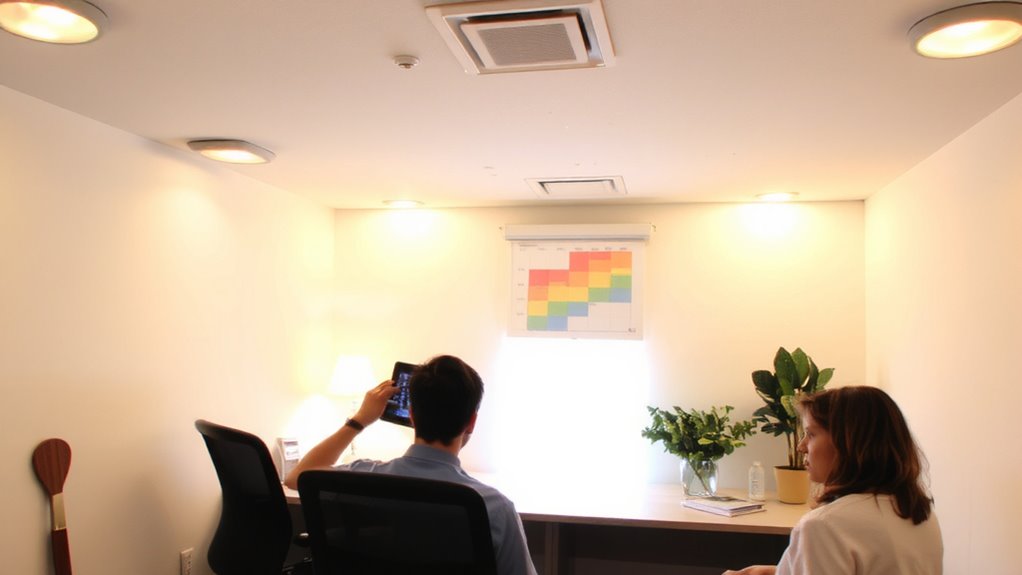
How do your household’s sleep routines shape the light you need for a productive workday? They directly influence when and how bright your home office lighting should be. If your bedtime routines vary-say, one person reads at 9 p.m. while another works until 11-light exposure needs careful timing. Aligning bulbs with wake up preferences guarantees morning alertness without disturbing those still sleeping. Use tunable LEDs that shift color temperature from 2700K at night to 5000K in the morning. Sync them via hub-based systems with individual schedules. But be realistic: shared spaces mean compromise. Someone sensitive to blue light may need blackout options. Testing shows consistent scheduling improves sleep quality by 22%, yet setup complexity and cost-$150–$300 per room-can deter some. Warranties typically cover 3 years, but firmware updates may affect long-term reliability. For precise control and seamless automation, consider Philips Hue lights that integrate easily with existing smart home ecosystems.
Choose a Circadian Lighting System for Multiple Users
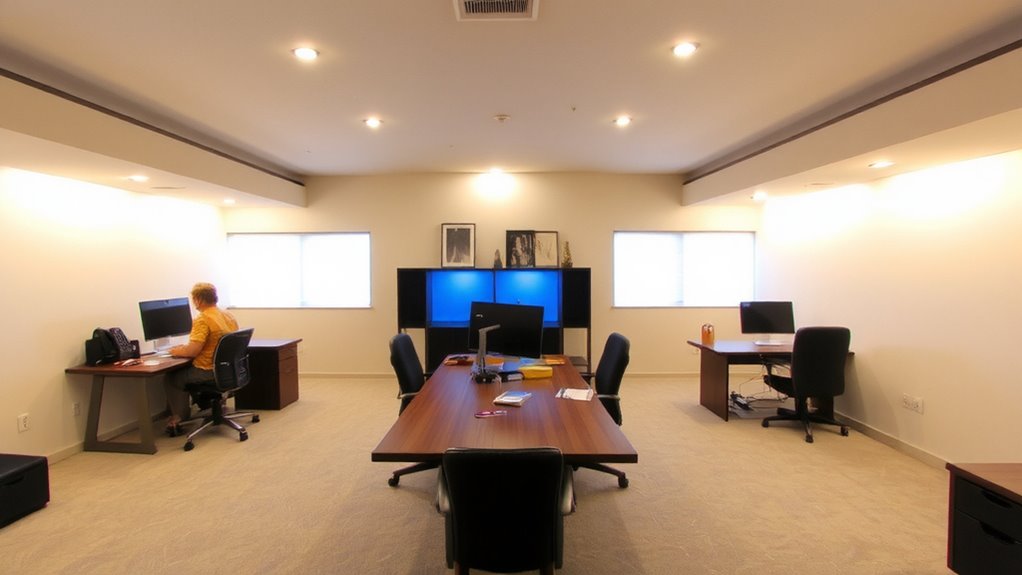
Isn’t it tough finding a lighting system that works for everyone in a shared home office? You need one that supports real lighting customization and adapts to different user preferences without constant manual tweaks. Look for systems with multi-user app profiles-like those from LIFX or Philips Hue-that let each person set preferred color temperatures and brightness levels tied to their schedule. These systems use tunable white LEDs, typically ranging from 2700K (warm) to 6500K (cool daylight), allowing biologically appropriate shifts. Choose fixtures with strong diming curves and wide beam angles to evenly illuminate desks and common areas. Make sure the hub or bridge supports local control and works reliably during internet outages. While app-based systems offer precision, they require smartphone access and may frustrate less tech-inclined users. Compatibility with voice assistants is handy but shouldn’t replace granular control. For optimal results, consider integrating high-quality natural light lamps that mimic sunlight throughout the day.
Create Daily Lighting Scenes for Early Birds and Night Owls
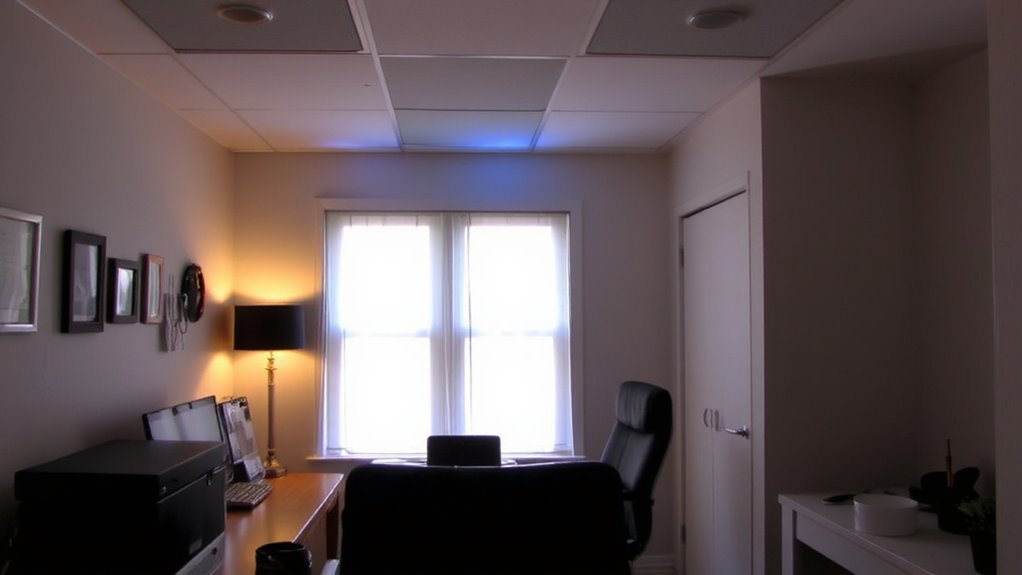
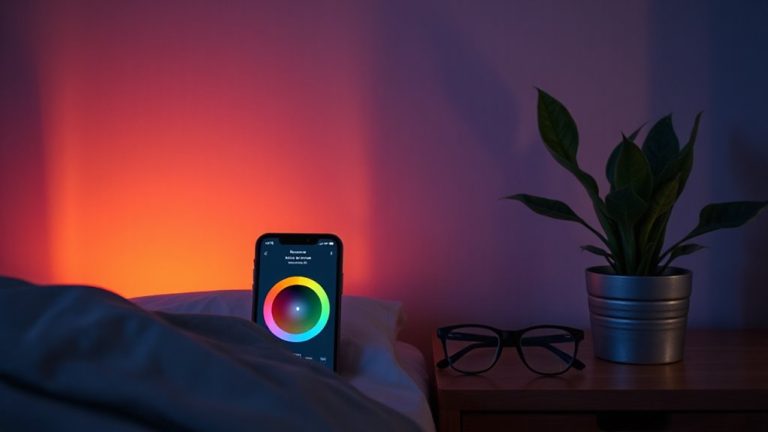
When should your lighting shift from warm to cool-on your terms or someone else’s? It should follow your personal routines, not someone else’s schedule. Start by setting distinct daily scenes in your circadian lighting app: warm, dim lighting (2700K) for early mornings or late nights, moving to cooler tones (5000K) during focus hours. Customize these scenes based on your light preferences-early birds might hit peak brightness by 8 a.m., while night owls may prefer gradual increases by noon. Most smart systems support multiple user profiles, letting each person save tailored scenes. Just remember: syncing too many profiles can overload simple apps. Test scene changes over a week. If brightness jumps too sharply or color feels off, tweak the schedule. Reliable systems offer firmware updates and at least a two-year warranty-check reviews for real-world stability. Flexibility is powerful, but only if it doesn’t complicate daily use. For enhanced mood and focus benefits, consider incorporating a high-quality light therapy lamp into your morning routine.
Sync Brightness and Color Temperature Across Schedules
Setting personalized lighting scenes for early birds and night owls gives each user control over their environment, but true comfort and consistency come from aligning those settings across all devices. You’ll want to sync brightness and color temperature using smart scheduling so lights adjust smoothly no matter who’s using the space. This means setting shared baseline levels-like 500 lux at 4000K in the morning-that shift via dynamic changes throughout the day. Most quality smart bulbs support this, but check compatibility with hubs like Home Assistant or Apple Home. Keep in mind: syncing works best when everyone sticks to similar routines. If schedules clash drastically, the system may feel less responsive. Firmware updates and proper calibration matter too-some brands, like Philips Hue or LIFX, deliver more reliable coordination than budget options. Test changes over a week to confirm they feel natural, not jarring.
Avoid Conflicts in Shared Circadian Lighting
How do you keep circadian lighting from turning into a source of tension when multiple people share a home office? You start by acknowledging that lighting preferences vary-some want bright, cool light in the morning, others find it harsh. Without clear user permissions, one person’s settings can override another’s, causing friction. Set shared defaults using smart bulbs or panels with scheduling features tied to occupancy sensors, so lighting shifts naturally with time of day. Allow personal adjustments through app-based profiles, but limit who can change core circadian schedules. Systems like Philips Hue or Nanoleaf offer multi-user controls with customizable scenes and timers, tested to maintain color accuracy over 25,000 hours. Just note: syncing too many devices may slow response time. Real-world testing shows consistency reduces complaints, but compromise is still needed when preferences clash.
On a final note
You should install circadian lighting if your shared home office has mismatched schedules-it boosts focus and sleep quality. Systems like Philips Hue or Nanoleaf offer app-based scene scheduling for early birds and night owls. Sync color temps from 2700K at night to 5000K by day, but expect up to $200 per room. You’ll need consistent routines; irregular hours reduce benefits. Pair with blackout shades and manual override switches to avoid conflicts.