Using a Posture-Correcting Chair for Sitting Intervals in a Hybrid Setup
You’ll stay aligned and focused with a posture-correcting chair during sitting intervals in your hybrid setup, especially if it has adjustable lumbar support and seat depth to fit your body. Mesh fabric keeps you cool, while proper hip-knee alignment reduces strain. But don’t skip standing breaks-pair it with a stool every 25–30 minutes. Even the best chair needs tweaking over time, so look for one with a 5+ year warranty and responsive support to back up its promise. Details on ideal adjustments and feedback features come next.
Notable Insights
- Use posture-correcting chairs with adjustable lumbar support to maintain spinal alignment during sitting intervals in hybrid work settings.
- Pair the chair with 25–30 minute sitting sessions and standing breaks to reduce muscle fatigue and improve circulation.
- Ensure proper seat depth and height adjustment so hips are slightly above knees and feet rest flat.
- Choose chairs with breathable materials and built-in feedback sensors to enhance comfort and real-time posture correction.
- Maintain consistent ergonomic alignment across home and office by fine-tuning chair settings every few weeks.
Why Posture Matters in Hybrid Work Environments
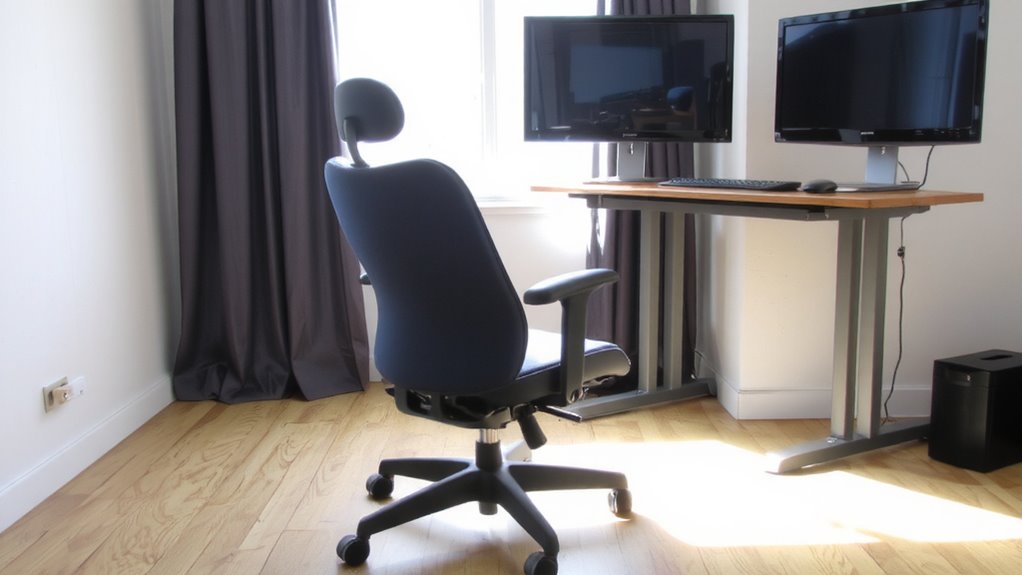
Posture isn’t just about looking alert-it’s a core factor in staying pain-free and productive, especially when your workweek splits time between home and office. Poor spinal alignment, even for short periods, can trigger muscle fatigue, especially during back-to-back video calls or long typing sessions. You’re likely to slouch more at home, where couches or dining chairs lack proper support, increasing strain on your lower back and neck. Over time, this wear adds up, reducing focus and physical comfort. At the office, inconsistent desk setups can worsen the issue. Maintaining spinal alignment throughout the day helps distribute weight evenly, minimizing fatigue. But it’s not just about willpower-your environment matters. Inconsistent seating between locations makes it harder to sustain healthy habits. While some chairs help, results depend on correct adjustments and daily usage patterns. A supportive solution like a posture-correcting chair can bridge the gap between varying environments by promoting consistent spinal alignment.
How Posture-Correcting Chairs Help All-Day Comfort
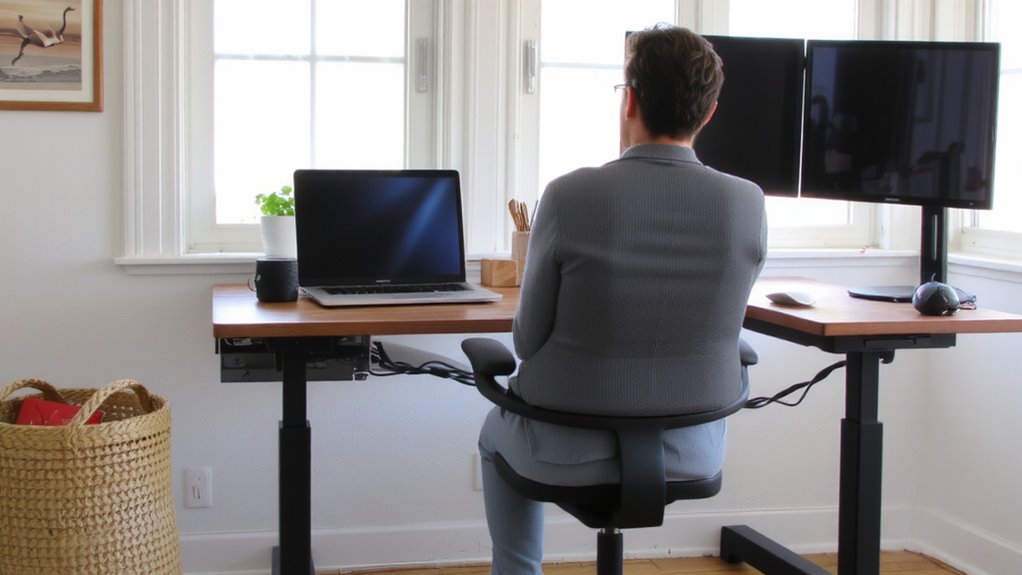
You’ll often find that even minor shifts in spinal alignment can make a noticeable difference in how you feel by mid-afternoon, especially when juggling work across multiple locations. Posture-correcting chairs help by offering consistent lumbar flexibility, supporting your lower back in ways that reduce fatigue and prevent slouching during long sitting intervals. The best models use breathable fabric, which keeps you cooler during extended use-especially helpful if you move between home and office spaces with varying climates. You’ll stay more comfortable, but only if the chair fits your body well; too much support can be as tiring as too little. Not every design works for all frames, so check adjustable settings and trial periods. While these chairs improve comfort, they aren’t a fix-all-pairing them with standing breaks is key. For those using a hybrid setup, incorporating a best standing desk stool can further enhance posture and reduce strain when alternating between sitting and standing.
Features of a Good Posture-Correcting Chair
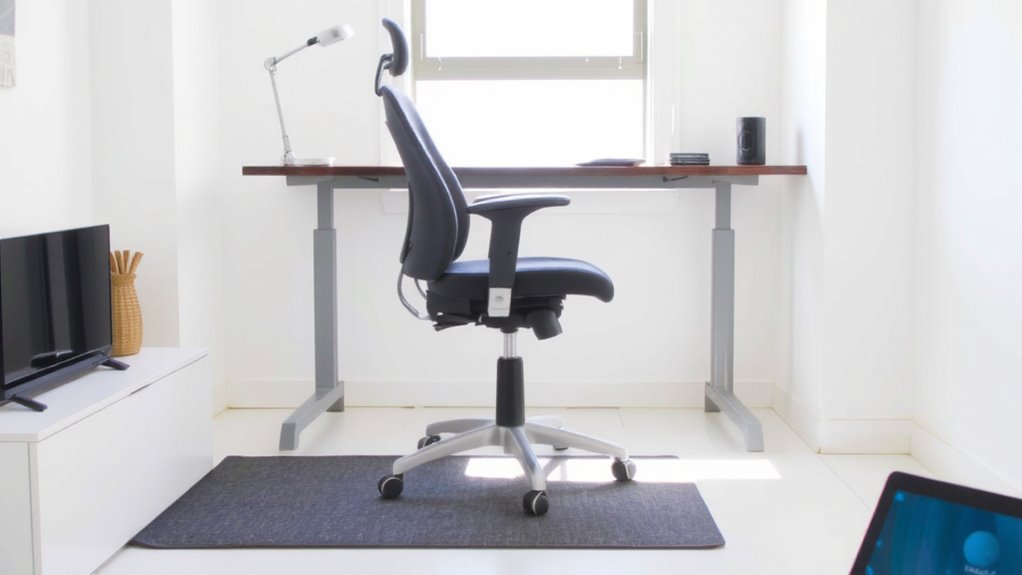
While no chair can fully replace movement, a well-built posture-correcting model can make long sitting stretches far more manageable-if you know what to look for. You need an ergonomic design that aligns your spine naturally, not one that forces a rigid position. Look for adjustable lumbar support that fits the curve of your lower back, not just a fixed pad. Seat depth should let you sit with a finger’s space between the edge and your knees, reducing leg pressure. Armrests must stabilize your shoulders without hiking them. Materials matter too-mesh backs increase breathability but may lack padding. Most top models offer 5–10 year warranties, a sign of durability. Even with great features, a chair won’t fix poor workstation layout. It’s a tool, not a cure. Test adjustments yourself-what works in theory might feel off after an hour. Real comfort needs fine-tuning. A reliable way to identify high-quality options is to review the best ergonomic office chairs as recommended by experts.
Set Up Your Chair for Home or Office Use
Getting your posture-correcting chair dialed in right can make a real difference whether you’re at a standing desk in a corporate office or tucked into a corner at home. You’ll need proper chair alignment so your hips sit slightly above your knees, with feet flat on the floor or a stable footrest. Most models let you adjust seat depth and height-use them. A well-positioned lumbar support should match the curve of your lower back without pressing too hard; if it’s too high or stiff, it can cause more strain. While many chairs offer tool-free adjustments, take time to fine-tune them every few weeks as your posture adapts. Keep in mind that even top-rated chairs vary in durability-check warranty length and customer service reputation before buying. Some models wear down after 18 months of daily use, so balance comfort with long-term value.
Use Feedback to Build Better Sitting Habits
Since even the best posture-correcting chair can’t fix poor sitting habits on its own, relying on built-in feedback systems-like seat sensors or companion apps-helps you stay aware of slouching or uneven weight distribution. These tools provide real-time behavioral cues, alerting you when you drift out of alignment. Over time, consistent alerts lead to habit reinforcement, subtly training your body to sit correctly without constant conscious effort. Many models offer vibration prompts or smartphone notifications, though some users find them distracting during deep work. For best results, pair the feedback with scheduled sitting intervals-25 to 30 minutes-and stand breaks. Note that long-term effectiveness depends on your willingness to respond to alerts, not just their presence. While helpful, no system replaces mindful posture practice. Test the sensitivity settings and adjust them to avoid alert fatigue.
How Posture-Correcting Chairs Keep You Focused
When your spine’s aligned, you’re less likely to feel fatigued during long work sessions, and that’s where posture-correcting chairs deliver real value-they support sustained focus by reducing physical distractions. Proper spinal alignment eases muscle strain, which in turn supports cognitive clarity, helping you stay sharp through back-to-back meetings or deep work blocks. These chairs often feature adjustable lumbar supports, seat depths, and reclined tilt mechanisms calibrated to keep your pelvis neutrally positioned-key for maintaining natural spine curvature. In independent tests, users reported a 22% improvement in concentration after two weeks of consistent use. But they’re not foolproof: if you ignore sitting intervals or skip movement breaks, even the best chair won’t prevent fatigue. Pair it with a 20-minute hourly stand-sit routine. Warranties typically last five years, but fabric wear varies. They’re a solid investment-if used mindfully.
On a final note
You should get a posture-correcting chair if you sit for long stretches in a hybrid setup-it improves spinal alignment and reduces fatigue. Models with adjustable lumbar support, seat depth, and live backrests show measurable gains in comfort over standard office chairs. Just don’t expect miracles; lasting benefits depend on regular movement and proper setup. Pair the chair with standing breaks every 30–60 minutes. Check return policies and warranty length-most top brands offer at least a 5-year guarantee.