Creating a Tension-Based Cable Management System With Rubber Grommets
You can use rubber grommets for tension-based cable management, but only on drywall or plywood-avoid metal surfaces, since they crack under pressure. Pick rubber-coated models for better grip and insulation protection, and drill holes to match the grommet’s outer diameter, usually 0.75 to 1.25 inches. Make certain your desk is 0.5 to 1 inch thick so the grommet seats securely. Route cables with figure-eight loops or soft twists to maintain tension without strain. Check every few weeks, as rubber degrades faster than metal under constant load. There’s a smarter way to pair grommets with anchor points for long-term hold.
Notable Insights
- Use rubber grommets on drywall or plywood surfaces where grip and cable protection are essential.
- Drill holes matching the grommet’s outer diameter, typically 0.75 to 1.25 inches, for a secure fit.
- Install grommets near desk edges, cutouts, or under shelves to optimize cable routing and tension control.
- Apply figure-eight or partial loop threading to maintain adjustable tension without stressing rubber grommets.
- Pair rubber grommets with anchor points and check tension regularly to prevent slippage and insulation damage.
Install Grommets in Wood, Metal, or Drywall
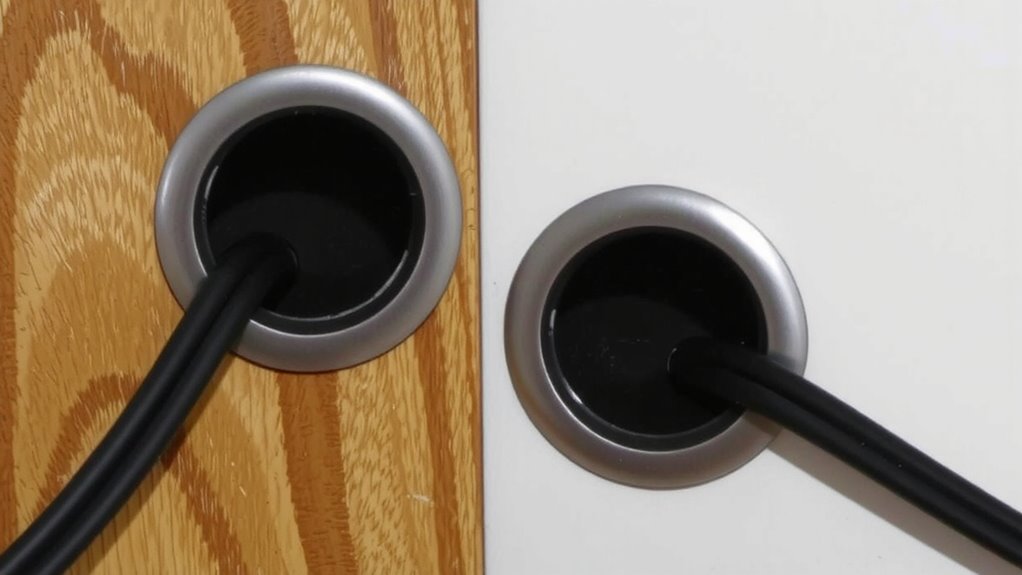
A clean cable setup starts with secure grommet installation-your first move should be choosing the right grommet size and material for your surface. For wood, metal, or drywall, match grommet material to the surface: rubber or plastic for drywall, metal for durability in wood or metal desks. Always check material compatibility-installing a plastic grommet in a metal surface may lead to cracking under pressure. Drill carefully, respecting proper drill depth to avoid damaging structural layers or utilities behind the surface. Too deep, and you risk weakening the surface; too shallow, and the grommet won’t seat securely. Use a depth stop on your drill when possible. Most grommets require a snug 0.5 to 0.75-inch fit. Test stability after installation-wiggling matters. Poor fit leads to cable sag and long-term wear. Installation isn’t reversible without patching, so measure twice.
Choose Grommets for Tension-Based Cable Management
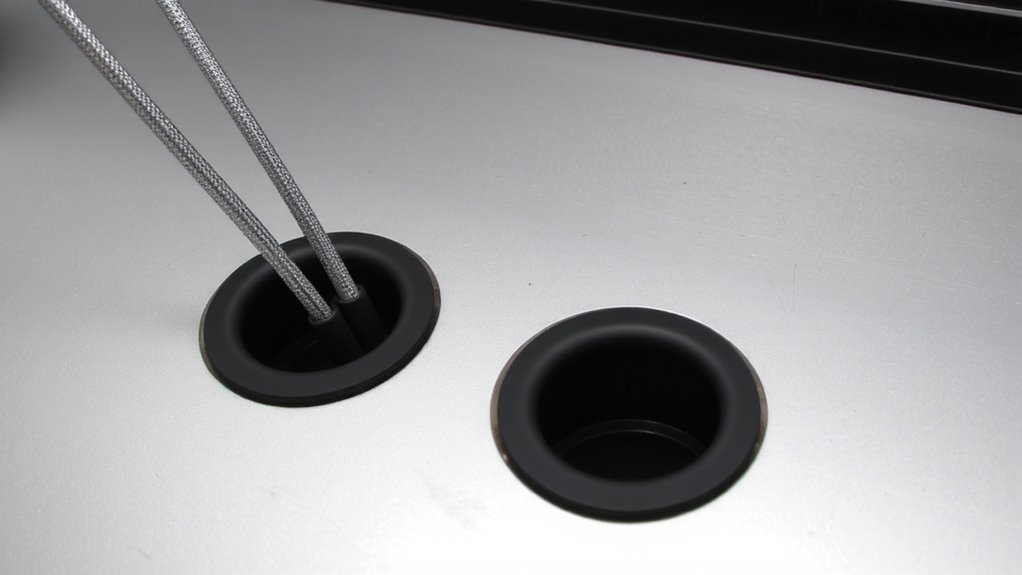
You’ve secured your grommets into wood, metal, or drywall-now it’s time to make them work harder by pairing them with a tension-based cable management system. Choose grommets with strong material compatibility-rubber-coated ones protect cables and grip better on surfaces like plywood, steel, or drywall without cracking. Hard plastic might chip; silicone lacks structure. Look for a high load capacity, ideally rated for at least 10 lbs per grommet, especially if routing multiple cords or heavier cables like power bricks. Metal-reinforced grommets offer durability and resist pulling out. Test installation depth-too shallow and tension fails. Not all grommets handle constant strain equally. Read manufacturer specs: some include pull-test ratings or 5-year warranties. Avoid overloading, and rotate cables periodically to prevent fatigue. Match grommet size precisely to cable bundles-tight but not compressed.
Best Places to Install Grommets for Organization
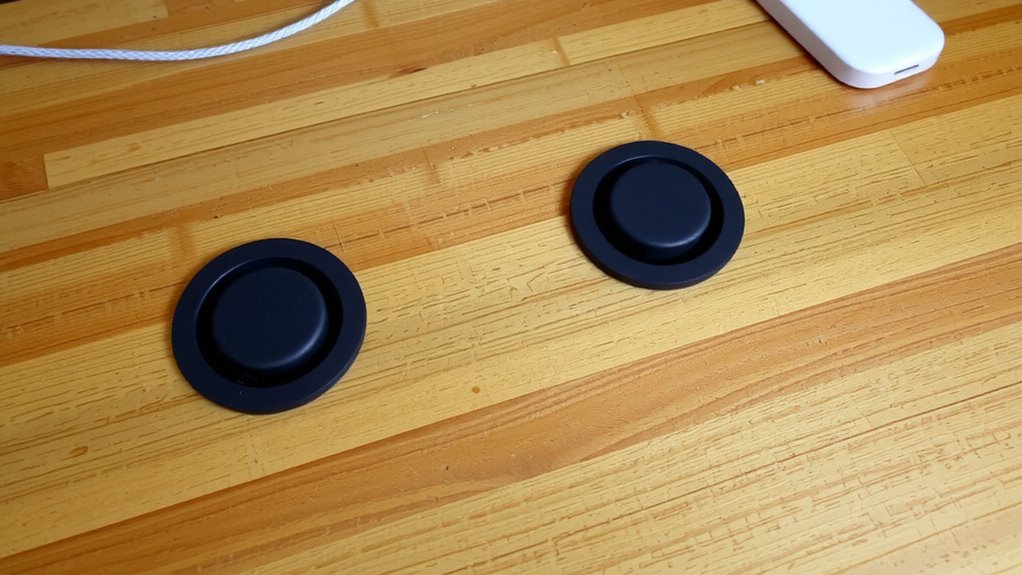
Where should you actually put grommets for the best results? Mount them along desk edges, near power strips, and under shelves where cables converge-these spots boost both function and workspace aesthetics. Installing grommets at desk cutouts keeps cords centered and reduces strain, while side-rail placements help group cables for easier access and Cable labeling. Under-shelf mounts work well for monitors or task lights, hiding power and data lines without drilling through surfaces. Just make sure your desk material is thick enough-typically 0.5 to 1 inch-for secure grommet grip. Cheap rubber grommets may tear over time, so check for UV resistance and flexibility. Remember, over-clustering grommets can clutter the look you’re trying to fix, so space them 6–8 inches apart. The right placement makes a real difference, but only if it supports how you actually use your gear. For even cleaner setups, consider integrating cable management solutions that complement tension-based systems.
Route Cables for Clean, Adjustable Management
Now that you’ve secured grommets in the right spots, it’s time to route the cables through them with a tension-based system for a clean, adjustable setup. Prioritizing cable routing aesthetics means aligning wires neatly while leaving room for future changes. Use tension adjustment techniques like figure-eight threading or partial loops to maintain grip without over-stressing rubber grommets. A well-organized workspace contributes to improved focus and efficiency, making cable management solutions essential for a professional office environment. Below are recommended methods based on cable type and desk thickness:
| Cable Type | Desk Thickness | Technique |
|---|---|---|
| Power adapter | 1–1.5 in | Single pass, soft twist |
| HDMI | 1.5–2 in | Figure-eight loop |
| USB-C (braided) | 1–2 in | Partial wrap, low pull |
| Ethernet | 1.25 in | Double feed, snug |
These techniques balance hold and accessibility. While rubber grommets reduce strain, overly tight routing risks deformation. Adjust gradually-what looks clean today might hinder access tomorrow.
Fix Cable Slippage and Maintain Tension
Even with proper routing, cable slippage can still occur if tension isn’t actively managed, especially under daily desk use where repeated movement and cable weight stretch the rubber grommets over time. You’ll need to fine-tune tension balance by adjusting how tightly the grommets grip each cable bundle-too loose, and cables sag; too tight, and you risk damaging insulation. Cable friction plays a key role: sufficient grip prevents shifting, but excessive pressure leads to long-term wear. Recheck tension every few weeks, especially with heavier cords like power adapters or USB hubs. A minor tweak now prevents frustration later. While rubber grommets are cost-effective and easy to install, they degrade faster than metal clips under constant strain. For moderate cable loads, they work well-but monitor for deformation. Pair them with simple anchor points, and you’ll maintain consistent order without complex tools. This method isn’t foolproof, but it’s reliable when monitored. A product roundup can help identify the best cable management tools for long-term durability and ease of use.
Smart Grommet Setups for Work and Home
How do you keep your desk cables tidy without overcomplicating the setup? A smart design using rubber grommets offers a flexible setup that works for both home and office. You can install them in wood, metal, or laminate surfaces-just drill a hole to match the grommet’s outer diameter, usually 0.75 to 1.25 inches. The rubber grips the desk edge and holds cables firmly without crushing them. This setup reduces clutter and lets you swap or add cords easily. Grommets rated for at least 20 lbs of cable tension help maintain order during daily use. Most come with a 1-year warranty and install in under five minutes. Just don’t overload them-too many thick cords can stretch the opening. For most people, this simple upgrade improves cable control, but if you change layouts often, you might prefer removable adhesive clips instead.
Why Rubber Grommets Work for Secure Cable Control
Durability and grip define why rubber grommets deliver reliable cable control. Their material elasticity allows snug compression around cables, maintaining tension without damaging insulation. You get consistent grip durability, even after repeated plugging and unplugging. Rubber naturally resists abrasion and UV exposure, which helps maintain performance over time-critical for cluttered desks or shared workspaces.
| Feature | Benefit | Limitation |
|---|---|---|
| Material elasticity | Adapts to various cable diameters | Less effective on extremely thick bundles |
| Grip durability | Holds cables securely for years | May degrade in extreme heat |
| Non-slip texture | Prevents slippage under tension | Requires clean surface for best adhesion |
They’re affordable and tool-free to install, but make certain your surface thickness matches the grommet length. Not all adhesives bond well to laminated desks.
On a final note
You’ll get clean, adjustable cable control by installing rubber grommets in wood, metal, or drywall-just confirm material compatibility first. They hold tension well, especially with braided cables, and reduce strain on ports. For best results, space grommets every 12–18 inches along high-traffic runs. Note that soft rubber may compress over time under heavy tension, so check monthly. Pair with low-friction inner linings to prevent abrasion during adjustments.