Organizing for Multiple Users: Shared Home Office Storage Strategies
You’ll save space and avoid duplicate gear by first auditing how often each person uses the office-with real tracking revealing who needs daily docking stations versus monthly printers. Set up labeled, adjustable shelves between 30–72 inches for personal storage and use color-coded, stackable bins (blue for pens, red for cables) to keep shared supplies clear. Choose modular furniture with BIFMA-rated steel frames and 200-lb capacity, but test for wobble. Sync Google Calendars to block work hours and prevent conflicts-transparency cuts interruptions, though you’ll need weekly checkins to adjust. A tidy system only sticks if everyone rotates duties and revisits zones after two-week trials to refine what’s actually working.
Notable Insights
- Conduct a space audit weekly to track equipment usage and identify underused or overused shared items.
- Designate personal storage zones with labeled, accessible shelving and divided drawers for individual needs.
- Use color-coded, clear bins for shared supplies to streamline access and prevent category confusion.
- Choose modular, durable furniture with high weight capacity and adjustable features for evolving office needs.
- Sync digital calendars to coordinate schedules and minimize conflicts over shared space and equipment use.
Map Your Shared Home Office Usage
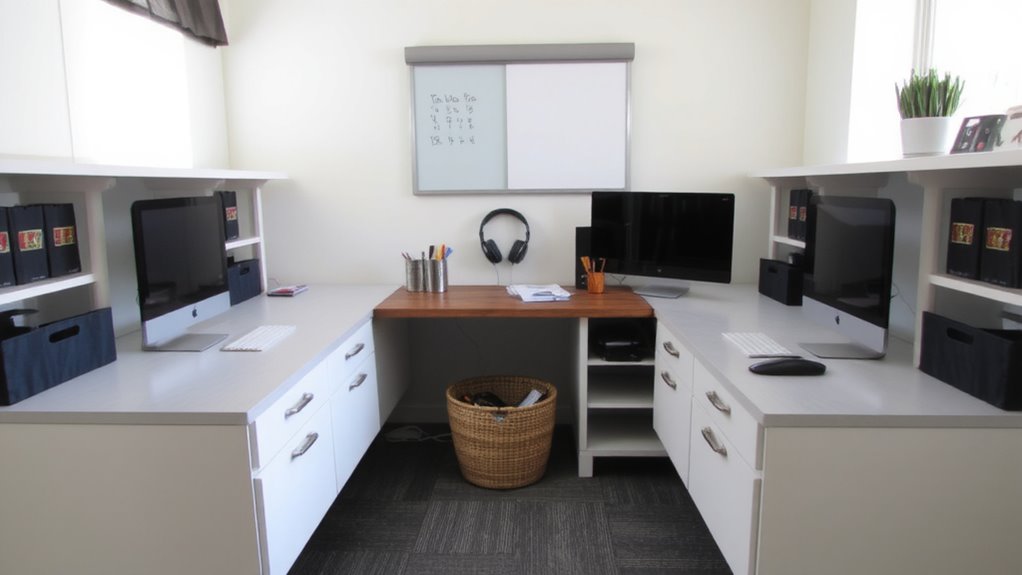
Where do you and your household members actually work in the shared home office? Start with a space audit to map out daily usage patterns-you might think everyone needs a monitor and keyboard, but overlapping schedules often mean shared gear is idle half the time. Track who uses what, when, and for how long over a week. You’ll likely find imbalances: one person may need a docking station daily, while another only uses the printer twice a week. This data guides smarter storage and access. Avoid buying duplicate gear unless absolutely necessary-cable organizers and vertical storage can help rotate devices efficiently. But don’t over-organize; adjustable shelving beats built-ins if needs change. A space audit isn’t a one-time fix-it’s a baseline. Usage patterns shift, especially during exams or project deadlines. Reassess every few months to stay aligned with real needs, not assumptions. For consistent cable control across shared setups, consider using best cable management solutions tailored for multi-user environments.
Create Personal Zones in a Shared Space
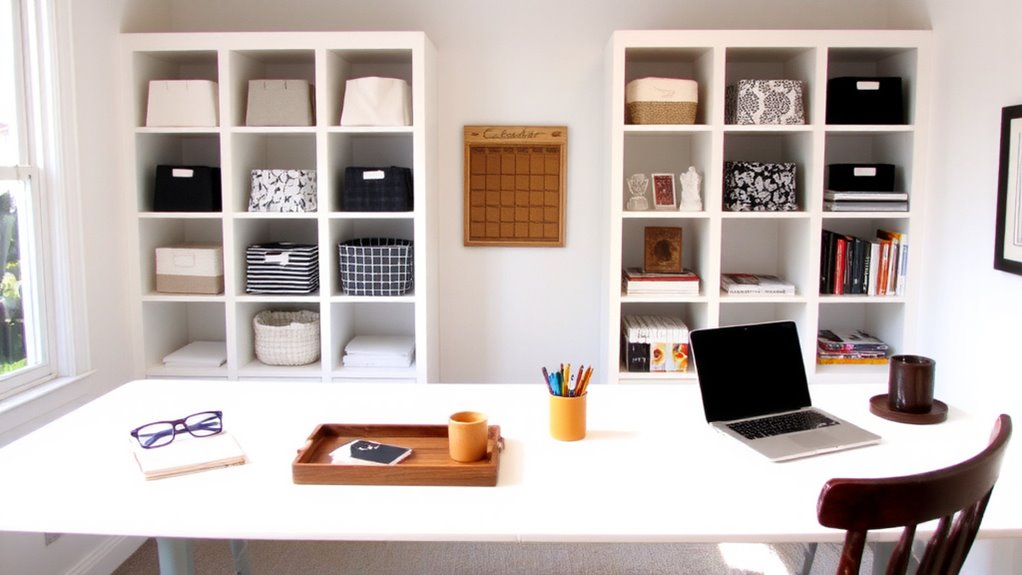
Once you’ve mapped out who uses what and when, it’s time to give everyone a consistent spot to call their own. Carve out personal zones using assigned storage like personal shelving and designated drawers-this reduces daily friction and keeps essentials secure. Label each zone clearly, but avoid permanent modifications if you share the space with others long-term. Personal shelving should be within easy reach, ideally between 30 and 72 inches high, to prevent strain. Designated drawers work best when sized to fit common items: pens, notebooks, or device chargers. Use dividers to maintain order, but leave room for individual habits. Be realistic-some compromise is necessary, and rigid systems often fail. Balance personalization with practicality. Test the setup for at least two weeks. Adjust based on actual use, not preference. This approach isn’t perfect, but it scales well across different schedules and storage needs. Consider selecting best office bookshelves that offer both style and functionality to enhance shared workspace organization.
Use Labeled Bins for Shared Supplies
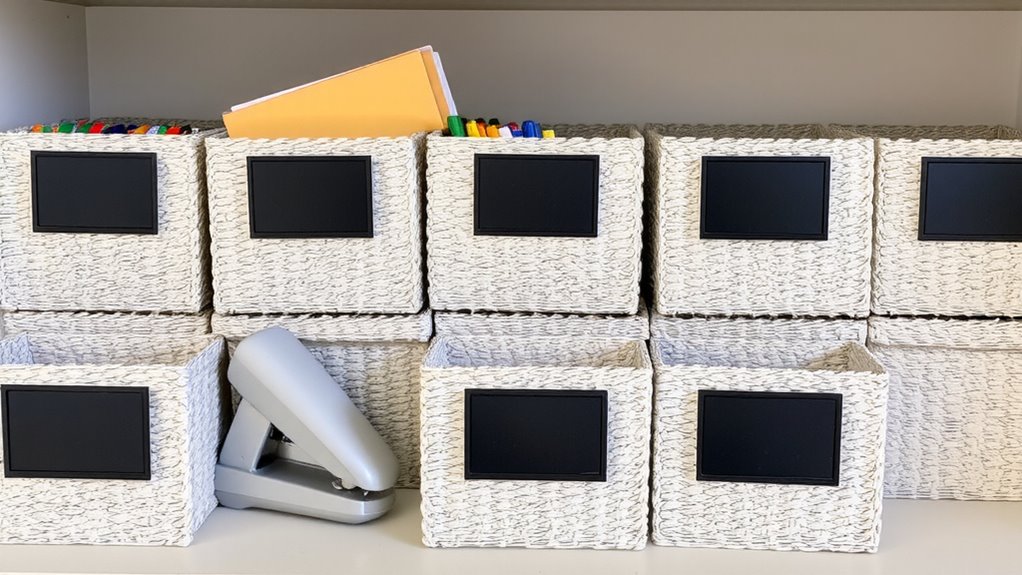
Labeled bins are a game-changer for keeping shared office supplies organized, but only if you pick the right type and commit to consistent use. Use clear, stackable bins with durable labels-these resist wear and make contents easy to identify. Color coding helps distinguish personal versus shared items quickly. Pair this system with weekly supply checkins to refill basics like paper clips or sticky notes before they run out. While labels improve access, overcrowding bins defeats the purpose, so limit each to one category max. Choosing the right storage solution starts with understanding your office supply storage options, which can vary widely in size, material, and functionality.
| Supply Type | Recommended Bin Color |
|---|---|
| Writing Tools | Blue |
| Adhesives | Green |
| Tech Cables | Red |
Color coding reduces mix-ups, but it only works if everyone respects the system. Label tampering or mis-sorting during supply checkins can cause confusion-address issues early.
Choose Modular Furniture That Adapts
You’ll get the most long-term value from furniture that can change as your needs do-especially in a shared home office where space and function are always in flux. Modular systems with adaptable shelving let you reconfigure storage as responsibilities shift, guaranteeing everyone has access when they need it. Convertible desks, like height-adjustable or fold-down models, support both collaboration and solo work without permanent space commitment. These pieces typically offer clean assembly, solid weight capacity (check specs-some support up to 200 lbs), and modest warranties (3–5 years is common). However, they often cost more upfront than static furniture. Look for steel frames and tested BIFMA ratings to guarantee durability. While space-saving, some models sacrifice stability or legroom. Read user reviews carefully-real-world feedback often reveals wobble or alignment issues not shown in product photos. Planning pays off, but don’t assume all modular furniture delivers equal performance.
Plan Who Works When With Shared Calendars
How do you keep two schedules from colliding in a shared workspace? You use shared digital calendars to map out work hours and avoid scheduling conflicts. Syncing calendars through platforms like Google Calendar lets both users see who’s using the office and when. Block time clearly, especially if one person has meetings or focused work blocks. This transparency reduces friction and sets clear expectations. But keep boundaries realistic-over-scheduling can backfire if one person’s hours shift. Shared calendars work best when paired with communication. Check in weekly to adjust for changes. While this doesn’t solve space limits, it minimizes interruptions. No calendar is perfect, and someone might still need the office unexpectedly. Still, consistent use cuts down conflicts markedly-just don’t rely on it alone. Pair it with good routine habits for best results.
Keep Office Supplies Stocked and Visible
A tidy workspace starts with supplies you can actually reach when you need them, not buried in a drawer or stacked behind your monitor. You’ll boost supply visibility by using clear, labeled containers or open trays on desk caddies and wall-mounted shelves. This makes pens, sticky notes, and USB drives easy to find-cutting down clutter and time wasted searching. Stock monitoring works best with a quick weekly glance: check levels and refill predictable items like paper clips or ink before they run out. Avoid overstocking; too much inventory defeats the purpose and crowds shared space. Use shallow bins to prevent burying items in deep drawers. Some find magnetic strips handy for metal tools like scissors or staplers. While stylish glass jars look clean, they’re less practical if labels fade. Balance aesthetics with function-durability and daily usability matter most.
Assign Weekly Tidy-Up Rotations
Shared spaces work best when everyone shares the responsibility, and a weekly tidy-up rotation keeps your home office from slipping into disarray. You’ll need clear task delegation so no one’s left guessing who empties the shredder or refills paper trays. Assign roles by day or user, and use a shared digital calendar or whiteboard for accountability tracking-this small step prevents resentment and confusion. While rotating chores fosters fairness, it only works if everyone commits and communicates. Realistically, some weeks get hectic, so build in flexibility: swap days when needed, but record the change. Avoid overcomplicating it with too many tasks; focus on essentials like clearing surfaces, organizing cords, and restocking supplies. Don’t rely on memory-mark completed checks with initials or icons. This system isn’t foolproof, but with consistent follow-through, it maintains order without constant supervision.
On a final note
You can make a shared home office work, but it demands clear rules and smart gear. Use labeled bins and modular storage like cube shelves or drawer units to keep supplies organized and accessible. Set up personal zones with desk organizers or portable trays. Coordinate schedules on a shared calendar app. Rotate cleanup duty weekly. Note: even the best setup fails without consistent habits-no product fixes poor communication.