Choosing Between Slim Portable Docks and Stationary Desktop Expansion Units
Choose a portable dock if you travel often-it’s compact, light, and delivers up to 60W charging with dual 4K@30Hz support via one cable. For a fixed desk, pick a desktop dock: it powers up to three 4K@60Hz displays, offers 100W PD, Ethernet, and better heat management. Desktop models improve ergonomics and cable control, while portable units trade expandability for mobility. Check warranty lengths and port layouts-they matter in daily use. You’ll want to see how each handles real-world multitasking over time.
Notable Insights
- Portable docks are ideal for frequent travelers needing lightweight, one-cable setup and transportability.
- Desktop docks support higher performance with up to 3x 4K@60Hz and superior peripheral connectivity.
- Choose portable docks for minimalism and on-the-go use with 4–6 essential ports.
- Desktop docks offer better ergonomics, cable management, and sustained cooling for permanent workspaces.
- Power delivery is stronger in desktop docks, often 90W+, supporting full laptop performance under load.
If You’re Always on the Move, Go Portable
If you’re constantly working from different locations, a portable dock is likely your best bet for staying productive without being chained to one spot. The portability benefits are clear-compact size, lightweight design, and easy integration into your bag make setup fast and hassle-free. Travel convenience shines when you switch between hotel desks, coworking spaces, or airport lounges, needing only one cable to connect all peripherals. Most models support dual 4K displays, USB-C/Power Delivery pass-through, and HDMI outputs, maintaining near-desktop functionality. Real-world testing shows they withstand frequent use, with some backed by 3-year warranties. But don’t ignore trade-offs: fewer ports than desktop docks, limited cooling, and no internal power supply. They’re built to move, not to match the raw expandability of larger units. Choose one if mobility matters most-but know the limits.
If You Work From a Fixed Desk, Choose a Desktop Dock
Since your workspace stays in one place, a desktop dock gives you the room and stability to build a true multi-device hub without cutting corners. With multiple USB ports, DisplayPort outputs, and Ethernet, you’ll connect monitors, drives, and peripherals reliably. Desktop docks offer superior power delivery-often 90W or more-keeping laptops charged even under heavy use. Their ergonomic design lets you raise your laptop to eye level while maintaining cable management for a tidy setup. They’re larger, yes, and not meant to travel, but that size allows better heat dissipation and port variety. Just make sure your desk has space and outlets nearby. Some models come with 3-year warranties, which testing shows matters when ports degrade over time. While pricier than portable options, they outlast them. But if you switch locations weekly, this isn’t your best fit-save that for the next section. You can find top-rated options among the best docking stations at Best Buy to ensure compatibility and performance.
Portable vs Desktop Docks: What Specs Matter Most?
You’ll want to weigh key specs carefully when deciding between portable and desktop docks, especially if your needs go beyond plugging in a single monitor. Bandwidth limitations and power delivery efficiency are critical-especially when driving multiple displays or high-speed peripherals.
| Feature | Portable Docks | Desktop Docks |
|---|---|---|
| Max Video Output | Often 2x 4K@30Hz | Up to 3x 4K@60Hz |
| USB-C Power Delivery | 60–100W | 85–100W |
| Port Expansion | 4–6 ports | 8–12+ ports |
Desktop docks typically offer better bandwidth and sustained performance under load. Portable ones trade capability for size, sometimes hitting thermal or bandwidth limits. While most deliver solid power delivery efficiency, desktop models often maintain peak output longer during extended use. Choose based on your device usage, not just specs on paper.
Match Your Dock to Your Workspace
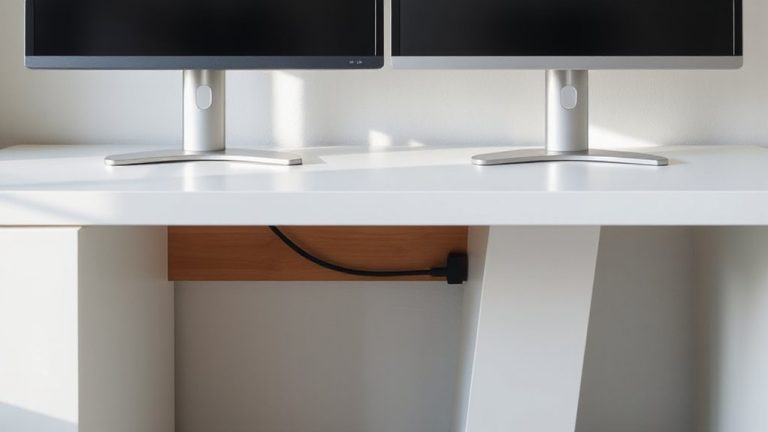
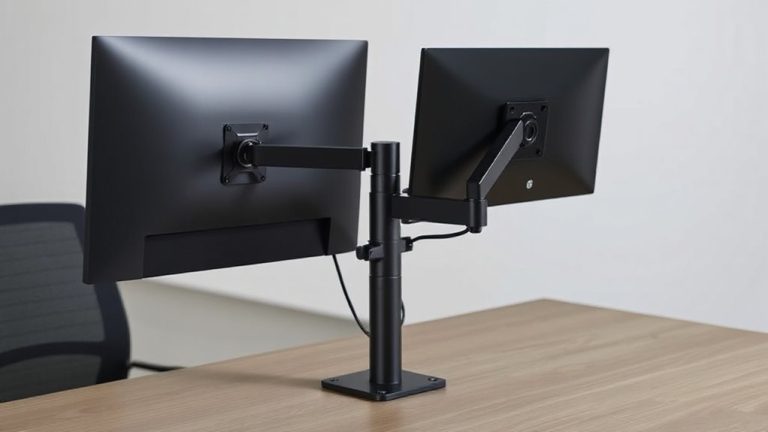
Your workspace defines what kind of dock will actually work-not just on paper, but day after day. If you’ve got a fixed desk, a stationary desktop dock supports better ergonomic positioning, letting you align monitors at eye level and keep your keyboard at a comfortable reach. These units often offer superior cable management, with built-in channels and ports on multiple sides for neat, secure connections. But they’re not portable, so they won’t suit hybrid setups. Slim portable docks work best if you move between spaces, though they may force awkward monitor heights or tangled cables unless you use stands or trays. Real-world testing shows portable docks with VESA mounts improve ergonomic positioning surprisingly well. Still, expect trade-offs in cable management-fewer routing options mean you’ll rely more on clips or sleeves. Pick based on your space, not specs. A well-organized workspace starts with choosing the right home office desks.
Which Dock Fits Your Workflow?
A desktop dock makes the most sense if your work stays in one place-especially when you’re using multiple monitors, ethernet, or peripherals that stay plugged in all day. It offers strong power delivery and superior cable management, reducing clutter and boosting desk efficiency. But if you’re mobile, a slim portable dock saves space and travels well.
| Feature | Desktop Dock | Portable Dock |
|---|---|---|
| Power Delivery | Up to 100W | Up to 65W |
| Port Availability | 8+ ports | 3–5 ports |
| Cable Management | Integrated routing | Minimal |
| Setup Time | Permanent | Minutes |
| Mobility | Fixed | High |
Desktop docks suit stationary workflows needing robust connectivity and lasting power, while portable docks trade some performance for convenience. Choose based on where-and how-you work most effectively.
On a final note
Pick a slim portable dock if you’re always traveling-it’s light, fits in your bag, and handles essentials like dual monitors and USB-C charging. Choose a desktop dock if you stay at a fixed station; it offers more ports, better expandability, and stable performance. Just remember: portable docks sacrifice some connectivity, while desktop models aren’t meant to move. Check warranty length and real-world reliability before buying.