How to Choose a Sit-Stand Desk With Memory Presets for Multiple Users
Pick a sit-stand desk with dual motors and at least two memory presets so you and another user can switch heights reliably. Look for accurate recall-some budget models miss saved positions by up to 5mm. Place controls within easy reach, ideally on the front-right, with tactile buttons to prevent accidents. Dual motors guarantee smoother movement under heavy loads, like dual monitors. Test anti-collision detection after setup; it’s smart but not perfect. Go for steel frames, a minimum 5-year warranty, and desktops 60+ inches wide for shared comfort. You’ll want to check how cable management options affect daily use.
Notable Insights
- Choose a desk with at least two multi-user memory presets for reliable height recall per individual.
- Prioritize dual-motor systems to ensure smooth, balanced adjustments and higher weight capacity for shared setups.
- Select a model with front-right control placement and tactile buttons for easy, accidental-proof access.
- Test anti-collision features during setup to ensure safety when shared users adjust heights frequently.
- Opt for a desk with a steel frame, 60+ inch width, and deep work surface to support long-term durability and shared use.
Start With Multi-User Memory Presets
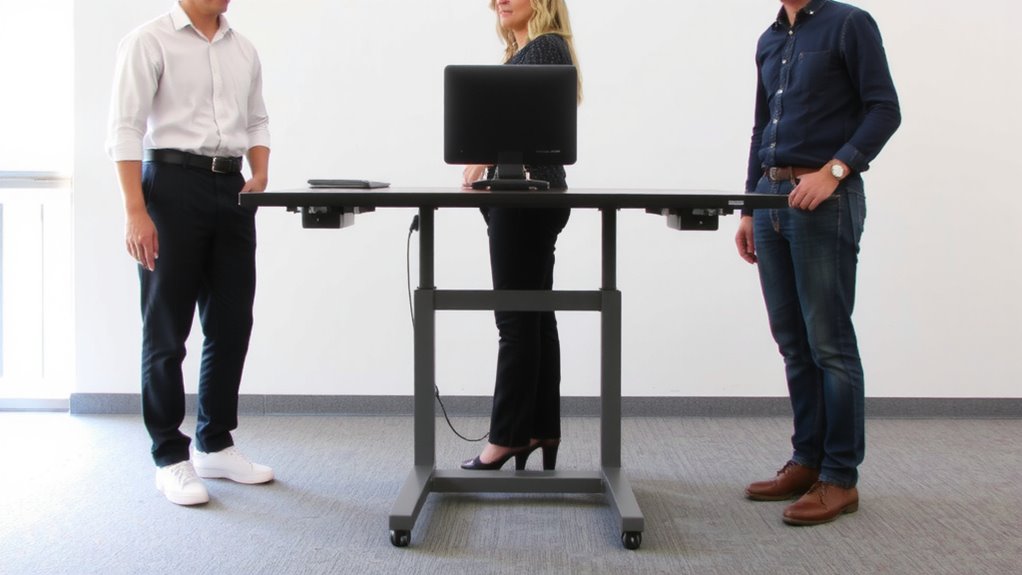
One key feature worth prioritizing in your sit-stand desk is multi-user memory presets-they let you save customized height positions for different people or preferences with the push of a button. This means you and others can quickly access precise height customization without manual adjustments each time. Most models support at least two user profiles, which is essential if multiple people share the workspace. Look for desks with reliable motors and easy setup-some save presets within seconds via a digital controller. While this feature improves convenience and ergonomics, not all desks offer enough memory slots or profile labeling options. Cheaper models may lack consistency in height recall, varying by a few millimeters. Also, if you’re frequently switching between vastly different user heights-say, 42″ and 55″-verify the desk’s travel range and speed. Memory presets help, but only if paired with stable lifting columns and solid build quality. A top pick that excels in this area is the best standing desks roundup, which highlights models with robust preset functionality and user-friendly controls.
Use Easy Access Buttons for Quick Switching

You’ll want the height adjustments on your sit-stand desk to feel seamless, especially if you’re switching positions multiple times a day-this is where easy access buttons make a real difference. Button placement should be intuitive, within thumb reach near your dominant hand, so you can adjust without breaking workflow. Desks with an ergonomic design often position controls on the front-right corner, reducing stretch and awkward wrist turns. Look for raised or textured buttons; they’re easier to find by touch alone. While memory presets save your ideal heights, quick-switch buttons let you fine-tune on the fly-say, raising it slightly for a standing call. However, overly sensitive buttons may cause accidental presses, so test responsiveness. Some models place controls too flush or too far back, slowing access. Prioritize layouts tested for daily usability, not just aesthetics. A well-designed standing desk converter can offer similar convenience with portable adaptability.
Pick a Dual-Motor Desk for Smooth Height Changes
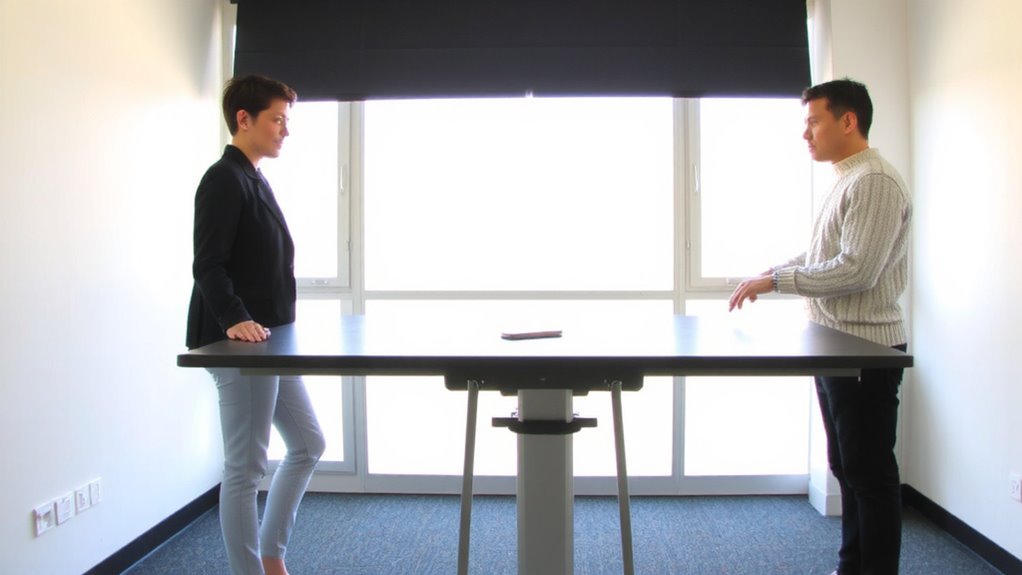
While single-motor desks can get the job done, going with a dual-motor model typically delivers smoother, more balanced height adjustments-especially important if your desk holds a heavy setup. You’ll notice better motor performance, as the dual motors share the load, reducing strain and minimizing wobble during adjustments. This design also tends to boost lifting speed, raising or lowering the desktop consistently at around 1.5 inches per second under real-world loads. Dual-motor desks often handle weight ratings of 200+ pounds, making them ideal for multi-monitor or equipment-heavy stations. However, they usually cost more and may require a sturdier frame to fully realize their benefits. Look for models tested under continuous daily use, with at least a 5-year warranty covering the motors. While the upgrade isn’t essential for light setups, you’ll appreciate the reliability and fluid motion if you switch positions often.
Ensure Anti-Collision Protection for Safety
If your sit-stand desk doesn’t have anti-collision protection, you’re risking damage to both the desk and your surroundings every time it moves. Anti-collision features rely on built-in collision detection and safety sensors to stop the desk if it hits an obstacle, like a wall, drawer, or piece of furniture. This is especially important with shared desks, where slight positioning changes can create new collision risks. Most quality dual-motor desks include basic collision detection that senses resistance and reverses direction-though sensitivity levels vary. Some models let you adjust the sensitivity, giving you better control over performance. Safety sensors aren’t foolproof; they may miss low-profile objects or fail if poorly calibrated. Always test the system after setup and recheck periodically. Look for desks tested under heavy daily use, ideally with a 5-year warranty that covers motor and frame.
Optimize Desktop Size and Cable Setup for Sharing
How much workspace do you really need when two people are sharing one desk? You’ll want at least 60 inches wide to allow both users comfortable access, but go wider if space allows-72 inches is ideal for dual monitors and personal items. Desktop dimension optimization isn’t just about width; depth matters too-24–30 inches gives enough room without straining reach. For cable management solutions, use integrated grommets, under-desk trays, or adhesive clips to keep charging cords and device cables tidy and out of the way. Tangled wires slow shifts and create hazards. Since memory presets automate height changes, clean cable routing guarantees cords don’t snag during movement. Both users should agree on device placement to avoid conflicts. While larger surfaces support sharing, oversized desks may not fit smaller rooms-measure your space first. Balance practicality with long-term comfort. Consider using a best cable management solution to maintain a clutter-free and efficient shared desk setup.
Check Warranty and Build Quality Before Buying
A solid warranty and strong build quality protect your investment when choosing a sit-stand desk, especially if you’re sharing it with someone else-those repeated height adjustments demand durability. Look for at least a 5-year warranty covering both frame and motor, as it reflects confidence in material durability and motor reliability. Steel frames typically outlast aluminum, especially under daily use by multiple users. Check reviews for long-term feedback on wobble, joint wear, or motor noise. Dual-motor systems tend to offer smoother performance and better load support-usually 250+ lbs-compared to single-motor models. That said, higher price doesn’t always mean better longevity; some budget brands now offer strong warranties with reliable components. Weigh manufacturer track record, too-established office gear brands often stand behind their products better. Don’t overlook motor reliability: it’s harder to replace than a scratched desktop.
On a final note
You should get a sit-stand desk with multi-user memory presets if your home office is shared-dual-motor bases guarantee smooth, quiet height changes and support up to 300 lbs. Memory controls let each person save their ideal sitting and standing positions with one tap. Just make sure the desktop is big enough-55 inches or wider works well-and has a built-in cable tray. Watch for frames with anti-collision sensors to avoid damage, and pick a model with at least a 5-year warranty for long-term reliability.