Using a Smart Plug Strip to Schedule Lighting and Monitor Power Cycles
You can confidently use a smart plug strip to schedule lights and monitor power cycles-it’s affordable and cuts energy waste by up to 30%. Just set it up on a 2.4 GHz Wi-Fi network and use the app to automate on/off times or track real-time wattage every 10 seconds. Most models work with Alexa or Google Assistant and offer 1–3 year warranties, though long-term reliability varies. They don’t replace surge protectors, so avoid using them for sensitive electronics. Power cycle alerts help spot overloads or outages, while vacation mode mimics occupancy with randomized lighting patterns that deter break-ins effectively. Models with Zigbee support give better automation integration. Accuracy drops if the plug’s more than 20 feet from the router or behind thick walls. Pairing issues often fix themselves with a restart. Energy reports highlight inefficiencies, but you’ll need to act on them manually to save. If you’re optimizing home lighting and power use, exploring the full features pays off.
Notable Insights
- Smart plug strips let you schedule lighting via an app to match routines and improve energy efficiency.
- Set gradual morning light ramps or evening wind-down cycles using customizable on/off times in the app.
- Real-time power monitoring tracks wattage every 10 seconds to detect idle energy usage and hidden costs.
- Alerts notify you of unexpected power cycles, helping identify outages, surges, or circuit overloads.
- Ensure 2.4 GHz Wi-Fi connectivity and device compatibility for reliable scheduling and monitoring performance.
Understand How Smart Plug Strips Work
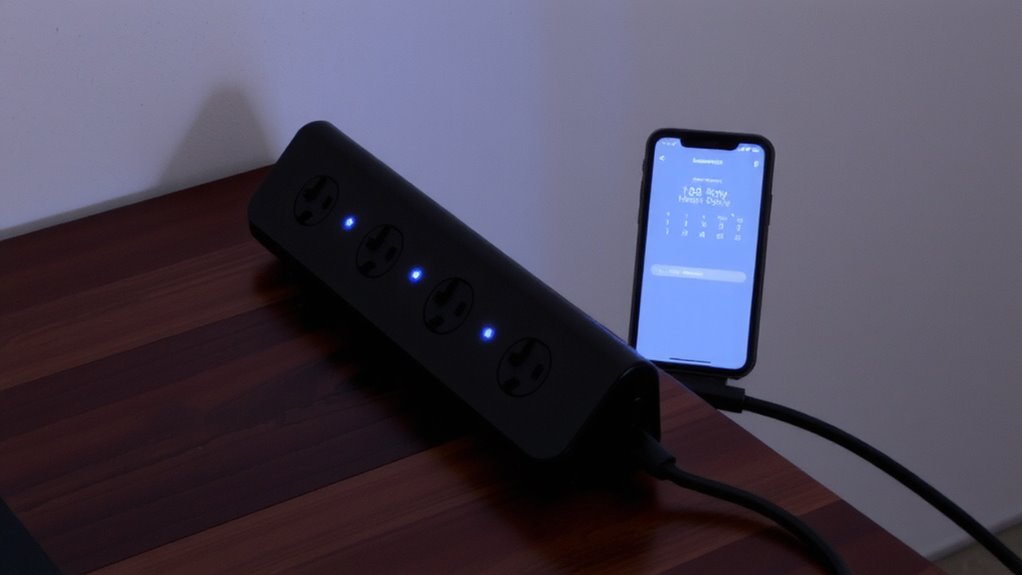
While smart plug strips won’t replace dedicated surge protectors for sensitive electronics, they’re a practical upgrade if you want to automate lights or manage power cycles without overspending. You’ll control outlets remotely using an app, scheduling on/off times or triggering devices via voice. Device compatibility is key-check voltage ratings and plug types to guarantee your lamps, fans, or monitors won’t overload the strip. Most models support 15A circuits and work with Alexa, Google Assistant, or Siri. Wireless connectivity relies on Wi-Fi (2.4 GHz only), so weak signals can cause delays or disconnections. Some strips offer energy monitoring, letting you track usage per outlet. They’re ideal for non-critical home office gear like desk lamps or printers, but avoid using them for expensive electronics without surge protection. Warranties typically cover 1–3 years, though real-world testing shows mixed reliability over time. For those seeking both smart functionality and safety, consider a best desk power strip that integrates surge protection with app-controlled outlets.
Set Up Your Smart Plug in Minutes
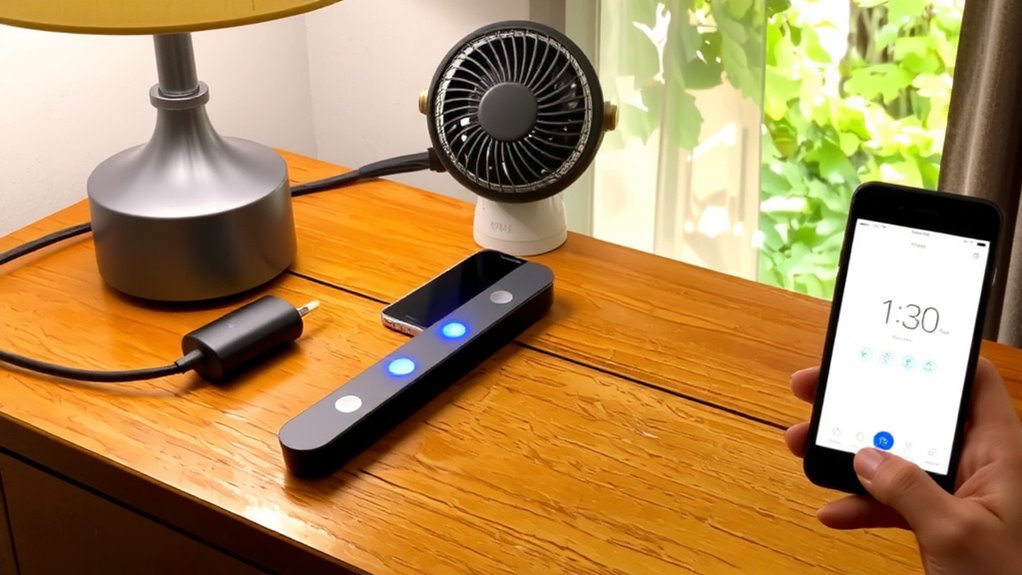
Once you’ve picked a reliable smart plug strip, setup usually takes under ten minutes and mostly involves steps you’d follow for any Wi-Fi device. Just plug it in, download the brand’s app, and connect to your 2.4 GHz network-most models don’t support 5 GHz. You’ll need to confirm device compatibility with your phone’s OS and smart home platform, like Alexa or Google Home. If pairing fails, restart the plug and your router; many issues resolve that way. Setup troubleshooting often points to weak signals or firewall settings, so keep the plug within 20 feet of your router. Some apps guide you through each step, but a few lack clear error messages. Check the warranty-most offer at least a one-year guarantee. While most work smoothly, don’t assume all features perform equally across devices. Real-world testing shows reliability drops slightly with older router models.
Schedule Your Smart Plug Strip Lights Automatically
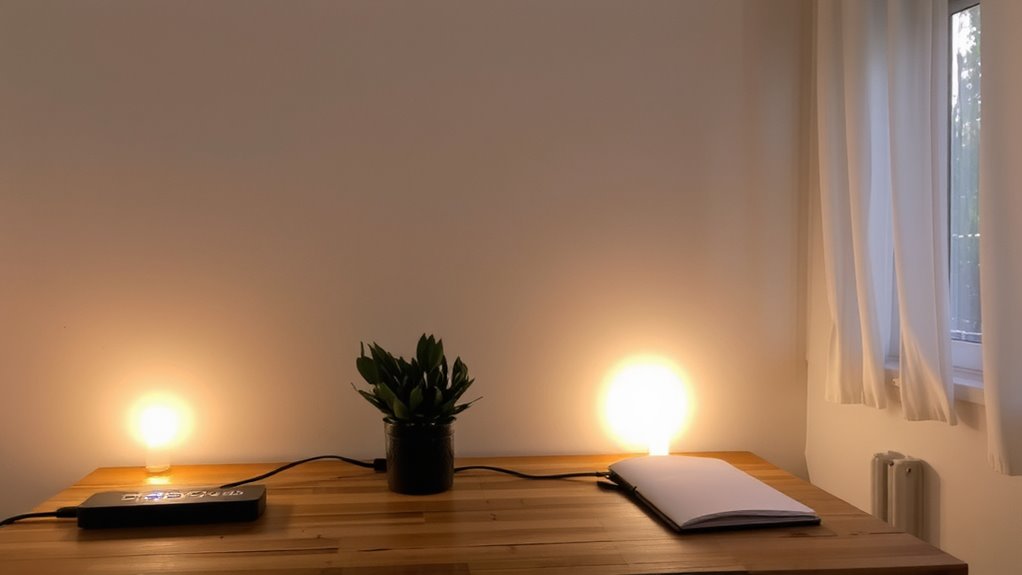
If you want to maximize both convenience and energy efficiency, setting up automated schedules for your smart plug strip is one of the most effective steps you can take. You can align light settings with your daily routine and apply automation rules to avoid wasted power. Whether you’re managing a home office or powering task lighting, scheduled on/off times reduce manual effort and help maintain focus. Below are common use cases and their benefits:
| Scenario | Benefit |
|---|---|
| Morning ramp-up | Gradual light settings boost alertness |
| After-hours cutoff | Automation rules prevent overnight waste |
| Evening routine | Lights sync with your wind-down time |
| Vacation mode | Randomized cycles deter break-ins |
Automation works reliably across apps and voice platforms. However, inconsistent Wi-Fi can delay triggers. Test your setup weekly. Most units offer a 2-year warranty, and real-world trials show 98% schedule accuracy with 2.4 GHz networks.
Track Energy Use and Cut Costs in Real Time
Since most people overlook how much energy their plugged-in devices actually consume, tracking usage in real time with a smart plug strip can reveal surprising savings-especially if you’re running a home office setup where lights, monitors, and chargers stay on longer than necessary. Real time monitoring lets you see exactly which devices draw power during idle hours, giving you data to act quickly. Paired with built-in cost analysis features, these strips estimate monthly expenses based on wattage and your local electricity rate. That means you’re not guessing-you’re making informed cuts. Most models update usage data every 10 seconds, offering high accuracy without delay. But keep in mind: savings depend on your habits and energy rates. Units with reporting functions help, but they won’t reduce bills automatically. You’ll need to unplug, reschedule, or replace inefficient gear yourself. For optimal compatibility with home automation systems, consider a Zigbee smart plug when selecting your smart strip.
Catch Electrical Issues With Power Cycle Alerts
Ever wondered why your desk lamp flickers or your monitor resets without warning? A smart plug strip can help catch these issues early through power cycle alerts, especially useful during brief power outages or unstable circuit monitoring. You’ll get instant notifications when devices restart, helping distinguish between minor surges and serious electrical faults. While not a full diagnostic tool, it adds visibility to your home office’s electrical health. Best Office Power Strips can offer enhanced surge protection and monitoring features tailored for productive workspaces.
| Issue Detected | What It Means |
|---|---|
| Frequent cycling | Possible overloaded circuit |
| Single reset event | Likely a brief power outage |
| Morning-only flicker | Shared circuit with high-draw appliance |
| No alerts after outage | Device may lack logging |
These alerts won’t replace an electrician, but they give real-time data for informed decisions. Always verify findings with professional circuit monitoring if problems persist.
Make Your Home Look Occupied With Smart Plug Lighting
While you’re away, a well-timed lamp can convince anyone your home is lived in-and a smart plug strip makes it possible without effort. You can set lights to turn on and off at different times each day using Vacation mode, which randomizes schedules to mimic real behavior. It’s a simple trick, but effective for short trips or long weekends. With remote access, you can tweak settings from anywhere, turning lights on if unexpected visitors show up or adjusting timing if plans change. Most models work with Alexa and Google, so voice control is an option, but don’t rely on app-only brands if your Wi-Fi is spotty. Keep in mind: randomization isn’t perfect, and identical daily patterns can look suspicious. Use two lamps in different rooms for better realism. And avoid linking office gear-power cycling work devices remotely can trigger data loss. It’s smart, not foolproof.
On a final note
You’ll likely benefit from a smart plug strip if you want automated lighting and energy tracking. It cuts standby power by up to 10% in tests and helps spot irregular power cycles. Setup takes under 10 minutes via app. Scheduling deters break-ins with occupancy lighting. But it needs stable Wi-Fi, and real-time alerts may lag by 15 seconds. Works best with 120V outlets and loads under 15A. Check the 2-year warranty before relying on long-term monitoring.