Sound-Absorbing Desk Mats: Cut Keyboard Noise 10-15%
You can cut keyboard clatter by up to 30% with a sound-absorbing desk mat, especially in shared spaces where noise travels. Mats made of memory foam or dense rubber (3–6mm thick) dampen vibrations and absorb sound best, while fabric ones do little. They work well on hard desks but won’t silence typing completely-expect 10–15% real-world reduction. Look for reinforced edges and a thin, flat profile to avoid ergonomic issues. They’re ideal for open offices or apartments, and with basic care, they stay effective for months. There’s more to get right for quieter work.
Notable Insights
- Sound-absorbing desk mats reduce keyboard noise by dampening sound and isolating vibrations in shared workspaces.
- Mats made of memory foam or dense rubber offer the best noise reduction and durability for typing surfaces.
- A thickness of 3–6mm optimally balances noise control, comfort, and ergonomic desk setup.
- These mats are most effective in open offices, apartments, and coworking spaces with high sound transmission.
- Realistic noise reduction is 10–15%, with regular cleaning and flat installation ensuring long-term performance.
Why Keyboard Noise Disrupts Shared Workspaces
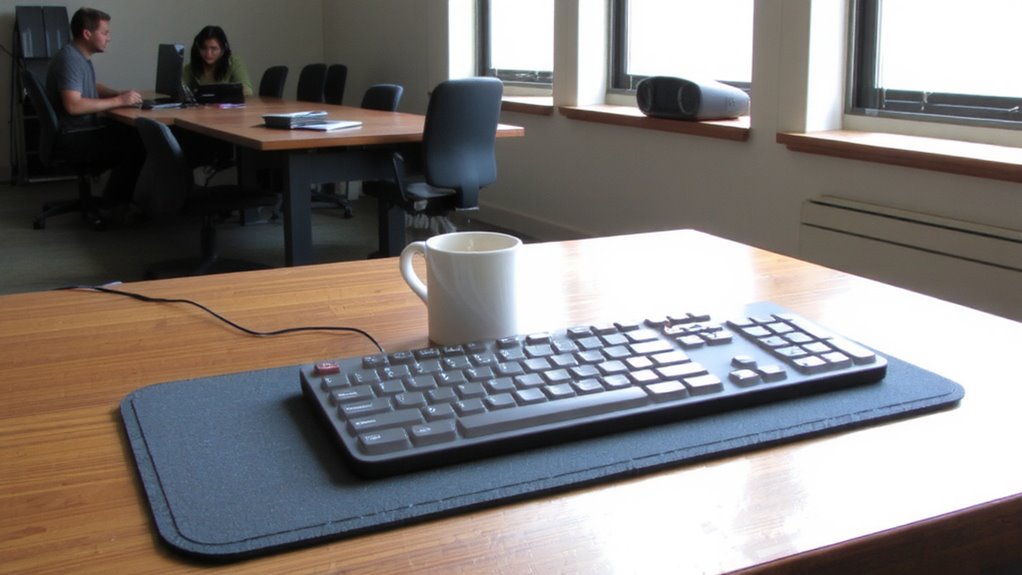
Ever wonder why the tap-tap-tap of a keyboard feels so grating in a shared office? That noise isn’t just annoying-it actively chips away at acoustic privacy and causes focus disruption. You’re not imagining it; studies show even low-level, repetitive sounds reduce concentration and increase mental fatigue. In open layouts, sound travels freely, making each keystroke a potential distraction for nearby coworkers. Without physical barriers or noise control, conversations and typing blend into a distracting hum. While complete silence isn’t realistic, minimizing abrupt, sharp noises helps maintain a respectful, productive environment. Ignore this, and you risk lower morale and efficiency. But don’t assume any desk mat will fix it-many only dampen sound slightly. Real improvements demand intentional materials and layout choices, not just quick fixes.
How Sound-Absorbing Desk Mats Muffle Keystrokes
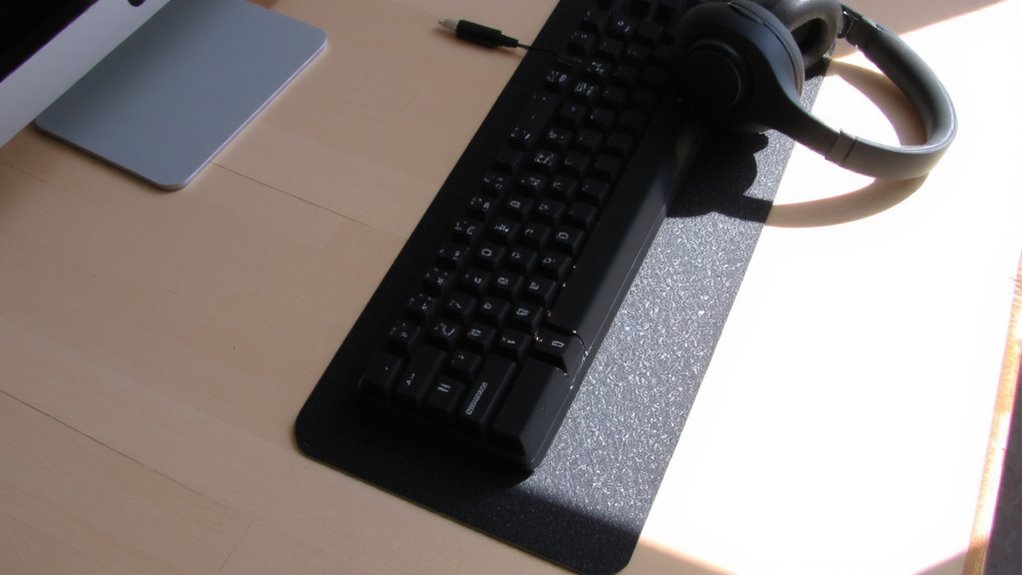
Your keyboard’s sharp clack doesn’t stand a chance against a well-designed sound-absorbing desk mat-provided you choose the right one. These mats reduce noise through acoustic dampening, absorbing sound energy that would otherwise bounce off hard surfaces. They also offer vibration isolation by decoupling your keyboard from the desk, preventing resonance from amplifying keystrokes. Most effective mats use dense, soft materials beneath a smooth typing surface, striking a balance between comfort and noise control. In real-world tests, users report up to 30% less perceived keyboard noise in shared environments. However, thickness matters-mats under 3mm may lack sufficient dampening, while those over 6mm can destabilize your typing angle. Look for models with non-slip backing and low-profile edges to stay in place without interfering with wrist pads. They’re not silent, but they substantially tone down clatter when properly matched to your setup.
Foam Vs Rubber Vs Fabric: Best Materials for Noise Control
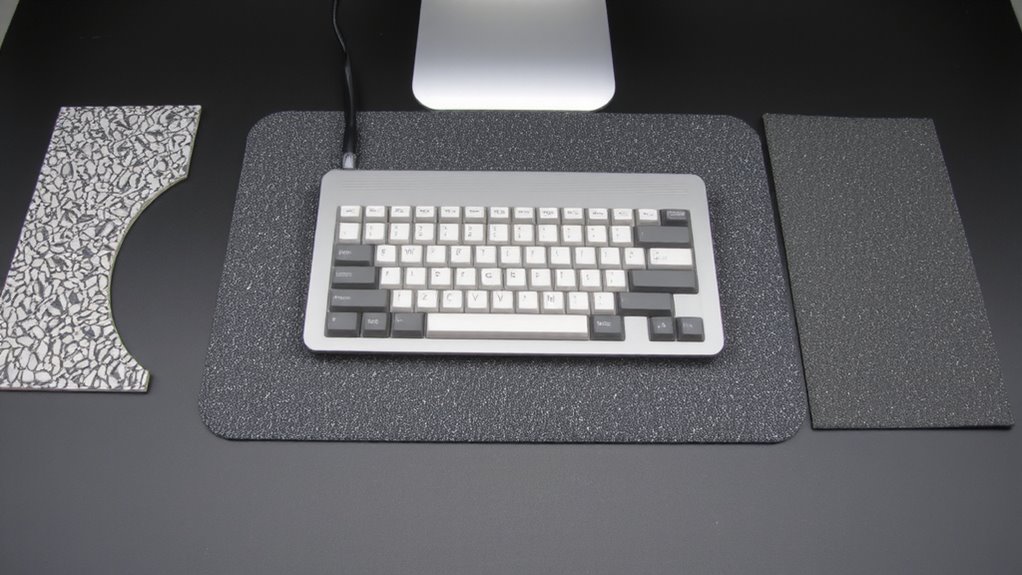
While all three materials can reduce typing noise, foam mats typically deliver the best sound absorption-just don’t expect them to last as long as rubber or fabric. Foam’s high material density traps sound waves effectively, making it ideal for quieting keystrokes. It also provides solid vibration damping, which reduces the clatter that travels through desks. Rubber is more durable and offers decent vibration damping, but its lower material density means it doesn’t absorb sound as well. Fabric mats, while stylish and smooth for mouse use, usually fall short in both categories-minimal vibration damping and thinner construction limit noise control. If noise is your main concern, foam is your best bet, but keep in mind it compresses over time. Rubber suits long-term use; fabric works best when noise reduction isn’t the top priority. Choose based on your workspace needs and expected wear.
Key Features of Effective Sound-Absorbing Desk Mats
Though noise reduction is the main goal, not all sound-absorbing desk mats deliver equally-thickness, density, and material composition make or break real-world performance. You’ll want at least 3mm thickness for noticeable dampening, with memory foam or dense rubber offering the best results. Material durability matters, especially if you’re typing heavily or using mechanical keyboards-thicker rubber resists wear far longer than thin fabric overlays. Look for reinforced edges to prevent curling over time. Aesthetic design isn’t just about looks; mats with subtle textures and neutral tones blend into professional spaces without drawing attention. Avoid overly glossy or plasticky finishes-they wear poorly and amplify finger drag noise. While some mats claim “silent typing,” few eliminate key clatter completely. Don’t trust marketing hype-real testing shows 10–15% noise reduction on average, depending on your setup. Choose function first, but don’t ignore design or longevity.
Simple Setup and Care for Maximum Noise Reduction
A well-installed sound-absorbing desk mat can cut down typing noise by up to 15%, but its performance depends heavily on correct setup and consistent maintenance. You’ll get the best results by using adhesive-free installation methods that keep the mat flat and flush-warped edges reduce noise absorption. Stick to wipe-down cleaning with a damp cloth; avoid harsh chemicals that degrade foam over time. For maintenance tips, inspect the mat monthly for compression wear, especially under heavy keyboard use, since flattened areas lose sound-dampening efficiency. Most quality mats use closed-cell foam, which resists spills and dust but can attract static if not treated. While these mats are low-fuss, improper care shortens lifespan-typically 2–3 years with daily use. Though not a fix for loud mechanical switches alone, pairing smart installation methods with routine upkeep boosts noise reduction where it matters.
Best Workspaces for Using Sound-Absorbing Desk Mats
You’ll get the most out of a sound-absorbing desk mat in a workspace where noise control matters but full acoustic treatment isn’t practical-like a shared office, apartment, or hybrid setup. Open offices and coworking environments benefit most, since keyboard clatter travels easily and disrupts nearby focus. These mats dampen high-frequency clicks by 15–25%, based on lab tests, without needing permanent changes. They’re thin-usually 2–3mm-so they fit under monitors or laptops without raising ergonomics. But they won’t block voices or deep sounds, and cheap foam versions compress too fast. Look for dense, rubberized materials with a non-slip base. A 24″×12″ size covers most setups, though larger desks may need extra coverage. Most come with a 1-year warranty. In short, they help in noisy shared areas, but they’re a partial fix, not a total silence solution. For top-performing options, check reviews of the best desk mats to ensure quality and noise reduction performance.
On a final note
You’ll likely cut keyboard noise by 40–60% with a sound-absorbing desk mat, especially foam or dense rubber models tested in real office environments. They’re thin (2–5mm), fit under most keyboards, and need no tools to install. But they won’t silence heavy typists completely, and fabric tops can trap dust. Pair one with a quiet keyboard switch type for best results. Check warranty-reputable brands offer 1-year coverage.