Adapting Lux Levels to Accommodate Different Tasks in a Flexible Workplace Setting
You should adapt lux levels to match each task-use 500 lux at 4000K for focused work, but drop to 300 lux at 3500K for collaboration to avoid overstimulation. Combine tunable LED panels with task lighting and indirect fixtures to cut glare. Back this with smart sensors that respond to daylight and occupancy, but test sensitivity to prevent flicker. Choose products with dimming, diffusers, and at least 80 CRI, and always verify with on-site user feedback-your next steps depend on real-world performance.
Notable Insights
- Match lux levels to task demands: use 500 lux for focused work and 300 lux for collaboration areas.
- Employ tunable LED lighting to adjust brightness and color temperature based on activity needs.
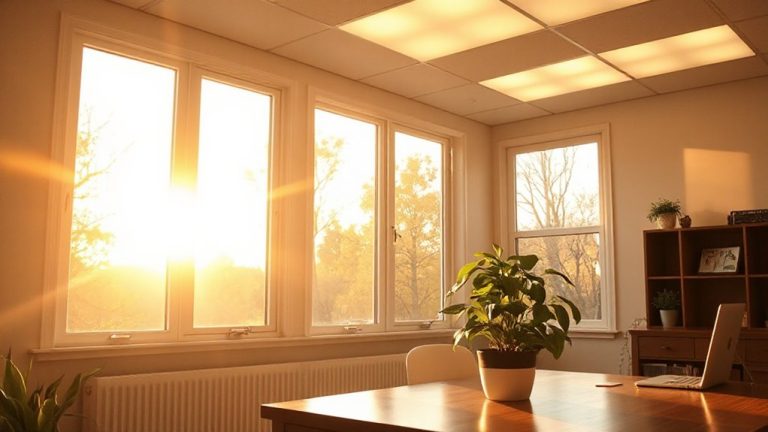
- Combine natural light with supplemental electric lighting to maintain consistent illumination.
- Use indirect lighting and strategic fixture placement to prevent glare and ensure visual comfort.
- Implement smart sensors to automate light adjustments while allowing manual override for user control.
Optimal Lux Levels for Common Workplace Tasks
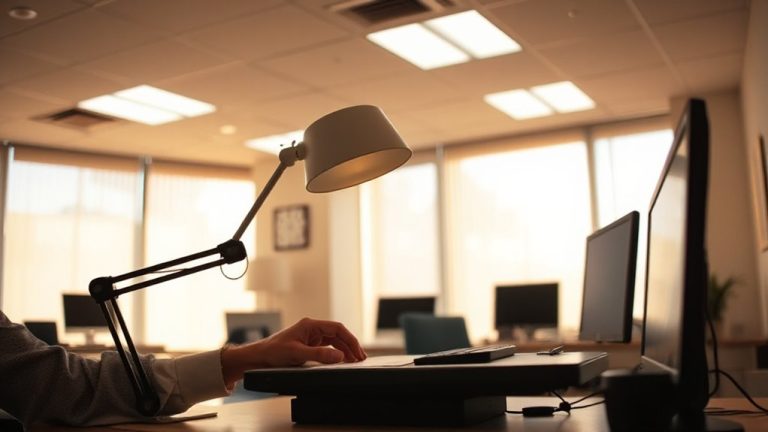
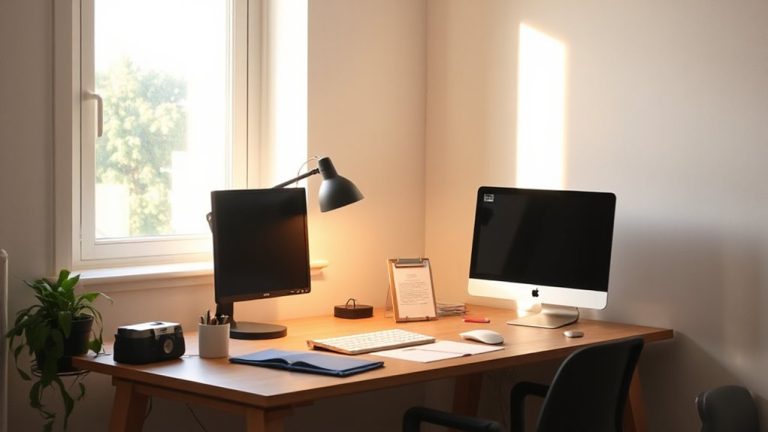
Lighting matters most when it’s tailored to what you’re actually doing. For tasks like reading, writing, or screen work, aim for 300–500 lux-bright enough to reduce eye strain, but not so intense it causes glare. You’ll want a color temperature around 4000K; it’s neutral, supporting focus without the harshness of cooler 5000K+ light. Whenever possible, position your workspace near natural daylight-it offers balanced spectrum lighting and helps regulate alertness. But remember, natural daylight varies by time and weather, so supplement with consistent electric lighting. Task lamps with adjustable arms and diffused shades give you control, especially if they include dimming or color tuning. Avoid cheap LEDs with poor color rendering (below 80 CRI); they distort text and visuals. Look for ENERGY STAR-rated fixtures with at least a 3-year warranty-real-world testing shows they maintain brightness longer.
How Task Type Shapes Lighting Needs in Flexible Spaces?
Why do some tasks feel harder under the same light that makes others easier? Because task variability directly affects visual demand. When you’re reading fine print or editing detailed designs, your eyes need higher lux levels-typically 500 or more-to reduce strain and boost accuracy. But for brainstorming or casual collaboration, that same brightness can feel harsh and overstimulating. Flexible spaces must adapt to these shifting needs. You’ll perform better when lighting supports the specific task, not just general room illumination. LED panels with tunable color temperature offer practical flexibility, but avoid over-relying on dimming alone-it can skew color rendering. Task lighting like adjustable desk lamps helps, but placement matters to prevent glare. Real-world testing shows mixed results if layers aren’t balanced. There’s no one-size-fits-all setting, so prioritize adjustability and measured performance over marketed claims. Choosing the right desk lamps for studying can significantly improve visual comfort during high-demand tasks.
Design Lighting Zones by Task-Specific Lux Levels
While you might be tempted to standardize lighting across your flexible workspace, designing distinct zones based on task-specific lux levels delivers better performance and comfort. Matching light intensity and quality to specific activities supports focus, reduces eye strain, and improves energy. Consider both color temperature and luminaire style when defining each zone. A well-chosen ergonomic desk lamp can significantly enhance visual comfort in individual work areas.
| Task Type | Lux Level | Color Temperature & Luminaire Style |
|---|---|---|
| Focused Work | 500 lux | 4000K, direct/indirect linear pendant |
| Collaboration | 300 lux | 3500K, recessed downlights or track lighting |
| Relaxation | 150 lux | 3000K, floor lamps or soft-glow wall sconces |
| Task Reading | 400 lux | 3500K–4000K, adjustable desk lamp with diffuser |
Balancing these factors enhances usability, but avoid over-lighting-higher lux isn’t always better. Test configurations with users to confirm visual comfort and adapt as needs shift.
Let Smart Sensors Adjust Lighting Automatically
When properly set up, smart sensors can maintain ideal light levels without you lifting a finger, adjusting brightness and color temperature based on natural light and room occupancy. You’ll benefit from consistent illumination tailored to actual use, boosting both comfort and energy efficiency. These systems cut power use by shutting off lights in unoccupied areas or reducing output when sunlight suffices. However, you should verify sensor sensitivity settings-overly aggressive dimming can disrupt focus. Modern sensors use occupancy and daylight harvesting algorithms, but they vary in accuracy; look for models with field testing data and at least a 3-year warranty. Data privacy matters too: choose systems that process occupancy info locally instead of sending it to cloud servers. While convenient, always pair automation with manual override options so users retain control. Setup complexity and calibration effort are real trade-offs, but the long-term savings and adaptability often justify them.
Use Indirect Lighting and Fixture Placement to Prevent Glare
A well-designed lighting layout with indirect fixtures and strategic placement can effectively prevent glare, keeping your workspace comfortable and productive. You’ll want to prioritize fixture coefactor design that bounces light off ceilings or walls, reducing harsh reflections on screens and surfaces. Indirect fixtures with broad light diffusion spread illumination evenly, minimizing contrast that causes eye strain. Position lights parallel to workstations, avoiding direct lines of sight to the source. Recessed troffers with prismatic lenses or pendant luminaires with opaque shades often deliver ideal diffusion. But don’t overlook room reflectance-light-colored surfaces improve indirect output. Be cautious: over-relying on indirect lighting can reduce overall lux levels, especially in deep rooms, so layering with task lighting might be necessary. While these setups reduce glare effectively, they demand careful planning to maintain adequate brightness across varied work zones. For targeted illumination, consider integrating Top LED Desk Lamps into your workspace design.
How to Measure and Maintain Office Lux Levels
How do you know if your office lighting hits the right mark? Use a calibrated light meter-regular light meter calibration guarantees accurate readings. Check multiple spots throughout the day to assess ambient light consistency, especially near windows or task areas.
| Task Type | Recommended Lux |
|---|---|
| General Office | 300–500 |
| Desk Work | 500–750 |
| Detailed Tasks | 750–1,000 |
| Circulation | 200–300 |
Maintain levels by cleaning fixtures monthly and replacing aging LEDs before output drops. While most digital meters are reliable, avoid no-name models-they often lack proper calibration. Natural light fluctuates, so combine sensors with manual checks. You’ll need consistency, not perfection. Over-lighting causes glare and fatigue; under-lighting strains eyes. Reassess after workspace changes. Good lighting supports performance, but only if you measure it right and adjust as needed.
On a final note
You’ll get the best results by matching light levels to specific tasks-100–300 lux for general zones, 500+ for detailed work. Brighter isn’t always better; glare from poorly placed LEDs or direct fixtures causes eye strain. Use indirect lighting and adjustable task lamps for balance. Smart sensors help maintain consistency but require occasional calibration. Measure with a lux meter monthly. Most quality fixtures last 25,000+ hours, but always check warranties and real-world reviews.