Improving Visual Acuity Through Correct Illumination Techniques for Better Focus and Comfort While Working Remotely
You’ll see clearer and stay focused with the right lighting setup. Place your desk perpendicular to a south- or north-facing window for even daylight, reducing glare. Use a dimmable LED desk lamp (3500K–5000K) on the side opposite your dominant hand to cut shadows. Pair it with low ambient light, avoiding harsh overheads that wash out your screen. Keep brightness around 300–500 lux, and adjust throughout the day; this balance cuts eye strain and supports alertness without overloading your space. Smart positioning and layered light make a measurable difference in comfort and performance-there’s more to get right where light meets workflow.
Notable Insights
- Position your desk perpendicular to a window to maximize natural light while minimizing screen glare.
- Use adjustable LED lighting with color temperatures between 3500K–5000K to match task demands and time of day.
- Place task lighting to the side or behind the monitor to reduce direct screen reflections and eye strain.
- Combine ambient and task lighting to maintain 300–500 lux on the work surface for optimal visual clarity.
- Install dimmable, diffused fixtures and use sheer curtains to balance light levels throughout the day.
Position Your Desk for Maximum Natural Light
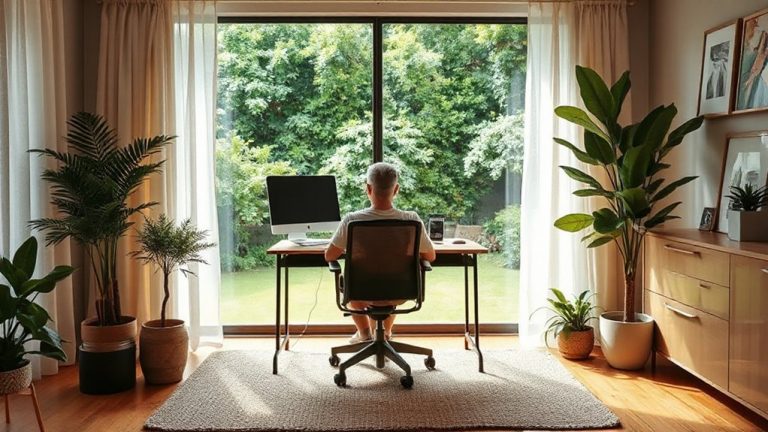
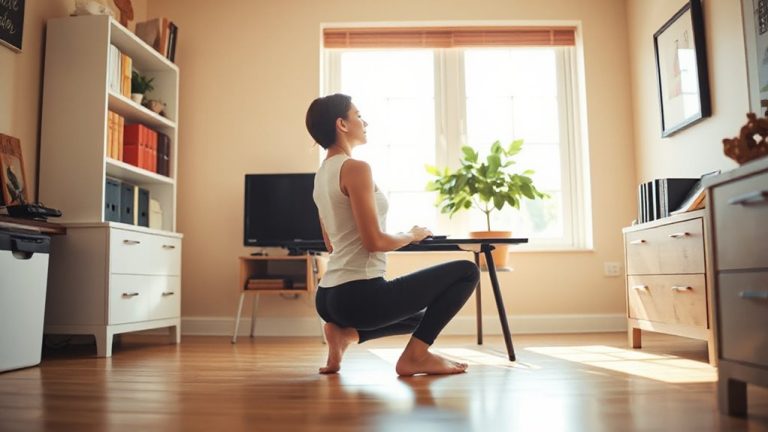
While natural light can considerably boost visual comfort and reduce eye strain, positioning your desk to make the most of it requires careful planning. You’ll want to place your desk perpendicular to a window rather than directly in front or behind it-this setup balances natural lighting without glare on your screen. Window orientation matters: south-facing windows offer consistent, bright light all day, while east-facing ones provide strong morning sun but fade by afternoon. North-facing windows give softer, diffused light-ideal if glare worries you. You’re aiming for even illumination across your workspace, not harsh contrasts. But be mindful-direct sunlight can still overheat your space or fade furniture over time. Sheer curtains or adjustable blinds help control intensity without blocking all light. Though natural lighting is beneficial, it’s not controllable like artificial sources, so your room layout and work hours should align with the sun’s path to stay effective. A well-chosen desk can enhance your ability to maximize natural light, especially when selecting models designed for ergonomic efficiency and space optimization, such as those featured in the best home office desks roundup.
Choose Warm or Cool Light for Your Remote Work Setup
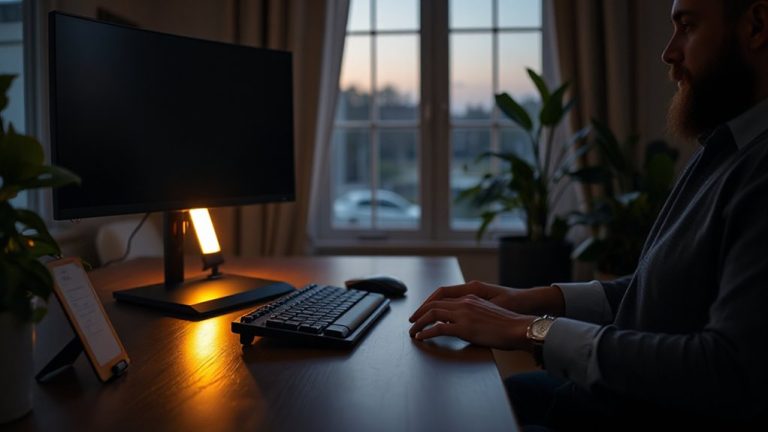
How do you decide between warm and cool light for your remote work setup? It comes down to color temperature and how it affects focus and comfort. Cool light (5000K–6500K) mimics daylight, boosting alertness-ideal for intense tasks. Warm light (2700K–3000K) reduces eye strain, supporting longer sessions. Your choice should match task type and time of day.
| Color Temperature | Best For |
|---|---|
| 2700K–3000K (Warm) | Evening work, low light intensity needs, reducing glare |
| 3500K–4100K (Neutral) | Balanced focus, moderate light intensity |
| 5000K–6500K (Cool) | Morning tasks, high light intensity, detailed work |
Match the color temperature to your screen and natural light. Avoid overly high light intensity with cool bulbs-it can cause fatigue. Use adjustable LED fixtures to switch based on need. Trust tested lumens and kelvin ratings, not branding. A well-chosen best desk lamp for programmers can significantly enhance visual comfort during long coding sessions.
Stop Screen Glare With Smart Lighting Placement
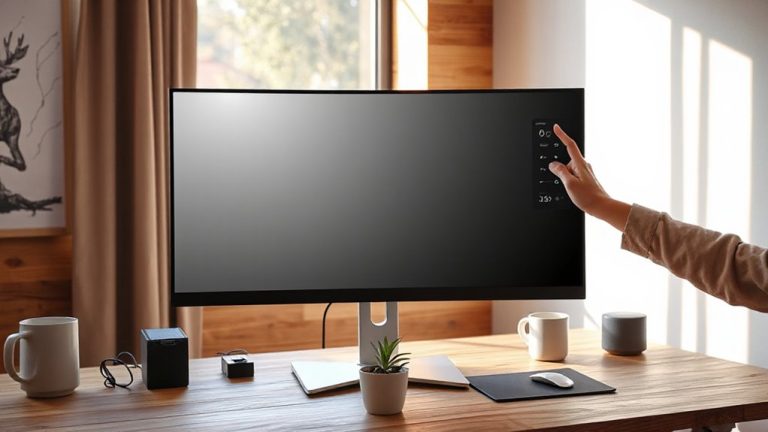
Where should you place your lights to eliminate screen glare without sacrificing brightness? Position your primary light source to the side or slightly behind your monitor, never directly in front or above. This minimizes reflections that interfere with screen brightness and visual clarity. Use adjustable-task lighting with diffused shades to soften output and avoid hotspots. Avoid placing lights opposite windows, as that creates contrast stress. While anti glare coatings help reduce reflected light, they’re not foolproof-proper placement is still key. Keep ceiling lights off if they shine directly on your screen. Instead, rely on floor or desk lamps with wide-beam angles. Pair this with manual screen brightness adjustments to match ambient light. Results? Better focus, less eye strain. Just don’t overbrighten-too much light washes out contrast, even on coated screens. Test different positions daily; small shifts make big differences. For demanding visual tasks, consider pairing your optimized lighting with a high-performance machine like a laptop featuring an i7 processor to ensure smooth display rendering and reduce eye fatigue during long work sessions.
Layer Lights for All-Day Visual Comfort
Why does your workspace feel harsh under midday sun but dim by late afternoon? Because relying on a single light source creates extreme contrasts. You need layered lighting to maintain visual comfort all day. Start with ambient light to reduce shadows across the room-overhead fixtures or wall sconces work well. Then add task lighting, like an adjustable LED desk lamp, to focus brightness exactly where you need it. This combo prevents your eyes from straining as daylight shifts. But don’t overdo it: too many lights can create glare or wash out screens. Aim for around 300–500 lux on your desk, measurable with a simple light meter app. Balance is key-layering controls contrast without adding visual noise. Real-world testing shows consistent illumination improves focus, but only if you adjust levels throughout the day. Skip cheap, non-dimmable options-they lack the flexibility your eyes need.
Use Desk Lamps to Reduce Eye Strain
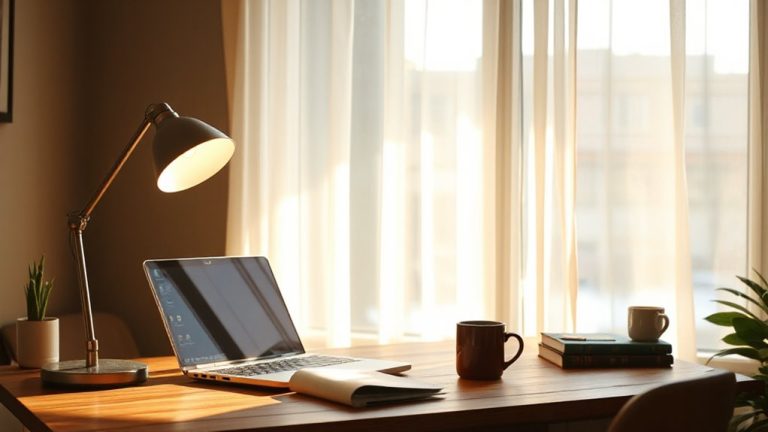
When properly chosen and positioned, a good desk lamp can make a meaningful difference in reducing eye strain during long work sessions. You’ll want adjustable lamp brightness to match ambient light-around 300 to 500 lux on your work surface is ideal. A dimmable LED with warm-to-cool color tuning lets you adapt through the day without glare. Pair this with smart desk placement: avoid placing your desk directly under overhead lights or in front of windows to prevent contrast strain. Position the lamp to the side, opposite your writing hand, to reduce shadows. Look for models with diffused shades or gooseneck flexibility for precise control. While high-CRI lamps (90+) improve clarity, they often cost more and require quality diffusers to avoid hotspots. Test units with a 30-day return policy to guarantee real-world comfort.
Fix Common Home Office Lighting Mistakes
You’re probably already using a desk lamp to cut down on eye fatigue, but even the best one can’t fix deeper lighting flaws hiding in your workspace. Relying solely on ceiling fixtures often creates harsh shadows and uneven brightness, forcing your eyes to constantly adjust and increasing light pollution that scatters across screens and surfaces. These overhead lights typically emit cool, glaring light that overwhelms rather than supports focus. To fix this, disable or dim central ceiling fixtures and instead layer adjustable task and ambient lighting. Avoid placing bright sources directly in your line of sight-this reduces glare and visual noise. While warmer tones (2700K–3000K) feel cozy, pairing them with a bright, neutral-white desk lamp (4000K) improves contrast and clarity. Balance is key: too much ambient light worsens light pollution, but too little strains your eyes. Always test adjustments during actual work hours to match real usage.
Build the Perfect Remote Work Lighting Setup
Though natural light makes an ideal foundation, shaping a reliable remote work lighting setup means combining purpose-driven fixtures with precise control. You’ll want task lighting that delivers focused brightness exactly where you type or read-look for adjustable-arm LED lamps with 3000–5000 Kelvin color temperature and dimmer switches to reduce glare. Pair this with ambient balance: overhead lighting or indirect floor lamps set at 30–50% screen brightness to prevent eye strain. Avoid cool, flickering bulbs; opt for high CRI (90+) LEDs to render colors accurately. Position lights to eliminate shadows without reflecting off your monitor. Desk lamps like the BenQ e-Reading or Luxo L-Table provide tested durability and five-year warranties, but they’re pricier. Simpler models work if you prioritize adjustability and diffusion. Test setups during morning and evening hours-what works at noon may strain eyes at dusk.
On a final note
You’ll work better with smart lighting, but it’s not a fix-all. Maximize natural light first-it’s free and supports focus. Add cool-white task lamps (500–800 lumens) for screen clarity. Layer in warm ambient lights (2700–3000K) to ease eye strain. Avoid glare by angling lights away from your screen. These changes help, but only if you also take screen breaks and adjust brightness. Results vary by room setup, so test placements before finalizing.