Reducing Screen Time: Strategies for Limiting Eye Strain and Neck Pain
You can cut eye strain and neck pain with simple, proven changes. Use the 20-20-20 rule every half hour to reset your eyes, and enable built-in blue light filters like Night Shift to reduce fatigue-just keep the tint subtle to avoid color distortion. Take a 60-second break hourly to stretch and rehydrate, and set your monitor 20–30 inches away with the top at eye level. Pair this with five daily minutes of chin tucks and wall stands to support better posture. There’s more where that came from.
Notable Insights
- Follow the 20-20-20 rule: every 20 minutes, look at something 20 feet away for 20 seconds to reduce eye strain.
- Use built-in blue light filters to minimize eye fatigue and sleep disruption during prolonged screen use.
- Take a short break every hour to stretch, hydrate, and rest your eyes from continuous screen exposure.
- Position your monitor at arm’s length and with the top at or below eye level to prevent neck pain.
- Practice daily posture exercises like chin tucks and shoulder rolls to reduce strain from prolonged sitting.
Follow the 20-20-20 Rule to Stop Eye Fatigue
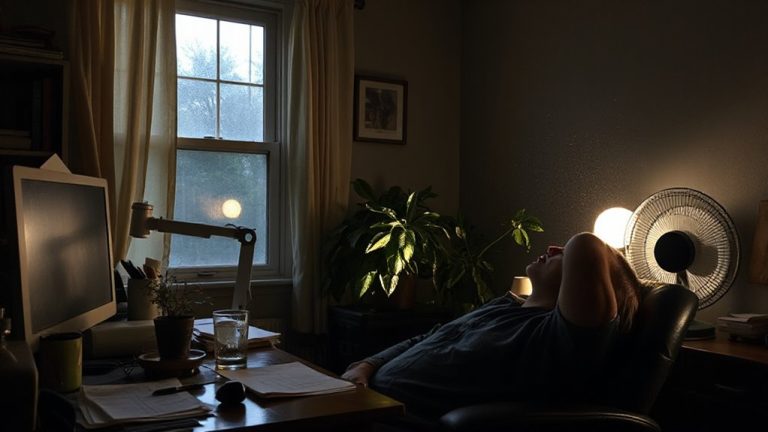
Every 20 minutes, glancing away from your screen for 20 seconds at something 20 feet away really does help cut eye fatigue-you don’t need fancy gear to try it. This simple rule gives your eye muscles a chance to reset, reducing strain over long work sessions. Pair it with frequent blinking, especially if you wear contacts or sit in dry environments-screens make people blink less, drying out eyes faster. Proper lighting matters too; harsh overheads or glare create contrast stress, making eyes work harder. Position your screen perpendicular to windows and use adjustable desk lamps to balance brightness. A well-lit workspace with a best desk lamp for remote work can significantly reduce glare and support sustained focus. While the 20-20-20 rule won’t fix poor posture or replace breaks, real-world tests show it eases discomfort within days. No app or gadget required-just a timer and consistency. Results vary, but most users report clearer vision and fewer headaches within a week.
Use Blue Light Filters to Reduce Eye Strain
While blue light filters won’t eliminate eye strain on their own, they can make a noticeable difference-especially if you’re working late or spend hours under artificial lighting. Blue light from screens may disrupt sleep and worsen eye fatigue, but adjusting your screen settings helps reduce exposure. Most devices now include built-in night modes that shift colors toward warmer tones after sunset-like Apple’s Night Shift or Android’s Blue Light Filter. You can customize intensity and schedule, so it fits your routine. Some third-party apps offer finer control, though they’re not always needed. Keep in mind, filters don’t replace proper lighting or ergonomics. Overuse might tint colors unnaturally, affecting photo or video work. For most people, a moderate setting is enough. Test different options through your screen settings and pick what feels comfortable without distorting your display too much.
Take Screen Breaks Every Hour to Reset Your Vision
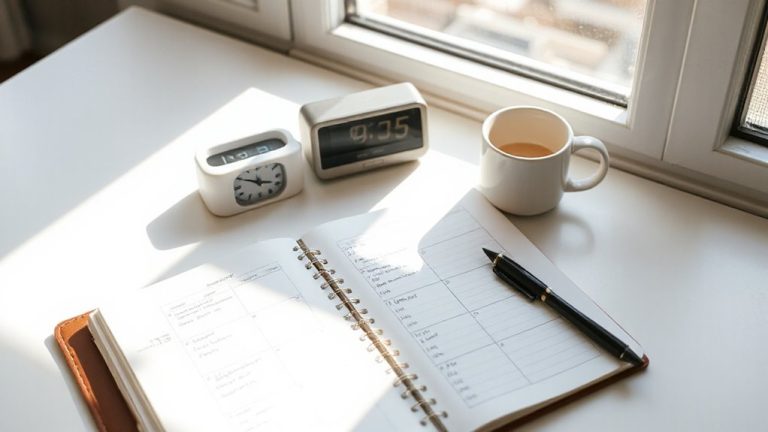
You’ve already adjusted your screen’s blue light settings to ease eye fatigue, but that’s not enough if you’re staring nonstop for hours. Set hourly breaks to reset your vision and prevent strain. Pair these pauses with hydration reminders and quick stretch routines to boost circulation and relieve muscle tension. Even brief interruptions help-studies show 20 seconds of looking at something 20 feet away every 20 minutes reduces discomfort.
| Break Time | Action | Benefit |
|---|---|---|
| 1:00 PM | Sip water, gaze out window | Rehydrates, resets focus |
| 2:00 PM | Neck rolls, shoulder shrugs | Eases stiffness, improves posture |
| 3:00 PM | Walk to refill bottle | Combines movement with hydration |
These habits add minimal time but considerably reduce long-term strain. Just don’t rely on apps alone-manual timers work just as well, with no data tracking risks.
Optimize Your Desk Layout for Neck and Eye Comfort
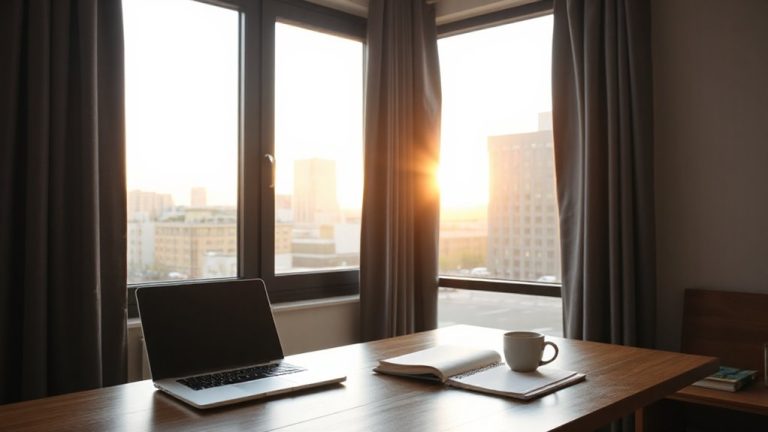
Though it might seem like a minor detail, aligning your desk setup properly can make a noticeable difference in reducing both neck pain and eye strain over time. Position your monitor about an arm’s length away-roughly 20 to 30 inches-to maintain comfortable eye focus and reduce glare. The top of the screen should sit at or slightly below eye level, so you’re looking down at a gentle angle. Adjust your chair height so feet rest flat on the floor and knees are level with or slightly below your hips. This alignment supports a neutral spine without straining your neck. Using a chair with lumbar support helps, but even budget models work if adjustments are precise. Avoid overextending your arms or craning your neck-small tweaks to chair height and monitor distance matter more than expensive gear. A well-chosen home office desk can enhance ergonomics and comfort throughout your workday.
Fix Your Posture in 5 Minutes a Day
Just five minutes a day can make a real difference in correcting posture that otherwise leads to neck pain and eye strain. While ergonomic chairs and posture correctors can help, they’re not magic fixes-consistency matters most. Use short daily sessions to build awareness and strength.
| Activity | Time | Benefit |
|---|---|---|
| Shoulder rolls | 1 min | Releases upper back tension |
| Chin tucks | 2 min | Aligns head over spine |
| Wall stands | 2 min | Reinforces neutral spine |
| Seated stretch | 1 min | Reduces lower back stress |
Pair these exercises with proper workstation setup for best results. Ergonomic chairs support alignment but vary in build quality-look for adjustable lumbar and armrests. Posture correctors may offer short-term cues, but overreliance can weaken muscles. Use them sparingly, focusing instead on habit change. Real improvement comes from daily practice, not gadgets. Adding a lumbar support cushion can enhance spinal alignment when sitting for long periods.
On a final note
You should cut screen time to ease eye strain and neck pain, but small changes work better than overhauls. Try the 20-20-20 rule hourly-look 20 feet away for 20 seconds-and pair it with a blue light filter for clearer vision. Adjust your desk so your monitor’s top is at or below eye level, and sit with lower back support. Standing breaks help, but don’t rely on pricey ergonomic gear-many $300 chairs aren’t proven better than basic models in long-term studies.