Enhancing Work Performance Through Strategic Furniture Placement and Layout
You boost focus and efficiency by placing your desk 5–10 feet from a window, perpendicular to the light, for even illumination without glare. Pair this with an ergonomic chair-lumbar support, adjustable arms, and a 15–18 inch seat depth-to reduce fatigue. Keep supplies within arm’s reach: tools in drawers, cables managed, notebooks on rotating racks. Open layouts aid collaboration, but use sound-absorbing panels to balance noise. Test your setup over a week, adjusting for movement and light shifts-small tweaks can make a measurable difference.
Notable Insights
- Position desks perpendicular to windows to maximize natural light while minimizing glare and eye strain.
- Arrange furniture to support workflow efficiency by simulating daily tasks and optimizing natural movement patterns.
- Use ergonomic chairs with adjustable lumbar support and proper seat depth to enhance comfort and reduce fatigue.
- Store frequently used items within 0–36 inches of the work area to minimize distractions and improve focus.
- Design collaborative zones with writable walls, face-to-face seating, and sound-absorbing materials to boost team performance.
How Does Furniture Layout Affect Productivity?
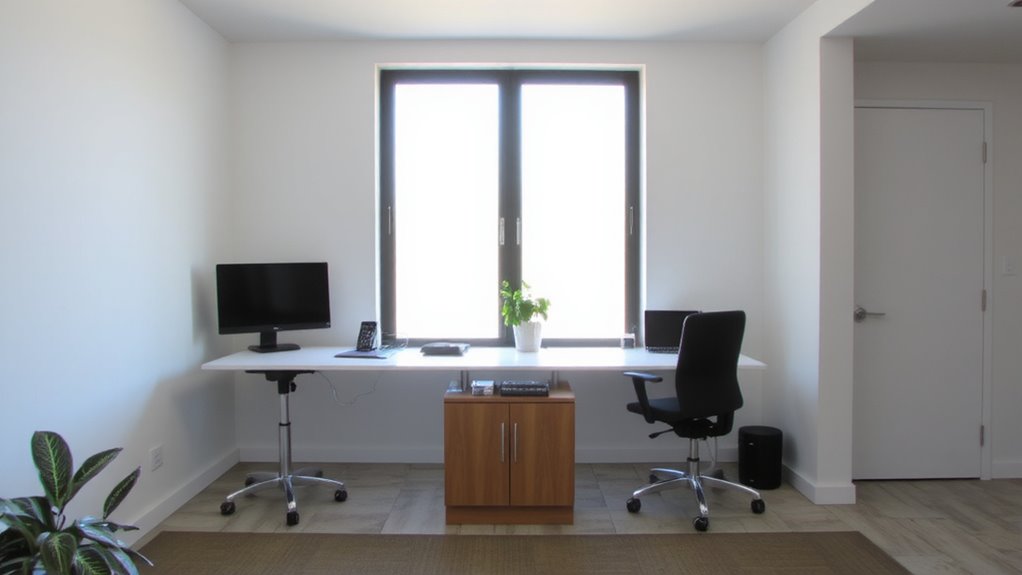
Why do some workspaces just feel more efficient? Because your furniture layout directly shapes your workflow. Open spaces boost movement and collaboration, letting you shift tasks quickly without feeling boxed in. But too much openness can reduce privacy and increase distractions-especially in shared environments. Clutter zones, like stacked papers or tangled cords, silently kill focus; even small messes raise cognitive load. Positioning desks and shelves to minimize these zones helps maintain mental clarity. Use desks with built-in cable management and storage units that fit within arm’s reach. Test layouts by simulating your daily tasks-spend 15 minutes each day adjusting until movement feels natural. Note trade-offs: low-profile furniture may lack durability, while modular units often cost more. Always check warranty length and weight capacity when buying. Thoughtful arrangement isn’t magic-it’s design that serves real behavior.
Place Your Desk for Focus and Natural Light
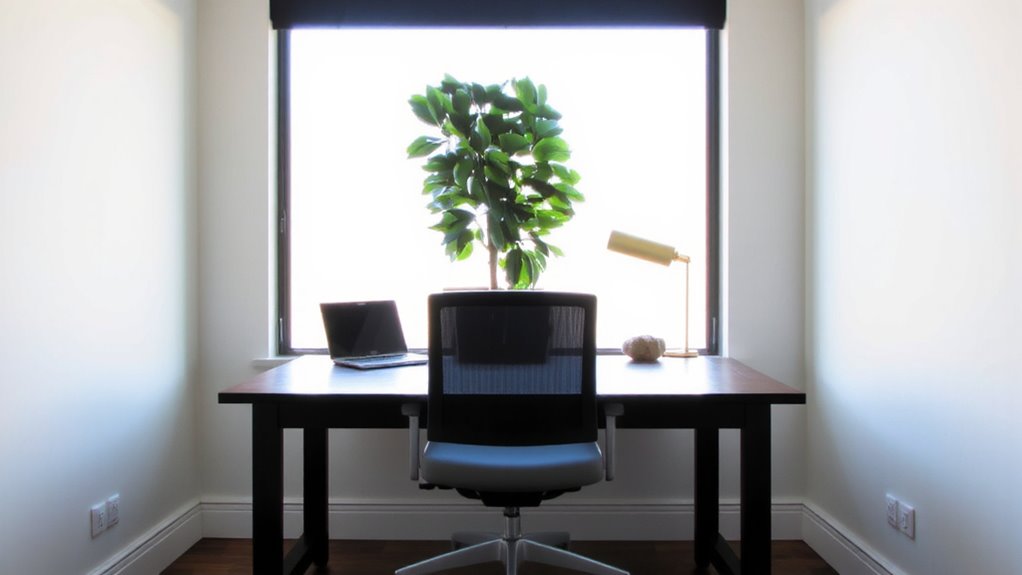
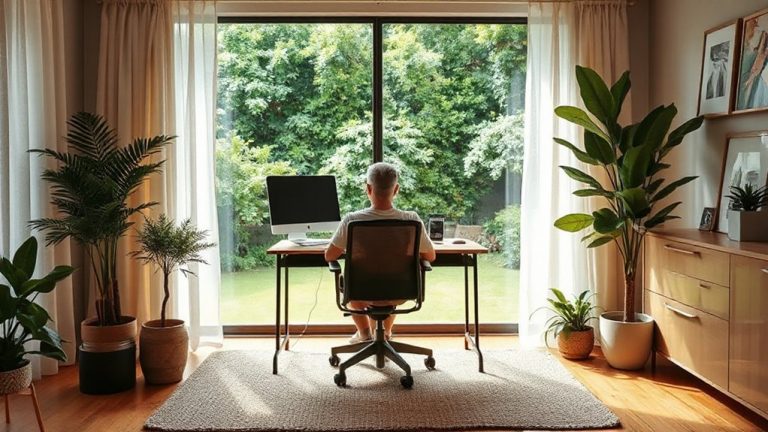
If you want to maximize focus and energy throughout the day, place your desk perpendicular to a natural light source-this gives you consistent illumination without screen glare. Proper window proximity boosts alertness, while smart task orientation keeps your screen and work surface optimized. Avoid direct sunlight behind or in front of your monitor to reduce reflections and eye strain. Below is a quick guide:
| Position | Light Quality | Glare Risk |
|---|---|---|
| Perpendicular to window | High, even light | Low |
| Facing window | Bright but variable | High |
| Back to window | Low ambient light | Medium |
| Corner-near window | Moderate, directional | Low to medium |
You’ll get the best results within 5–10 feet of the window, depending on your blinds or tinting. While natural light helps, it’s not always controllable-consider adjustable lamps for cloudy days or windowless rooms. This setup supports sustained attention, but test it over a week to assess comfort and adapt as needed. Choosing the right home office desk can further enhance ergonomics and productivity.
Use Ergonomic Seating to Reduce Fatigue
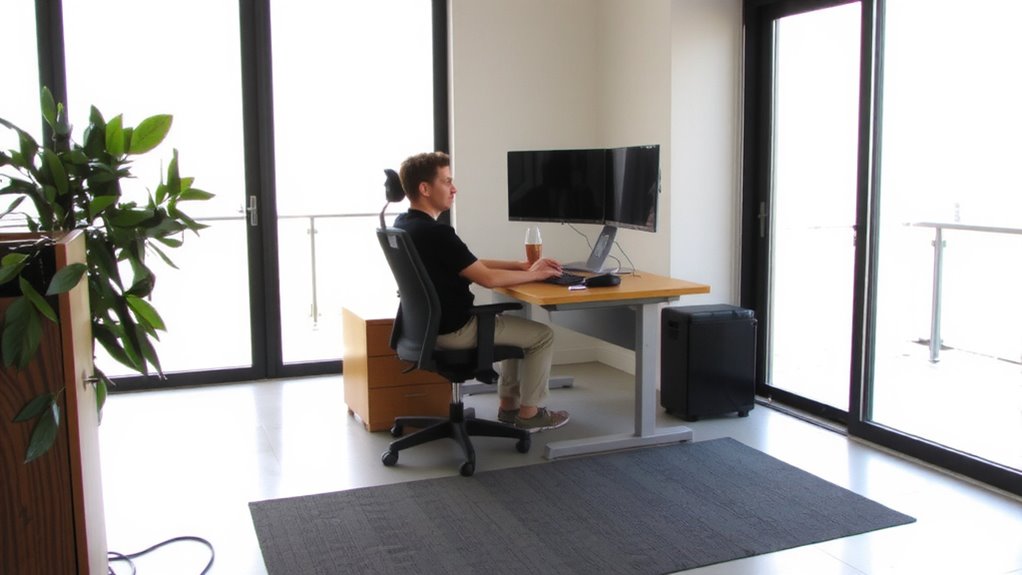
While sitting for long stretches can take a toll on your back and energy levels, choosing an ergonomic chair with proper lumbar support, adjustable armrests, and a breathable mesh back can seriously reduce fatigue over the workday. Good lumbar support maintains the spine’s natural curve, which boosts posture alignment and cuts down on lower back strain. You’ll stay alert longer, especially during marathon sessions. Look for chairs with at least 2 inches of adjustable lumbar padding and seat depths between 15–18 inches to fit most body types. High-back designs with headrests help if you lean back often. That said, even top-rated models won’t fix poor desk height-alignment only works when your entire setup matches. Most reputable brands offer 5–12 year warranties, but extended testing shows durability varies widely. You get what you pay for, but don’t assume pricier means better fit. Some of the most effective options for long-term comfort are featured in expert-recommended lists like the best office chairs for back pain.
Store Supplies for Quick Access
Keeping your most-used supplies within arm’s reach cuts down on wasted motion and keeps focus where it belongs-on your work. Designate storage zones near your primary workspace for frequently used items like notebooks, chargers, and pens. Use low-profile organizers to maintain sightlines and reduce clutter. Supply corridors-clear, direct paths between key areas-ensure smooth shifts without disrupting workflow. Consider mobile carts or wall-mounted shelves to balance accessibility and space efficiency. Over-stuffing storage zones can negate benefits, so audit contents monthly. Adding a touch of greenery with best office plants can also enhance air quality and boost concentration.
| Item Type | Ideal Distance | Recommended Container |
|---|---|---|
| Writing Tools | 0–18 inches | Drawer organizer |
| Notebooks | 18–36 inches | Rotating rack |
| Tech Accessories | 0–24 inches | Magnetic cable strip |
| Reference Docs | 24–48 inches | Labelled bin |
Create Team-Friendly Layouts That Spark Ideas
Collaboration thrives when space drives interaction-so design your team zones with movement and visibility in mind. You’ll want to create open, accessible areas that naturally draw people together, like brainstorm zones with writable walls or tables on casters that reconfigure easily. These collaborative hubs work best when seats face each other and whiteboards or display screens are within arm’s reach. Arrange furniture to support quick huddles without blocking pathways-round tables or curved benches often spark more engagement than rigid rows. Keep surfaces durable and tech-integrated, with power outlets nearby. Just remember, more openness can increase noise, so balance with sound-absorbing materials like felt panels or low-pile rugs. Flexible pieces, like nesting tables or lightweight chairs, let teams adapt on the fly but may trade some stability. Test durability under real use, checking frame warranties and fabric resistance. Thoughtful layouts boost idea flow-but only if they stay practical.
Add Privacy Without Closing Off the Space
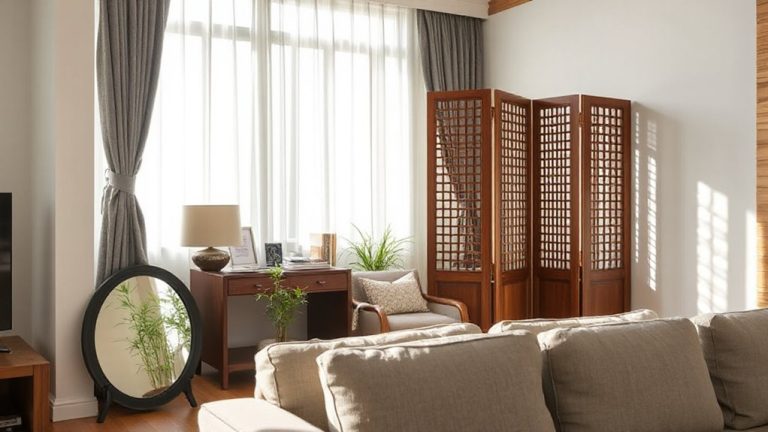
You can maintain visibility and openness while still offering personal space by using partial barriers instead of full walls-think low bookshelves, perforated panels, or tall plants placed strategically around desks. Room dividers made of fabric or wood offer flexibility; they block direct sightlines but keep the area breathable. Adding acoustic panels to these dividers helps absorb sound, reducing distractions without making the space feel closed off. These panels typically measure 24″ x 48″ and mount easily to screens or walls, providing measurable noise reduction-tested results show up to 30% drop in ambient noise. Just don’t overcrowd the layout; too many dividers create clutter. Also, avoid heavy materials that deaden light. Choose models with durable, cleanable fabric. Some brands offer 5-year warranties, but real-world wear suggests checking foam density. Balance function and flow-you want focus, not isolation.
Design Smart Layouts for Small and Hybrid Offices
When space is tight and work styles vary, designing a smart layout means prioritizing multifunctional furniture and clear traffic zones without sacrificing comfort or acoustics. You’ll need space optimization to make small or hybrid offices work-think height-adjustable desks that double as standing stations, and storage ottomans that seat two. Aim for visual harmony by aligning furniture angles and finishes so the room feels cohesive, not cluttered. Use low panels or bookshelves to define zones without blocking light. Keep walkways at least 30 inches wide to maintain flow. Test layouts on paper first, then in real time over a week. Note where glare hits screens or conversations overlap. While compact setups save square footage, they can increase noise if not planned. Acoustic panels help, but monitor placement matters just as much. Balancing function and form isn’t optional here-it’s the baseline.
On a final note
You’ll boost focus and efficiency with smart furniture choices, like positioning your desk near natural light and using ergonomic chairs with adjustable lumbar support. Quick-access supply storage cuts downtime, while open yet zoned layouts balance collaboration and concentration. But don’t overlook space limits or cost-modular desks and acoustic panels help, though some require assembly or sacrifice square footage. Test stability, check return policies, and measure twice. Results vary, but the right setup works.