Designing an Ergonomic Desk Setup That Enhances Focus and Attention Span
You’ll stay sharper when your desk setup supports neutral posture and reduces strain. Sit with feet flat, spine stacked, and shoulders relaxed to maintain focus. Position your monitor’s top at eye level, 20–30 inches away, using monitor arms for precise adjustments. Choose a chair with dynamic lumbar support and breathable mesh, adjustable armrests, and a 5–12-year warranty for long-term reliability. Set desk height so elbows rest at 90–110 degrees, wrists neutral. Keep keyboard and mouse close to avoid reaching. Proper task lighting helps reduce glare and eye fatigue-models with adjustable arms give flexibility, but guarantee they don’t cast shadows on your screen. Small tweaks like these can make a noticeable difference in comfort and concentration over time. You’re about to discover how each detail adds up.
Notable Insights
- Align your spine neutrally with active core engagement to reduce physical distractions and sustain mental focus.
- Position the monitor top at eye level, 20–30 inches away, to minimize neck strain and visual fatigue.
- Choose an ergonomic chair with dynamic lum窄 support and breathable mesh to maintain comfort and alertness.
- Set desk height so elbows bend at 90–110 degrees, keeping forearms parallel to the floor.
- Place keyboard and mouse close to the desk edge, centered and aligned to prevent wrist and shoulder strain.
Fix Your Posture to Sharpen Focus
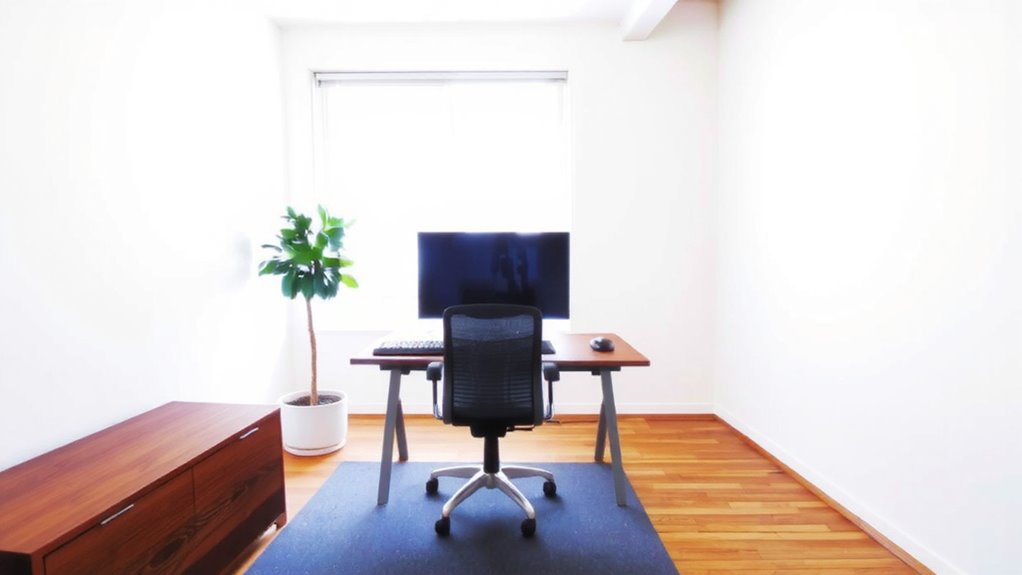
While you might think posture only affects comfort, fixing your alignment can actually sharpen focus by reducing physical distractions during long work sessions. Proper spinal alignment keeps your back supported and your neck neutral, which minimizes fatigue. You’ll need consistent core engagement to maintain this position, especially when sitting for hours. Think of your torso as a stack: pelvis under ribs, ribs over hips-no slouching, no over-arching. A chair with adjustable lumbar support helps, but don’t rely on it alone. Your muscles must do the work. Sit on the front two-thirds of the seat, feet flat. Over-bracing your core tires you just as much as slumping. It’s a balance. No gadget replaces body awareness, and even the best ergonomic chair won’t fix passive sitting. Aim for subtle shifts every 20–30 minutes. Choosing from among the best ergonomic chairs can provide the necessary adjustability and support to complement good posture habits.
Position Your Monitor at Eye Level
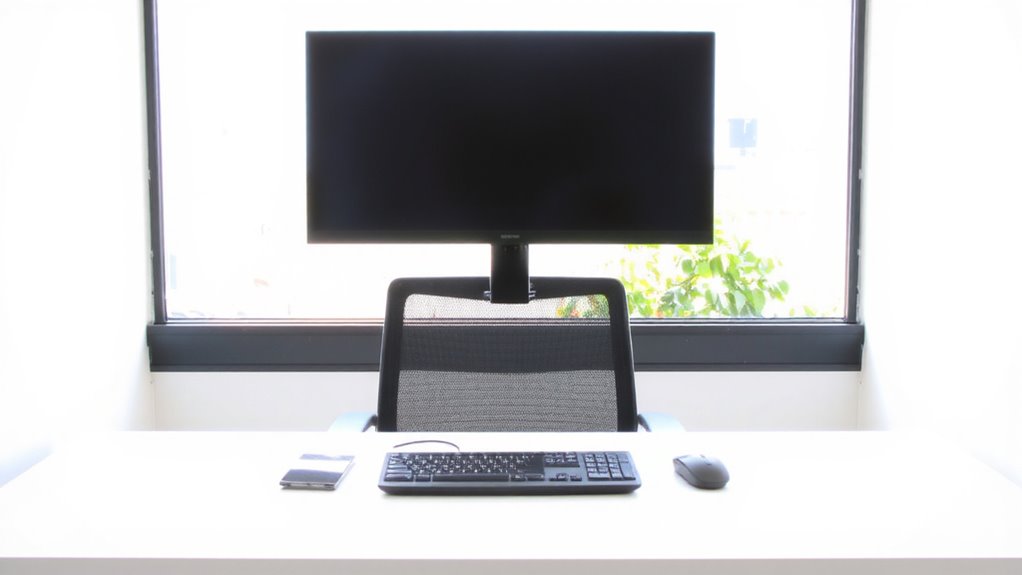
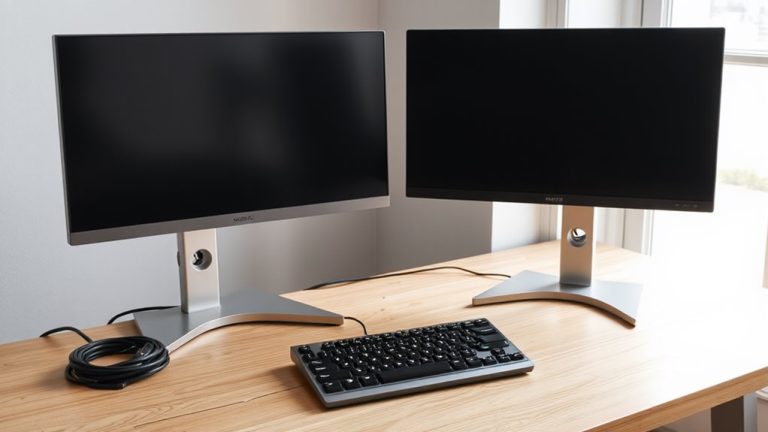
If you’re straining your neck after just an hour at your desk, it’s likely your monitor sits too low-raising it to eye level can make a real difference in both comfort and focus. Position the top of the screen at or slightly below eye level, about 20–30 inches from your face, to reduce strain and support a neutral posture. Monitor arms are a solid choice: they offer flexible height and tilt adjustments, improve desk ergonomics, and free up workspace. Most models support common VESA patterns and hold displays up to 30 inches, but check weight limits before buying. Good cable management is key-integrated channels or clips help keep cords tidy and prevent snagging, though not all arms handle thick or long cable bundles well. Some units have a shorter lifespan due to gas spring wear, so look for brands offering at least a 2-year warranty. For compact workspaces, consider space-saving seating like a best office chair alternative.
Choose an Ergonomic Chair That Supports Focus
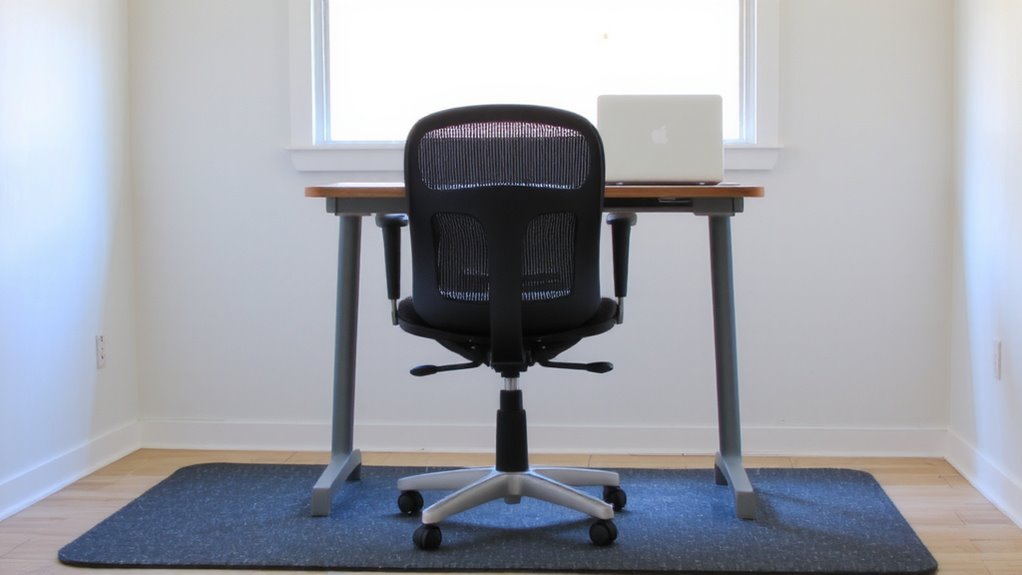
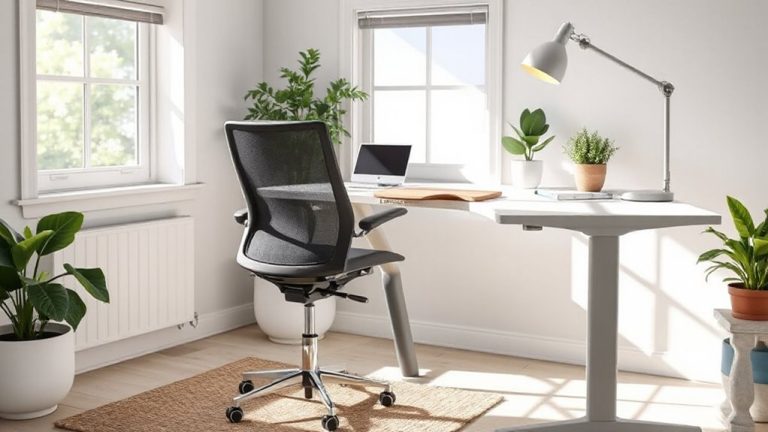
An ergonomic chair can make or break your focus during long work sessions-yours should support your spine’s natural curve without sacrificing comfort or adjustability. A well-designed lumbar design maintains lower back support, reducing fatigue and helping you stay alert. Look for chairs with dynamic lumbar support that adjusts with your movements, not just fixed pads. Breathable chair materials like mesh minimize heat buildup, keeping you cooler during intense work periods. Foam padding offers initial comfort but may compress over time, so high-density options last longer. Adjustable armrests, seat depth, and tilt tension let you fine-tune positioning, but over-adjustability can complicate setup. Many top models offer 5–12-year warranties, reflecting durability claims tested in labs simulating ten years of daily use. Real-world testing shows chairs with synchronized tilt mechanisms encourage subtle movement, boosting circulation and mental sharpness. Still, even the best chair won’t fix poor habits-pair it with regular posture checks and stretch breaks. Some of the most durable options are specifically engineered for heavier users, with models supporting up to 300 lbs and featuring reinforced frames and weight-rated mechanisms.
Set Desk Height for Neutral Arm Position
You’ve picked a supportive ergonomic chair-now it’s time to get the desk height right so your arms stay in a neutral position while you work. Ideally, your desk should allow your elbows to rest at a 90- to 110-degree angle, promoting proper elbow angle and reducing shoulder strain. Your forearms should be parallel to the floor, with wrists straight and in line with your hands-this guarantees ideal wrist alignment and lowers the risk of repetitive strain. Most standard desks are 29” high, which works for people between 5’8” and 5’10”, but if you’re shorter or taller, consider an adjustable-height desk. Sit in your chair, arms relaxed, and adjust the desk so your elbows rest naturally. Avoid raising your shoulders or bending your wrists upward. While sit-stand desks offer flexibility, they often cost more and require floor space-weigh those trade-offs carefully.
Place Keyboard and Mouse Within Easy Reach
While your desk and chair set the foundation, positioning your keyboard and mouse within easy reach is just as critical for maintaining comfort and efficiency. Proper placement supports arm support and promotes healthy wrist alignment, reducing fatigue during long work sessions. You should keep both devices close enough to avoid overreaching, with elbows staying near your sides at roughly 90 degrees.
| Device | Distance from Edge | Wrist Position |
|---|---|---|
| Keyboard | 2–4 inches | Flat, neutral |
| Mouse | 0–2 inches | Aligned with forearm |
| Keyboard | Centered | No ulnar deviation |
| Mouse | Same level | No shoulder hike |
| Both | Touchable without leaning | Stable arm support |
Overextending strains muscles over time, even with premium gear. Adjust based on your desk depth and chair settings-what works varies by build and posture.
Reduce Eye Strain With Proper Lighting
When setting up your workspace, getting the lighting right can make a noticeable difference in how quickly your eyes tire during the day. Position a soft, adjustable desk lamp to the side to reduce screen glare and avoid harsh overhead lights. Use warmer lighting (around 3000K) instead of cool, blue-rich light to minimize blue light exposure, especially in the evening. Natural light is ideal, but keep windows behind you to prevent glare. Avoid placing your monitor directly under a light source, as it can cause reflections. While some claim blue light filters help, research shows mixed results for eye strain-brightness and contrast matter more. Look for lamps with dimmable settings and diffused shades to maintain steady illumination. There’s no one-size-fits-all setup, so test adjustments over a few days. Consistency in lighting helps your eyes stay comfortable without overcompensation.
Make 3 Simple Ergonomic Upgrades Today
A few well-chosen upgrades can markedly improve your comfort and focus at work, and starting with just three evidence-backed changes makes the process manageable without overspending. First, improve cable management using adhesive clips or a simple under-desk tray-this reduces visual clutter, which studies link to improved task prioritization and lower stress. Second, raise your monitor to eye level with a stand or books so your gaze tilts slightly downward, easing neck strain during long sessions. Third, swap your chair for one with adjustable height and lumbar support, ensuring feet stay flat and knees at 90 degrees. These fixes don’t need costly gear: many effective options cost under $30 and install in minutes. Just remember-small changes help, but consistency matters more. Poor posture or tangled wires creeping back? Reset daily. Upgrades only work if they stick.
On a final note
You’ll focus better with a well-designed desk setup, but only if it fits your body and routine. Set your monitor 20–30 inches away and at eye level to reduce neck strain. Use an adjustable chair with lumbar support and sit with feet flat. Keep elbows at 90 degrees. LED task lighting helps, but avoid glare. These changes work-just don’t overspend on unproven gear. Test adjustments over days, not hours, to see real gains.