Lower Back Pain Management Tips for Those Who Sit All Day in a Home Office Setting
Adjust your chair so your feet rest flat and knees bend at 90 degrees, with lumbar support matching your spine’s curve to reduce strain. Set your monitor at eye level, 20–30 inches away, using a stand if needed. Stand or walk for 2 minutes every hour to ease back pressure. Stretch hips and hamstrings daily, and strengthen your core with planks and bird-dogs. A lumbar roll can help, but make sure it fits your chair’s design and supports proper form-results improve with consistency over weeks. More science-backed adjustments follow.
Notable Insights
- Adjust your chair height so feet rest flat and knees are at 90 degrees to reduce lower back strain.
- Use lumbar support that matches your spine’s natural curve to maintain healthy sitting posture.
- Stand up and move for two minutes every hour to relieve pressure on your lower back.
- Perform daily planks and stability exercises to strengthen core muscles supporting your spine.
- Stretch tight hips and hamstrings regularly to counteract prolonged sitting and reduce back tension.
Fix Your Chair Height and Lumbar Support
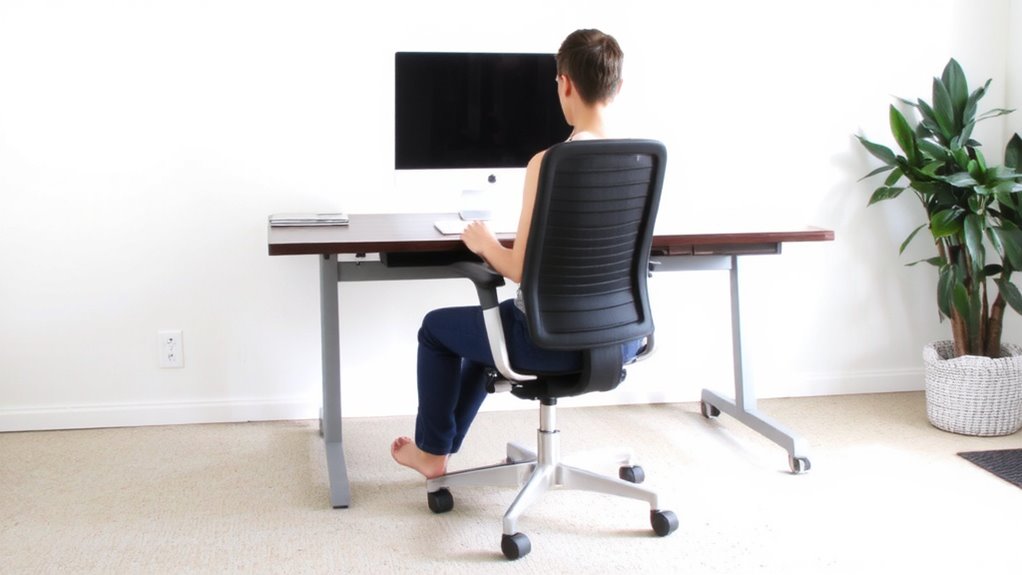
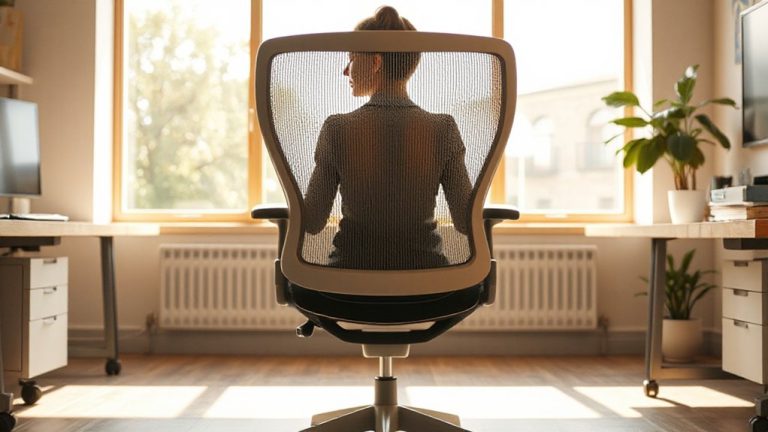
While you might think any chair will do if you’re working from home, getting the height and lumbar support right actually makes a measurable difference in managing lower back pain-so don’t skip this step. Set your seat so feet rest flat, knees at 90 degrees, and thighs fully supported without pressing into the seat edge-ideal seat depth lets you sit back while leaving a finger’s width between the front of the chair and your knees. Poor armrest alignment strains shoulders; adjust them so elbows rest comfortably at 90 degrees, wrists straight when typing. Built-in lumbar support should match your lower back’s curve, but many chairs overpromise-check return policies. Some models offer adjustable zones backed by independent ergonomics testing, though they often cost more. Even small adjustments help, but long-term relief hinges on consistency, not premium features. Test changes over days, not minutes. A well-organized workspace can reduce physical strain, so consider incorporating best desk coasters to protect surfaces and maintain a tidy environment.
Set Your Monitor at Eye Level
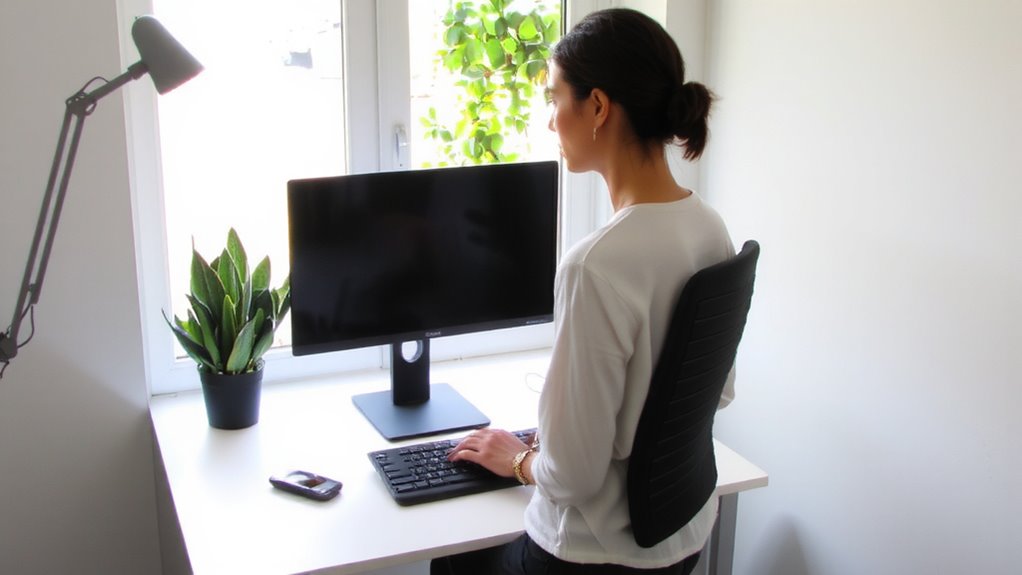
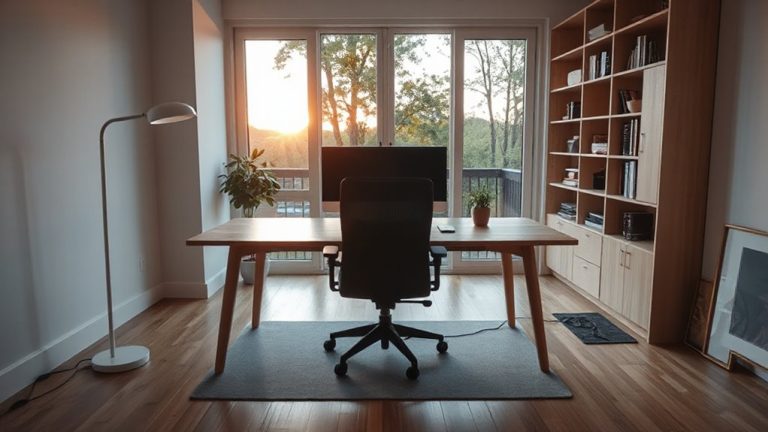
Getting your monitor at eye level isn’t just a minor tweak-it’s a proven way to reduce neck and lower back strain, especially during long workdays. You should position the top of the screen at or slightly below eye level, about 20–30 inches away, to maintain proper screen distance and spinal alignment. This setup keeps your head neutral, reducing strain from tilting or leaning. Adjusting monitor brightness to match ambient light helps prevent eye fatigue, which can indirectly tighten neck muscles. Use a monitor stand, books, or an adjustable arm for precision-many affordable options offer tilt, swivel, and height adjustments tested for stability. Avoid stacking unstable materials. Built-in warranties vary; look for at least a one-year coverage. While ergonomics improve comfort, results depend on your posture and existing workspace layout. Not every desk accommodates ideal setups, so measure clearance before buying. A best monitor arms option can provide optimal adjustability and durability for long-term ergonomic support.
Get Up Every Hour to Relieve Back Pressure
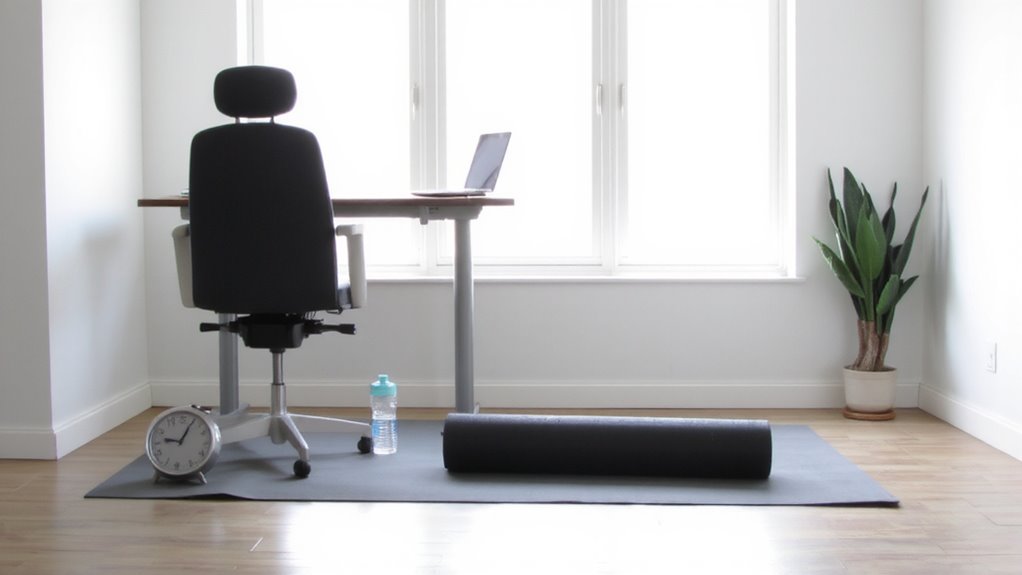
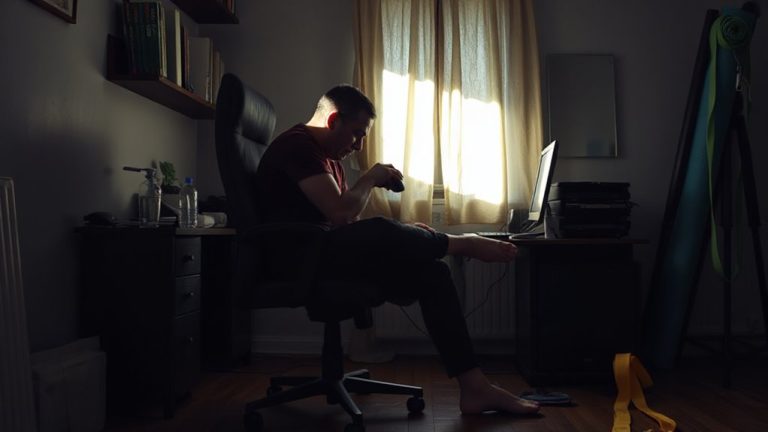
You should regularly stand up every hour to relieve pressure on your lower back, especially if you sit for long stretches at your home office desk. Frequent standing breaks help maintain healthy movement frequency, reducing disc compression and improving circulation. Think of your spine like a sponge-constant sitting squeezes fluid out, but standing redistributes pressure and rehydrates tissues. Set a timer or use a smartwatch to remind yourself-consistency matters more than duration. Even two minutes of standing or light walking every hour can make a difference. However, don’t assume standing all day is better; prolonged standing risks leg fatigue and may worsen discomfort without proper support. Use a simple, stable surface and avoid expensive anti-fatigue mats unless testing confirms benefit. The real advantage lies in rhythm, not gear-consistent movement frequency beats high-end standing desks when managing back pressure.
Stretch Hips and Hamstrings to Reduce Pain
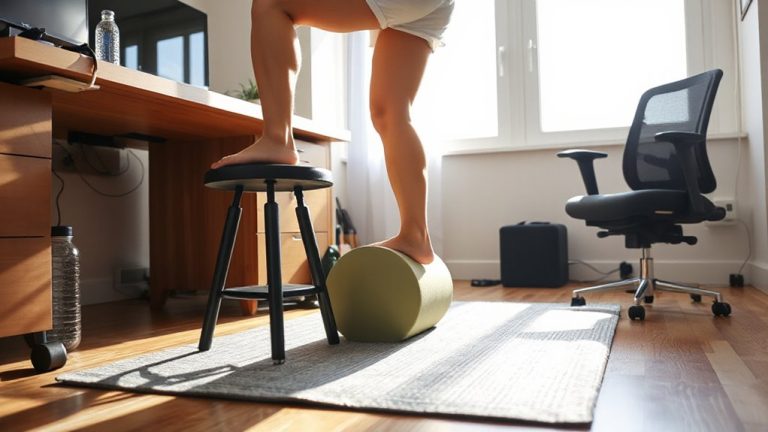
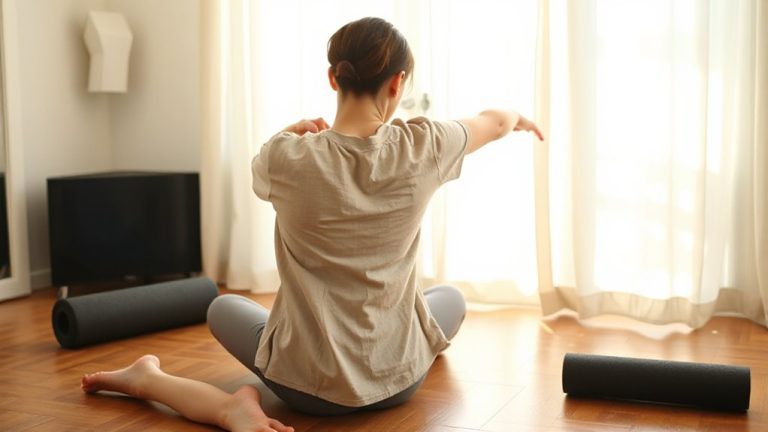
Tight hips and hamstrings often contribute to lower back pain by pulling the pelvis out of alignment and increasing strain on the lumbar spine-regular stretching can help reduce that tension and improve posture. You should stretch your hip flexors and hamstrings daily, especially if you sit for hours. Seated stretches work well during breaks and require no equipment. Consistency matters more than duration.
| Stretch Type | Targets | Best Time to Do |
|---|---|---|
| Seated Forward Bend | Hamstrings | Morning or post-sitting |
| Kneeling Hip Flexor | Hip Flexors | Midday or evening |
| Figure-Four Stretch | Glutes & Hips | Evening routine |
| Seated Spinal Twist | Hips & Lower Back | Between work sessions |
Seated stretches are practical, but make sure your form avoids rounding the back. Overstretching causes strain, so hold each stretch 20–30 seconds gently. Use a firm chair without arms for stability.
Strengthen Your Core for Back Support
A strong core does more than stabilize your spine-it helps offset the postural strain built up from long hours of sitting, especially when desk setups aren’t ideal. You don’t need fancy equipment; simple plank exercises can markedly boost core strength over time. Holding a proper plank engages your transverse abdominis, obliques, and lower back muscles, all critical for spinal support. Aim for three sets of 30-second holds, increasing duration as endurance builds. Pair this with stability training, like bird-dogs or dead bugs, to improve neuromuscular control and reduce back fatigue. These moves require minimal space and no gear, making them practical for home offices. While results take consistent effort-typically 4 to 6 weeks of daily practice-they’re proven to reduce lower back discomfort. Don’t expect instant fixes, and stop if you feel lower back strain instead of abdominal engagement. Proper form matters more than duration.
Use a Lumbar Roll for Instant Relief
One well-placed lumbar roll can make a noticeable difference in lower back comfort within minutes, especially during long sitting sessions. It supports natural lumbar alignment, helping maintain the spine’s slight inward curve while reducing strain. Proper pressure distribution across your lower back minimizes tissue fatigue and discourages slouching. Choose a firm yet compressible roll-about 4 to 6 inches tall-so it fits the curve just above your hips without pushing too far forward. Most effective models use memory foam or resilient mesh and secure to your chair with adjustable straps to prevent slipping. While not a long-term fix for poor posture or weak muscles, it’s a practical, evidence-backed aid. However, oversize or overinflated rolls may overarch your spine, causing more discomfort. Use it as a tool, not a cure-its real value lies in short-term relief and habit reinforcement. For tailored solutions, consider checking top-rated options in the best lumbar support picks.
Walk 2 Minutes Every Hour to Stay Mobile
You don’t need a fitness tracker or a standing desk to keep your lower back happy-just a quick two-minute walk every hour can go a long way in maintaining spinal mobility and reducing stiffness. These regular posture breaks help reset your spine, ease muscle tension, and prevent prolonged static positioning that contributes to pain. Walking also boosts leg circulation, lowering the risk of swelling and discomfort from sitting too long. You don’t need special gear or apps-just set a timer or use calendar alerts. While some ergonomic tools claim big benefits, consistent movement is proven to work without added cost. The trade-off? It takes discipline to stick with it, especially during busy work blocks. But even short strolls around your home office-30–40 steps-can make a measurable difference over time. It’s simple, free, and effective, though results depend on consistency.
On a final note
You can reduce lower back pain with smart adjustments, but no single fix works perfectly. Set your chair so knees are at 90 degrees and use a firm lumbar roll to support your spine’s natural curve. Keep monitors at eye level to avoid slouching, and stand or walk for 2 minutes hourly-timers help. Stretch hips daily and strengthen core muscles with planks or bridges. Results vary; some find relief in days, others need weeks. Cheap gear may lack durability-check return policies.