Positioning a Desk Perpendicular to a South-Facing Window to Maximize Light and Minimize Glare
Position your desk perpendicular (90 degrees) to a south-facing window to get steady, glare-free light during peak sun hours from 10 a.m. to 4 p.m. This setup keeps direct rays off your screen and eyes, especially with a matte display or anti-glare filter. You’ll lose some even lighting, but side illumination supports focus while reducing eye strain. Pair the layout with adjustable blinds or sheer shades for real-time control. Fine-tune positioning as you observe daily light shifts and reflections. There’s more to optimizing your setup where angles and materials meet changing sunlight.
Notable Insights
- Positioning the desk at 90 degrees to a south-facing window balances natural light and minimizes screen glare.
- South-facing sunlight is intense from 10 a.m. to 4 p.m., making perpendicular placement ideal for reducing direct exposure.
- Side lighting from a perpendicular setup ensures even illumination across the work surface, enhancing visual comfort.
- Use adjustable blinds or sheer curtains to diffuse sunlight and control heat gain during peak hours.
- Pair the 90-degree desk angle with shadow tracking to identify optimal placement within indirect light zones.
Place Your Desk at 90 Degrees to a South-Facing Window
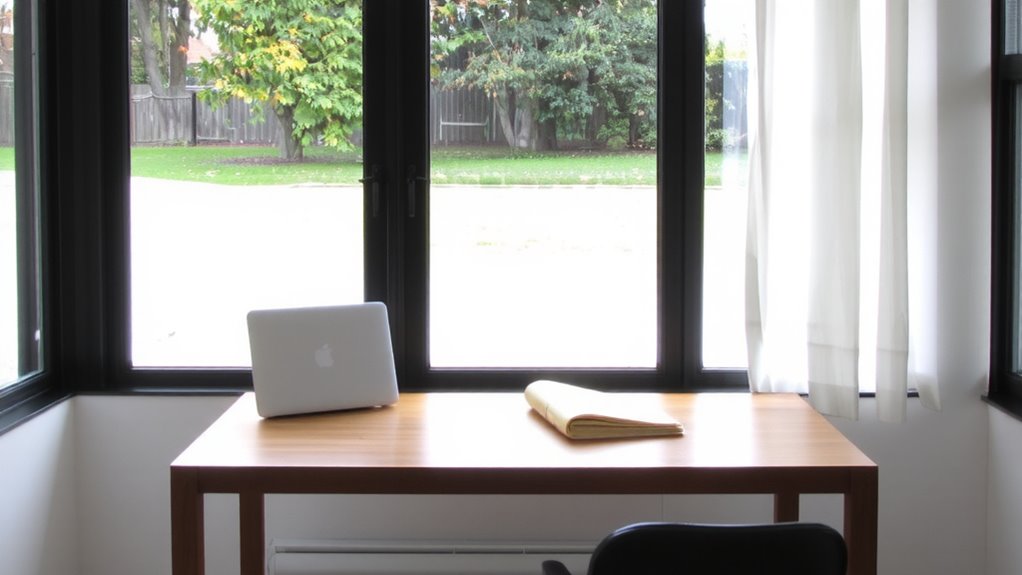
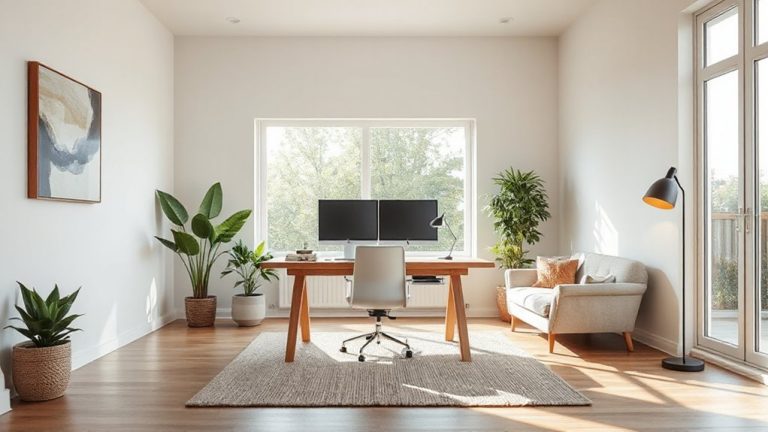
While you might be tempted to place your desk directly in front of a south-facing window for the view, angling it at 90 degrees is usually the smarter move for a productive workspace. This desk orientation balances natural light and glare reduction, keeping sunlight to the side rather than directly hitting your screen or eyes. You’ll get steady illumination across your work surface without the harsh midday contrast that disrupts focus. Positioning your monitor perpendicular to the window cuts screen glare markedly, especially with matte displays or anti-glare filters. Task lighting becomes easier to integrate, since ambient light is more uniform. Just be sure your chair allows proper alignment with the desk and window-ergonomic setup shouldn’t suffer for light. You may lose some of the panoramic appeal, but the trade-off in visual comfort and reduced eye strain is well worth it. Test it for a full workday to confirm.
Why South-Facing Sun Demands Smart Desk Placement
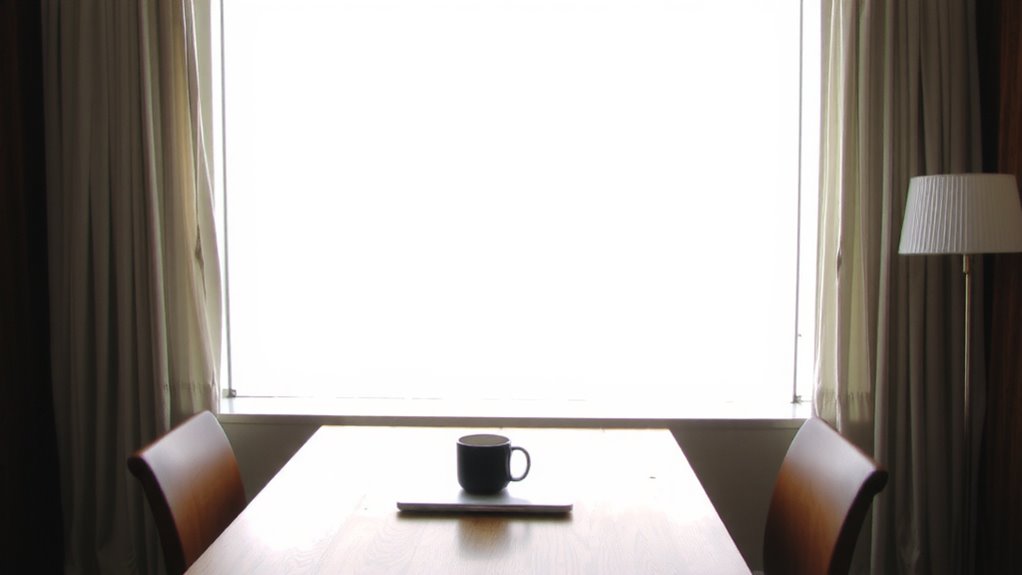
Because south-facing windows deliver intense, direct sunlight for much of the day-especially between 10 a.m. and 4 p.m.-you’ll need to position your desk thoughtfully to avoid glare, screen washout, and overheating. Your room’s solar orientation heavily influences light quality and thermal gain, making desk placement critical. Placing your desk perpendicular to the window balances natural light and comfort.
| Time of Day | Sun Intensity | Thermal Gain |
|---|---|---|
| 10 a.m. | High | Moderate |
| 12 p.m. | Very High | High |
| 2 p.m. | Very High | High |
| 4 p.m. | High | Moderate |
This setup lets you harness steady illumination without facing the sun directly. You’ll reduce screen glare and avoid uncomfortable warmth buildup. While natural light boosts alertness, unmanaged exposure risks eye strain and room overheating. Use adjustable blinds or sheer curtains to fine-tune exposure. Consider pairing your natural lighting strategy with well-chosen artificial lighting, such as office ceiling lights, to maintain consistent illumination when daylight fades.
Map Your Window’s Daily Sun Path
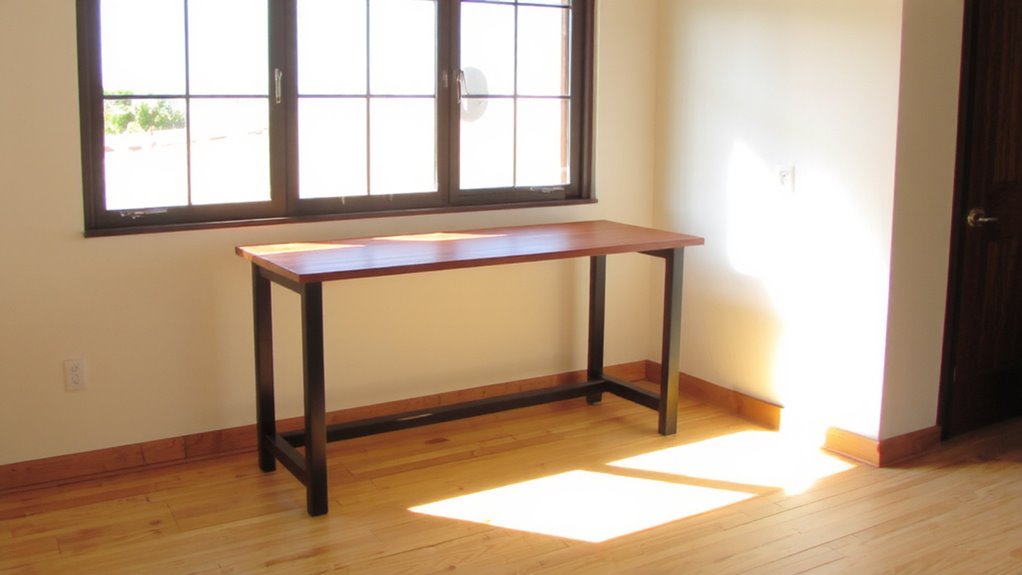
How does the sun move across your room over the course of the day? You’ll need to map its path with sunrise analysis and shadow tracking to position your desk effectively. Start by observing where sunlight hits at 8 a.m., noon, and 4 p.m. Use tape or small markers on the floor to outline shifting light zones. A south-facing window means strong, consistent exposure, especially midday. Sunrise analysis reveals low-angle morning light that can glare if unaccounted for. Shadow tracking helps identify stable zones with indirect illumination-ideal for screen work. Don’t rely on apps alone; actual room observation captures obstructions like awnings or trees. This mapping takes a few days but prevents poor desk placement. Remember, even with ideal orientation, direct sun can overheat surfaces or wash out screens, so test your setup under real conditions before finalizing furniture layout.
Best Desk Angles Near a South-Facing Window
You’ll want to position your desk at a 45-degree angle to your south-facing window for the best balance of natural light and screen visibility. This angle reduces glare while maintaining consistent daylight, boosting both focus and ergonomic comfort. Pair this setup with adjustable task lighting to cover low-light hours without overheating the space. Below are common desk angles and their trade-offs:
| Angle | Light & Glare Outcome |
|---|---|
| 0° (facing window) | High glare, poor screen visibility |
| 30° | Moderate light, some midday glare |
| 45° | Ideal balance, minimal reflections |
| 60° | Less natural light, reduced distractions |
| 90° (perpendicular) | Minimal glare, uneven lighting |
While 45° offers the strongest daily performance, your monitor type, desk depth, and task lighting placement will affect results. Always test angles over multiple daylight hours.
Blinds, Sheers, and Filters for Softer Light
While direct sunlight through a south-facing window can create harsh glare, pairing it with the right window treatment makes it possible to enjoy bright, diffused light all day. For effective glare reduction and soft light diffusion, sheer roller blinds or white woven wood shades work well-they scatter intense rays without blocking views. Light-filtering cellular shades add insulation and improve diffusion, especially in colder climates, but may reduce brightness more than desired. Adjustable horizontal blinds let you fine-tune angles to deflect glare while maintaining daylight, though they require daily tweaking. Sheers paired with blackout curtains offer flexibility, but only if you commit to adjusting them. Avoid colored filters-they distort natural light and affect screen accuracy. Most tested models last 5–7 years with moderate use; look for UV-resistant fabrics and at least a 3-year warranty. No option eliminates glare completely, but the right blend balances comfort and brightness. For top-performing options that combine durability and light control, consider the best blinds on Amazon.
Arrange Desks and Storage to Maximize Light Spread
Position matters. Placing your desk perpendicular to a south-facing window lets light spread deeper into the room, reducing glare while brightening work zones. Use light-colored storage units near the window to reflect daylight, and leave space between furniture and walls to avoid shadows. Keep task lighting nearby for overcast days or evening work, but avoid blocking natural flow. Good cable management keeps setups clean and prevents visual clutter that distracts from an open, airy feel.
| Furniture | Placement Tip | Light Impact |
|---|---|---|
| Desk | Perpendicular to window | Balances brightness, cuts glare |
| Bookshelf | Against north wall | Reflects light if light-toned |
| Storage | Low profile, open bins | Minimizes blockage, aids cable management |
Avoid overcrowding-every piece should earn its floor space.
5 Mistakes That Ruin Your Natural Light Setup
Placing your desk near a south-facing window can backfire if common errors go unchecked. Setting your desk height too low or too high disrupts posture and casts shadows, reducing usable light. Poor chair placement-especially too far back or at an angle-forces you to turn away from the window, cutting off even illumination. Avoid positioning the monitor directly in front of or behind the window; both create glare or harsh backlighting. Don’t block light with tall furniture or closed blinds during peak hours. Keep window treatments light-colored and open when possible. A desk perpendicular to the window usually works best, but only if chair placement allows easy screen viewing without squinting. Test different setups midday to observe glare and shadows. Small adjustments in desk height or seat position can greatly improve comfort and lighting consistency-no costly gear required.
On a final note
Position your desk at 90 degrees to the south-facing window for balanced light and reduced glare. This angle lets sunlight spread evenly across your workspace without hotspots or screen reflections. Use adjustable blinds or sheer curtains to diffuse harsh midday rays. Avoid placing the desk directly in front of or opposite the window. You’ll gain consistent daylight, but monitor screen glare during peak sun-positioning test runs in the morning and afternoon help fine-tune the setup.