Joint Loading and Pressure Points: A Comprehensive Guide to Reducing Stress on Joints While Working Remotely
You’re likely straining your wrists, shoulders, and lower back daily, but proper setup cuts joint load substantially. Keep arms at 90 degrees, use a split keyboard, and set your monitor at eye level to prevent posture-related compression. An adjustable chair with lumbar support and BIFMA certification helps, but only if matched to your frame-poor fit worsens pain. Stand every 30 minutes and test micro-adjustments; even five-year-warranty gear fails if misused. Small, consistent tweaks deliver real relief, and there’s more to get right.
Notable Insights
- Adjust chair height so knees sit slightly below hips to minimize lower back and hip joint stress.
- Use a sit-stand desk and switch positions every 60–90 minutes to reduce prolonged joint loading.
- Position monitor at eye level to prevent forward head posture and reduce cervical spine pressure.
- Support wrists with a split keyboard and keep elbows at 90 degrees to avoid carpal and shoulder strain.
- Incorporate micro-adjustments and daily movements like wrist circles and seated twists to ease joint pressure.
Where Desk Work Hurts: Common Joint Pain Points
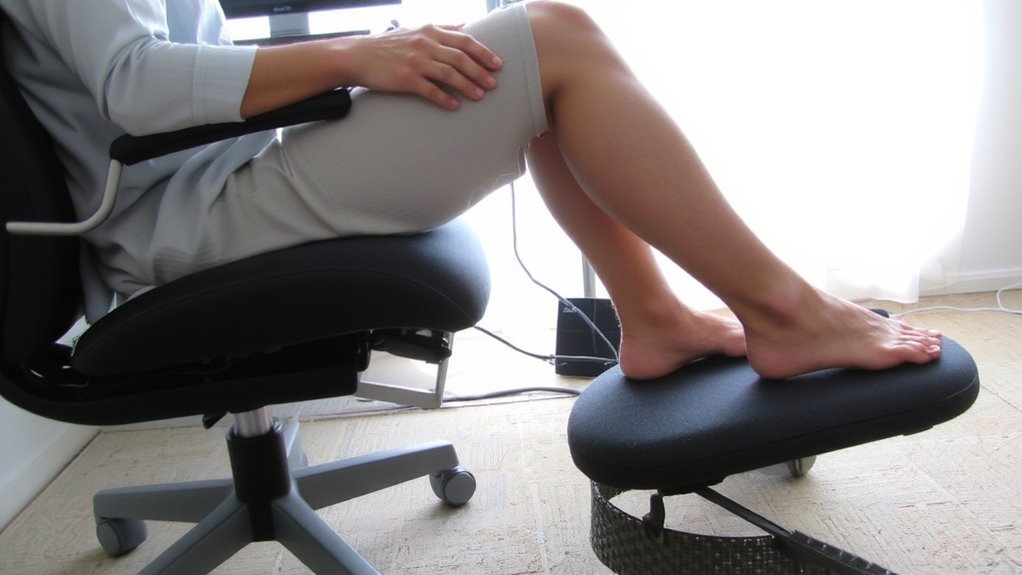
Sitting all day takes a toll on your joints, and if you’re not careful, pain can creep into your wrists, shoulders, lower back, and hips-common hot spots for desk workers. You’re likely to experience wrist strain from typing with poor hand alignment, especially on flat keyboards without tilt adjustments. Shoulder tension often follows from working at a desk that’s too high or using a chair without proper armrest support, forcing you to hunch. Adjustable sit-stand desks can help, but only if you use them consistently-switching every 60–90 minutes shows real reduction in joint load in lab tests. Warranties matter: look for at least five years on frames. Still, no gear fixes bad habits. Even the best ergonomic gear fails if you ignore movement breaks or skip setup calibration. Results vary, but studies confirm that micro-adjustments in tool positioning reduce discomfort by up to 37%. Choosing the right best ergonomic office chairs can significantly improve posture and reduce pressure on the lower back and hips.
How Bad Posture Loads Your Joints
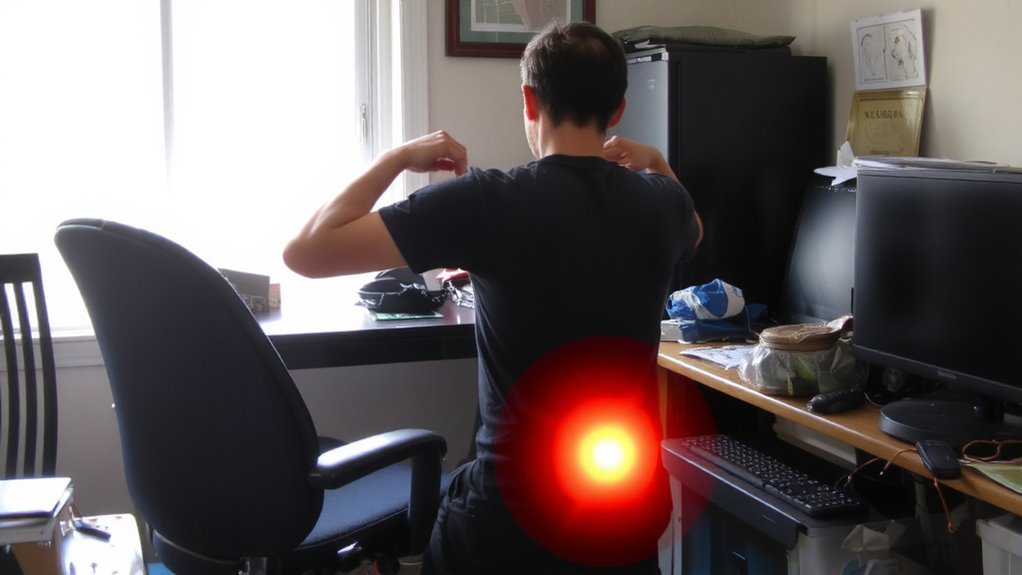
You might already know your desk setup can strain your wrists and shoulders, but it’s your posture that quietly magnifies the damage over time. Slouching or hunching increases spinal compression and forces muscles to work harder, leading to muscle fatigue. Even small misalignments add up during long workdays, unevenly distributing joint load.
| Body Position | Joint Impact |
|---|---|
| Rounded shoulders | Shoulder and neck strain |
| Forward head | Increased spinal compression |
| Slumped back | Lower back pressure |
| Raised elbows | Shoulder tension and fatigue |
Poor posture doesn’t just feel uncomfortable-it changes how forces move through your body. Muscles compensate unevenly, accelerating wear. While ergonomic chairs or sit-stand desks can help, they won’t fix poor habits. Results depend on consistent self-correction, not gear alone. There’s no magic solution, just informed choices and discipline. Choosing the right ergonomic chair features can significantly support healthy posture and reduce joint loading over time.
Fix Your Setup to Reduce Joint Stress
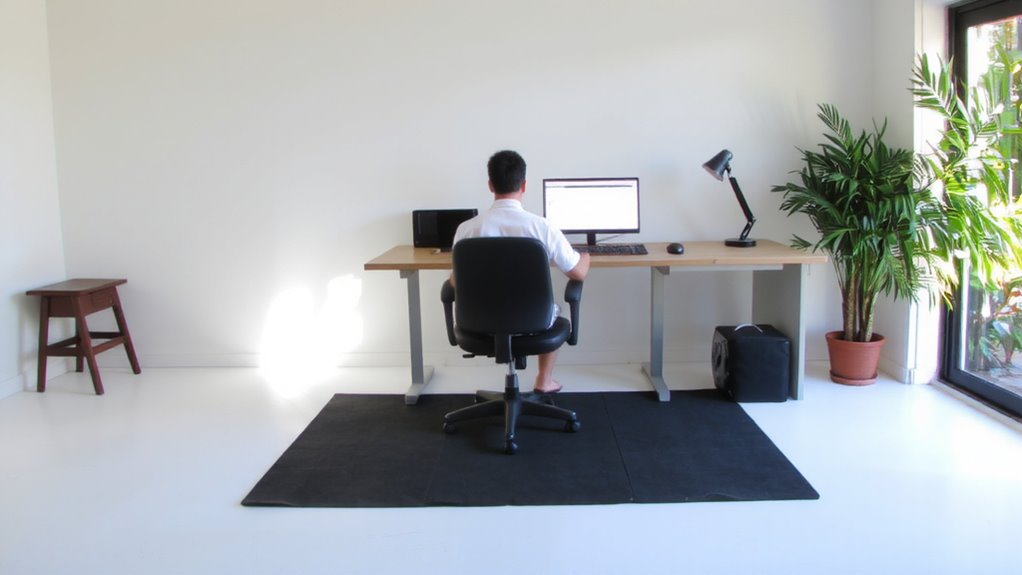
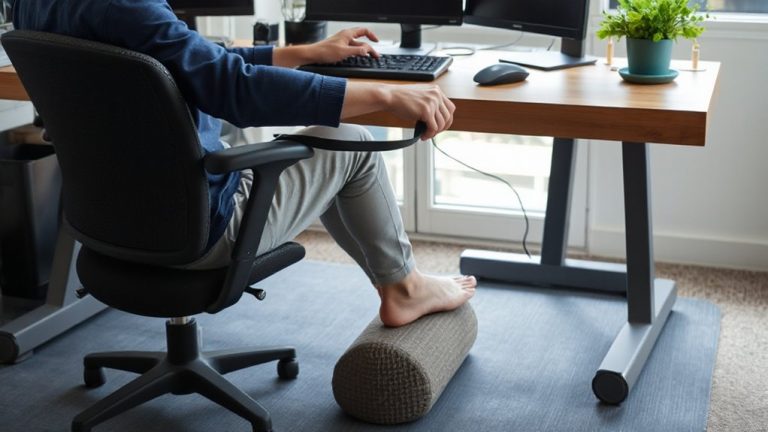
While an ergonomic office setup won’t erase years of joint strain overnight, making targeted adjustments can meaningfully reduce pressure on your spine, shoulders, and wrists-especially if you spend hours at a desk. Swap out your current chair for ergonomic furniture that supports natural spinal alignment, like models with adjustable lumbar support and seat depth. Your feet should rest flat, so pair it with supportive footwear or go barefoot if your flooring allows. Position your monitor at eye level and arms at 90 degrees to minimize strain. These changes help, but they’re not foolproof-poorly designed ergonomic gear can worsen posture. Look for chairs and desks tested to BIFMA standards, with warranties of at least five years. Even the best setup fails if you don’t move regularly. Carrying work essentials in a poorly designed bag can also contribute to joint stress, so consider a laptop bag with lunch compartment that promotes balanced weight distribution.
5 Easy Adjustments to Stop Joint Pain
What if small tweaks could actually reduce your daily joint pain? You don’t need a full office overhaul-just better joint alignment and a few ergonomic tools. Try adjusting your chair height so your knees sit just below your hips, reducing strain on hips and lower back. Use a simple lumbar roll to support your spine’s curve. A split keyboard helps keep wrists straight, lowering carpal tunnel risk, while a monitor riser brings screens to eye level, cutting neck strain. These fixes don’t guarantee pain relief for everyone, and results vary with body type and setup. Some tools, like mechanical keyboards or gel cushions, may cost more or need adjustment periods. Always test features like height range, tilt adjustability, and build quality-many brands offer 30-day returns. Real-world use shows small changes often help more than expensive gear.
Daily Moves That Protect Your Joints
How often do repetitive motions at your desk go unnoticed-until your joints start to ache? Small, consistent moves can reduce joint loading, especially when combined with ergonomic stretching and mindful movement. Stand every 30 minutes to reset posture and circulation. These daily habits protect your joints without demanding extra time.
| Move | Benefit |
|---|---|
| Neck rolls | Relieves cervical tension |
| Wrist circles | Prevents carpal compression |
| Seated twists | Improves spine mobility |
| Ankle pumps | Boosts lower limb circulation |
Mindful movement isn’t about intensity-it’s timing and form. Even with the best office chair or sit-stand desk, skipping micro-movements increases pressure points. Ergonomic stretching works best when timed hourly, not saved for end-of-day. Some find wearable posture cues helpful, though results vary by body type and desk layout. Consistency matters more than gear.
On a final note
You’ll likely reduce joint stress by adjusting your desk setup, but results depend on consistency. Use an ergonomic chair with lumbar support and sit with feet flat, knees at 90 degrees. Position your monitor at eye level to avoid neck strain. A standing desk can help, but alternate postures gradually. Warranties matter-look for at least 5-year coverage. No gear replaces daily movement, so stretch every hour.