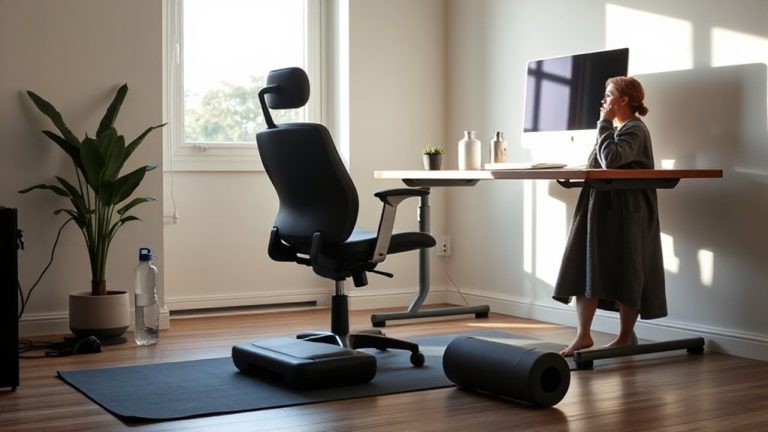
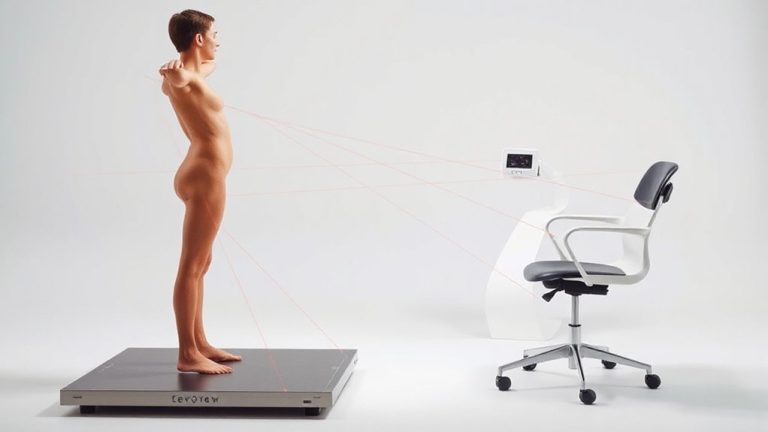
Tendinitis Management Exercises: Preventing Overuse Injuries in Muscles and Tendons During Extended Periods of Remote Work With Appropriate Equipment Usage
You’re more likely to develop tendinitis from prolonged typing and poor posture at your home desk than from most physical labor, but consistent wrist exercises and properly adjusted ergonomic gear can stop overuse injuries before they start. Perform wrist circles and grip squeezes daily with a therapy ball, keep your monitor at eye level, and use a chair with lumbar support. Microbreaks every 30 minutes reduce strain better than expensive gear alone-just standing for 30 seconds helps. Avoid pain; mild tension is okay, but sharp discomfort means you’ve gone too far. Proper form matters more than frequency, and results depend on consistency and setup. Small changes add up, especially when combined with deliberate, daily movement habits.
Notable Insights
- Perform wrist mobility drills daily to maintain joint flexibility and reduce strain from typing and mouse use.
- Strengthen grip endurance with low-resistance exercises to support tendon health without aggravating symptoms.
- Take microbreaks every 30 to 60 minutes to interrupt repetitive stress and minimize tendon overuse.
- Optimize workstation ergonomics by adjusting chair, desk, and monitor to maintain neutral body alignment.
- Use proper posture and supportive equipment, like lumbar chairs and standing desks, to prevent tendon strain.
What Causes Tendinitis in Remote Workers?
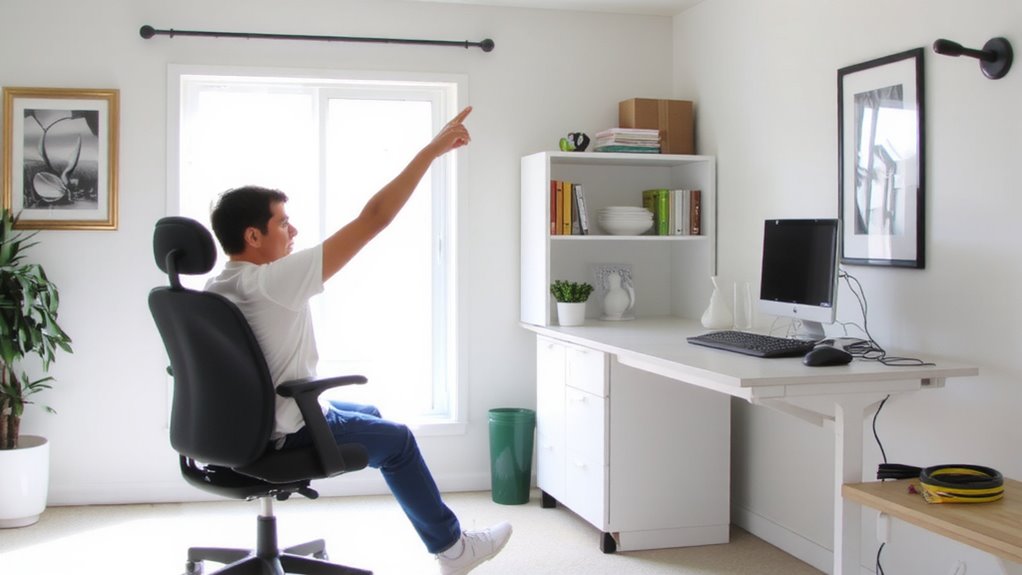
What makes remote workers especially prone to tendinitis? You’re likely sitting longer and moving less, often at makeshift desks that don’t support your body well. Poor posture-like slouching or hunching forward-increases strain on tendons, especially in your wrists, elbows, and shoulders. Combine that with repetitive motions, such as constant typing or mouse use, and you’re setting the stage for overuse injuries. These actions create microtears in tendons that, without rest, lead to inflammation and pain. Many home setups lack the adjustability of proper office gear, worsening alignment issues over time. While standing desks or ergonomic keyboards may help, they aren’t instant fixes-improper use can worsen strain. Success depends on consistent habits, not just equipment. Results vary based on setup, body awareness, and daily routine adjustments, so monitor discomfort closely and act early. Using a best docking station can help organize your workspace and support proper ergonomics by enabling seamless connectivity to external monitors and peripherals.
Ergonomic Fixes to Prevent Tendinitis at Home
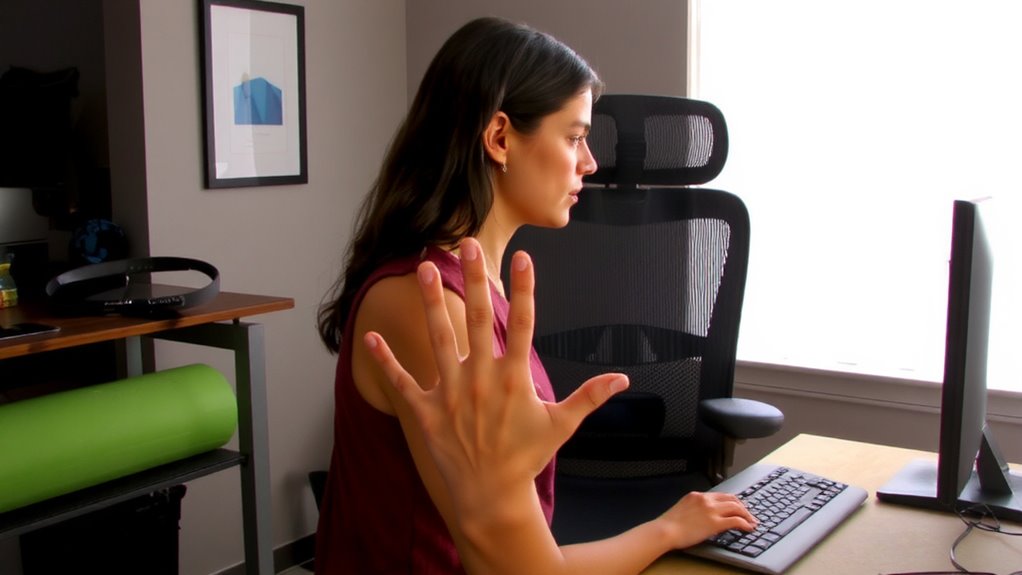
While setting up your home office, making thoughtful ergonomic upgrades can substantially reduce your risk of tendinitis, but only if done correctly. A well-adjusted chair with lumbar support keeps your spine aligned, and proper foot positioning-feet flat on the floor or a stable footrest-reduces strain on lower limbs. Your desk height should allow elbows to rest at 90 degrees, minimizing shoulder and wrist tension. Effective cable management isn’t just tidy-it prevents awkward reaches and guarantees devices stay in safe, consistent positions. Use under-desk trays or clips to secure power strips and cords, avoiding tangles that disrupt workflow. While standing desks and ergonomic keyboards are helpful, they only work if matched to your body’s proportions. Many top-rated models offer height adjustability and solid warranties, but test stability and range before buying. Even small mismatches can increase injury risk over time. A reliable best standing desks list can guide you toward models that combine durability, smooth height adjustment, and proper ergonomic range.
Wrist and Forearm Exercises for Tendinitis Relief
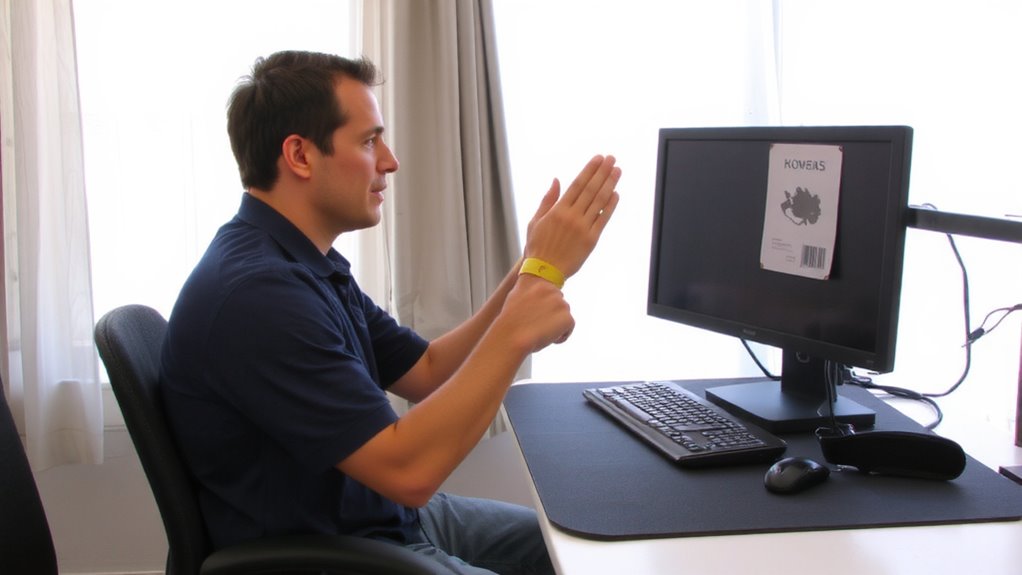
A handful of targeted wrist and forearm exercises can make a real difference in easing tendinitis discomfort, but only if done consistently and with proper form. Focus on wrist mobility drills like slow, controlled circles and flexion-extension motions-2 sets of 10 daily help maintain joint range without strain. Pair these with grip strengthening using a low-resistance therapy ball or soft-handled gripper; 3 sets of 15 squeezes build endurance without overloading tendons. These moves support daily keyboard and mouse use, but avoid high resistance too soon-it can worsen irritation. Opt for lightweight tools with nonslip surfaces that mimic real workstation gear. While some users report relief in as little as two weeks, results depend on technique and injury severity. Always stop if pain spikes. Incorporate rest days, and confirm with a therapist before progressing. Equipment should complement form, not replace it.
Neck and Shoulder Stretches to Reduce Strain
Neck and shoulder stretches are essential for reducing strain caused by prolonged sitting and repetitive typing, especially if you’re working long hours at a desk. Improving neck mobility helps release tension along the cervical spine, while targeted movements support shoulder stability to prevent overuse injuries. Gently tilt your head side to side, holding each stretch for 30 seconds, to ease upper trapezius tightness. Perform shoulder rolls and scapular retractions to enhance joint circulation and posture alignment. These exercises work best when paired with an ergonomically adjusted workstation-position your monitor at eye level and keep your chair height so your elbows rest at 90 degrees. Don’t overstretch; mild tension is normal, but sharp pain means you’ve gone too far. Consistency matters more than intensity, so aim for daily practice. Results vary based on individual posture habits and workspace setup, but most people report reduced stiffness within a week.
How Often to Move to Avoid Tendinitis?
You should move every 30 to 60 minutes to help prevent tendinitis, especially if you spend long hours at a desk or doing repetitive tasks. Frequent microbreak frequency-like standing, stretching, or walking for 30 to 60 seconds-reduces tendon strain and improves circulation. Pair this with deliberate posture switching: shift from sitting to standing if using a sit-stand desk, or adjust your chair and screen height to vary spinal alignment. These habits interrupt repetitive stress, which is a key tendinitis trigger. While sit-stand desks can support posture switching, they’re not essential-consistent movement matters more than gear. Don’t assume high-end office equipment eliminates risk; poor habits override even the best setups. Real-world studies show microbreaks reduce discomfort by up to 50%, but only when done regularly. Set reminders if needed, and prioritize consistency over intensity. Movement isn’t a cure-all, but it’s a proven, low-effort defense.
On a final note
You should address tendinitis early with targeted exercises and proper ergonomics. Use an adjustable desk and ergonomic chair with lumbar support, tested for 24/7 use in home offices. Perform wrist curls and shoulder rolls daily, but don’t rely solely on gear-movement matters more than expensive setups. No warranty prevents injury without consistent breaks. Stand and stretch every 30 minutes. Real relief comes from habit, not hardware.