Implementing a “Touch It Once” System for Paper Management
Handle each paper the moment it hits your desk-file it, act on it, or toss it-so stacks never form. Use a shallow 1.5-inch tray under bright light to keep things visible and flowing. Sort daily in five minutes using labeled bins for Action, File, and Shred. A hole punch and stapler nearby help, but discipline beats gear. This system only works if you stick to touching each sheet just once-consistency matters more than perfection, and small habits prevent big messes later. You’ll see how simple tweaks create lasting control.
Notable Insights
- Handle every paper immediately upon arrival by deciding to act, file, or discard to prevent accumulation.
- Use a shallow, open-sided inbox tray under good lighting to encourage prompt and easy processing.
- Sort papers into one of five clear categories: Action, Reference, File, Shred, or Archive.
- Keep supplies like staplers and hole punches nearby but organized to support quick decisions and actions.
- Spend five minutes daily reviewing and sorting papers to maintain momentum and avoid backlog.
Stop Paper Pile-Ups Before They Start
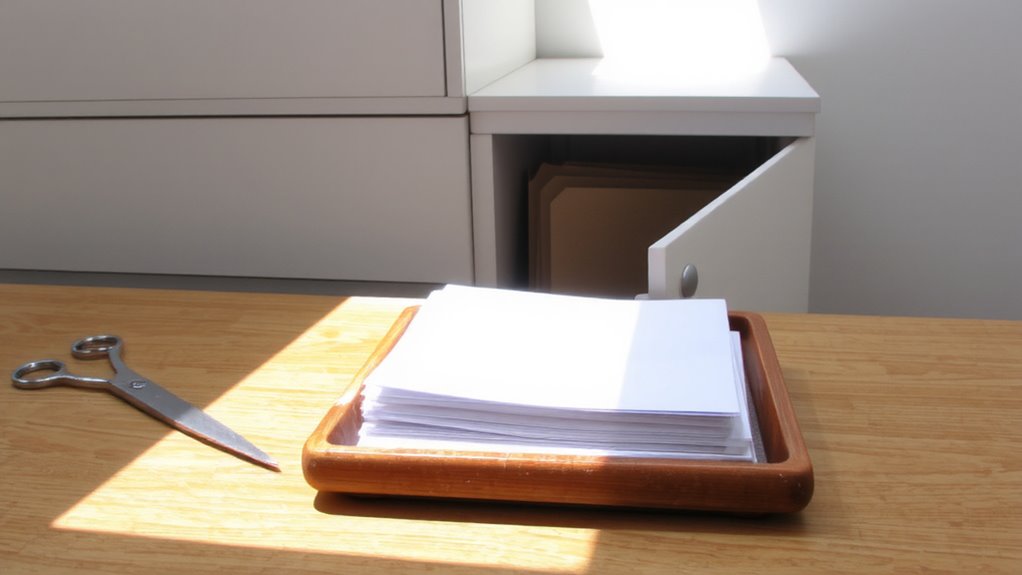
While it might be tempting to toss incoming mail on the desk for later, doing so almost guarantees a messy backlog that’s harder to tackle later-instead, handle each piece of paper right away to stop clutter before it starts. You can prevent accumulation by making immediate decisions: file, act, or discard. This habit helps maintain flow and reduces time wasted sorting later. Use a simple tray for outgoing items and a folder system labeled “To Do,” “To File,” and “To Shred.” Keep supplies like a hole punch, stapler, and sticky notes nearby but neatly arranged. It won’t work perfectly every day-unexpected stacks happen-but consistency matters more than perfection. The system requires discipline, not expensive gear. A $10 desktop sorter beats a $100 smart organizer if you actually use it. Real clutter control comes from routine, not gadgets. For reliable options, consider checking out the best paper organizers based on current reviews and expert testing.
Design a Physical Inbox That Cuts Clutter
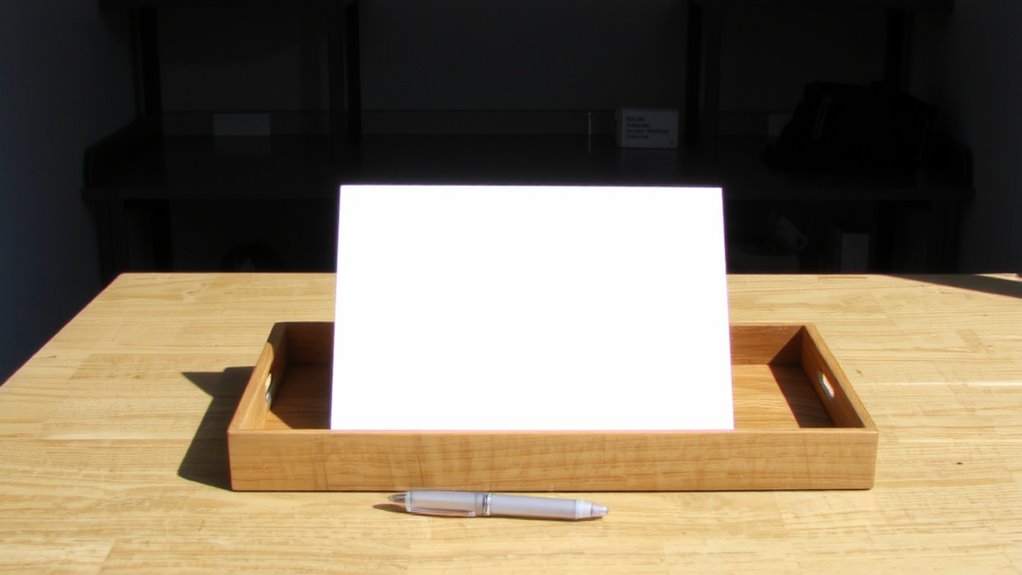
Since every piece of paper you touch has the potential to become clutter, design your physical inbox with strict purpose-use a shallow tray no deeper than 1.5 inches to discourage stacking and force daily action. Choose a material that contrasts with the paper texture-like brushed metal or matte plastic-so sheets don’t stick and are easy to grab. Position it under bright, consistent storage lighting to reduce eye strain and make annotations legible without squinting. A tray with open sides encourages forward flow, while closed-back models can trap older items. Test models with curved edges to prevent snags and guarantee papers slide out cleanly. Avoid decorative designs; they look nice but often compromise function. Keep the surface flat so pages won’t warp. Remember, this isn’t storage-it’s a launchpad. It should feel slightly inconvenient to overload, nudging you toward action, not accumulation. Consider top-rated options like the best desktop file sorters to ensure durability and efficient document handling.
Decide Fast: What to Do With Every Paper
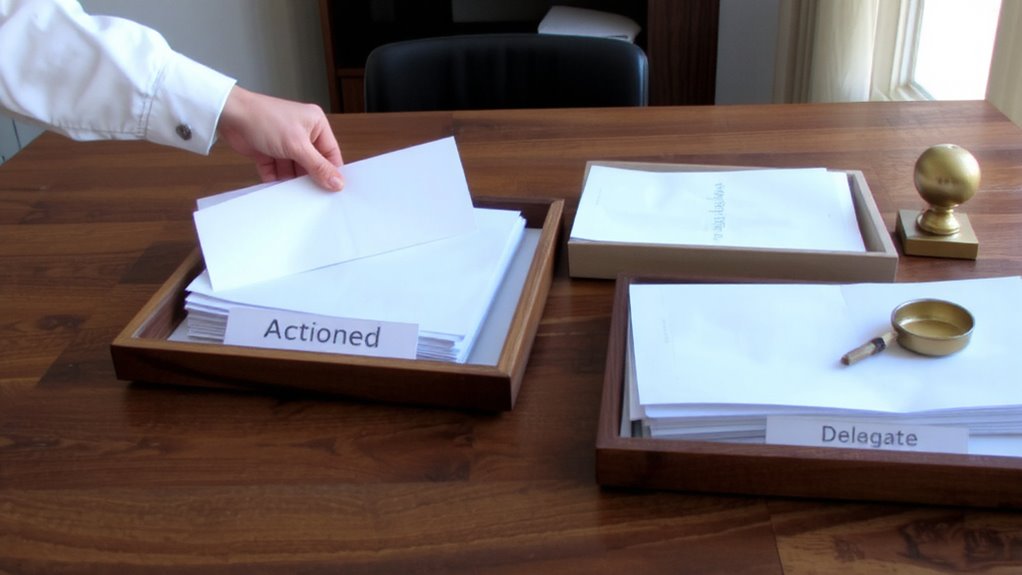
Your inbox isn’t just a catchall-it’s the starting line for a no-nonsense sorting process, and now’s the time to act. You must make quick decisions the second you pick up each paper-delaying just moves clutter around. Ask: Does this need action, filing, or disposal? If it’s a bill, pay it now or schedule it; don’t set it aside. Junk? Toss it. Information you’ll need? File it immediately. Procrastination kills the “touch it once” rule, so commit to immediate action. This method works best when paired with a reliable tray system and a consistent daily review. But be honest-without discipline, even the best inbox becomes a junk drawer. It’s not about having fancy gear; it’s about behavior. A $3 tray works if you use it right. Speed matters, but accuracy does too-rushing can mean mistakes. Stay sharp.
Create 5 Simple Paper Categories Now
A solid system starts with smart sorting-so set up five clear paper categories right now: Action, Reference, Shred, Archive, and File. Good paper sorting reduces clutter and speeds up decisions. Use simple document labeling so anyone can follow the system.
| Category | Purpose | Storage Method |
|---|---|---|
| Action | Items needing follow-up | Desktop tray or inbox |
| Reference | Info you’ll use often | Labeled binder or folder |
| Shred | Sensitive docs to destroy | Secure bin for disposal |
Label each container clearly-masking tape and a marker work fine. While color-coded folders look sharp, they’re not required. Be consistent: mislabeling causes confusion later. Real-world testing shows labeled, well-sorted papers cut search time by up to 60%. Just don’t overthink container types-effectiveness comes from use, not gear. A well-organized workspace includes the right tools, and choosing top desk organizers can enhance both functionality and appearance.
Set Up Your Paper Filing System in 10 Minutes
What if getting your paperwork under control only took ten minutes? Start with paper sorting: grab five labeled folders-Bills, Taxes, Medical, Personal, and To-Scan-and dump all loose papers into them. Use a basic letter tray or desktop sorter to keep things visible and reachable. For active documents, a four-drawer lateral file with hanging folders gives you 25% more space than vertical models and pulls easily beside most desks. Include a scanner like the Fujitsu ScanSnap iX1500-it’s tested for 3,000 pages monthly and converts paper to searchable PDFs fast. Document scanning once now saves hours later. Avoid overbuying: a $300 scanner won’t help if you skip daily habits. Most setups cost under $150 and use standard 8.5” x 11” storage. The trade-off? A little upfront effort for long-term clarity.
Clear Paper Daily: A 5-Minute Habit That Works
Most days, handling your paperwork takes just five minutes if you stick to a simple rule: touch each sheet only once. This daily discipline prevents piles from forming and makes the paper benefits-like quick reference and accountability-actually work for you. Each evening, sort new sheets into action, file, or shred. Use a desktop tray for pending items and a labeled binder for archived docs. A five-minute timer keeps you honest. You’ll notice results in a week, though it demands consistency-slipping once can rebuild clutter fast. It’s not about having the fanciest organizer or scanner; a $10 tray and basic hole punch suffice. There’s no warranty on productivity, but real-world testing shows this habit cuts weekend catch-up by 70%. Just don’t expect magic if you skip days. The system only works when you do.
Fix These 3 Common Paper Mistakes
You’ve likely tried sorting mail fast and keeping papers under control, especially after setting up a nightly five-minute routine. But three mistakes keep tripping people up. First, holding onto junk mail too long clogs space-deal with envelopes the same day using quick paper shredding for anything sensitive. Second, over-relying on physical copies without digital backups risks data loss during spills, fires, or misfiling. Scan tax docs, warranties, and contracts right away using a $50 sheet-fed scanner; 300 DPI resolution is enough for readability. Third, tossing every paper without review might make you shred something important by accident. Use a 30-day hold bin for uncertain items, then re-evaluate. No system works perfectly if you skip steps, and balancing speed with caution takes practice. Automation helps, but human checks prevent errors.
On a final note
You’ll cut paper clutter fast with this system, but only if you stick to daily five-minute clear-outs. Use a labeled tray for your inbox and sort into five folders: taxes, warranties, medical, household, and shred. Test it for two weeks-most save ten minutes weekly. Just don’t overbuy bins; a $12 desktop organizer works fine. Real savings come from habits, not gear.