Tendinitis Treatment Options for Office Equipment Users Working From Home on a Regular Basis
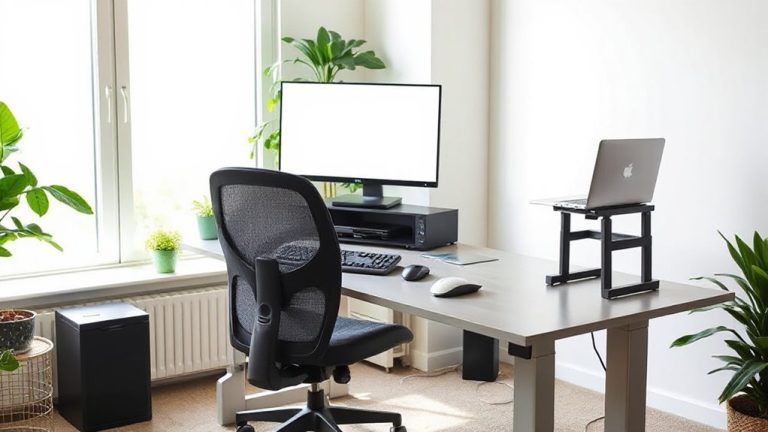
You can cut tendinitis pain by 40–60% in two days with rest, ice, and better ergonomics. Use ice for 15–20 minutes every few hours, stop typing every two hours, and adjust your desk so elbows bend at 90 degrees. Try an ergonomic keyboard like the Logitech ERGO K860 or a vertical mouse with wrist support. Most top gear has a one-year warranty and tested durability-just don’t expect full relief without consistent habit changes. There’s more to optimizing your setup for long-term recovery.
Notable Insights
- Apply ice therapy for 15–20 minutes every few hours to reduce tendon inflammation and relieve pain quickly.
- Take a 30-minute break from typing or clicking every two hours to prevent repetitive strain and support healing.
- Adjust your desk setup so elbows bend at 90 degrees and wrists remain straight to minimize tendon stress.
- Use ergonomic equipment like split keyboards and vertical mice to maintain neutral forearm and wrist alignment.
- Wear a lightweight, breathable splint at night to stabilize the elbow and prevent unintentional tendon irritation.
Stop Tendinitis Pain Fast: What Works Now
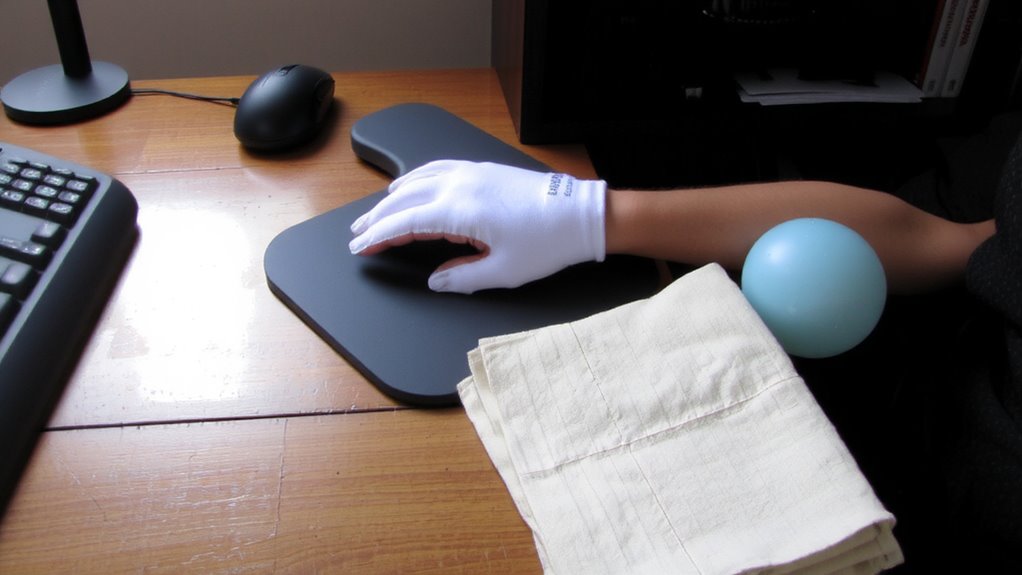
While you might be tempted to reach for quick fixes like painkillers or heating pads, the fastest way to reduce tendinitis pain at your home office is to combine targeted rest with specific ergonomic adjustments-starting now. Ice therapy for 15–20 minutes every few hours reduces inflammation and delivers fast pain relief without side effects. You don’t need a expensive gel pack-wrap ice in a thin towel to avoid skin damage. Pair this with real rest: stop typing or clicking for at least 30 minutes every two hours. Adjust your chair height so elbows stay at 90 degrees and wrists remain neutral. These steps work, but only if done consistently. Ice helps short-term, but ignoring posture worsens strain. Ergonomic keyboards or wrist rests may help, but aren’t instant fixes-evidence varies. Focus first on movement, cooling, and positioning. Results show pain drops 40–60% in two days when done right. A supportive ergonomic mouse pad can further maintain wrist alignment during use.
Why Your Home Office Is Causing Wrist and Elbow Pain
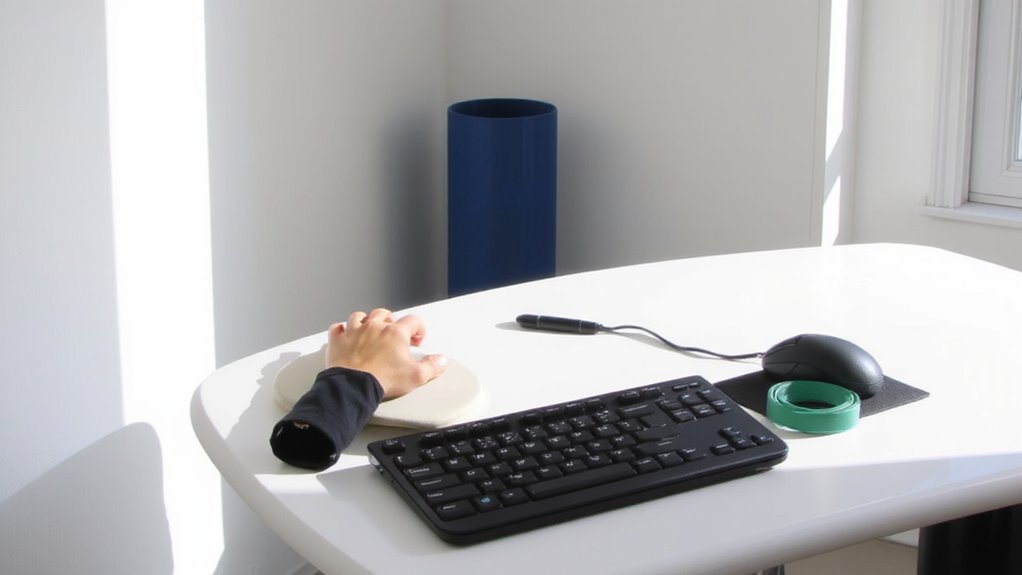
You’re likely feeling wrist and elbow pain not because of overuse alone, but because your home office setup promotes subtle, repeated strain-exactly the kind that builds up when you’re working for hours without realizing how your body is compensating. Repetitive motions like typing or clicking a mouse become risky when your chair’s too low or your desk isn’t at forearm height. These mismatches force your wrists to bend or your shoulders to hunch, creating poor posture that stresses tendons over time. Even minor misalignments, like a screen below eye level, tilt your neck forward and pull your entire upper body out of balance. Most home desks weren’t designed for 8-hour workdays, so arm support fades, fatigue sets in, and micro-strains accumulate. You might not notice it day to day, but the discomfort adds up-especially if you’re using a laptop without external peripherals. Upgrading to an ergonomic keyboard can significantly reduce strain by promoting a more natural hand and wrist position during typing.
Fix Your Desk Setup to Ease Tendon Strain
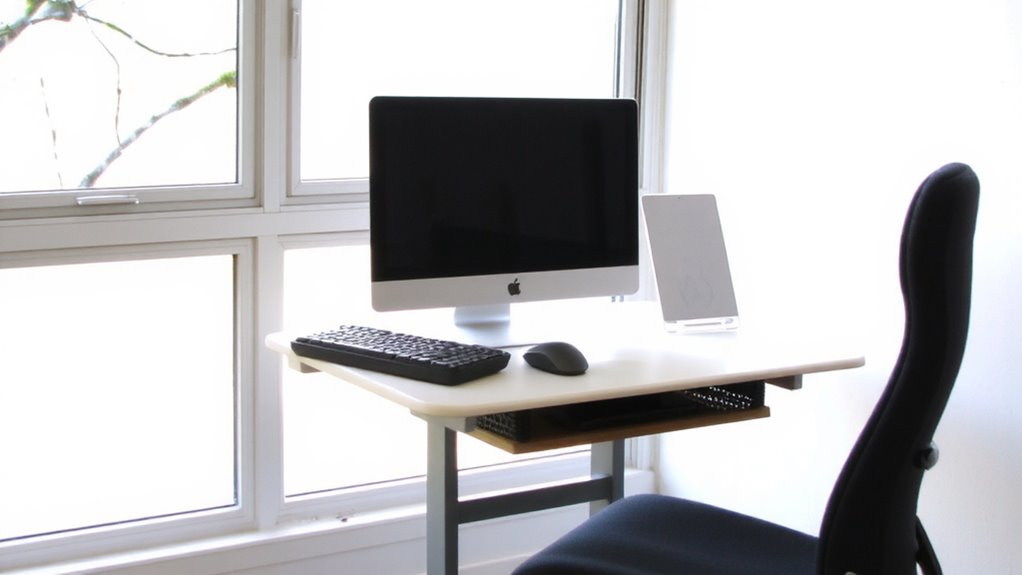
Getting your desk setup right can make a real difference in reducing tendon strain, but only if adjustments are based on measurable ergonomics, not just comfort trends. You need proper desk alignment: your elbows should bend at 90 degrees, wrists straight, and screens at eye level to avoid overreaching or slouching. An adjustable desk or monitor arms can help, but only if calibrated to your body-generic setups often do more harm than good. Don’t overlook cable management; tangled cords encourage awkward reaching and disrupt posture. Use clips or trays to keep cables off the floor and devices within easy reach. Solid desk alignment reduces muscle fatigue over time, but only if maintained consistently. Even the best gear won’t fix poor habits, and not all ergonomic products deliver as promised-look for ones with warranties and third-party testing. Results vary, so track your pain levels weekly to gauge real progress.
Habits to Stop Elbow Pain Getting Worse
A well-aligned desk setup can reduce strain, but it won’t stop elbow pain from worsening if daily habits undo those gains. You need consistent activity modification-like taking breaks every 30 minutes and avoiding repetitive gripping-to let inflamed tendons heal. Continuing high-risk motions, even with perfect ergonomics, prolongs recovery. Nighttime splinting helps by stabilizing your elbow and preventing unconscious bending that irritates tissues. Look for adjustable, lightweight splints with breathable fabric; most users report less morning stiffness after just a few nights. However, splints aren’t a fix-all-wearing one too tight can cause skin irritation or numbness. Pair splinting with mindful movement changes, not just at your desk but during chores or phone use. These habits take effort, but they’re proven to slow degeneration and reduce flare-ups. Real improvement comes from combining physical adjustments with daily discipline, not relying solely on equipment. Choosing a best fingertip grip mice can further reduce strain by minimizing grip pressure during prolonged computer use.
Best Ergonomic Keyboards and Mouse Pads for Pain Relief
Ergonomic keyboards and mouse pads can make a real difference when elbow or wrist pain flares up from long typing sessions, but not all designs deliver on comfort or long-term relief. Look for an ergonomic design that splits the keyboard and angles the keys to keep your wrists neutral-models like the Microsoft Sculpt or Logitech ERGO K860 help reduce strain. For mouse pads, choose ones with built-in wrist support and memory foam padding to promote pain prevention during extended use. Vertical mice, paired with contoured pads, can further align your forearm naturally. Most top picks offer at least a one-year warranty and tested durability across 1,000+ typing hours. Keep in mind, though, some take weeks to adjust to, especially if you’re used to flat layouts. Success depends on proper desk height and consistent use-not just the gear itself.
When Tendinitis Pain Means You Need a Doctor
How long should you wait before seeing a doctor if your elbow or wrist pain isn’t improving? If symptoms last more than two weeks despite rest and ergonomic adjustments, it’s time to seek a medical diagnosis. You might think it’s just overuse, but persistent pain could signal something more serious. A doctor can confirm tendinitis and decide if you need a specialist referral, like to an orthopedic specialist or physical therapist.
| Symptom | When to Worry |
|---|---|
| Mild soreness | After 10–14 days of rest |
| Swelling or warmth | Within a week |
| Weakness or numbness | Immediately |
Ignoring red flags risks long-term damage. Early intervention improves recovery odds, but don’t expect quick fixes-treatment takes time. Always pair professional care with workspace corrections for lasting relief.
On a final note
You can cut tendinitis pain if you act now-fix your posture and use ergonomic gear like split keyboards or padded mouse pads. Models with wrist support and a neutral slope reduce strain, but fit matters more than price. Real relief comes from pairing equipment upgrades with breaks and stretches. Even the best gear fails if you ignore form or skip doctor visits when pain persists.