How to Design a Lighting Plan That Supports Both Deep Work and Creative Brainstorming
Use bright, cool light (5000–6500K, 500+ lux) for deep work to stay alert, but switch to warm, soft light (2700–3000K) for brainstorming to relax and generate ideas. Layer ambient, task, and accent lighting-like ceiling LEDs, adjustable desk lamps, and wall sconces-to avoid glare and eye strain. Smart bulbs (Philips Hue, LIFX) let you save focus and creative modes, but guarantee strong Wi-Fi to prevent lag. Position task lights 30–45° from your dominant hand to cut shadows and screen glare. You’ll want to know how to fine-tune each layer based on room size and natural light.
Notable Insights
- Use cool, bright light (5000–6500K, 500+ lux) to enhance alertness and focus during deep work sessions.
- Switch to warm, low-intensity light (2700–3000K) to create a relaxed ambiance that supports creative thinking.
- Layer ambient, task, and accent lighting to adapt illumination to different work modes and reduce eye strain.
- Position adjustable task lights at a 30–45° angle from your dominant hand to eliminate shadows and glare.
- Use smart bulbs to save and switch instantly between customizable “focus” and “creative” lighting presets.
Use Bright, Cool Light for Focus; Warm for Creativity
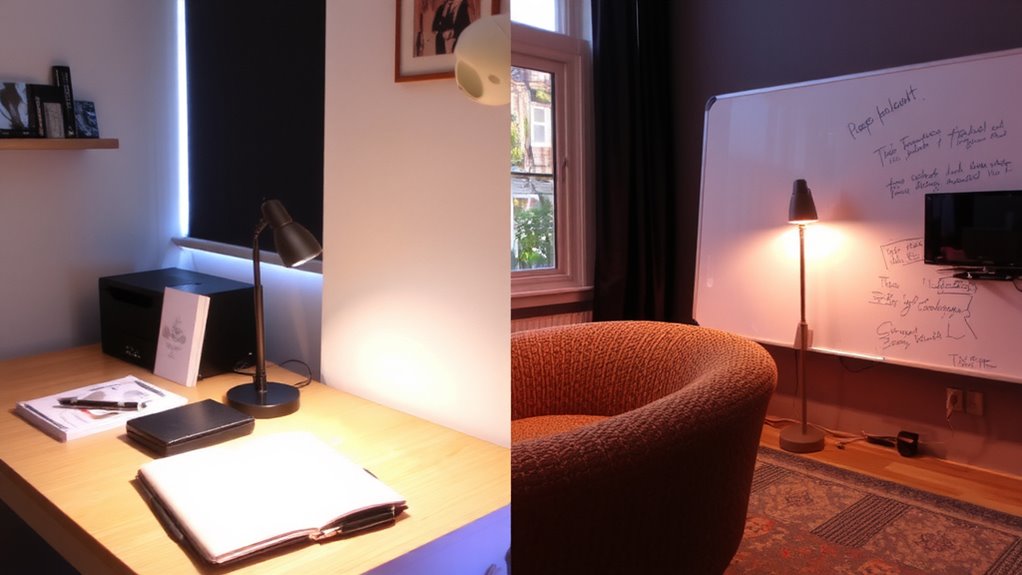
Most people see a 2000–3000K warm glow as cozy, but if you’re tackling deep work, it’s counterproductive-your brain treats that lighting like a cue to wind down. For focus, you need higher color temperature (5000–6500K) and greater light intensity-ideally 500+ lux on your desk surface. This mimics daylight, boosting alertness and reducing eye strain during long sessions. Cool, bright light sharpens concentration, but it’s not ideal all day. Overuse can lead to fatigue or disrupt sleep if you’re working late. For creative tasks like brainstorming or sketching, that same intense light feels harsh; you’ll think more fluidly under warmer 3000K light at lower intensity. It relaxes your visual system, encouraging open-minded thinking. The trade-off? You might feel less urgency. So adjust based on task: cool light for analysis, warm for ideation. No single setting works forever-your lighting should shift as your work does. A well-designed office lighting setup supports both modes seamlessly.
Layer Ambient, Task, and Accent Lights for Full Control
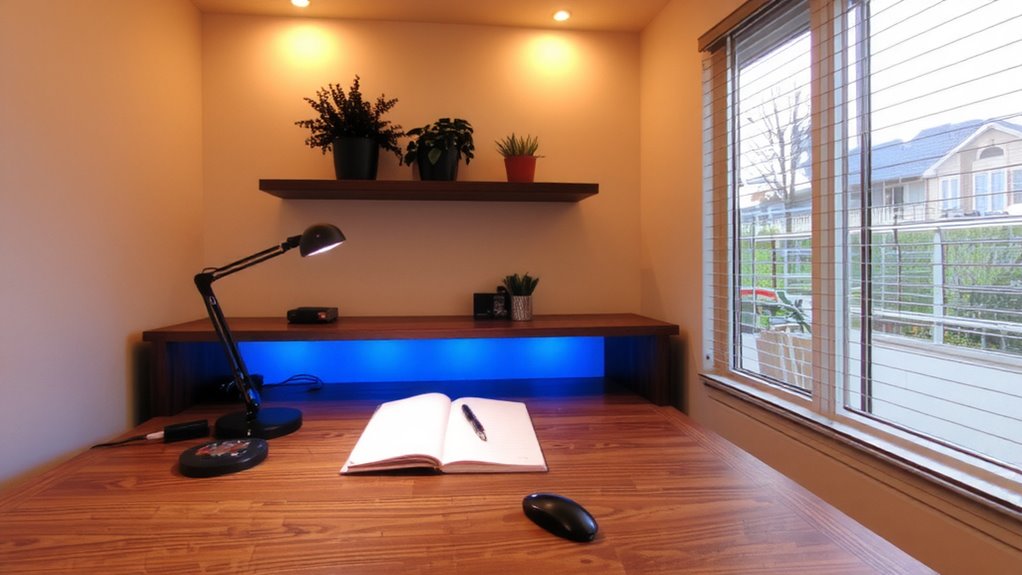
You’re not stuck with one lighting setup for every task-by layering ambient, task, and accent lights, you can match your illumination to your work mode while avoiding the harshness of overhead-only lighting. Start with ambient light from ceiling fans with integrated LED fixtures-they save space and provide even baseline brightness. Pair that with natural light during daytime hours; position your desk near windows but use blinds to prevent glare. Add task lighting like adjustable-arm desk lamps with 400+ lumens for deep focus sessions. Use accent lights-such as wall sconces or LED strips-to highlight art or shelves, which softens the room’s look and reduces eye strain. Dimmers on each layer give precise control. Avoid overloading circuits-check wattage ratings. This setup works well, but balancing all layers takes careful placement and maybe a few fixture adjustments over time. For optimal results, consider one of the best desk lamps for computer work that combine brightness, adjustability, and flicker-free lighting.
Pick Smart Bulbs for Focus and Creative Modes
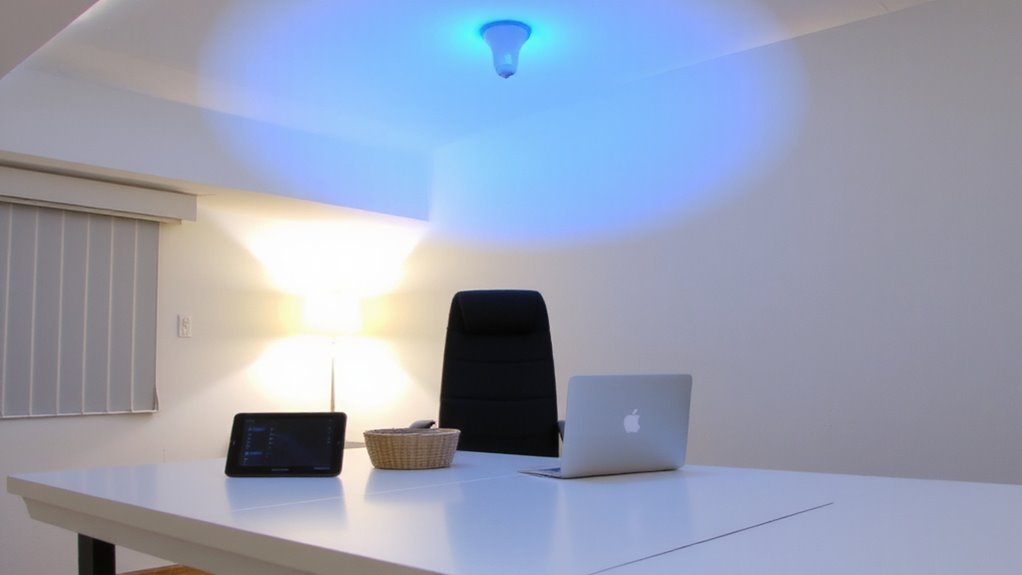
Smart lighting puts you in control of your workspace atmosphere with precision that simple on-off bulbs can’t match. You can shift color temperature to support focus or creativity-cooler tones around 5000K boost alertness for deep work, while warmer light near 2700K encourages relaxed brainstorming. Smart bulbs let you save these as “focus” and “creative” modes, switching instantly via app or voice. They’re highly energy efficient, using LED technology that lasts 15,000 to 25,000 hours-far longer than incandescents. Most carry at least a 2-year warranty, with top models tested for over 10,000 on-off cycles. Just note: full brightness and color tuning require a hub or strong Wi-Fi, and lower-end brands may lag in response time. Stick with proven names like Philips Hue or LIFX for reliability. Setup takes minutes, but consider compatibility with existing switches and dimmers to avoid conflicts. For tailored options, check out the Best Philips Hue Lights as top picks for customizable, reliable smart lighting.
Aim Your Desk Lamp to Avoid Eye Fatigue
While proper lighting sets the foundation, positioning your desk lamp correctly makes the difference between sustained focus and growing eye strain. For effective glare reduction, aim the light so it falls directly on your task-like a keyboard or notebook-without spilling onto your screen or reflecting in your eyes. Lamp positioning matters: place it at a 30 to 45-degree angle from your dominant hand to prevent shadows. If you’re right-handed, that means left-side placement. Use lamps with adjustable arms or goosenecks for precise control. Matte surfaces help, but even they can’t fix poor angles. Avoid pointing the bulb toward your face or monitor. Test different positions during day and evening, as natural light shifts. There’s no universal setup-your desk layout and room shape affect results. Adjust as needed, and remember: good lamp positioning reduces fatigue, but only if you actively manage it.
Set the Right Atmosphere With Soft, Indirect Lighting
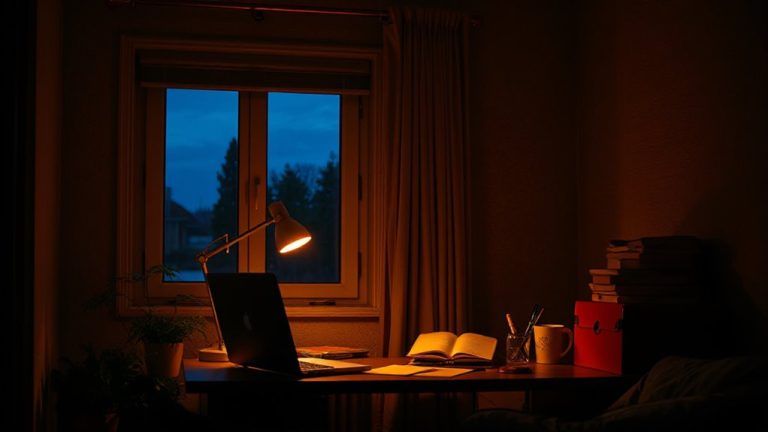
Though direct task lighting handles precision work, you’ll still need soft, indirect lighting to create a balanced and comfortable environment for deep focus. Bouncing light off walls or ceilings with uplights or floor lamps reduces glare and boosts eye comfort, especially during long sessions. This ambient layer supports mood enhancement by mimicking natural light diffusion, helping you stay alert but relaxed. Look for fixtures with matte finishes and warm color temperatures (2700K–3000K) to avoid harshness. However, avoid over-relying on dim lighting-it can induce drowsiness if not paired with sufficient task illumination. Test setups in real conditions: some LED panels claim “indirect” output but still create hotspots. Prioritize designs with diffusers or fabric shades that scatter light evenly. While indirect lighting improves atmosphere, it shouldn’t replace focused desk lamps. A mix of both guarantees clarity, reduces strain, and sustains concentration without sacrificing visual comfort.
Automate Lighting for Day-Night Shifts
If you’re serious about sustaining focus across day and night, automating your lighting beats manual adjustments every time-set it once, and let it adapt to your rhythm. Smart bulbs or tunable LED strips with circadian alignment gradually shift color temperature, mimicking natural daylight patterns to support alertness and rest. They ease the shift change for night workers or hybrid schedulers, reducing eye strain and mental fatigue. However, not all systems deliver smooth changes-check CRI (85+ recommended) and Kelvin range (2700K–6500K) before buying.
| Time | Light Setting |
|---|---|
| Morning | 6500K, high brightness |
| Afternoon | 5000K, steady output |
| Evening | 4000K, dimmed |
| Night | 2700K, low blue light |
Some apps lag or lose sync; opt for systems with strong warranties and local processing for reliability.
On a final note
You’ll get the best results using bright, cool-toned light (5000K–6500K) for deep work and warm, soft light (2700K–3000K) for creative sessions. Layer ambient, task, and accent lighting with smart LED bulbs-like Philips Hue or Nanoleaf-for full control. Aim desk lamps, such as the BenQ e-Reading LED, to reduce glare. Automation helps maintain circadian rhythms. Just know: smart systems cost more and need stable Wi-Fi-test responsiveness before committing.