Setting up a Standing Desk Converter With Dual Monitor Arms for Small Spaces
A wall-mounted standing desk converter with slim dual monitor arms maximizes small spaces while supporting ergonomic use, but requires secure stud installation and balanced weight distribution. Choose a model under 24” deep and arms with aluminum construction, 15+” extension, and cable routing. Set screens at eye level, 20–30” away, and test movement after setup. Confirm weight limits and warranty-3–5 years is typical. Fine-tuning guarantees smooth sit-stand shifts and long-term reliability.
Notable Insights
- Choose a space-saving wall-mounted or corner-standing desk converter to maximize floor space and stability.
- Select slim dual monitor arms with compact bases to minimize desk clutter and ensure secure fit.
- Position monitor tops at or slightly below eye level to maintain ergonomic neck alignment.
- Maintain a screen distance of 20–30 inches to reduce eye strain and enhance viewing comfort.
- Use integrated cable management to route cords neatly and avoid interference with converter movement.
Choose a Space-Saving Standing Desk Converter
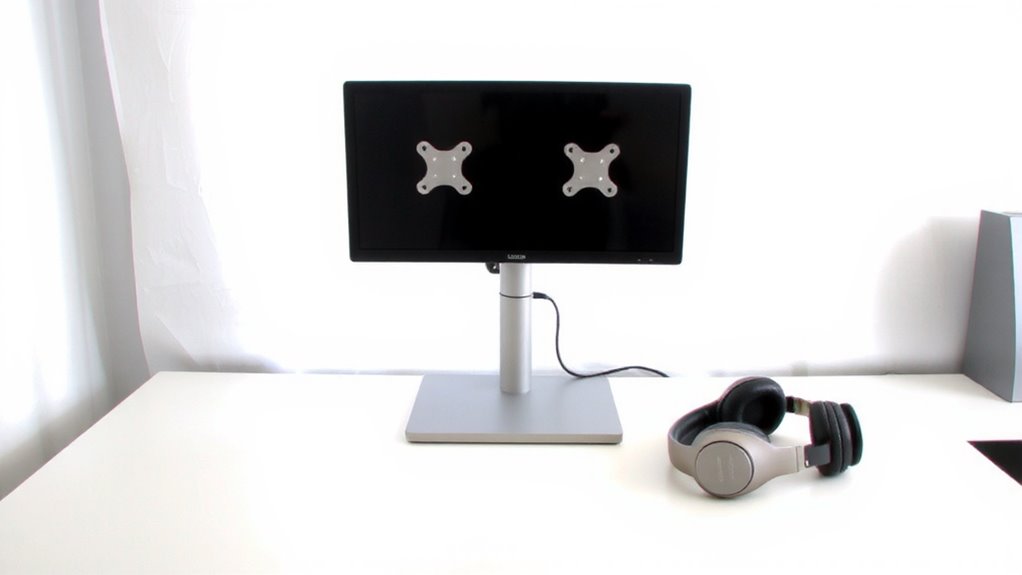
A few inches can make all the difference in a crowded workspace, so opting for a space-saving standing desk converter is a smart move if you’re tight on room but still want the flexibility of sit-stand functionality. Models designed for wall mounting free up floor space and reduce wobble, but require secure studs and permanent installation-ideal if you won’t relocate often. For tighter corners, corner placement converters maximize unused zones, fitting wider work surfaces without protruding into walkways. Look for units with a footprint under 24″ deep to avoid encroaching on legroom. Most tested models support 15–25 lbs, enough for dual monitors if arms are mounted properly. Check warranties: 3–5 years is standard, but longer suggests better durability. Just remember-while wall and corner solutions save space, they limit flexibility if you rearrange your room later. Choose wisely based on long-term needs. For trusted options, consider checking out the Top Standing Desk Converters Reviewed.
Pick Slim Dual Monitor Arms for Small Desks
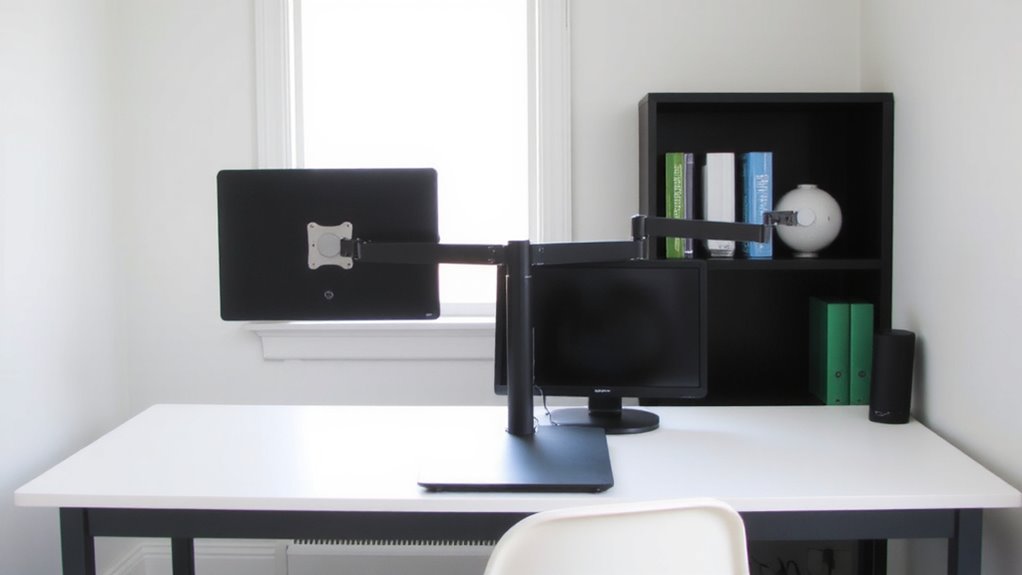
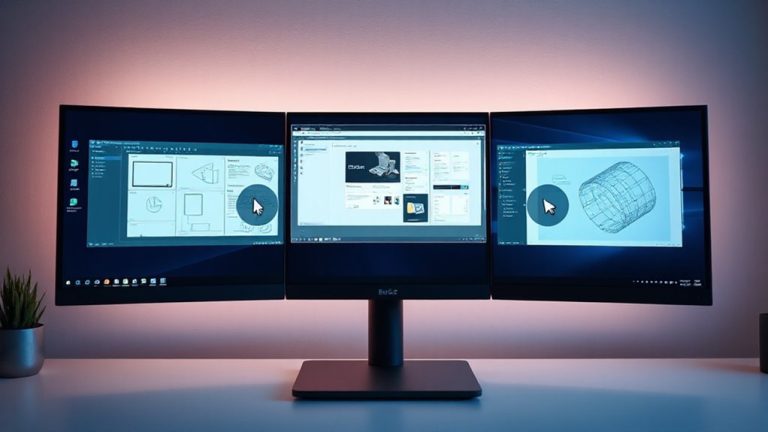
You’ll want slim dual monitor arms if your desk is under 48″ wide-bulkier setups just won’t fit, and overcrowding leads to clutter and restricted movement. Look for arms with a compact clamp or grommet base to save surface space without sacrificing stability. Check monitor compatibility carefully; most slim arms support 13–27″ displays weighing 4.4–17.6 lbs, using VESA patterns like 75×75 or 100×100 mm. Arm adjustability is key-opt for models offering at least 15” of extension and 360° rotation. Check monitor compatibility-most support 13–27” screens weighing 4.4–17.6 lbs with VESA 75×75 or 100×100 patterns. Arm adjustability matters: gas-spring mechanisms allow smooth height and tilt changes, but stiffer arms may sag over time. Aluminum builds last longer than plastic joints. Some include cable management, but verify fit with your converter’s surface. Warranties range 1–5 years; longer indicates confidence. Test extension range to avoid hitting the converter’s edge.
Set Screen Height and Distance for Ergonomic Comfort
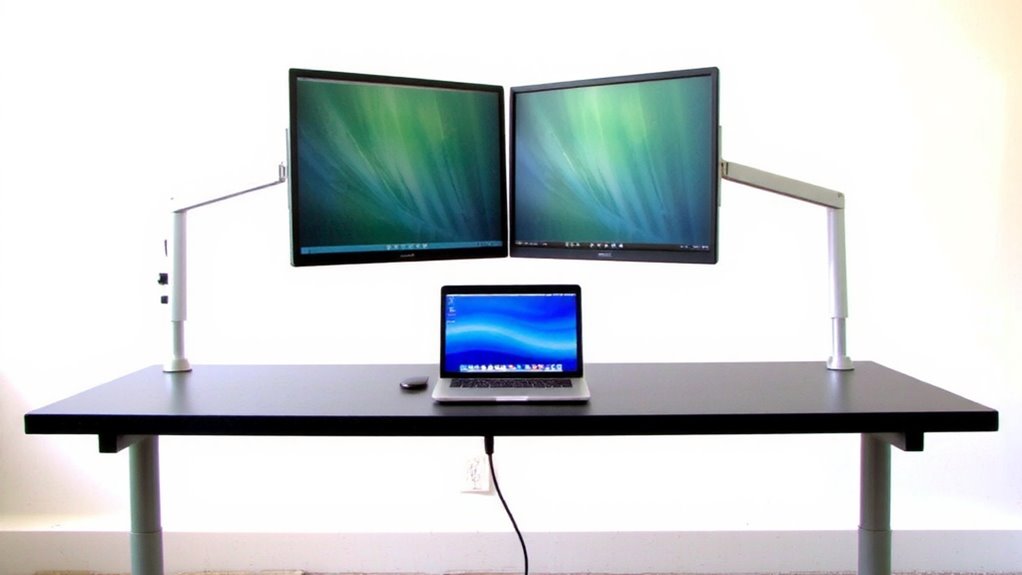
Getting screen height and distance right isn’t just about comfort-it’s a core part of avoiding strain during long work sessions. You should position the top of your screens at or slightly below eye level to maintain proper neck alignment and reduce upper back tension. Sitting or standing, your eyes should naturally land near the top third of the monitor without tilting your head up or down. Keep the screen about an arm’s length (20–30 inches) away to minimize eye fatigue and support focus. Dual monitor arms let you fine-tune each display’s position, but if your desk is cramped, you might compromise on ideal depth. Even small misalignments over time can lead to discomfort, so adjust frequently, especially when switching between sitting and standing. Not all arms offer enough vertical range, so confirm travel limits before buying. For small spaces, consider mounts with gas-spring articulation arms to maximize adjustability and save desk real estate.
Route Cables to Minimize Clutter on Compact Setups
Tangling cords under your desk isn’t just ugly-it can make a compact workspace feel cramped and harder to adjust quickly between sitting and standing. Good cable management is essential, especially when space is tight. Use adhesive-backed cable clips or a fabric sleeve to bundle power, video, and USB lines together, keeping them secured along the desk converter’s rear edge. For solid cord concealment, consider a vertical cable channel or under-desk tray that mounts to the underside, but verify it doesn’t interfere with the converter’s height range. Some monitor arms include built-in cable routing, which helps, though setup can be finicky. Avoid over-tightening ties to prevent damaging thinner cables. While these solutions improve looks and function, they add a few minutes to initial assembly-time well spent for lasting convenience. A product roundup can help identify the best options for your specific setup.
Optimize Sit-Stand Transitions With Balanced Monitor Placement
A well-balanced monitor setup makes switching between sitting and standing positions smoother, especially when your cables are already managed neatly behind you. Proper monitor symmetry guarantees both screens rise and lower evenly, reducing resistance and strain on the lift mechanism. You’ll want even weight distribution across both arms-mismatched monitors or uneven mounting can cause wobbling or slow shifts. Use identical monitors if possible, or balance differences with counterweight adjustments your arm supports allow. Most dual arms handle 17–27″ displays weighing up to 17 lbs each, but always check specs. Test movement after setup: if one side dips or lags, rebalance the tension. While symmetry improves function, it may limit screen size flexibility-trade customization for reliability. A balanced system lasts longer, moves predictably, and reduces fatigue during frequent sit-stand changes.
On a final note
You’ll get the most out of your small workspace by pairing a low-profile standing desk converter with slim dual monitor arms. This combo saves space and supports healthy posture when you set screens at eye level and about 20 inches away. Cable trays or clips keep wires tidy. Just make certain your desk supports the total weight-some converters wobble under 30 lbs. Balance the monitors carefully to avoid tipping during height changes.