How to Position Keyboard and Mouse at Ideal Heights for Both Sitting and Standing
Set your keyboard and mouse at elbow height to keep wrists neutral and reduce strain, whether sitting or standing. Your elbows should bend at 90 degrees, with forearms slightly sloping down. Position the keyboard 1–2 inches below elbow level and keep the mouse level with it to prevent awkward wrist angles. Use an adjustable desk or keyboard tray with a gas spring and at least 12 inches of extension for smooth movements. Test adjustments over 10–15 minutes to find what feels balanced-results vary by body and desk stability. More details on fine-tuning your setup follow.
Notable Insights
- Set desk height so elbows rest at 90 degrees, with elbow crease aligned to the work surface when seated.
- Position keyboard 1–2 inches below elbow height to maintain a slight downward forearm slope.
- Place mouse at the same height as the keyboard to ensure neutral wrist alignment and reduce strain.
- For standing desks, match desk height to seated elbow level to preserve consistent posture transitions.
- Use adjustable keyboard trays with tilt and extension features to support ergonomic positioning in both sit and stand modes.
Find Your Elbow Height to Prevent Strain
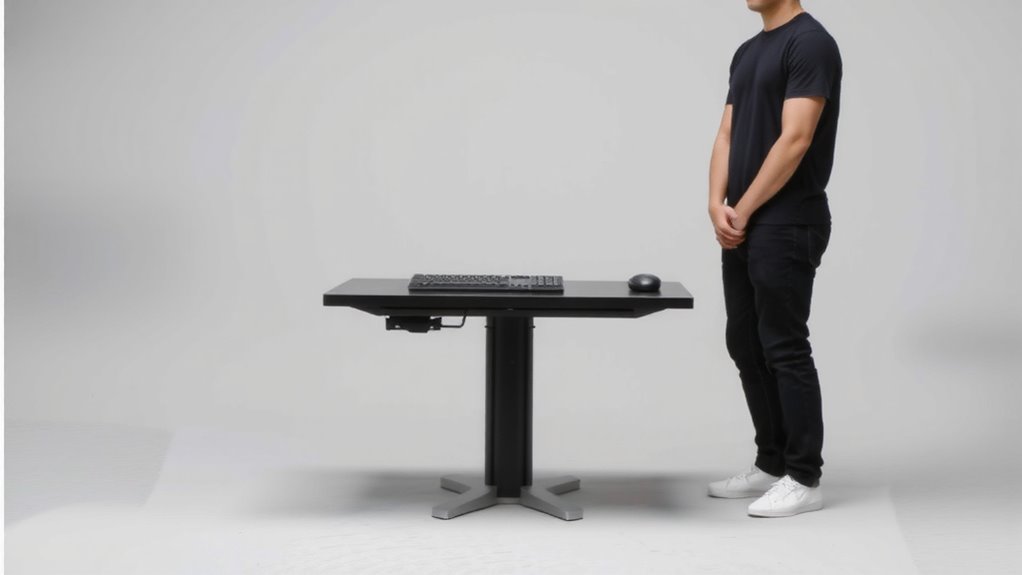
Your elbows should be the starting point for setting up a healthy workstation-get this right, and you’ll avoid shoulder and wrist strain down the line. Aim to keep your elbows at 90 degrees with upper arms relaxed; this promotes proper joint alignment and reduces long-term fatigue. During an ergonomic assessment, measure from the seat to your elbow crease-this number sets your ideal desk height for both sitting and standing. Most people land between 18 and 22 inches, but exact figures depend on your build. Adjustable desks help, but stability at full height varies across models. Don’t assume cost equals quality: some budget frames tilt under heavy loads. Test stability yourself, and check manufacturer warranties-many skimp on leg mechanisms. Small adjustments make a big difference, but remember: perfect form won’t fix poor posture habits over time. Stay mindful throughout the day. A top-rated standing desk converter can simplify transitions between sitting and standing while maintaining proper elbow alignment.
Set Keyboard Level Just Below Elbows
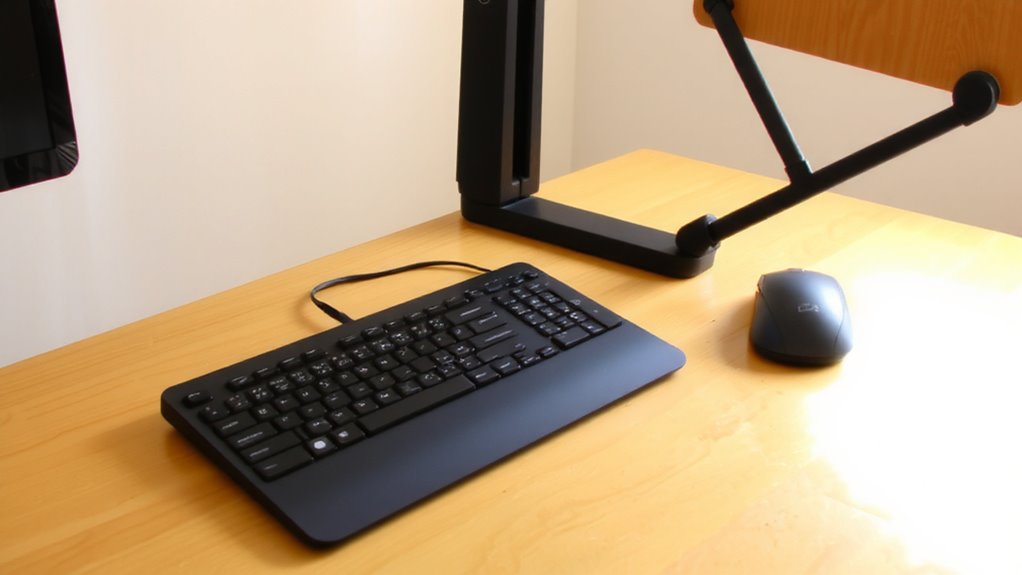
While elbow height sets the foundation, placing your keyboard just below that level guarantees your wrists stay neutral and shoulders stay relaxed. This slight drop improves wrist alignment, reducing strain during long typing sessions. When your forearms slope slightly downward, you gain better forearm support from your desk, helping maintain a straight line from elbow to hand. Avoid positioning the keyboard too low-more than 2 inches below elbows-since that can still tilt your wrists upward. Adjustable keyboard trays or sit-stand desks make this easier to achieve, especially when switching between sitting and standing. Fixed-height desks may require a low-profile keyboard or risers to fine-tune the position. Always test the setup by checking if your wrists aren’t bent and your shoulders aren’t hunched. Small adjustments make a meaningful difference over time. For optimal adjustability, consider using best keyboard trays designed to support ergonomic positioning.
Keep Mouse at Keyboard Height to Avoid Wrist Bend
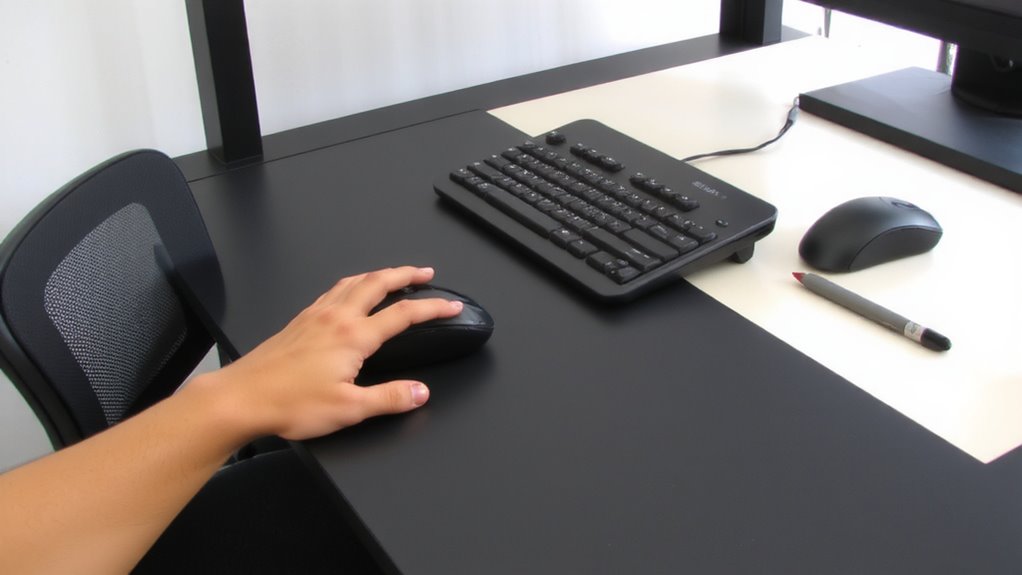
Placing the mouse at the same height as your keyboard keeps your wrist in a neutral position, reducing the risk of strain during frequent use. Proper wrist alignment helps prevent discomfort and long-term injuries like tendinitis or carpal tunnel. When your mouse sits too high or too low, your wrist must bend up or down, creating pressure on joints and soft tissues. You’ll also lose effective forearm support, forcing muscles to work harder to stabilize movement. For best results, use an adjustable armrest or platform to match the mouse height exactly to the keyboard. This setup works well on both seated and raised desks, as long as the alignment stays consistent. Some vertical or ergonomic mice help maintain neutrality, but they’re not a fix for poor placement. Test different options, but remember: no gadget replaces correct positioning. Top-rated models are designed to support proper alignment when used with correctly positioned setups, making a best vertical mice choice impactful for long-term comfort.
Reposition for Standing: Match Your Seated Setup
A well-tuned standing desk setup starts with one rule: match the elbow height you had when seated. Keeping your elbows at roughly 90 degrees while standing reduces strain and prevents standing fatigue over time. If your desk doesn’t adjust high enough or sinks too low, you’ll lose desk balance-forcing awkward postures that harm productivity and comfort. Most people find success when the keyboard sits 2–3 inches above elbow level, but exact positioning depends on your desk’s range and your natural stance. Always test adjustments over 10–15 minutes to gauge comfort. Remember, even minor height mismatches add up, especially during long sessions. A stable, balanced setup doesn’t need special gear-just consistent alignment with your seated posture. This simple match cuts shift time and supports better form, making switching between sitting and standing feel natural.
Use an Adjustable Keyboard Tray for Easy Switching
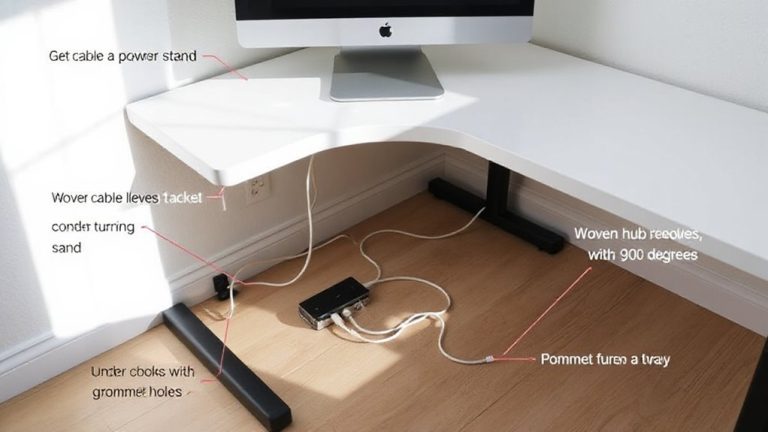
For seamless shifts between sitting and standing, an adjustable keyboard tray is one of the most effective tools-if it’s built right and used correctly. Look for one with solid ergonomic design: it should tilt from -15° to +15° and extend at least 12 inches under your desk to keep wrists neutral. Gas-spring mechanisms adjust smoothly, but check weight limits-some can’t support heavy mechanical keyboards. Good cable management is critical; trays with built-in clips or grommets prevent snagging and keep wires tidy during height changes. Mounting hardware matters too-ensure your desk frame can support the clamp or bolt-on system. Cheaper trays wobble, so invest in steel-reinforced models with at least a 3-year warranty. While they take up legroom, the trade-off is consistent hand positioning. Test stability before daily use, as shaky platforms increase typing fatigue.
Check Posture in Both Sit and Stand Modes
While it might seem obvious, checking your posture in both sitting and standing positions is critical for avoiding strain-especially since small misalignments compound over hours. When seated, keep your feet flat with proper foot placement, knees at 90 degrees, and use back support to maintain spinal alignment. In stand mode, distribute weight evenly across both legs and avoid locking your knees. Your monitor should remain at eye level in both setups to prevent neck strain. Poor posture over time leads to discomfort, even with the best keyboard trays or standing desks. While adjustable furniture helps, it won’t fix bad habits. Regularly assess your stance and make micro-adjustments. Don’t assume setting it once is enough-your body will tell you when something’s off. Consistency and awareness matter most.
On a final note
You should set your keyboard just below elbow height to keep wrists neutral and reduce strain. Keep the mouse at the same level to avoid awkward wrist angles. When standing, match your seated elbow height exactly-consistency prevents imbalances. An adjustable tray simplifies switching, but test stability and range. Even with good gear, poor posture or long sessions can undo gains. Results vary by body type, so adjust as needed-what works now may not later.