How to Prepare Your Cable Setup for Summer Humidity and Heat
Replace frayed or stiff cables now-brittle insulation increases overheating risk. Keep power and data lines 1–2 inches apart using Velcro straps to boost airflow, and route them along edges, not under rugs. Elevate routers with stands and use adhesive clips or ramps to lift cables ½ inch off damp floors. Switch to gold-plated, braided-jacket cables from brands like Monoprice for better humidity resistance. Use UL 1449-rated surge protectors with sealed enclosures and thermal fuses. There’s more to optimizing your setup where environment meets equipment.
Notable Insights
- Inspect cables for brittleness, cracking, or stickiness near connectors and replace damaged ones to prevent overheating.
- Boost airflow by keeping power and data cables separated and routing them along edges to avoid heat buildup.
- Use humidity-resistant cables with braided nylon jackets and gold-plated connectors to reduce oxidation and corrosion.
- Elevate cables slightly off the floor using clips or ramps to prevent moisture accumulation and potential short circuits.
- Install surge protectors with sealed enclosures and thermal fuses to safeguard against humidity and heat-related electrical issues.
Inspect Cables for Summer Heat and Humidity Damage
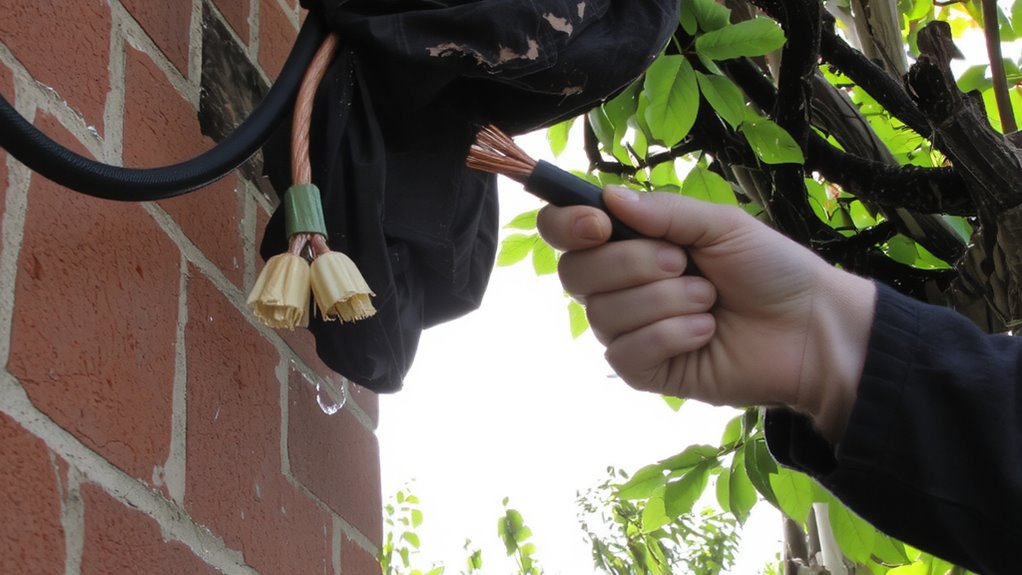
While you’re preparing for summer’s heat and humidity, don’t overlook the cables powering your home office gear-routine inspection can prevent unexpected failures. Check each cable’s insulation for brittleness, cracking, or stickiness, especially near connectors; degraded cable insulation compromises safety and increases resistance, risking overheating. Frayed or stiff sections mean it’s time to replace the cable-don’t rely on temporary wraps. Poor insulation also invites moisture ingress, which accelerates signal degradation in data cables like Ethernet or HDMI, leading to dropped connections or reduced transfer speeds. Even minor physical damage can weaken shielding, making cables vulnerable to interference. Though high-quality, braided cables with thick jackets last longer, no cable is immune to prolonged heat and humidity exposure. Test connections under load before relying on them full-time. A well-organized workspace reduces cable stress and improves airflow, so consider implementing top-rated cable management solutions to protect your gear all summer long. Replacement isn’t overkill-it’s a low-cost fix that guarantees stability, safety, and consistent performance all season.
Boost Airflow to Prevent Overheating
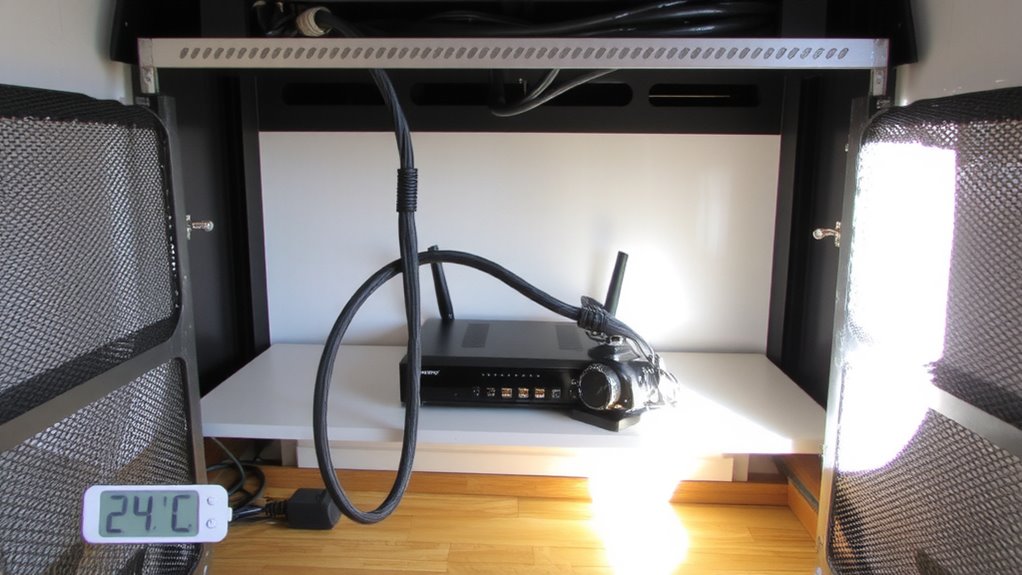
Since heat buildup can throttle performance and shorten the lifespan of your equipment, boosting airflow around your home office setup is a simple but effective way to maintain reliability during hot, humid months. You should maximize cable spacing to prevent heat-trapping bundles-keep at least 1–2 inches between power and data cables to reduce thermal transfer. Use cable ties loosely or opt for Velcro straps to maintain space without restricting movement. Arrange cords along edges of desks or walls to open up central ventilation channels, letting fans and passive cooling work more efficiently. Avoid routing cables under rugs or behind furniture where airflow stalls. Elevation stands for routers or modems also help, exposing undercarriage vents often blocked on flat surfaces. While these steps won’t replace AC, they’re low-cost fixes that measurably reduce internal component temperatures. Just don’t sacrifice safety-never overload outlets or compromise cable integrity for minor cooling gains.
Switch to Humidity-Resistant Cables and Connectors
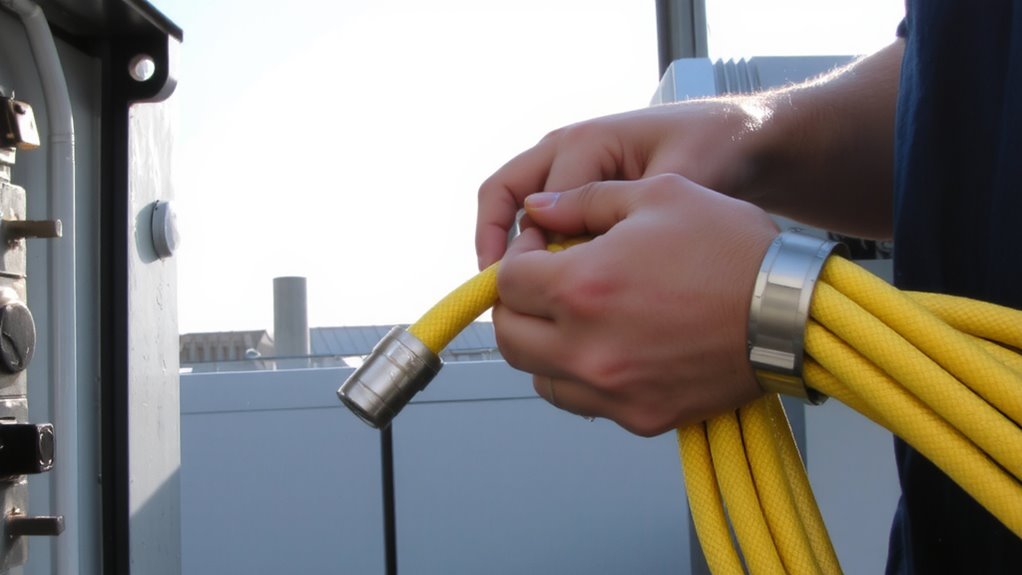
High humidity can silently damage your cables and corrode connectors over time, even if airflow alone keeps your gear cool. You should switch to humidity-resistant cables and connectors for better corrosion prevention and long-term signal integrity. Look for models with nickel-plated or gold-plated connectors-they resist oxidation better than bare metal. Cables with braided nylon jackets or rubberized sheathing also handle moisture better than standard PVC. Brands like Monoprice and Cable Matters offer options rated for high-humidity environments, often backed by 10–15-year warranties. Real-world tests show these maintain stable data transfer and power delivery over time. But they cost more-sometimes double-and the performance edge mostly matters in consistently damp spaces. If you’re in a dry apartment or use gear occasionally, standard cables may suffice. For home offices near coastlines or basements, though, the upgrade is worth it.
Keep Cables Elevated to Avoid Moisture Pools
To keep your setup safe during humid months, lift cables off the floor using low-profile cable ramps or adhesive clips-this simple step stops moisture pooling from turning into a long-term hazard. Proper cable elevation isn’t just neatness; it’s core to moisture prevention. When cables rest on concrete or cool flooring, condensation can collect, increasing corrosion and short risks. Even in dry-looking rooms, summer humidity sneaks in. Raising cables just ½ inch is enough to disrupt water collection. A well-organized workspace starts with effective cable management solutions to ensure both safety and cleanliness. Here’s how common solutions compare:
| Solution | Avg. Height (in) | Best For |
|---|---|---|
| Adhesive clips | 0.4 | Light-duty setups |
| Cable ramps | 0.6 | High-traffic areas |
Ramps handle foot traffic but take more space. Clips save space but may fail on uneven floors. Both support long-term reliability-if installed correctly.
Use Surge Protectors Built for Hot, Humid Environments
Every few summers, you’ll likely face power spikes worsened by heat and humidity-so picking a surge protector rated for tough conditions isn’t just smart, it’s essential. Look for models with sealed enclosures and gold-plated contacts to guarantee corrosion prevention, since moisture exposure can degrade standard units fast. Units designed for high humidity also offer superior voltage stabilization, keeping your cable modem, router, and connected devices safe during summer storms. Choose ones with a UL 1449 rating and at least 1,000 joules for reliable protection. Many come with thermal fuses that disconnect power if internal temps get too high-a must in hot setups. Check warranty terms: some include connected equipment coverage, but read the fine print. They cost more, but the trade-off is longer life and consistent performance when you need it most. For optimal results, consider top-rated surge protectors that combine durability with advanced safety features.
On a final note
You should upgrade your cable setup before summer hits. Humidity-resistant cables with braided jackets and gold-plated connectors resist corrosion and maintain signal strength. Elevate cords off concrete floors to avoid moisture pooling, and add cable risers or trays where needed. Use surge protectors rated for 400+ joules with thermal overload protection-ideal for hot environments. Just know that sealed conduits can trap heat, so balance protection with airflow to prevent overheating.