How to Design a Video Conferencing Space for Neurodivergent Remote Workers
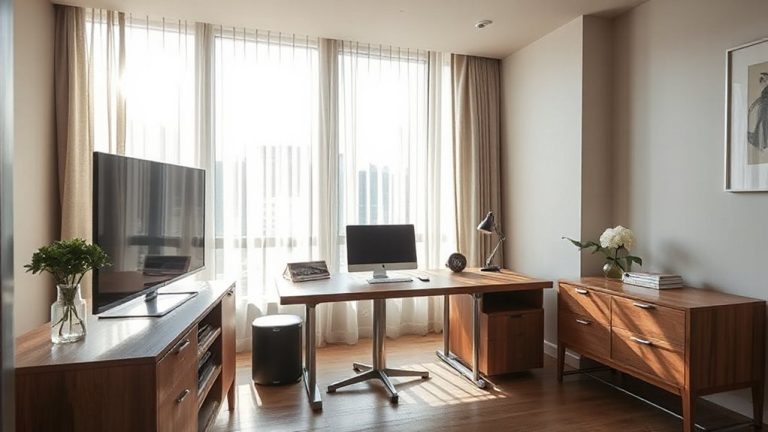
Design your video space with soft, diffused lighting-use daylight LED panels to the side and warm bulbs to reduce glare and visual stress. Place a USB condenser mic 3–6 inches from your mouth for clear audio, and pair it with noise-filtering software like Krisp. Let cameras be optional and customize your background to limit sensory load. External webcams offer better control than built-in ones, but test setup trade-offs-your comfort may shift with meeting types.
Notable Insights
- Use soft, diffused lighting with daylight-balanced LEDs and warm-toned bulbs to reduce glare and visual stress.
- Position a directional USB condenser microphone 3–6 inches from the mouth for clear audio and reduced background noise.
- Allow optional camera use to decrease anxiety and sensory overload during virtual meetings.
- Minimize visual clutter by customizing backgrounds and using external webcams for optimal positioning and image quality.
- Reduce ambient noise with acoustic panels, noise-canceling headsets, and audio filtering software like Krisp.
How Neurodivergence Shapes Virtual Meeting Challenges
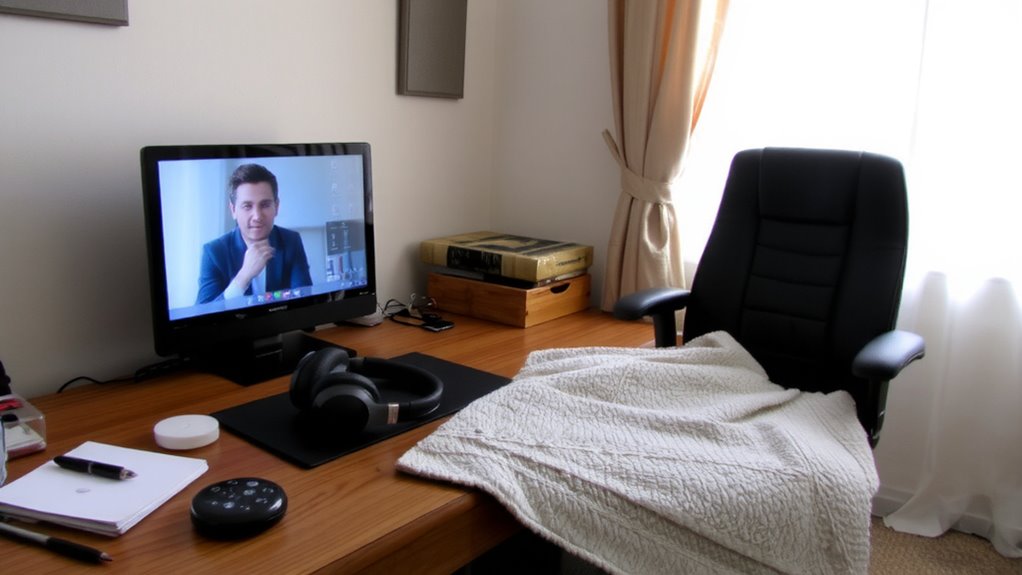
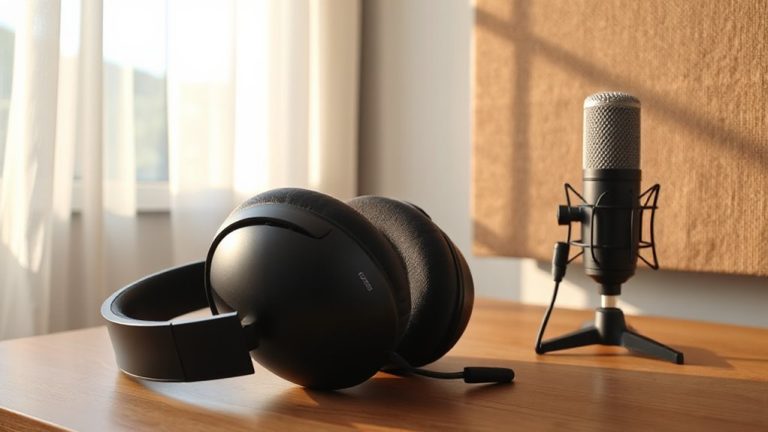
Let’s start with the core challenge: virtual meetings often amplify sensory and cognitive stress for neurodivergent workers-especially those with autism, ADHD, or auditory processing differences. You’re likely to experience sensory overload from unpredictable sound shifts, rapid face changes, and screen clutter. These aren’t just distractions-they directly contribute to cognitive fatigue over time. Even short calls can feel draining when your brain works harder to filter input. Built-in laptop mics often worsen this by picking up background noise, forcing you to focus intensely just to follow conversations. A directional external microphone may help, but placement matters-three to six inches from your mouth is ideal. Consider USB condenser mics with sample rates of 48 kHz for clearer audio. Yet, no gear fix eliminates underlying design flaws in most platforms. You’ll still need meeting norms-like one speaker at a time-to reduce strain. Tools support, but don’t replace, thoughtful collaboration. For optimal sound clarity and reduced distraction, consider investing in one of the best conference microphones.
Use Soft Lighting to Reduce Visual Stress
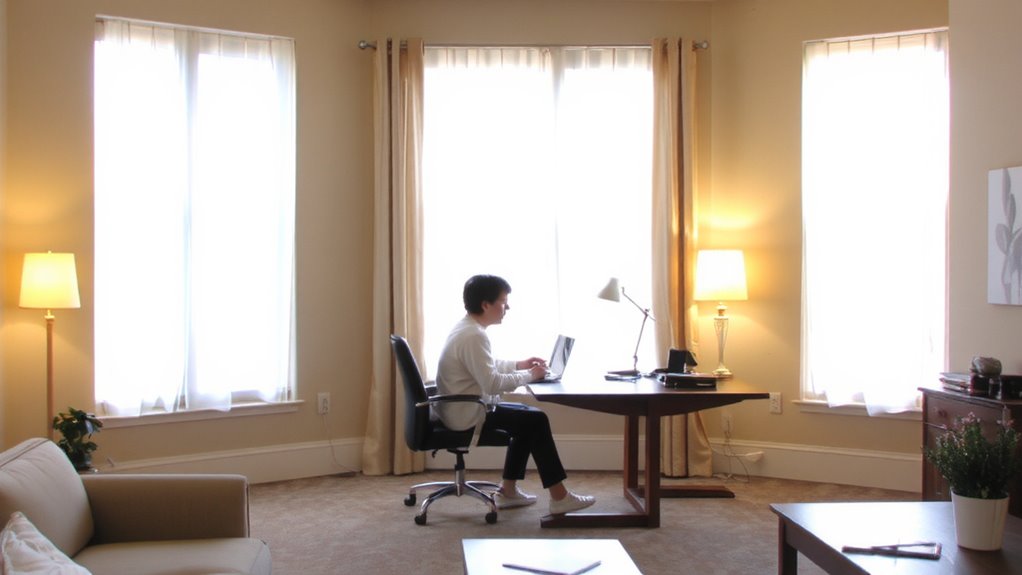
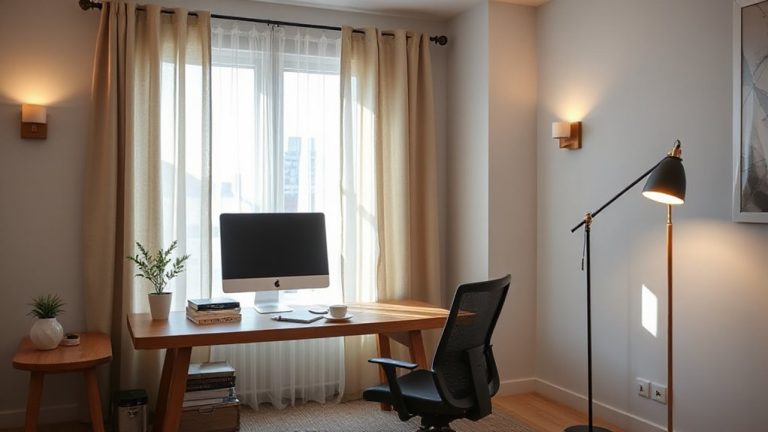
While harsh overhead lighting might make you visible on camera, it often creates glare, deep facial shadows, and screen flicker that can trigger visual stress-especially if you’re autistic, migraine-prone, or visually sensitive. Instead, aim for soft lighting that delivers a diffused glow, reducing eye strain and creating a calmer visual field. Position a daylight-balanced LED panel to the side or slightly in front of your camera, angling it to avoid reflections. Pair it with a lamp using a warm tones bulb (2700K–3000K) to soften contrast and add visual comfort. Avoid unfiltered ring lights-they’re often too intense. While diffusion panels or softbox attachments cost more, they’re worth it for consistent, even illumination. Some lamps offer adjustable color temperature and brightness, letting you adapt to daily needs. Just remember: over-lighting can still overwhelm, so test levels on camera and adjust until your face looks natural, even, and gently lit-without glare or flicker. A reliable setup also includes having a dedicated best office printers for accessible physical copies of schedules or sensory tools.
Cut Background Noise and Simplify Audio Cues
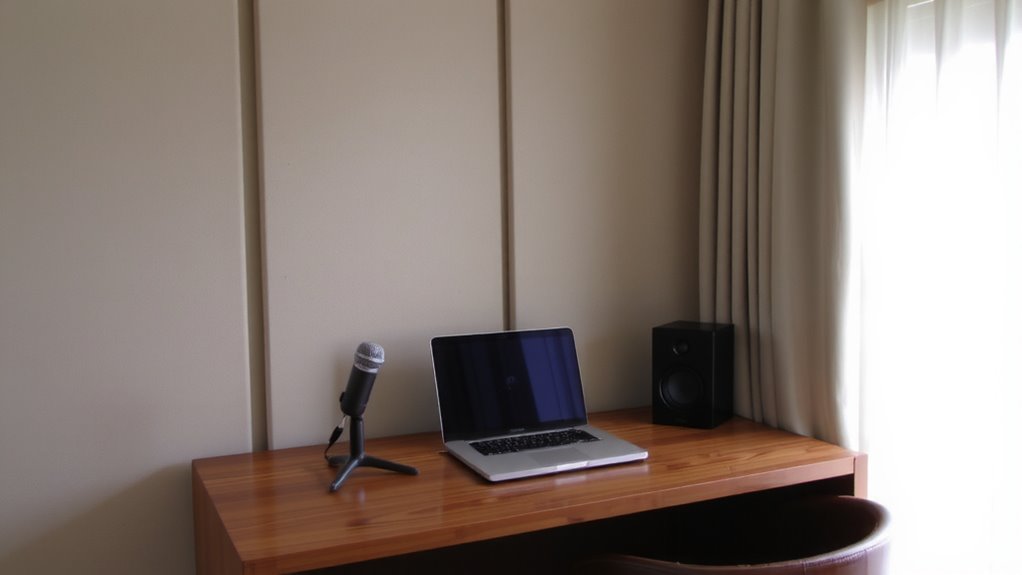
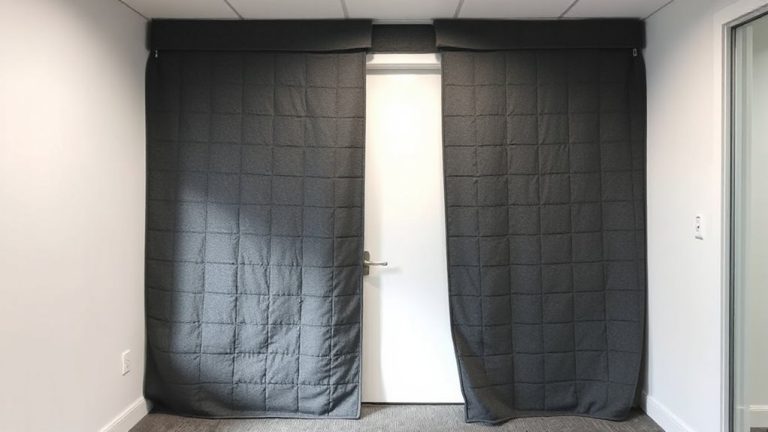
Even a single constant background noise-like a humming fridge or distant traffic-can make it harder to focus during calls, especially if you’re sensitive to sound. You can reduce these distractions with smart audio filtering and acoustic insulation. Built-in features in headsets like the Jabra Evolve2 65 or software such as Krisp cut ambient noise effectively. Still, audio filtering alone won’t block all sounds-especially low-frequency ones. Adding acoustic panels or heavy curtains helps dampen echo and external noise.
| Solution | Effectiveness |
|---|---|
| Audio filtering (software) | High for voices, moderate for background noise |
| USB headsets with noise rejection | Good for speech clarity |
| Acoustic insulation panels | Strong reduction in room echo |
| Double-pane windows | Noticeable drop in outdoor noise |
Results vary by room layout and product quality. Some fixes require investment, but even small changes help.
Make Cameras Optional and Participation Flexible
Why should camera use be mandatory when it can heighten anxiety or sensory overload for neurodivergent team members? Allowing camera choice reduces pressure and supports mental comfort without sacrificing productivity. You foster flexible engagement by letting people decide how and when to appear visually-some may turn cameras on briefly, others not at all. This isn’t about lowering standards; it’s about enabling equal participation through choice. Teams that normalize audio-only presence often see sharper focus and fewer distractions. But be clear: flexibility requires strong norms, like using status updates or chat to stay connected. Without them, people might feel isolated or overlooked. Managers must balance autonomy with inclusion, ensuring remote work doesn’t become disconnected work. Test this approach in small meetings first, track feedback, and adjust. It won’t suit every role, especially client-facing ones, but for many, flexible engagement improves both well-being and output.
Let People Customize Their Video Conferencing Setup
Giving people control over their video conferencing setup can make meetings more accessible and less stressful, especially for neurodivergent individuals who may struggle with sensory input or rigid tech requirements. You should let participants adjust background themes to reduce visual clutter or use static images that feel calming. Allowing flexible camera angles helps people position their screens to minimize eye strain or discomfort from direct lighting. Some may prefer an overhead view or a side angle to avoid feeling exposed. While built-in laptop cameras work, external webcams offer finer adjustments and better image quality. Just be sure any customization doesn’t compromise audio clarity or create distracting movements. Balance personal comfort with team visibility so no one feels isolated. These options should be supported by IT policies, not left to individual trial and error. For maximum flexibility, consider investing in a best webcam mount that securely supports adjustable positioning and accommodates various camera types.
On a final note
You should make video conferencing more inclusive, but balance practicality with real limitations. Soft, indirect lighting-like 2700–3000K LED panels-reduces glare and visual fatigue, while USB-C noise-canceling headsets (such as the Jabra Evolve2 65) cut background noise effectively. Letting people disable cameras or use avatars lowers stress. Still, not all tools work perfectly: virtual backgrounds cause lag, and some platforms lack accessibility settings. Test gear across devices, check software compatibility, and prioritize user control over tech specs.